Aspecten
 Download (413 MB)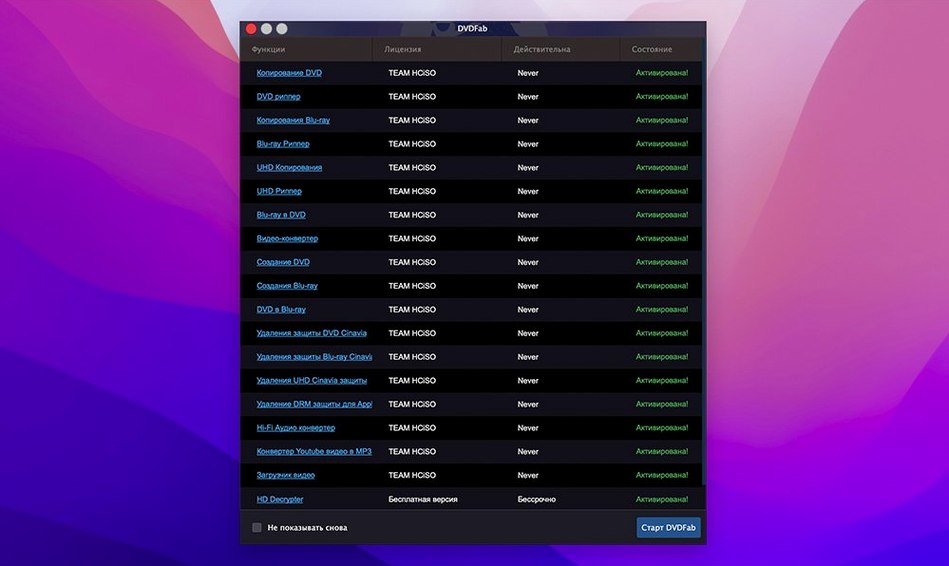
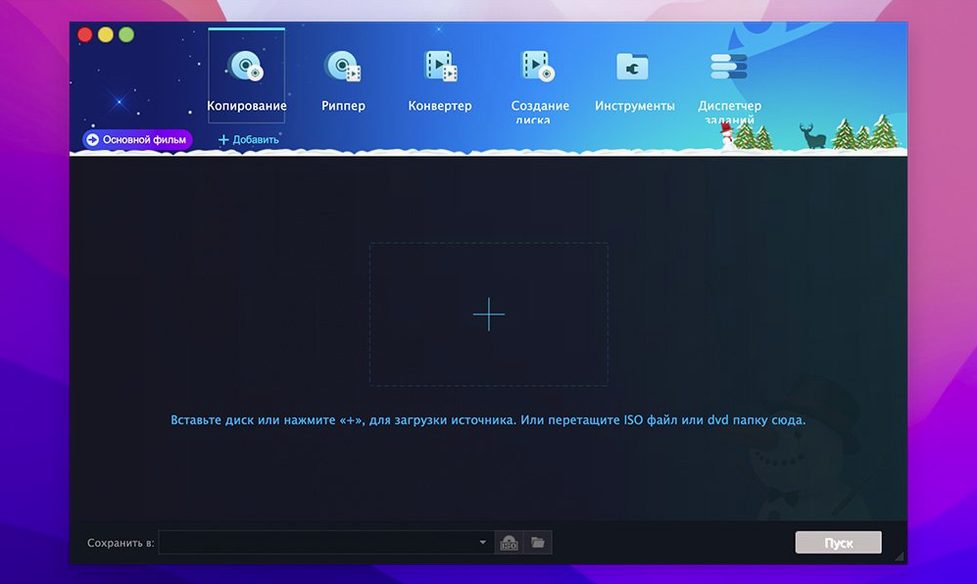
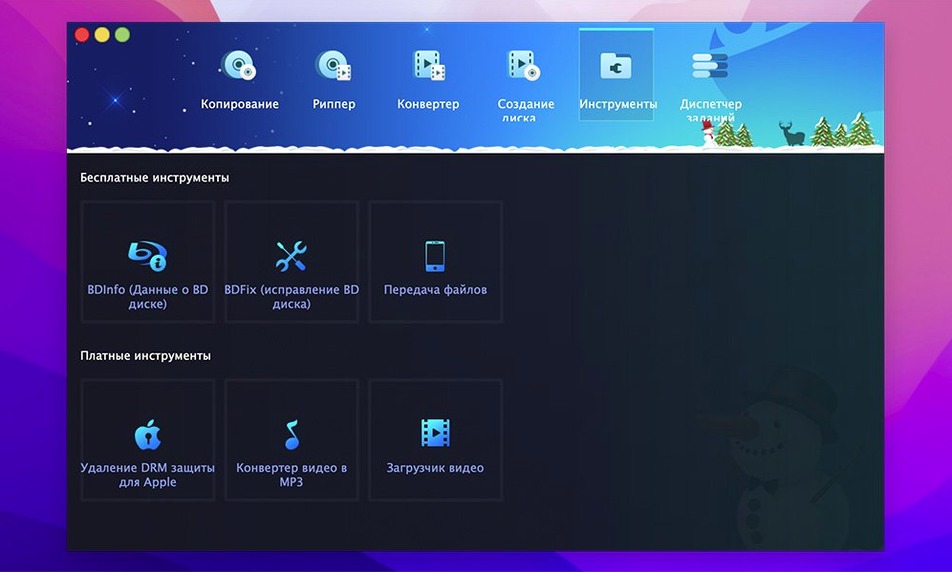
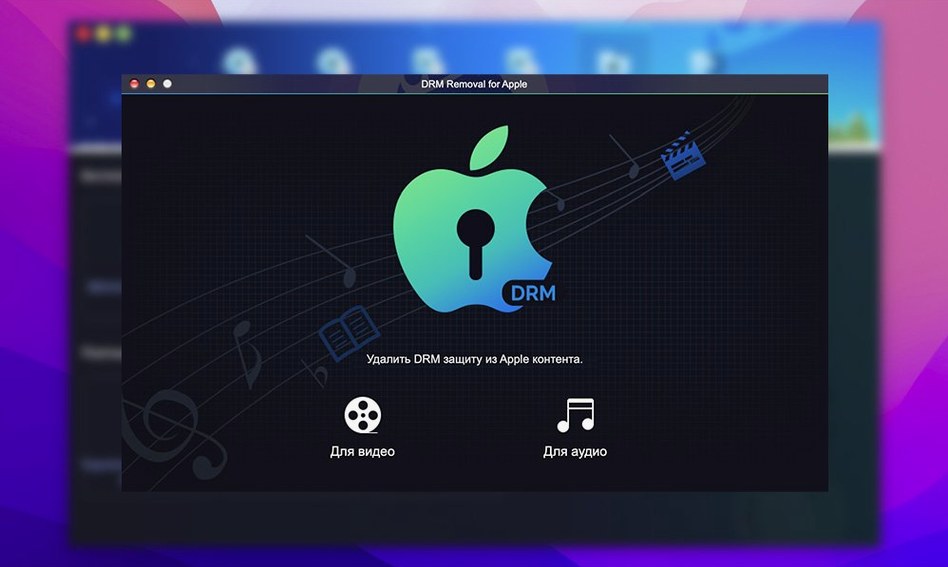
Getting a DVD off a disc and into another form used to mean stitching together several utilities. DVDFab wraps the common tasks — copying, ripping, burning and conversion — into a single Mac application, which makes it a sensible place to start if you have a stack of discs and no clear workflow.
Copy an entire disc
Choose the Full Disc method to produce a bit-for-bit duplicate that preserves menus, trailers and chapter stops. The software can also split a DVD-9 across two DVD-5 blanks, so a dual-layer original fits onto more common single-layer media.
Extract the main movie
Switch to Main Movie mode and DVDFab strips away extras and warnings, copying only the feature. It reads discs with CSS, region coding and other common protections, and can piece data back together even when the IFO file is damaged.
Convert for a specific device
When a DVD needs to play on an older iPod, PSP or a phone that predates streaming, the built-in conversion profiles select a compatible format and resolution. The same interface burns an ISO or DVD folder straight to a blank disc when a physical copy is what you want.
Launching the app only after the disc mounts
A typical afternoon with DVDFab starts before the app is even open. I put a region-coded disc into the external drive, wait for macOS to mount it, and then launch DVDFab. The source picker shows the drive almost immediately, with the disc title and size already filled in.
First decision: what do I want at the end? For a series box set, I usually pick Full Disc. For a single film where the extras are just trailers, Main Movie is faster and leaves less to sort through later. Once the method is selected, the target field accepts a folder on the desktop, an external drive, or a blank disc in a second burner.
Then comes the part where DVDFab does its quiet work. The progress panel shows the current chapter, encoding speed and estimated time. On a long copy, I leave it running while I do something else; the app stays out of the way and the fan on the Mac tells me when the drive is being read hard.
After the copy finishes, I verify the result before storing the original disc. For a folder output, I open it in DVD Player to check the menu loads and a chapter jump works. For a burned disc, I test it in a regular DVD player, not just the Mac. One bad burn is enough to make checking feel worth the extra five minutes.
If the disc has unreadable sectors or a damaged IFO file — common with well-used rentals or discs that have spent years in a car — DVDFab often still extracts the main title. I have learned to set the output folder before starting, because the app remembers the last location and it is easy to lose a rip in an old project folder.
One user, one project
A friend who teaches film history keeps a shelf of regional DVDs that are out of print. Some are PAL discs from European distributors, others are NTSC imports with region locks. Each term she pulls a handful for screenings and needs them on her Mac in a format the classroom projector accepts.
Her usual route is Main Movie, with the target set to a video file rather than a disc image. She does not need menus, she does not need extras — she needs a clean copy of a film that starts when she presses play. DVDFab removes the region restriction during reading, and the output lands in her course folder named by title and year.
What she values most is that the process is the same every time. A different disc, a different region, a different release — but the same three choices: source, method, target. By mid-semester she works through a pile of discs in an afternoon without thinking about settings. The app has become as routine as checking the projector before class.
How IFO recovery handles a damaged disc index
People often ask whether DVDFab will handle a scratched or heavily used disc. The honest answer is that no software can read data that is physically gone, but the IFO recovery can help with discs where the index is damaged while the video data itself is intact. A disc that stutters in a player may still rip cleanly, because DVDFab retries sectors instead of giving up at the first error.
Another common question is whether the Mac version is a separate, older product. The download centre lists DVDFab 12 for macOS 10.10 through recent releases, with the same core tools as the Windows build. The interface is not identical, but the copy methods and disc support match.
People also want to know if a dual-layer burner is required. It is not. The software writes to single-layer DVD-R and DVD+R media, and the Split method lets a DVD-9 original span two DVD-5 discs when no dual-layer blank is available.
Some users arrive after searching for a dvdfab mac torrent or a dvdfab torrent and wonder whether the full suite is too much for one task. The installer is a single application; you simply use the section you need. Ripping does not force you to open the burning tools, and vice versa.
Ripping the data and handing it off to other tools
DVDFab works best when it is not doing everything. I use it to get data off a disc, then hand the result to other tools. A ripped MKV goes into a media player that handles library metadata. A converted file for an old device goes into the Finder and then over a cable to the device itself. The app is the extraction step, not the whole pipeline.
The ISO and DVD folder output fits naturally with macOS disk tools. A folder opened in DVD Player behaves like a mounted disc, which makes checking a rip quick. If I need to archive several discs, a folder of ISOs on an external drive is easier to search than a spindle of blanks, and DVDFab can burn any of them back later.
For users who keep a separate Blu-ray or video converter installed, the overlap is smaller than it looks. DVDFab's conversion profiles are aimed at older portable devices and DVD-sized sources; a dedicated video converter is more flexible for modern formats. I treat them as different tools for different shelves of the same collection.
One practical note: DVDFab reads discs through the same optical drive macOS uses, so the drive must be visible in the Finder before the app can use it. If a disc does not appear, the problem is usually the drive, the cable, or a dying disc — not the software. A search for a dvd fab torrent or a dvdfab mac crack sometimes starts from that confusion, and once you have a working copy, the fix is usually simpler: reseat the drive and try again.