Aspecten
 Download (1.1 GB)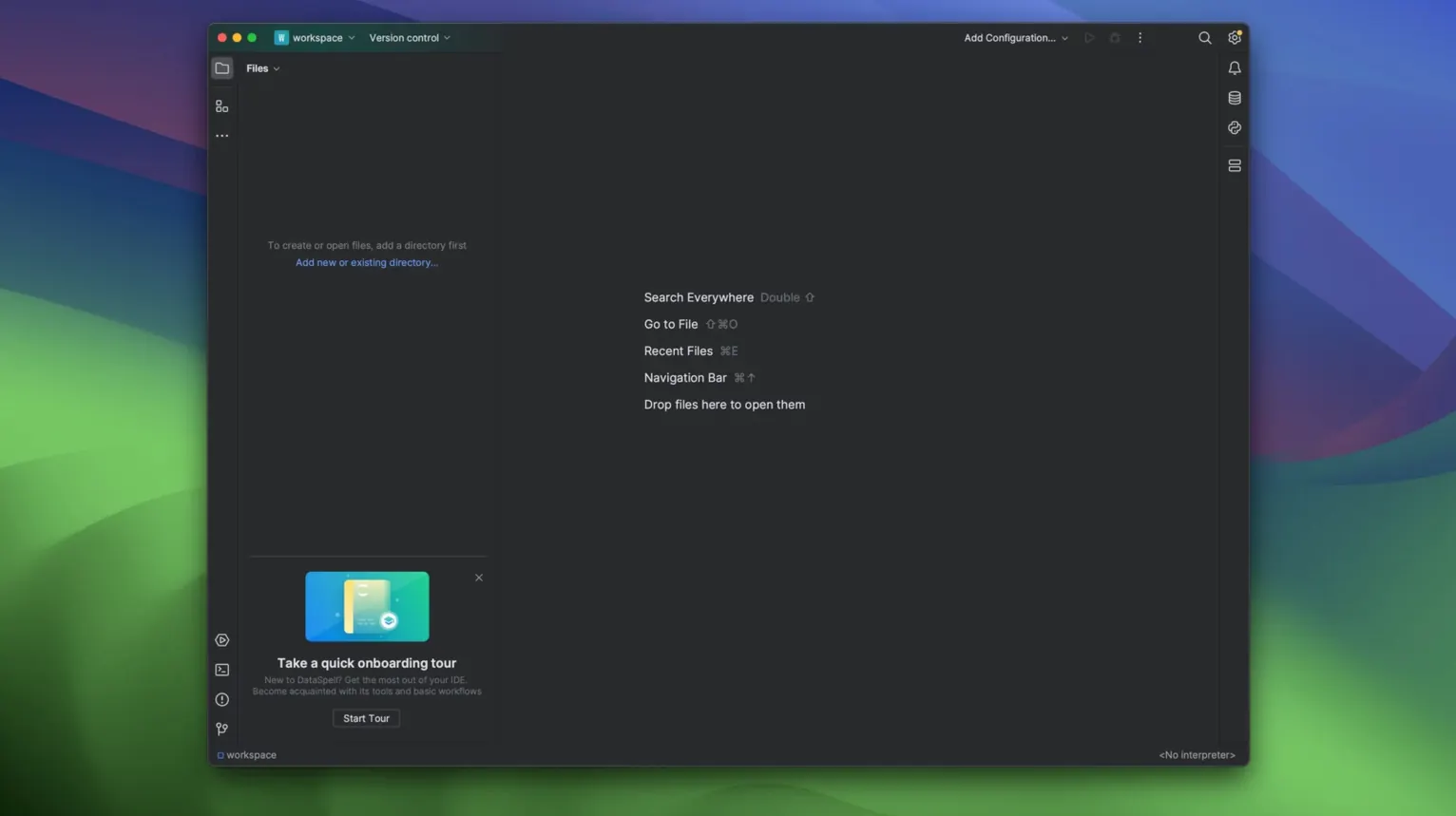
Build 261.26222.84 is the number attached to the 2026.1.3 release, and it signals a version where the tooling deepens. DataSpell remains a cross-platform IDE dedicated to exploratory data analysis and prototyping machine learning models within the Python ecosystem, but the additions here are what hold an experienced user's attention.
| Detail | Note |
|---|---|
| Architecture | ARM and 64-bit x86 |
| Languages | Python, basic R, SQL |
| Notebook export | PDF added in 2026.1 |
The integration of the Database Tools and SQL plugin puts table browsing, schema inspection, and query editing inside the same interface as the smart Python editor. You can work a result set and move straight into a notebook cell without switching context. It is a practical arrangement for pulling data, cleaning it, and testing a model in one session. The basic R support is limited—no deep statistical environment here—but it covers enough to run an occasional script or read an R-based data file without leaving the workspace.
Let Conda own the Python environment from project start
Start with the Conda environment rather than fighting the default interpreter. The moment DataSpell opens a project, it wants to attach a Python environment, and the cleanest path is to let Conda manage it from the beginning. Create a dedicated environment for the project, install the core packages there, and point the notebook kernel at that same environment. This removes a lot of later confusion about why a package installs in the terminal but stays invisible inside a notebook cell.
Spend a few minutes on the notebook layout too. The default panel arrangement puts the file browser, editor, and tool windows in a familiar JetBrains formation, but moving the dataset preview to the right side and keeping the console docked below the notebook makes a genuine difference for iterative work. DataSpell remembers the layout per project, so what you set once stays out of the way.
For anyone coming from a plain Jupyter setup, the biggest adjustment is that the notebook runs inside an IDE with inspections and completion active. That is the point, but it can feel heavier at first. Two settings help: reduce the inspection level for notebook cells if the squiggles get loud, and enable Run cell and stay so the cursor does not jump around after execution.
Check that notebook and terminal see the same Python path
The most frequent problem is a kernel connecting to one environment while the terminal shows another. You can check this quickly by running import sys; sys.executable inside a notebook cell and comparing that path with the terminal. If they differ, reassign the kernel through the notebook toolbar and restart the kernel rather than just rerunning cells. A stale kernel keeps the old environment in memory.
Another recurring issue is large datasets freezing the preview. The dataset viewer is convenient, but loading a multi-gigabyte CSV into the preview pane can lock the UI for a noticeable stretch. A workable habit is to inspect the first few thousand rows in the preview, then use pandas directly for anything heavier. You can limit what the viewer loads by creating a filtered view from a query or a small sample before opening the full table.
When PDF export from a notebook produces a blank or clipped page, it is usually down to the notebook width rather than the export itself. Long output lines that overflow the cell do not wrap gracefully into the PDF. Narrowing the output with pandas display options, or wrapping long text columns before export, clears up most cases without touching the export settings.
If DataSpell feels slow on an Intel Mac, check whether the bundled AI agent features are active in the background. Disabling the agents you do not use can bring the editor back to a comfortable response on older x86 machines. On Apple Silicon this is rarely necessary.
Pull a warehouse cohort, save as CSV, and open it as a DataFrame
An analyst preparing a churn model usually starts the day by connecting to the warehouse through the Database Tools plugin, running a few queries to pull a cohort, and saving the result as a local CSV. From there the same session moves into a notebook: read the file, profile columns, handle missing values, and plot a quick distribution to check class balance. The dataset preview sits to the right the whole time, so there is no need to toggle between a spreadsheet and the code. When the first model runs, the console keeps the training logs and the notebook holds the explanation, and both stay in one window.
That kind of session is where DataSpell earns its place. The work is not glamorous, but the distance between pulling a table and training on it is short. PDF export then covers the handoff: the notebook with plots and markdown annotations goes out as a document the rest of the team can read without opening the IDE.