Aspecten
 Download (7.2 GB)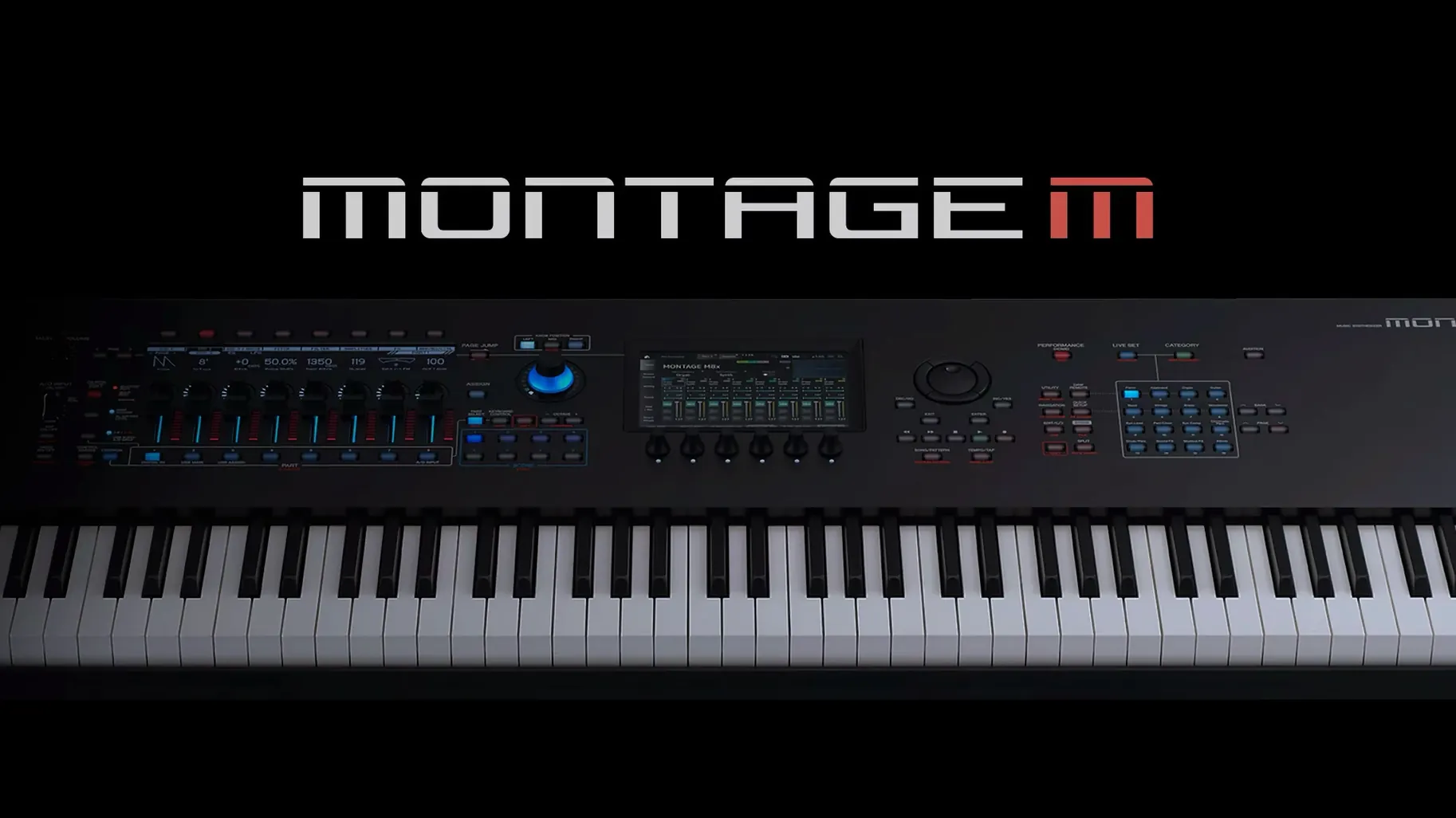
Having a capable hardware synthesiser is one thing; fitting it into a project where edits need to be quick and visible is another. The Yamaha Expanded Softsynth Plugin for MONTAGE M addresses this by placing the MONTAGE M engine inside the DAW, with a full editing view on the computer display.
- Reproduces MONTAGE M synthesis and edit functions without the hardware unit connected.
- Syncs settings with MONTAGE M hardware when you want the instrument in the room.
- Stores all plugin parameters inside the DAW project file for recall.
- Runs multiple instances where the computer's performance allows.
- Version 3.0 adds full edit capability, moving the plugin beyond a preset playback role.
The plugin is available for macOS 13 and supports both Intel and Apple Silicon systems. With the editing surface moved to the screen, patch adjustments become a matter of clicking through parameters rather than reaching for the front panel. When a MONTAGE M is connected, the two stay in sync, so a session can move between software and hardware without losing the current state.
Category memory keeps your last sound within reach
Several touches sit just below the surface and tend to go unnoticed during the first weeks of use. Knowing they exist changes how fluidly the plugin fits into a session.
The plugin remembers the last browsed category when you reopen the browser. If you were auditioning bass sounds and closed the project, the same category is selected the next time — a quiet detail that saves repeated navigation on large patch libraries. Category filtering also works from the keyboard: typing the first letters of a category name jumps directly to it, bypassing the scroll list entirely.
Right-clicking any knob or slider opens a contextual menu with a midi learn entry and a shortcut to reset the parameter to its stored value. Holding Option while dragging a control gives finer increments, which helps when dialling in small modulation amounts where a standard mouse drag would jump too far. Double-clicking a parameter name returns it to the default value for that patch, not zero — a distinction that matters on parameters like filter cutoff where the stored default might sit at a musically useful midpoint.
Performance-level copy and paste works across plugin instances. You can copy an entire Part from one instance and paste it into another, complete with its arpeggio settings and effect routing. This makes assembling a layered sound from pieces of different performances quick, without rebuilding anything manually.
DAW producers gain a second mix-ready MONTAGE M instance
The plugin is tied to MONTAGE M ownership, so the user base is already self-selecting. Within that group, a few profiles stand out as getting more from the software than others.
DAW-centric producers who own a MONTAGE M gain the most immediate advantage. They can leave the hardware switched off during arrangement and sound design, then switch it on only for tracking parts that need the physical controls. The plugin handles everything in between: patch edits, automation, recall. Sessions stay contained in the DAW project file, and the hardware becomes an optional controller rather than a required sound source.
Musicians who build complex performances with multiple Parts find the screen-based editing clearer than the hardware display. Setting up keyboard splits, layering four or more Parts, and adjusting effect sends per Part is faster when you can see the whole structure at once. The computer display shows relationships that the front-panel screen has to present in sequence.
Collaborators who move projects between studios benefit from the plugin's portability. A project can be prepared on one machine, sent to another, and opened with all MONTAGE M sounds intact — no hardware transfer required. The receiving studio does not need a MONTAGE M at all, only the plugin and a capable computer.
Users who primarily play the hardware live and rarely open a DAW will notice the plugin less. For them, the software duplicates what the instrument already does, and the sync feature matters more than the standalone editing.
A short scenario: sound designer preparing a film cue
A sound designer working on a science-fiction score needs a shifting pad that morphs between a glassy tone and a grainy texture. She opens the plugin in her DAW, creates an INIT performance, and assigns the first Part to an FM-X engine. On screen, she sets up a slow carrier frequency sweep and routes an envelope to the modulator level, watching the curves overlap on the display.
She adds a second Part with an AWM2 sample, choosing a bowed-metal waveform from the library. Rather than reaching for the hardware, she adjusts the filter cutoff from the plugin interface and assigns the Super Knob to crossfade between the two Parts. A right-click on the Super Knob macro opens the controller assignment table; she maps the knob to also increase reverb send as the pad opens up.
The DAW project is saved mid-session. Every parameter — the FM ratios, the crossfade curve, the effect routing — sits inside the project file. The next day she opens the session on a laptop in a different room, with no MONTAGE M connected, and continues adjusting the pad's attack time and release tail. The sound renders offline when she bounces the cue, exactly as it played during monitoring.