Aspecten
 Download (1.3 GB)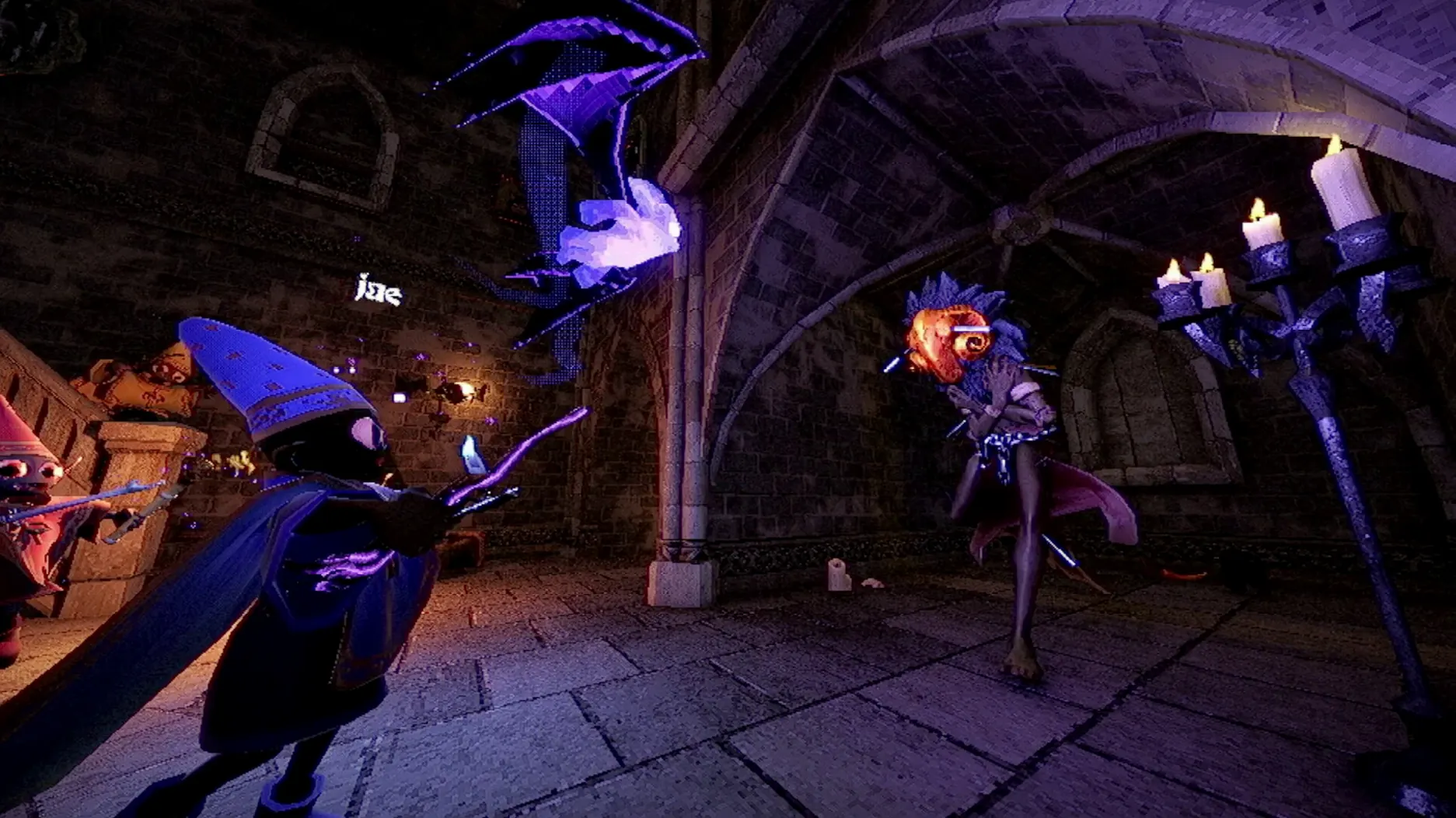
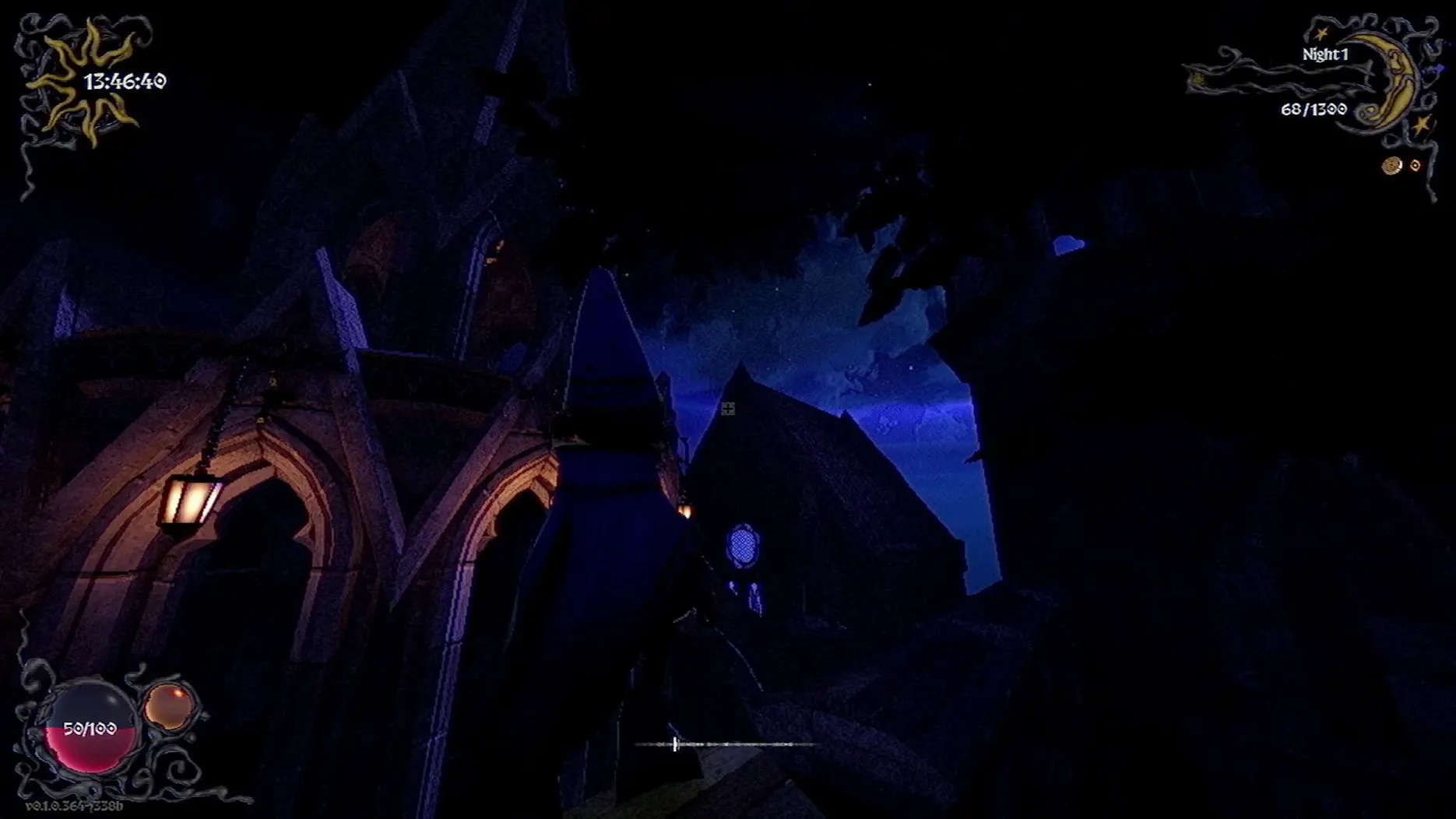
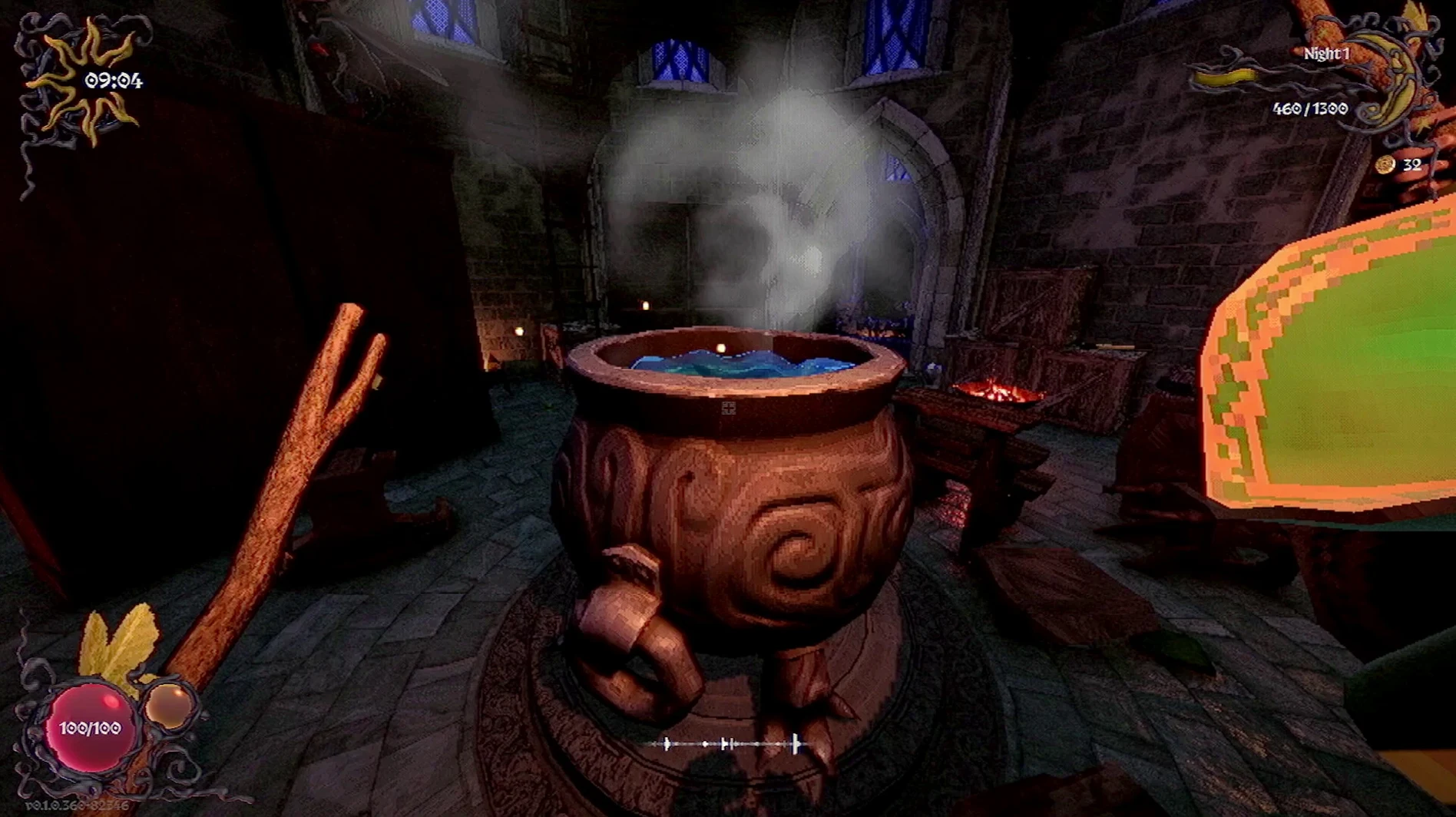
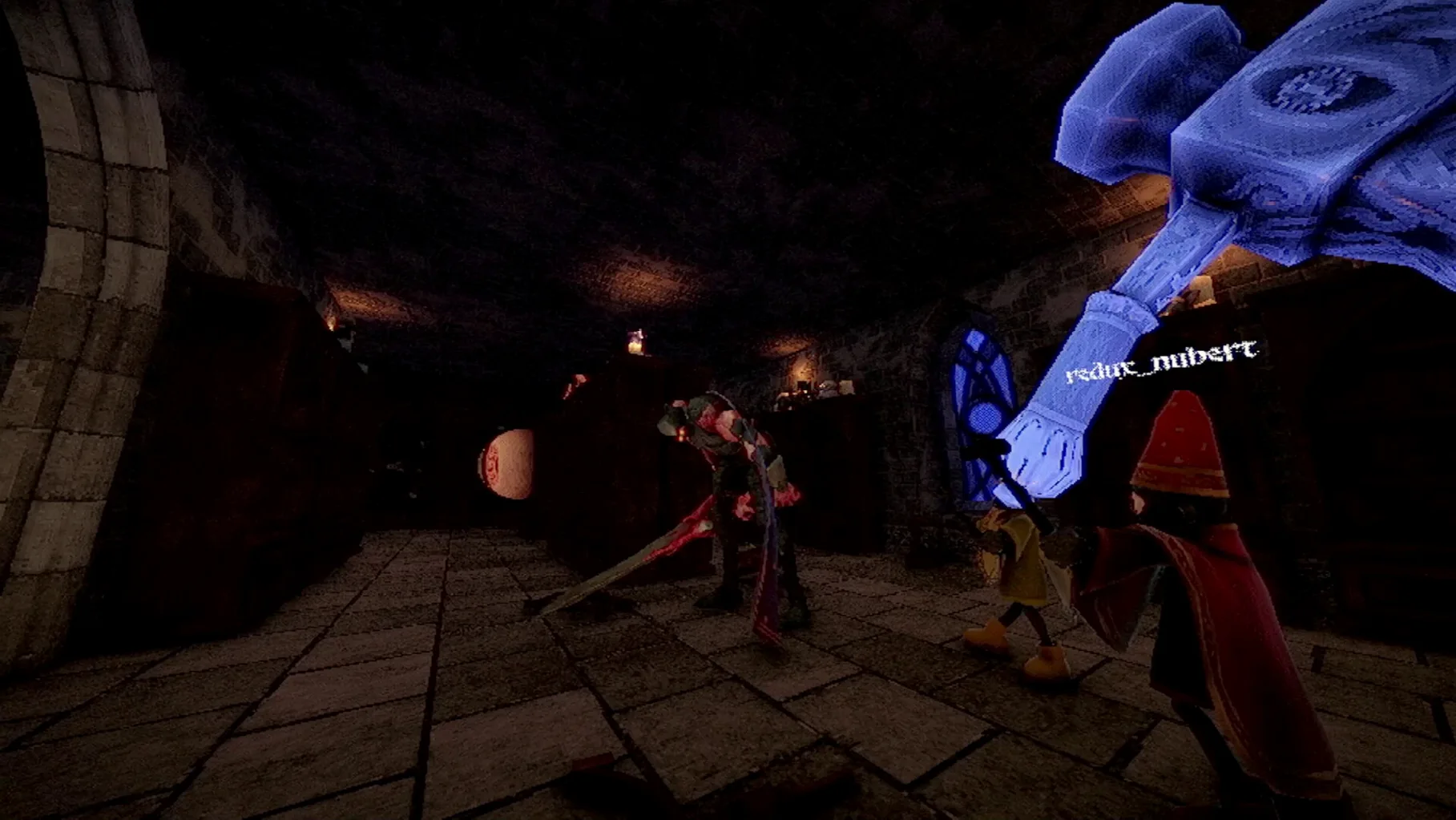
YAPYAP suits small groups who enjoy cooperative chaos more than slow-burn tension. Two to four players become summoned minions, sent by a displeased wizard to break into rival towers, wreck research, and meet a nightly vandalism quota. The spells do most of the talking: push, pull, launch, levitate, teleport, clone, confuse, disguise, and a particularly undignified fish transformation. Each tower is guarded by magical beasts and monsters protecting experiments, so a run tends to be loud, messy, and briefly tactical.
- Spells are the core toolset. Pushing a guard off a ledge, cloning yourself to split attention, or turning a beast into a fish all count toward the damage target.
- Tower layouts mix vertical climbs with tight rooms. Levitate and teleport open shortcuts, but the monsters react to noise and line of sight.
- On a Mac, the game runs natively on Apple Silicon and 64-bit Intel. An M1 or Core i5-7600 is the floor; 8 GB of memory and 2 GB of storage space are required.
- Performance at 1080p on an M1 stays steady during four-player sessions, though heavy spell stacking around research rooms can introduce brief frame drops.
- Keyboard and mouse work, but a controller feels more natural for the quick spell switching the game encourages.
YAPYAP does not aim for quiet dread. It works best when everyone leans into the slapstick physics and the sillier spells. The macOS build holds up well on modest hardware, so the main bottleneck is coordination, not frame rate.
Game Centre handles invites through standard macOS notifications
YAPYAP runs as a standalone app with no plug-in architecture, but it does link into a few system-level conveniences. Game Centre support handles invites and friend lists without a separate launcher account. Invitations appear as standard macOS notifications, and accepting one launches the session directly. Voice chat is not built in, so groups typically run Discord or FaceTime Audio in the background. On Apple Silicon Macs, leaving Discord on a secondary desktop while YAPYAP occupies full screen works without the voice app stuttering, provided 16 GB of memory is available. The game also respects the macOS Focus modes: turning on a Gaming focus silences non-essential notifications, which keeps the screen clear during a tight escape.
On the accessibility side, the voice spellcasting hooks into the system microphone permission. macOS prompts for that on first launch, and the permission dialog is straightforward. YAPYAP uses the same audio input channel as any other mic-enabled app, so if a group mixes voice casting with external chat, a headset avoids feedback loops where Discord picks up spell commands.
Microphone prompt dismissed by accident greys out voice casting
A handful of rough edges crop up often enough to address. The first is the microphone permission prompt. If a player dismisses it by accident, the voice casting menu stays greyed out. The fix is to open System Settings → Privacy & Security → Microphone and toggle YAPYAP on manually, then restart the app.
On Intel Macs with integrated graphics, the game occasionally defaults to a low resolution that makes UI text hard to read. Switching to a borderless window at the native display resolution usually clears this, though it may cost a few frames in heavy scenes. A related nuisance: the game does not remember display selection between sessions. Players using an external monitor need to reselect it from the video settings each time.
Four-player sessions over Wi-Fi can suffer from host-bound lag if the host is on a busy network. The game uses peer-to-peer connections, so having the player with the most stable wired connection host makes a measurable difference. If a minion desyncs — floating mid-air or stuck in a wall — a quick self-levitate spell often resets the physics state without needing a full reconnect.
Custom voice commands sometimes refuse to register if they contain short or similar-sounding syllables. Sticking to two-syllable phrases avoids false negatives. The calibration tool, tucked inside the audio settings, replays a sample of your pronunciation and shows a confidence meter; running it once per player before a session prevents mid-game misfires.
Hold the spell wheel button and tap a number for a quick slot
Several workflow touches are easy to overlook. Holding the spell wheel button and tapping a number key assigns a spell to a quick slot, so the three most-used spells sit one press away. On a controller, double-tapping the left trigger cancels an in-progress spell cast without spending a charge — useful when a beast suddenly changes direction.
The ping system, mapped to the middle mouse button by default, places a silent marker visible only to teammates. It works through walls and at range, which makes coordinating a fish-and-launch combo on a research guardian much smoother than describing positions over voice alone. Holding the ping button opens a small radial menu with four signal types: go here, danger, loot spotted, and distract.
Tab brings up the damage ledger, which lists each minion's contribution to the vandalism target in real time. It also shows which spells each player has off cooldown, so a quick glance tells the group whether the teleport specialist is ready to extract someone cornered on an upper floor. The ledger closes on key release, so checking it mid-climb does not interrupt movement.
On the Mac build specifically, the app respects Mission Control spaces properly. Swiping between desktops while the game runs in full screen does not minimise it, and the frame rate caps automatically when YAPYAP is not the active space. This makes it easy to check a message or adjust voice chat without the game chewing battery in the background.