Aspecten
 Download (1 GB)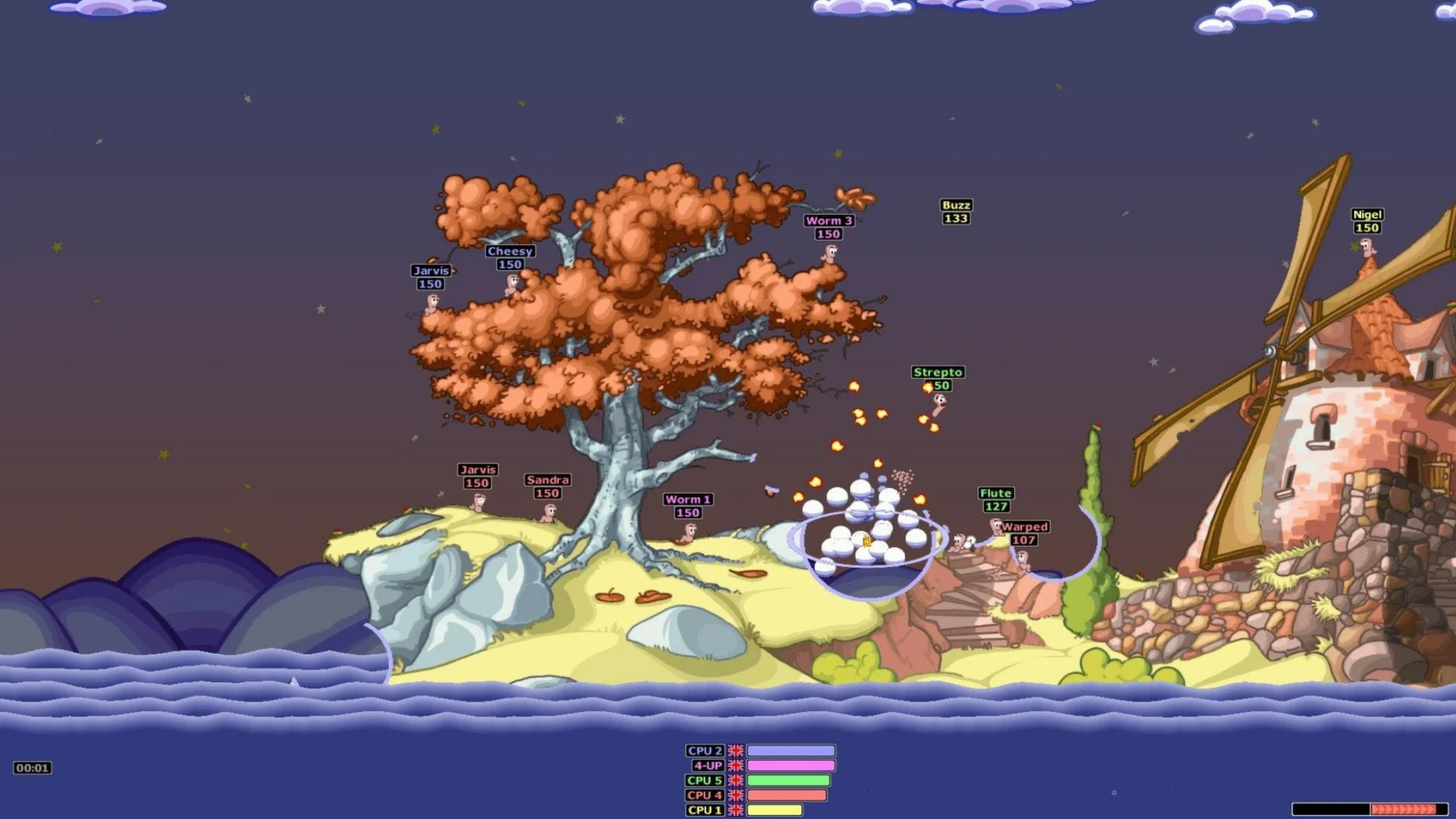
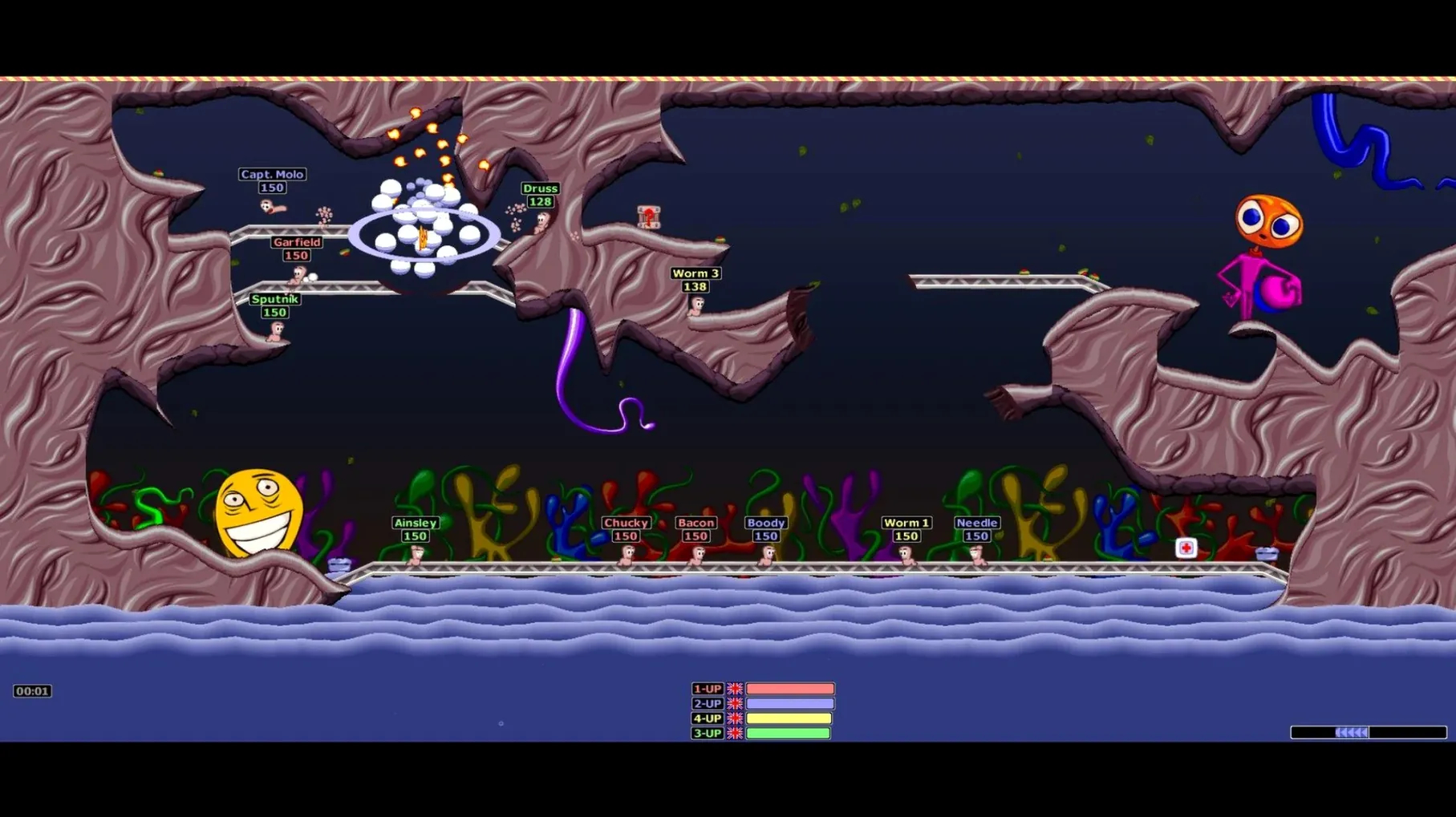
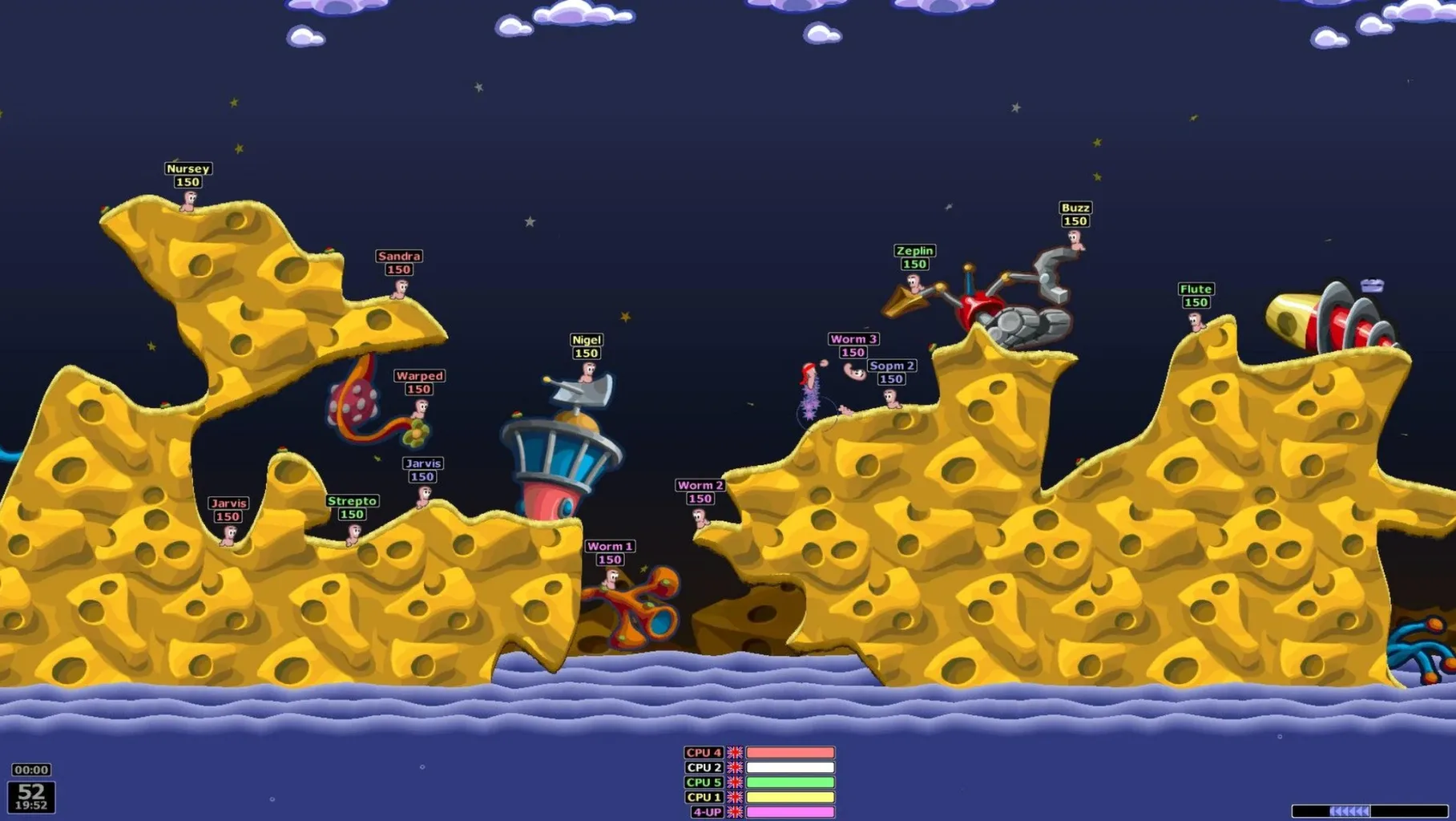
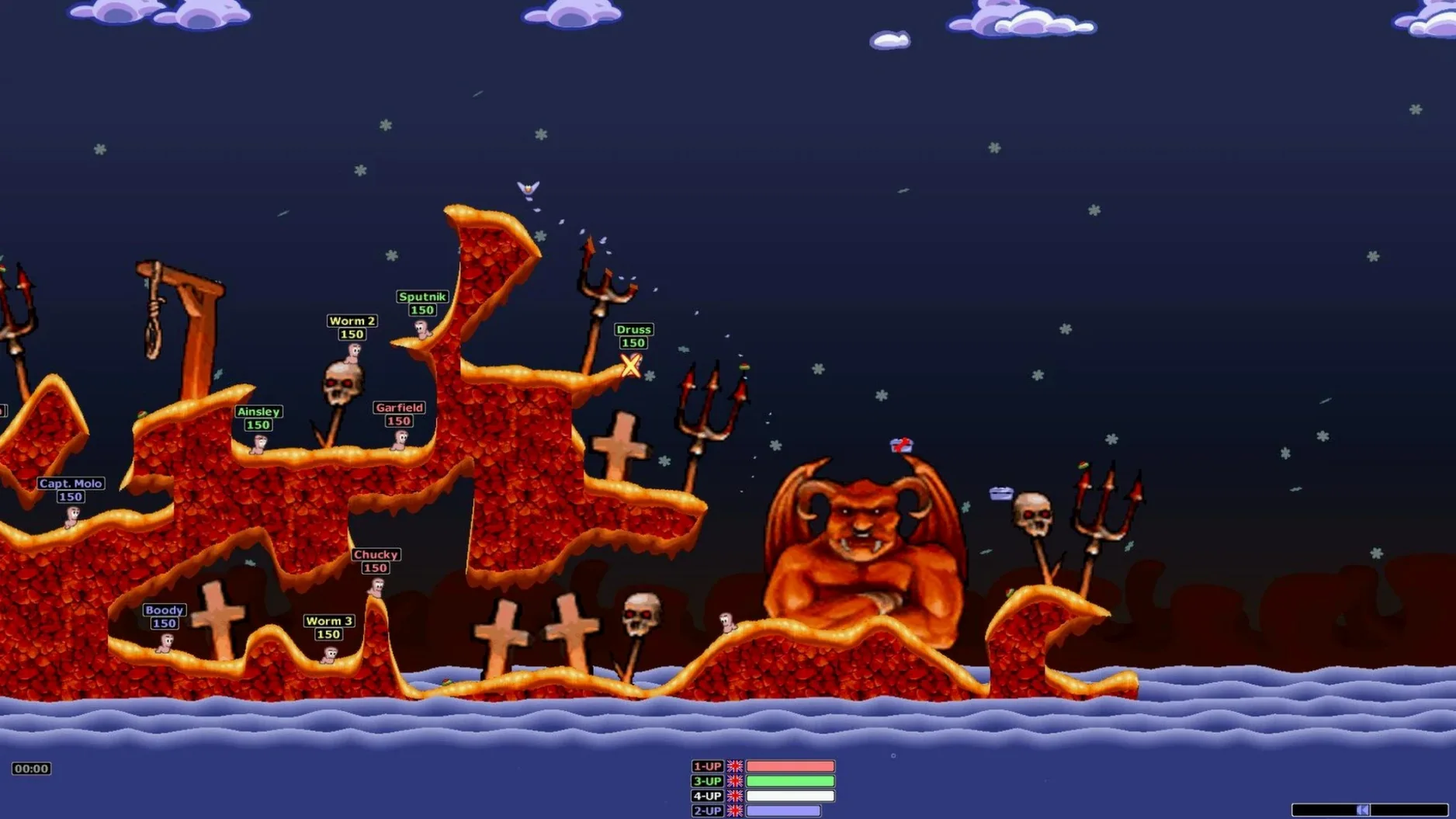
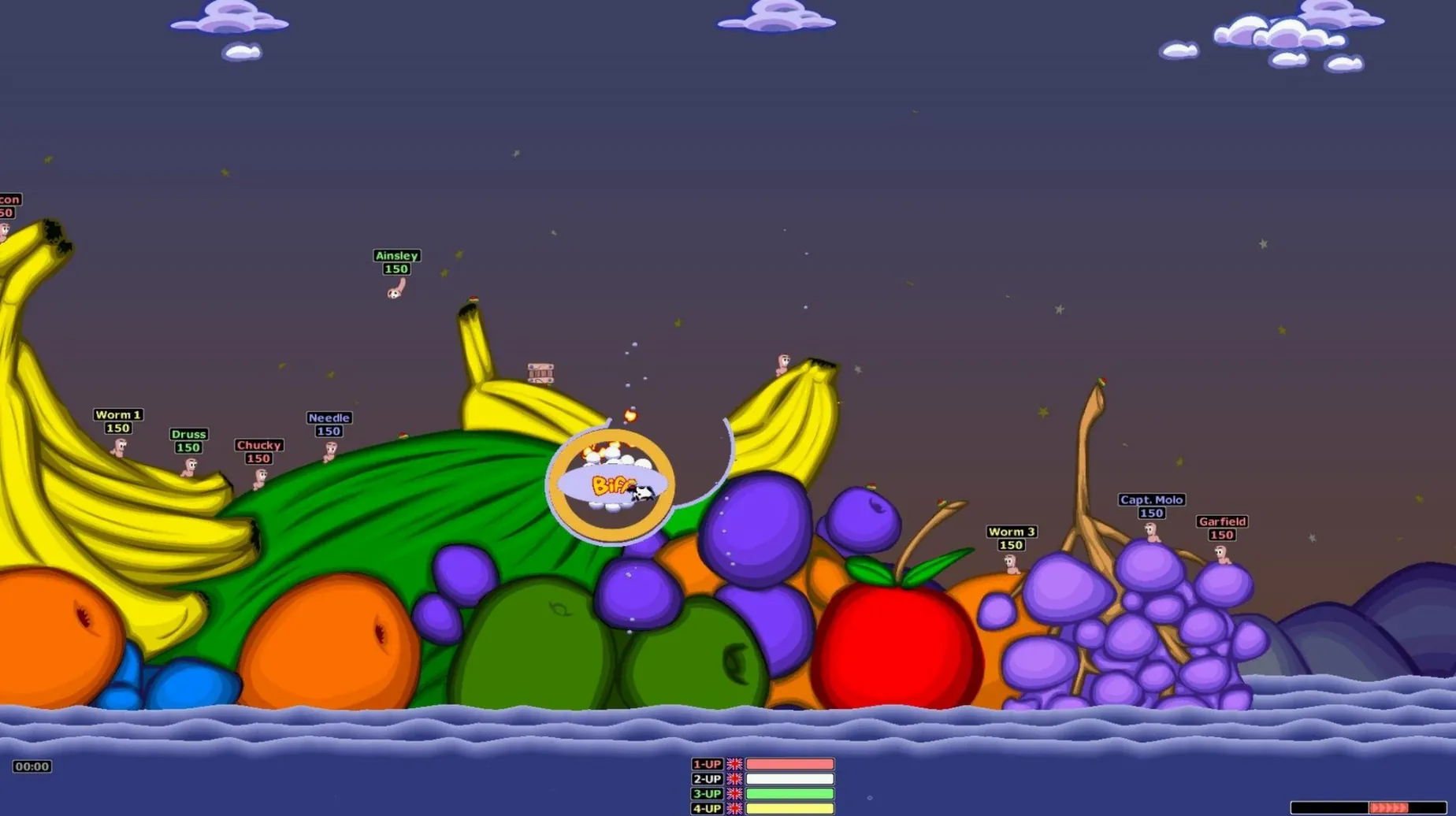
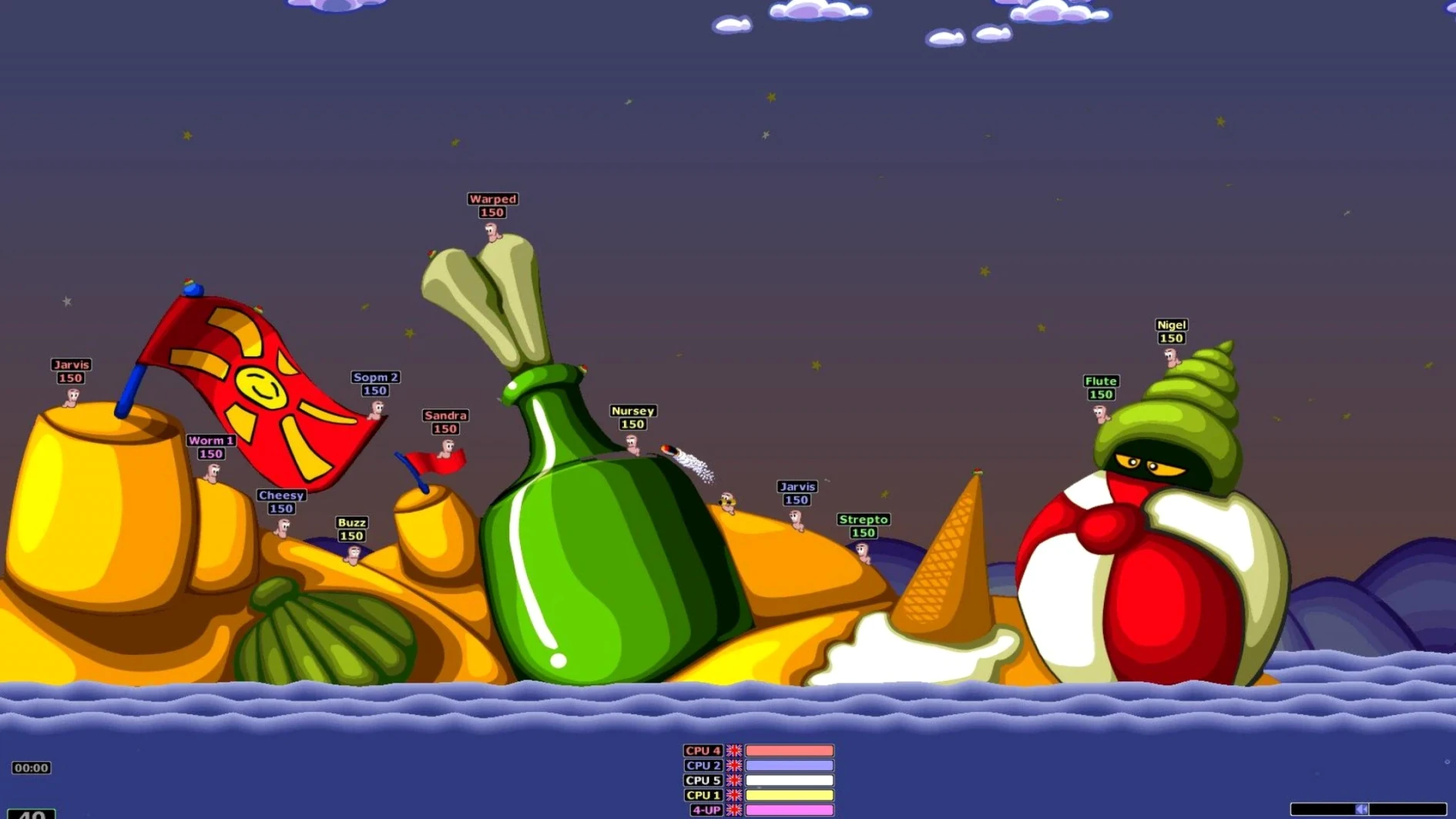
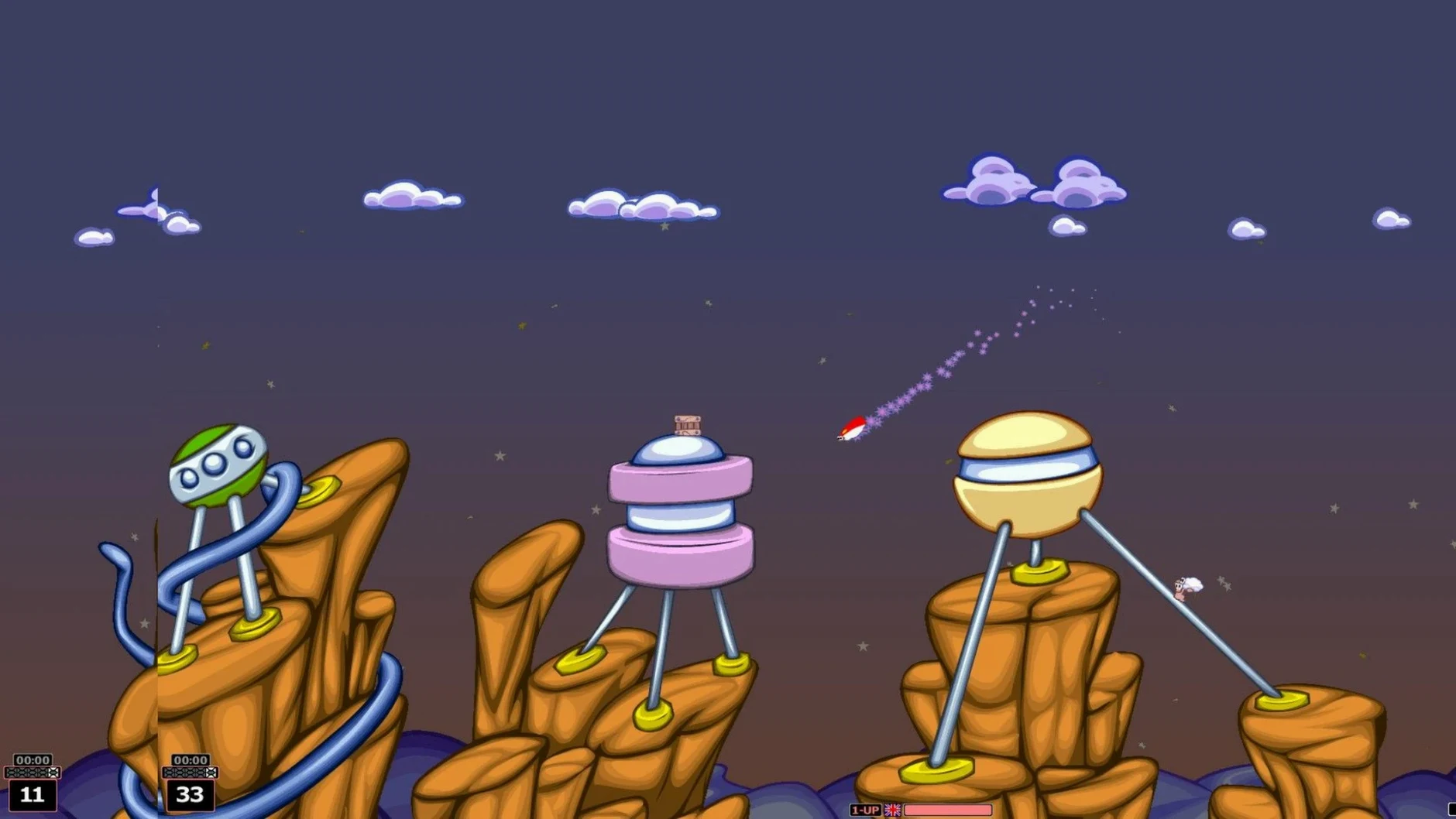
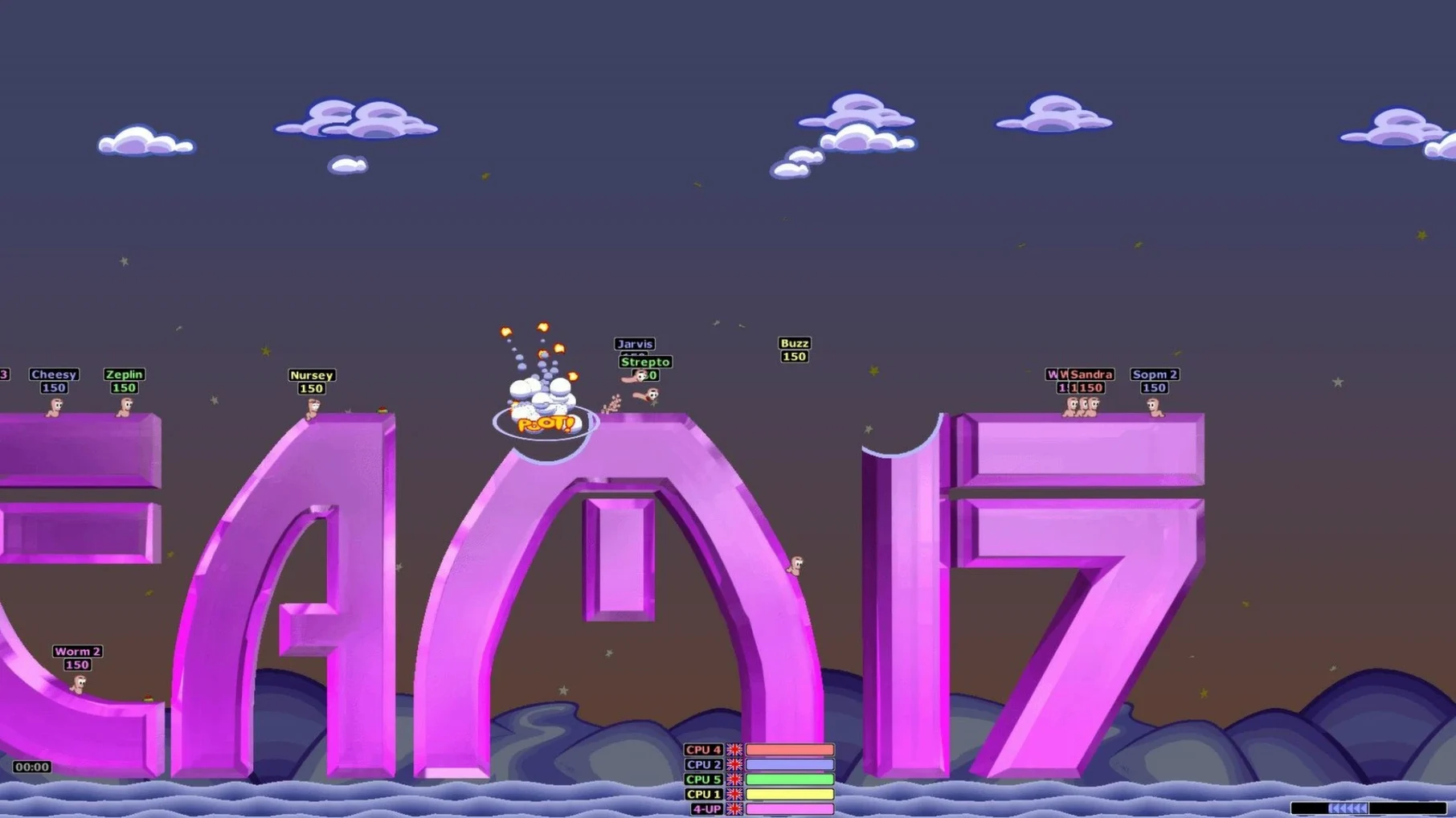
Fans of deliberate, chaotic strategy who missed the late-nineties PC era, or those returning after years away, will find the core intact. Worms Armageddon on macOS wraps the 1999 original in a Wineskin container built for ARM architecture, keeping the turn-based duels running on current hardware.
What single-player content is included?
The package holds the full single-player experience: quick duels against the computer and a campaign spanning more than forty missions. Difficulty climbs steadily from training exercises to genuinely punishing later maps where terrain and turn order dictate everything.
How does local and online play work?
Multiplayer supports several worms sharing one keyboard, as the series always has. Network play is present too, letting you configure matches with custom weapon sets and turn timers for remote opponents.
What languages does the interface support?
The menus and in-game text come in nine languages: Russian, English, German, Spanish, Italian, Dutch, Portuguese, French and Swedish. Switching is a matter of picking from the options panel before a match.
What does the Wineskin wrapper change?
Version 3.8.1 packages the Windows build so it runs natively on Apple Silicon. No emulation layer sits between the game and macOS; the wrapper translates calls directly. A small repair script is included on the disk image in case the first launch throws an error.
Hedgewars offers native Mac artillery duels but skips the campaign mode
Three turn-based artillery games come closest to what Worms Armageddon offers on a Mac. Hedgewars runs natively and shares the same basic premise: teams of animated characters lob projectiles across deformable landscapes. Its weapon list is respectable, and the engine handles well, but the tone lands differently. The worm voices, the absurdist weapon descriptions, the particular friction of the ninja rope — those belong to Team17 alone. Hedgewars feels like a competent cover version; Worms Armageddon is the original recording.
ShellShock Live arrived years later with a cleaner trajectory system and a gentler learning curve. It suits quick sessions, yet the destructible terrain never crumbles with the same granularity. A grenade in Worms Armageddon carves a ragged crater that genuinely shifts sightlines and movement options for the rest of the round. ShellShock Live treats terrain damage more like a cosmetic effect with tactical consequences bolted on afterwards.
Liero, ported unofficially to macOS, pushes the genre toward real-time chaos rather than turn-based deliberation. The frantic pace has its fans, but it strips away the careful measurement that defines a good Worms match. Placing a well-judged three-second fuse on a cluster bomb while the turn timer ticks down produces a very specific tension that real-time play cannot replicate. Among the three, only Worms Armageddon rewards patience and punishes haste in equal measure.
A quick local match starts inside the Wineskin wrapper after launch
You launch the app from Launchpad. The Wineskin wrapper takes a few seconds to initialise, then the familiar Team17 logo appears. From the main menu you pick a quick local match — four worms per side, random terrain, intermediate AI.
The map loads as a jagged island floating in dark water. Your first worm spawns near a steep cliff edge with a health crate barely out of reach. You open the weapon panel and select the ninja rope. Tapping the spacebar fires the grappling hook into the ceiling; you swing gently, release too early, and the worm tumbles two body-lengths down the rock face. Six damage. The crate sits untouched.
Your second worm has a clearer view. You switch to the bazooka, angle the shot to account for the breeze blowing left to right, and fire. The shell arcs over a ridge and clips an enemy worm directly. The explosion gouges a shallow bowl in the terrain. That worm survives, but its turn ends with a panicked teleport into an even worse position — half buried, next to a mine.
The AI responds with a well-placed grenade that rolls into a narrow trench where two of your worms huddle. The blast kills one outright and sends the other flying into the water. You retaliate with an airstrike marker thrown blind into the fog of war; three hits register, and a muffled worm cry confirms a kill. The match swings on small decisions: whether to waste a turn collecting a crate, whether to bank a shot off a steel girder, whether to trust the wind gauge. Forty minutes pass before the final worm drowns.
Tab key scatters your worms during deployment
A handful of details speed up play once you know they exist. Pressing the Tab key cycles through your team's worms during the deployment phase, so you can scatter them intentionally rather than accepting the default placement. Holding Shift while aiming with the arrow keys switches to fine adjustment, letting you nudge the crosshair by single degrees when a shot demands precision.
The weapon panel remembers your last selection between turns, which sounds trivial until you need three consecutive rope swings in a row and resent every extra click. Right-clicking a weapon icon during a match opens a brief description and damage estimate — useful when the difference between a cluster bomb and a banana bomb matters.
Sound banks are more than novelty. Switching to the stiff-upper-lip voice set or the Brooklyn-accented worms changes the rhythm of play, because the callouts telegraph what the opponent just did before the camera pans back. You learn to recognise a missed shot by tone before the dust clears.
Those who search for worms armageddon for mac free download often overlook that the disk image includes a repair script labelled simply "Fix." If the first launch fails with a Wineskin-related error, running that script once usually resolves it without further tinkering. The wrapper also respects macOS keyboard shortcuts for switching between the game and the desktop, so checking a guide or replying to a message mid-match costs no more than a quick Command-Tab.