Aspecten
 Download (21 GB)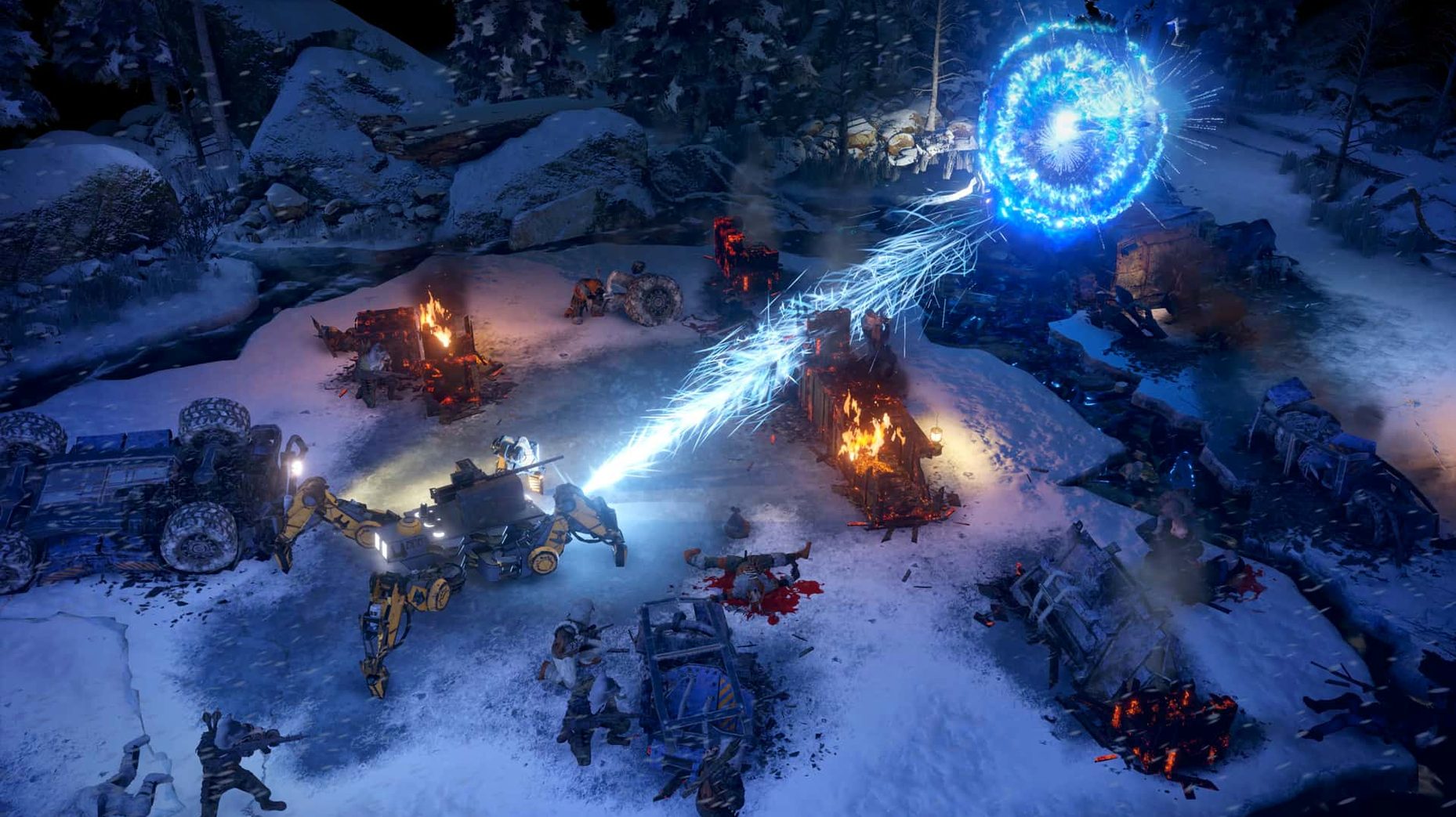
Kodiak handling
Get the Kodiak moving early. This isn't just a storage locker on wheels — the combat truck clears world-map obstacles once you mount a chassis upgrade, and its turret joins overworld ambushes. Drive it into a bandit roadblock and the opening salvo can shred half the enemy cover before your Rangers dismount.
Squad assembly
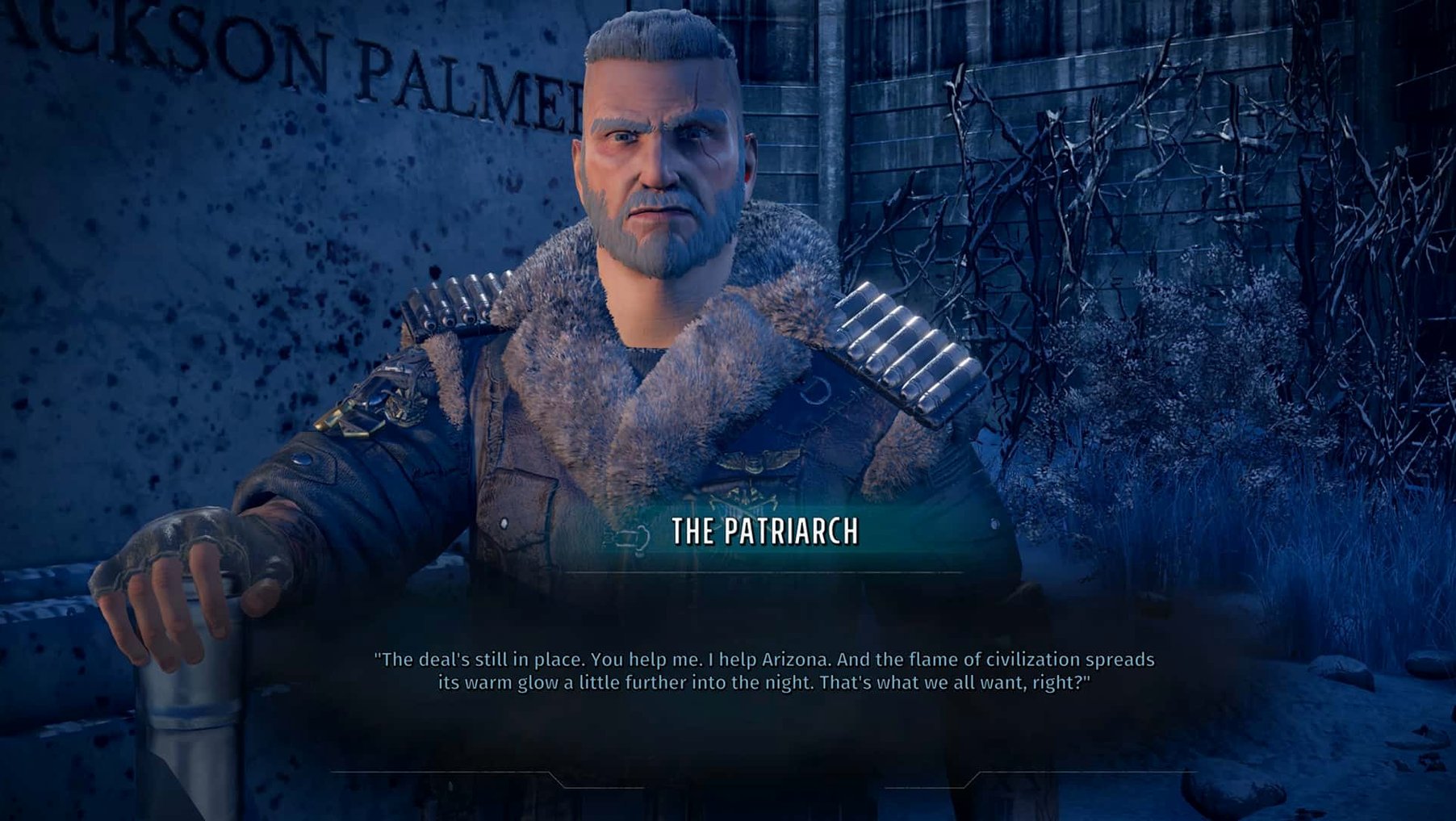
Station the recruiter at Ranger HQ and start filtering candidates. You want one heavy gunner, one medic with the mechanics skill, and at least one character who can talk their way past the Patriarch's checkpoints. Swap in new recruits whenever the current lineup feels lopsided — the retraining cost is trivial compared to dragging a weak build through twelve hours of encounters.
First ambush
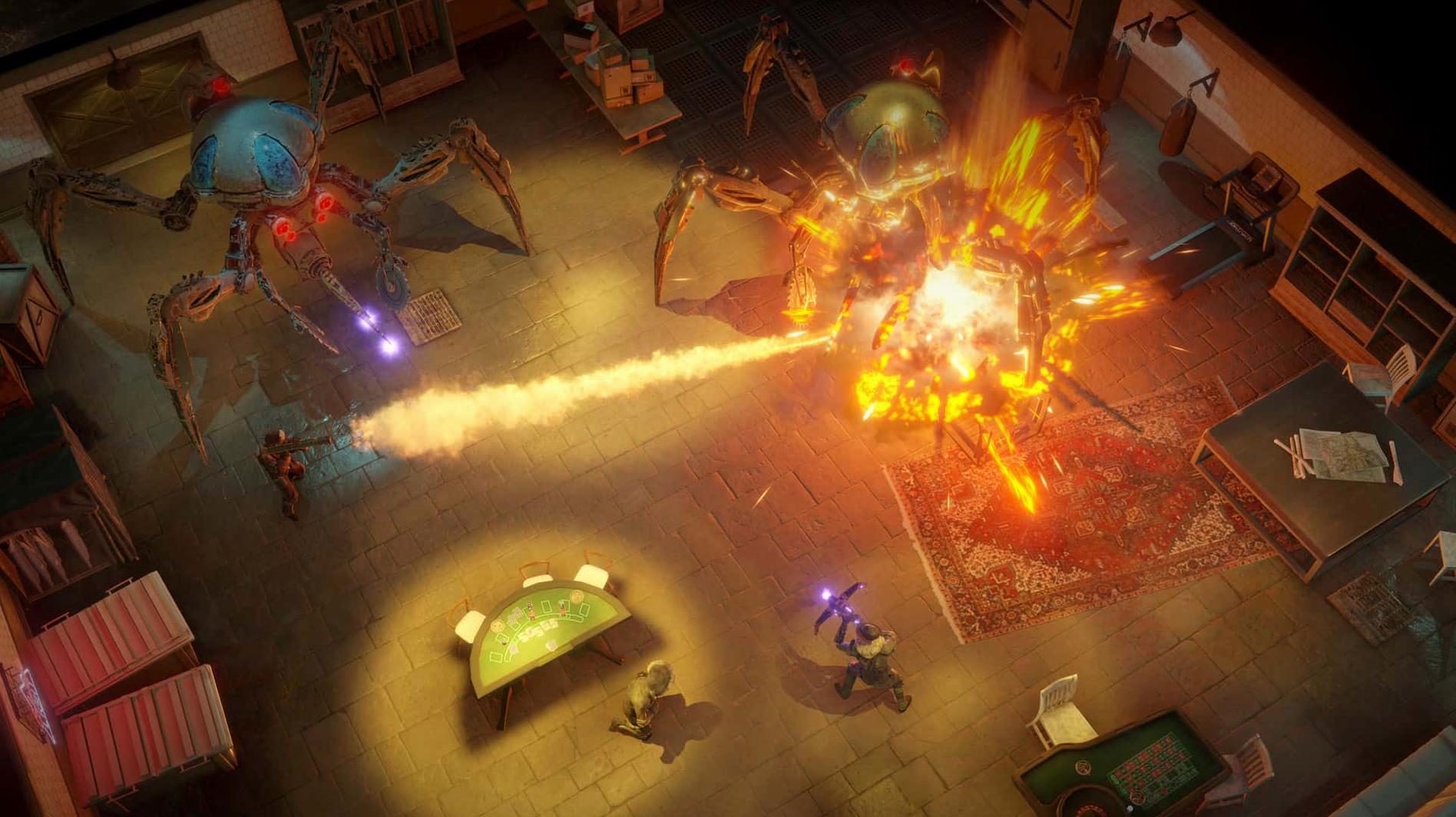
Position matters more than weapon tier. Pull a sniper onto the high ground behind the overturned semi, send the brawler to crouch behind low cover near the centre, and keep the leader close enough for the Rally buff. When the drools rush in, they'll hit the brawler first — that's the plan. Precision Strike to the legs slows the second wave enough to pick them off one by one.
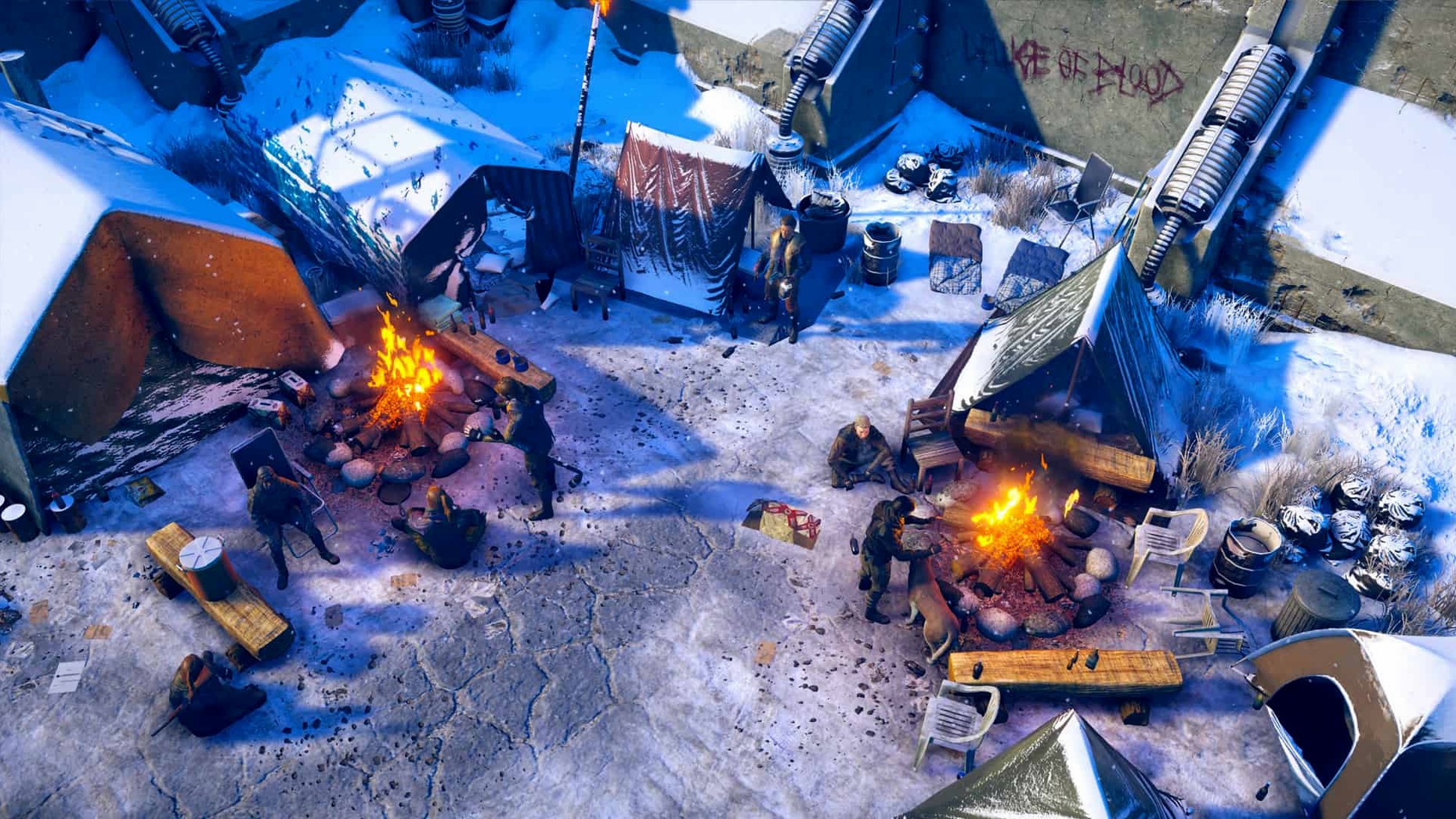
The minute-to-minute loop alternates between overworld driving, dialogue-heavy hubs, and multi-turn firefights where cover, line of sight and status effects decide whether your squad walks away or reloads.
First-launch stutter fades after shader caching
On Intel Macs the game runs without much fuss once the shaders have compiled. The first launch after install spends a while preparing caches, and the initial drive through Colorado Springs can hitch for a second or two as new assets stream in. After that, the frame rate settles and combat stays responsive even with a full squad, a turret, and a screen full of enemies trading shots. The Unity engine holds up fine in the smaller interior maps, while the larger overworld zones occasionally drop frames when the camera swings across burning wreckage or heavy snow.
Memory use sits around the middle of the range for a game of this size. The fans on older Intel machines will spin up during longer sessions, but quitting to desktop and relaunching every few hours clears most of the accumulated slowdown. The save system is quick enough that manual saves before a tough encounter don't break the rhythm of play.
Early Colorado Springs crash and the Unity fix
The most frequent complaint is a crash during the early Colorado Springs sequence, usually tied to the Unity build rather than the Mac port itself. The 1.6.9.420.309496 (Unity Patch 2) fix addresses the worst of these, but if the game still closes unexpectedly after a dialogue choice, lower the shadow quality one step and disable v-sync. That combination resolves most of the remaining instability.
Another snag involves the Kodiak getting stuck on overworld geometry after a cutscene. The fix is simple: open the map, fast travel to a nearby location, then drive back. If a party member disappears after a base defence, return to Ranger HQ and re-add them through the squad management screen — the character data is intact, only the active roster entry got lost.
On a few Intel machines the launcher shows a black window before the game starts. This is usually the initial shader compilation taking longer than expected. Give it a minute, and if the window remains black, restart the launcher once. The second attempt loads normally in nearly every case.
Same campaign and voice acting as Windows
People ask whether the Mac version matches the Windows release in content. It does — the same campaign, the same side missions, the same voice acting in English, and the same choice-driven endings. The interface text covers Russian, English, German, Spanish, Italian, Polish, Portuguese and French, while spoken dialogue stays English across all localisations.
Another common question is whether the game works without an internet connection. It does. The wasteland 3 mac download runs locally, with no account check and no online services required for the single-player campaign. Cooperative play is a different matter, but the core experience is fully offline.
People also ask about system load. The game benefits from an external mouse; the touchpad works, but the tactical camera and targeting feel more precise with a scroll wheel for zoom. A free disk space buffer of around 10 GB beyond the install size helps with save files and temporary caches.
One thing worth knowing before you start: the first two hours are dense with tutorials and dialogue. The combat opens up properly once you leave the opening area and the map becomes yours to roam. If the early pacing feels tight, stick with it — the squad building and overworld travel are where the game settles into its rhythm.