Aspecten
 Download (78 GB)
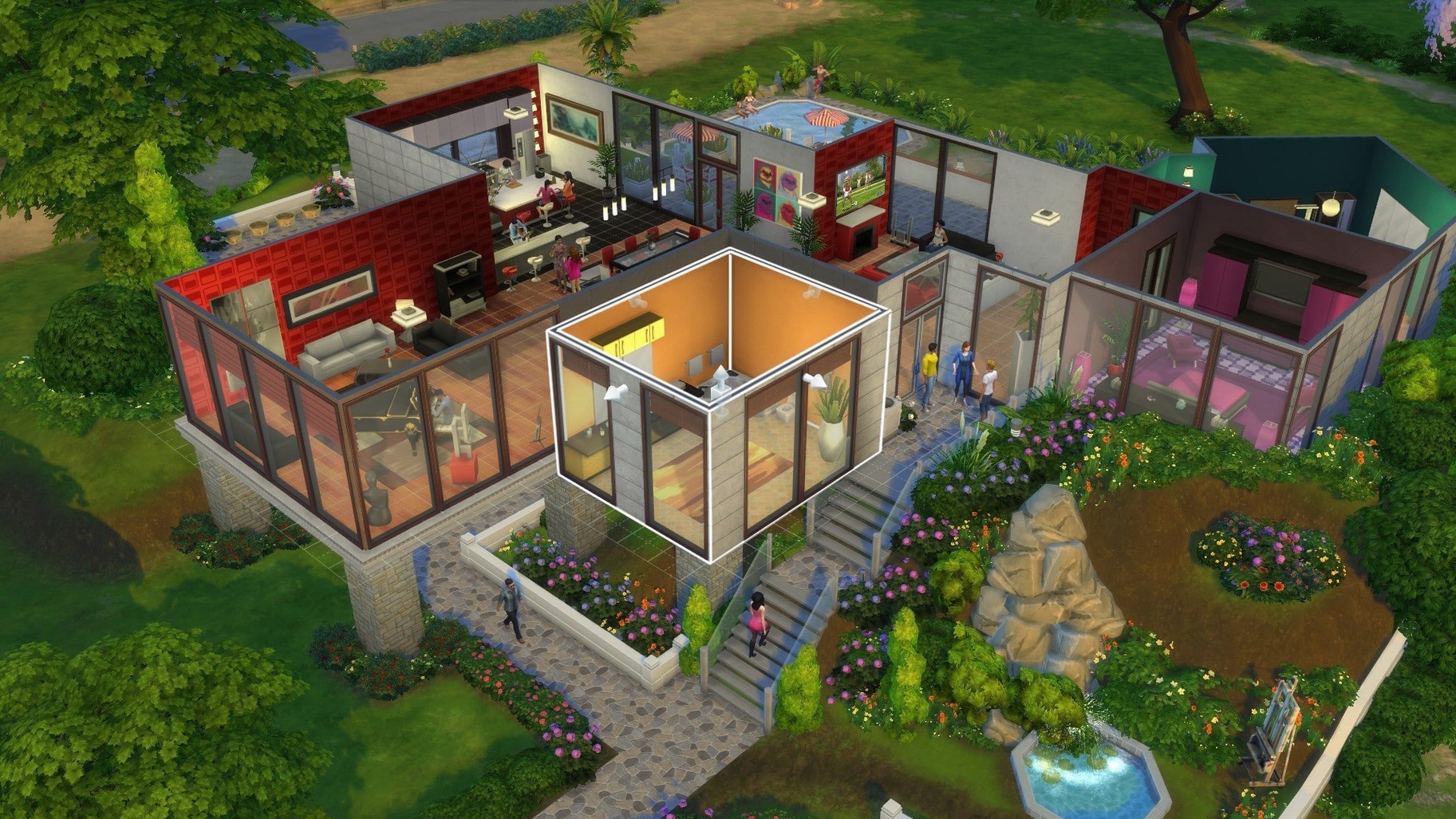

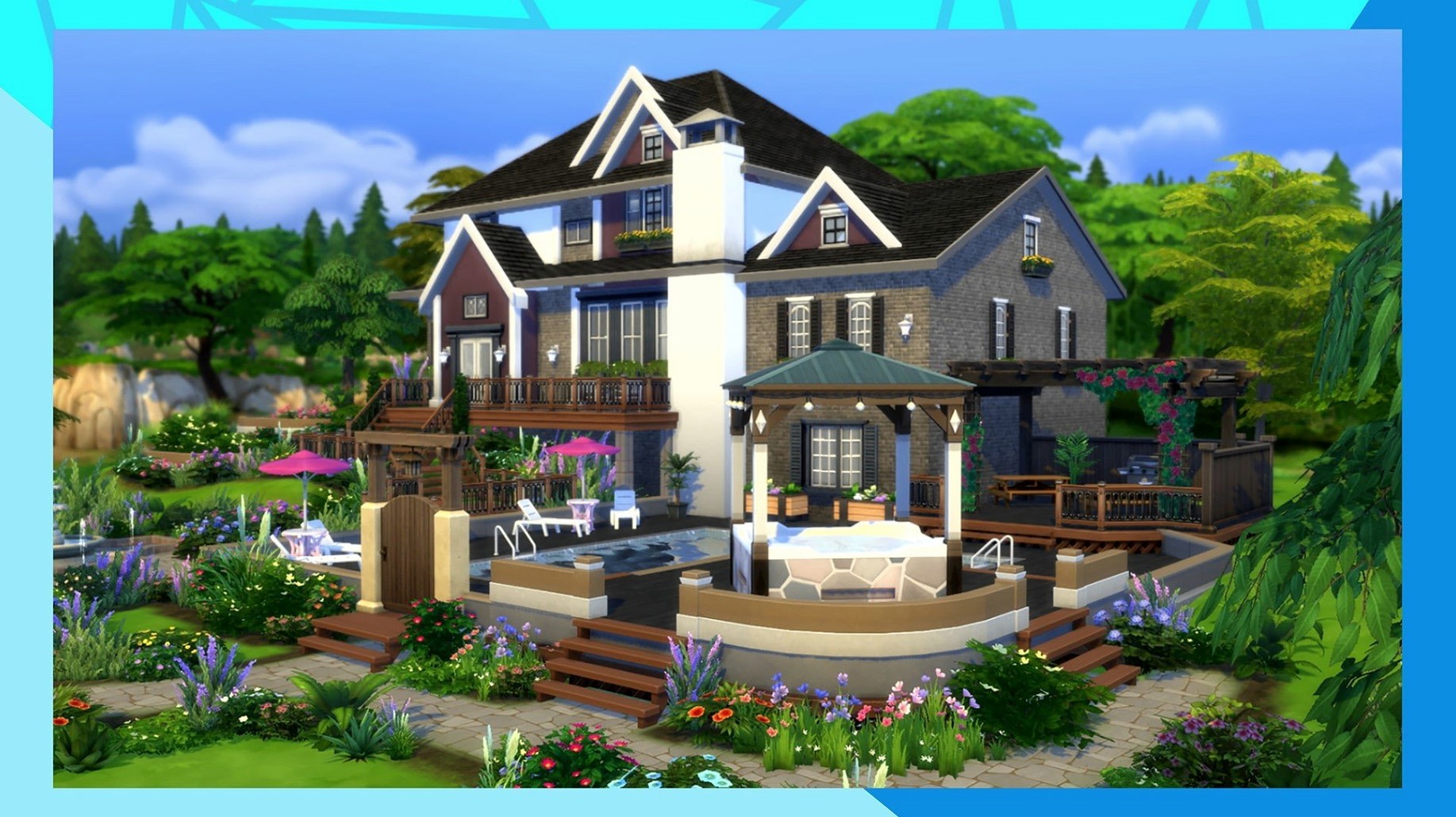
Create-a-Sim loads with a range of genetic sculpting tools, letting you push and pull facial features directly on the model. From there, you set traits and aspirations that give each Sim a distinct personality and life goal. The base game ships with a catalogue of clothing, accessories, and hairstyles to assemble an outfit for every occasion.
| Aspect | Detail |
|---|---|
| Version | 1.127.41.1030 |
| Platform | EA app, tested on Apple M1 |
| Interface languages | 18, including English, Dutch, Japanese, and Polish |
Build Mode provides a grid-based editor for assembling a home room by room. Walls, doors, windows, and furnishings snap into place, and you can switch to a live view to see how a Sim navigates the space. In Live Mode, you direct the household’s daily routine: forming friendships, choosing a career, or ignoring responsibilities entirely. The three modes hand control back and forth fluidly, so a session might drift from tweaking a roofline to managing a dramatic kitchen argument without leaving the neighbourhood. The box holds a single continuous world where character creation, architecture, and everyday drama all draw from the same set of emotional and social systems.
A small-town baker’s first week
Consider someone who has never played a life simulation before but spends weekends baking sourdough and watching renovation programmes. They open the game, spend forty minutes shaping a Sim who looks vaguely like a younger version of themselves, give her the Foodie trait and the Master Chef aspiration, then move her into a tiny empty lot in Willow Creek. The first in-game day is a scramble: no fridge, no counters, just a single room with a bed and a gnome lawn decoration that came with the starter funds. By Wednesday she has a job in the culinary career track, a cheap mixer on a salvaged counter, and a sour mood because the sink broke and she cannot afford the repair. By Friday she bakes her first batch of chocolate chip cookies, sets them on the counter, and watches three neighbours walk in uninvited to grab a plate. The new player, who initially thought the game was about building a pretty house, realises they have spent most of the session managing a miniature domestic comedy. That shift — from decorator to storyteller — tends to happen somewhere around the first burnt omelette.
Lock the front door to keep solicitors out early
The initial hours with a new save can feel directionless because the game deliberately leaves the agenda open. A few small habits prevent early frustration.
- Lock the front door to solicitors. Strangers wandering into the house to chat or browse bookshelves is a constant early-game annoyance. Click the door in Live Mode and set access to household only, at least until you have a proper living room.
- Start with one skill per Sim. Spreading a Sim across cooking, charisma, logic, and gardening all at once means nothing levels up quickly. Focus on the skill tied to their career or aspiration for the first five days.
- Sell harvestables often. Wild plants and starter gardens produce fruit and flowers that Sims can sell directly from the inventory. It is small, steady income that requires no job and no commute.
- Use the “Needs” panel as a time budget. When a Sim’s social bar drops into yellow, that is not a crisis — it is a prompt to invite a specific neighbour over and build a relationship while filling the need. Combining errands saves hours of in-game time.
- Place a hamper and a trash bin indoors. Dirty plates left on surfaces drag down the environment score fast. A bin in the kitchen and a hamper near the bedroom cut cleanup time to a click or two.
One oddity worth knowing early: if the game freezes on the splash screen after installation, the fix is to open the The Sims 4 folder in Documents, remove everything except the Tray, Saves, and Mods folders, then relaunch. The game regenerates the cleaned files on startup.
A storytelling workflow: from concept to scene
Not every player treats the game as a storytelling tool, but those who do often develop a repeatable sequence. Here is one way to go from a vague idea to a finished scene.
- Define the emotional arc in one sentence. Instead of “I want a dramatic wedding,” narrow it to “The bride is jealous of her sister’s promotion and picks a fight during the toast.” A specific emotion — jealousy, embarrassment, pride — gives every subsequent choice a spine.
- Create the set in Build Mode. Build the venue around the scene. For a restaurant argument, place tables close together so other Sims react. For a private confession, use a bench in a park corner with low foot traffic. Lighting matters: cool-toned wall lamps read as tense, warm floor lamps as intimate.
- Cast the principals with contrasting traits. The sister gets the Ambitious trait and the Business career. The bride gets Jealous and Perfectionist. Contrast produces friction without needing to micromanage every interaction.
- Set the scene with cheats if needed. Use
testingcheats trueand shift-click on Sims to set their moods — make the bride Tense and the sister Confident before the event starts. The emotional state colours every autonomous interaction that follows. - Run the scene in short takes. Let five or six in-game minutes play out, then pause. Adjust Sim positions, cancel unwanted autonomous actions, and queue up the next key interaction. Building a scene in small segments keeps the narrative shape intact while still allowing the game’s systems to inject surprises.
- Capture the moments you will retell. Use the in-game camera (press
Tabfor the free camera) to frame shots. The Tab camera removes the UI and lets you position the lens at Sim height, which turns a functional screenshot into something closer to a storyboard panel.
This workflow draws on Build Mode, Live Mode, cheat commands, and the camera system in a single session. It is not about playing efficiently; it is about using the game as a stage. The same approach works for comedy, tragedy, or the particular genre of domestic chaos that arises when a Sim with low cooking skill tries to prepare a grand meal for twelve.
Together with other apps
The game sits inside a small ecosystem of tools and macOS features that extend what the base install can do.
EA DLC Unlocker. Add-on content downloaded separately — as individual files or a single combined file — loads into the game through the unlocker utility. The procedure is to download the unlocker first, read its included instructions, then add the DLC content. The unlocker acts as a bridge between the EA app and the content folders.
Language switching via the EA app. The game supports eighteen interface languages, but changing them requires a specific sequence: open the EA app without the unlocker, open the game properties, select the language, save, and click Update. The app downloads the language pack, and the game launches in the chosen language. Doing this with the unlocker active can interfere with the update process.
Document folder structure. Everything a player creates — saved games, Sims, lots, rooms — lives in subfolders inside Documents/The Sims 4. The Saves folder holds individual save files that can be backed up or moved between machines. The Tray folder stores Sims, lots, and rooms exported from the in-game library. The Mods folder is where custom content and script mods go. Knowing this structure makes it easy to share a Sim with another player (copy the relevant files from Tray) or to archive a save before a major update.
macOS screenshot and screen recording tools. The built-in Shift+Cmd+5 screenshot panel works alongside the game’s own camera. The system tool records video clips of Live Mode for sharing, and the game’s Tab camera captures high-resolution stills free of UI elements. Players who assemble build guides or let’s-play videos often run both: the game camera for clean stills, the system recorder for movement.
TextEdit and Notes for legacy challenges. Long-running community challenges — the 100 Baby Challenge, the Legacy Challenge — require tracking household generations, rules, and scores outside the game. A simple Notes.app document or a TextEdit file kept open in a corner of the screen serves as a scorecard without pulling focus from the game window.
Preview for build planning. A few builders sketch floor plans on paper, photograph them with their phone, and open the image in Preview on the Mac for reference while working in Build Mode. The image sits in a window next to the game, and the builder copies the layout wall by wall. It is a low-tech method that avoids alt-tabbing out of a full-screen session.
Turn off edge scrolling for less intrusive macOS play
The default settings are a reasonable starting point, but a handful of adjustments make the game feel more responsive and less intrusive on macOS.
- Edge scrolling. Under Game Options, find the controls section and switch edge scrolling off if you play on a MacBook trackpad. The default behaviour scrolls the camera whenever the cursor touches the screen edge, which leads to constant accidental camera movement during Build Mode. With edge scrolling off, the camera stays put until you click and drag or use the arrow keys.
- Sim autonomy. The autonomy setting controls how much freedom Sims have to act on their own. Setting it to “Full” lets them handle basic needs without constant orders, which suits large households. Setting it to “Off” for a selected Sim gives absolute control — useful during posed screenshots or tightly scripted scenes. The middle ground, “Disabled for selected Sim,” is the most practical for everyday play: the active Sim waits for instructions while the rest of the household runs itself.
- Graphics for Apple Silicon. On an M1 or later Mac, the game runs smoothly with most settings on High, but two options are worth adjusting. Set “Lighting” to Medium if the fan spins up during evening scenes with many lamps. Set “Edge Smoothing” to Low or Off — the visual difference is subtle, and the frame rate improvement on integrated graphics is noticeable.
- Audio mix. The default music volume is high relative to the voice and effects channels. Dropping the music slider to about 40% and raising the Sim voice volume slightly lets you hear Sims’ emotional reactions over the background track. The game’s audio design carries a lot of gameplay information in the voice channel — a Sim complaining audibly about a dirty room tells you what the mood panel already shows.
- Notification wall. The notification panel in the upper-right corner can pile up quickly in a busy household. Under Game Options, turn off the less useful notifications — “Sim has completed a whim,” for example — to keep the wall focused on career updates, relationship changes, and events that actually shift the household’s direction.
- Save reminders. The game prompts to save on exiting, but it does not have an autosave. In the gameplay options, note the absence of an autosave toggle and build a manual habit instead. Saving once per in-game night, right after everyone goes to sleep, creates a consistent rhythm and prevents losing a full afternoon of play to an unexpected crash.
These changes take about two minutes to apply and stay set across sessions. They do not alter the core experience; they remove small frictions that accumulate over a long play session on Mac hardware.