Aspecten
 Download (32 GB)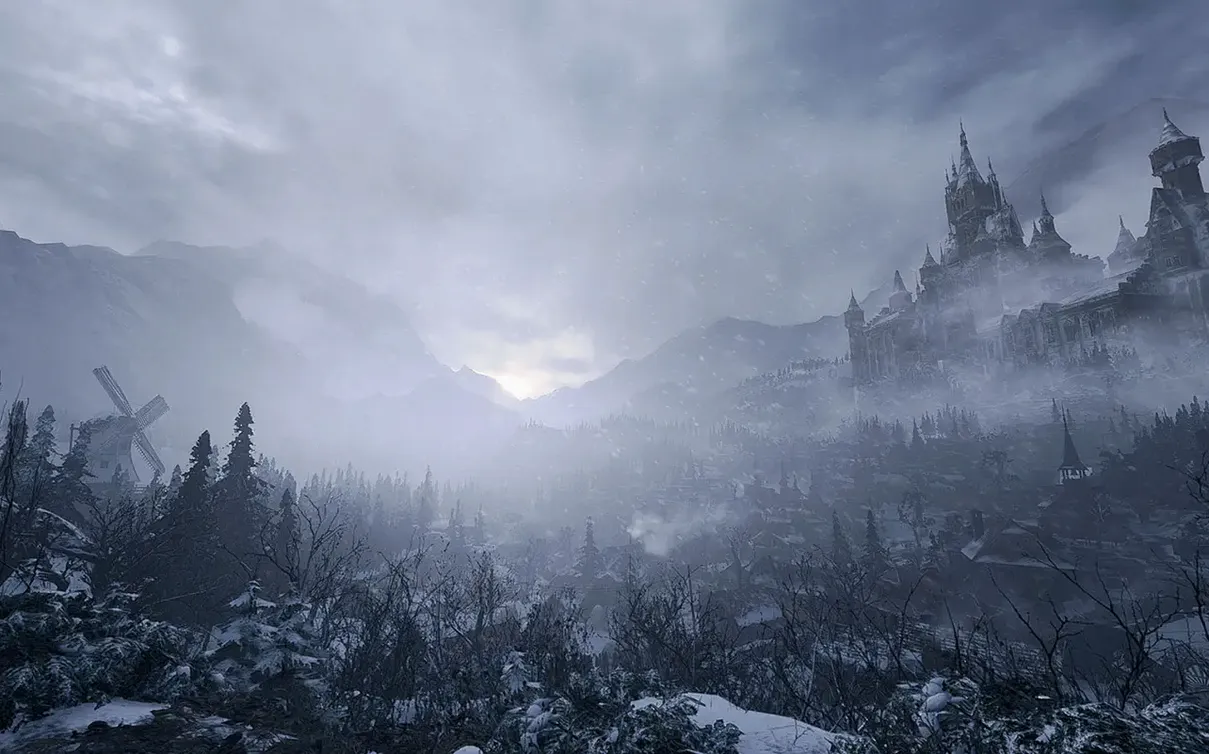

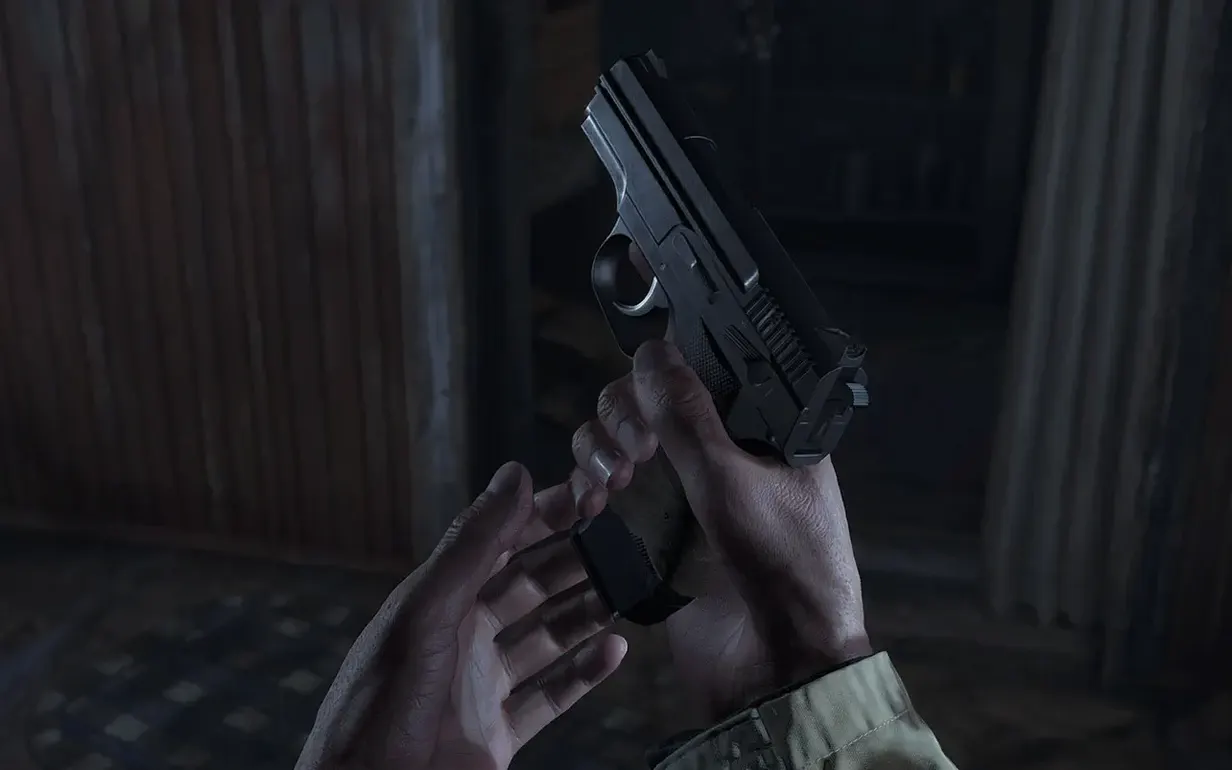


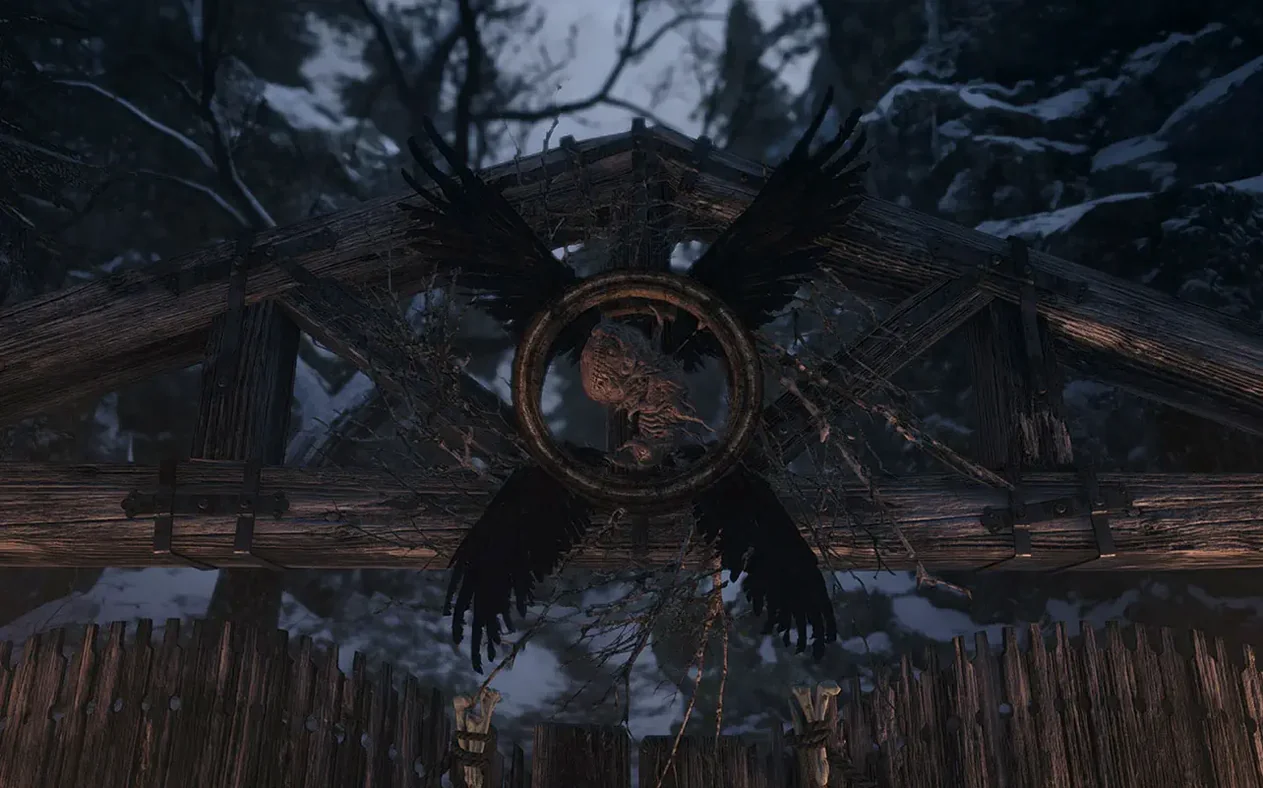
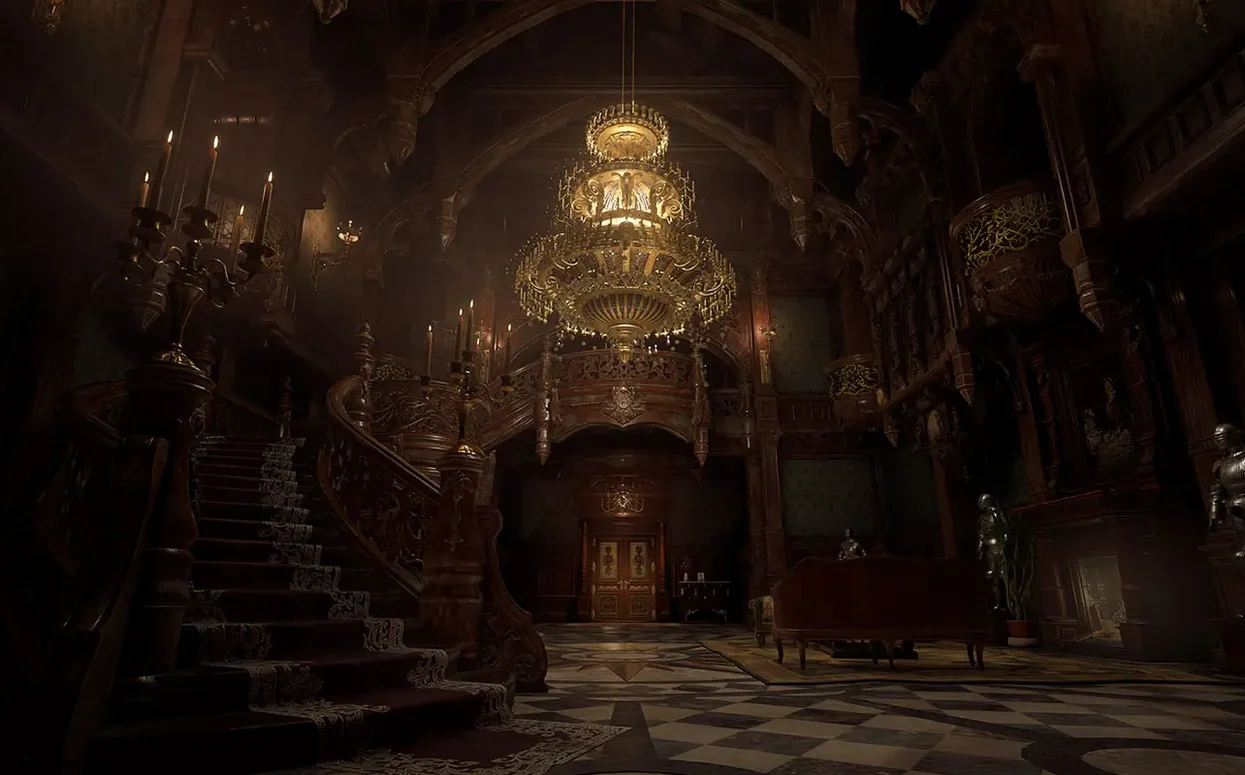
Resident Evil Village runs on Apple silicon Macs and requires macOS 12.0 or later. This is a native port, not an emulated version, made specifically for the newer architecture.
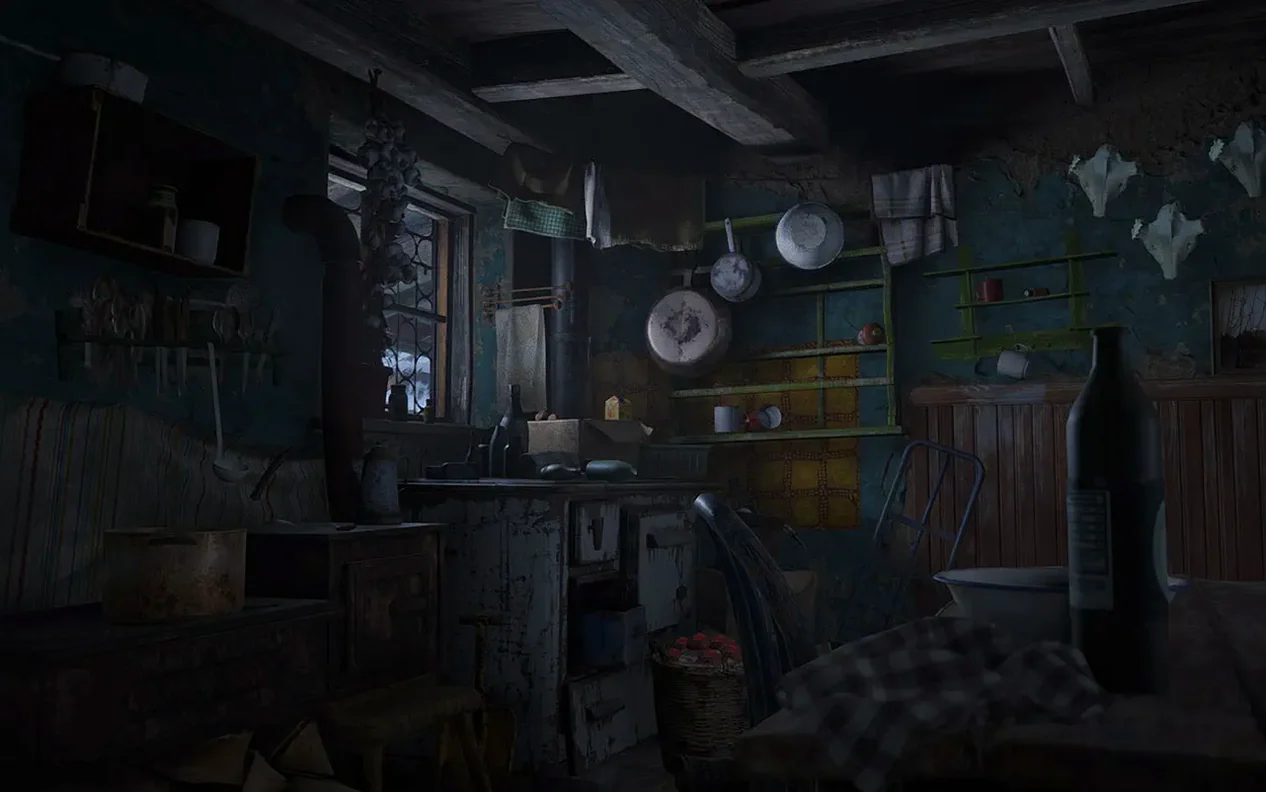
Gothic horror with resource management and included DLC
A player drawn to gothic atmosphere and structured survival horror will find a lot here. The pace alternates between tense exploration, resource management and occasional bursts of combat. The Mac version includes the Shadows of Rose DLC and The Mercenaries: Additional Orders, which extends the single-player time beyond the main campaign. Controller support works without fuss, and the in-game achievement tracking gives a light sense of progress. Anyone who finished Resident Evil 7 biohazard and wants to see where the story leads will feel the narrative pull.
Who might hesitate
This is not an action power fantasy. Ammo is scarce, movement is deliberate, and some set-pieces lean heavily on scripted chases. A player who prefers fast, twitch-based shooters or open-ended exploration may find the constraints claustrophobic. The horror tone is more theatrical than raw, but the tension is constant. If you bounced off the first-person perspective in the previous game, that feeling will not change here.
Trade texture sharpness for frame pacing on Apple silicon
Before starting a new game, a few adjustments make the experience smoother on Apple silicon. The default graphics preset is aggressive for the sake of visual impact, but frame pacing matters more in a horror game than texture sharpness.
Open the Display tab and switch MetalFX Upscaling to Quality rather than Performance if you are on an M1 or M2 chip. The Performance setting trades too much image stability for frame rate. On an M3 or M4 Mac, Quality still holds 60 fps in most indoor areas while keeping fine detail readable. If you notice stutter in the village square, drop Shadow Quality to Medium before touching resolution. Village exteriors hammer the GPU with dynamic shadows from trees and structures.
In the Audio settings, set Dynamic Range to Midnight Mode if you play with headphones. The default Wide Range pushes loud sounds hard, which some players find fatiguing during longer sessions. Midnight Mode compresses the peaks without flattening the directional cues that matter for enemy footsteps.
Disable Camera Wobble under the Camera section. The effect is subtle but adds a slight sway that can nauseate when combined with the first-person field of view. If you still feel discomfort after an hour, widen the FOV slider by 5 to 10 points and leave it there.
The opening hour teaches through restriction, not tutorials
The opening hour is the hardest to get right. The game teaches you its rhythm through restriction, not through tutorials. Accept that you will run from some encounters instead of fighting. Herbs are more common than they first appear, but gunpowder and lei are tight, so craft only what you need.
Check the Duke's shop for a free shotgun after the first major scripted sequence. It is easy to miss if you rush through dialogue. The shotgun becomes your panic button for close-range threats, and upgrading its reload speed early pays off more than damage upgrades on the starting pistol.
Break every crate and vase you see. The crafting materials inside are not randomised; the game places them deliberately along the critical path, and skipping a room means skipping permanent resources. If a drawer or cabinet looks interactive, it probably is.
During the first days, resist the urge to look up puzzle solutions. The puzzles in the castle and factory are logical, and the satisfaction of solving them blind is part of the pacing. If you get truly stuck, step away for ten minutes rather than reaching for a guide. The inventory map marks rooms with outstanding items, which is often enough of a nudge.
When you first launch the game, disconnect from the internet if you hit a black screen after the Capcom logo. The issue is intermittent and tied to a network handshake that times out on some Mac configurations. Launching offline once usually caches whatever it needs, and subsequent launches work fine with the connection restored.
Apple silicon is a hard requirement — Intel Macs cannot launch it
Does this run on Intel Macs? No. The Mac version is compiled for Apple silicon only. An Intel machine will not launch the app at all, regardless of its graphics capability or RAM. This is a hard requirement, not a recommendation.
How much disk space does it really need? The download is large, and the installed footprint exceeds 35 GB once the DLC is unpacked. Make sure you have at least 50 GB free so macOS has room for swap and the game can write temporary shader caches without hitting the system warning.
Can I play with keyboard and mouse? Yes, but a controller feels more natural for the movement speed and inventory management. The button prompts switch automatically when a controller connects. If you use a PlayStation DualSense, the adaptive triggers are not supported on the Mac version yet, but basic rumble works.
Is the Shadows of Rose DLC included from the start? It is included with the Mac version, but it sits on the main menu as a separate campaign. You should play the base story first because the DLC assumes full knowledge of the ending and contains direct spoilers.
Does the game support iCloud saves? No. Saves are local to your Mac and stored in the app's container. If you want to move progress between two Macs, you need to copy the save folder manually from ~/Library/Application Support.
Metal 3 and unified memory mean predictable resource sharing
Resident Evil Village uses Metal 3 and takes full advantage of the unified memory on Apple silicon. This means the game shares resources with the system more predictably than an Intel-era port would. You can leave Safari, Notes and a messaging app open in the background without noticeable frame drops, provided the Mac has 16 GB of RAM or more. On 8 GB machines, closing browsers with many tabs open helps stability during the factory area, which is the most memory-intensive part of the game.
Mission Control and Spaces work as expected. Swiping to another desktop pauses the game cleanly, and audio mutes until you swipe back. This is useful if you need to check something quickly without saving. The game does not misbehave with Stage Manager either, though running it in a window rather than fullscreen introduces a small performance cost because Metal must composite the desktop behind the frame buffer.
If you use screen recording tools for sharing clips, the built-in macOS screen capture (Cmd-Shift-5) handles the Metal output correctly. Third-party recorders that hook into OpenGL may produce black frames; OBS works if you select the Display Capture source rather than window capture. The game does not interfere with system audio routing, so routing game sound through a separate output device for recording requires no extra configuration beyond the Audio MIDI Setup app.
The game logs achievements through Game Center, which syncs across your Apple devices. Progress on shared achievements appears on an iPhone or iPad if you are signed into the same Apple ID, even though the game itself does not run on those devices. The achievement list acts as a lightweight checklist for optional content, and the Game Center overlay slides in without pausing gameplay, which keeps the tension intact during tough encounters.