Aspecten
 Download (24 GB)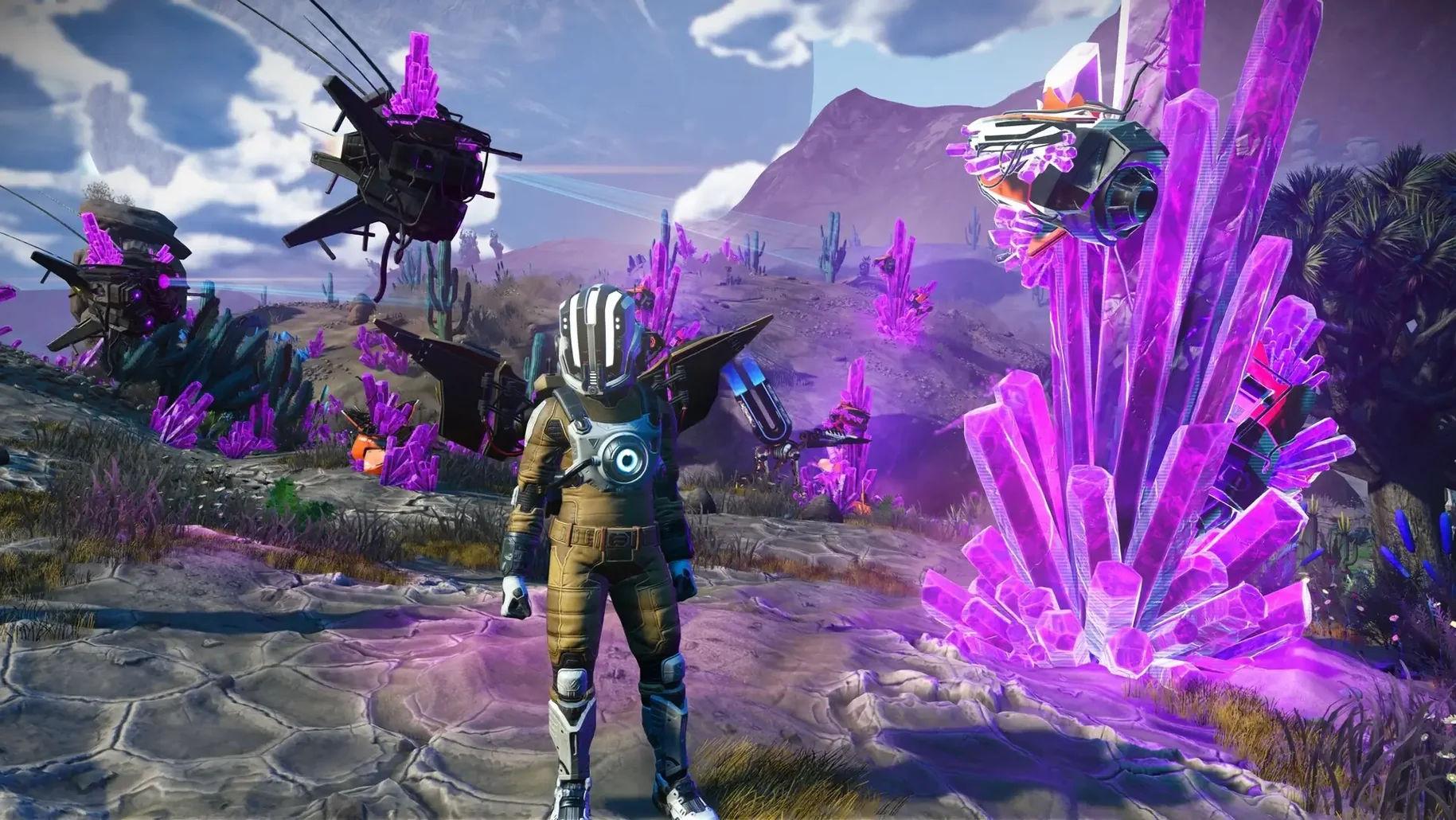
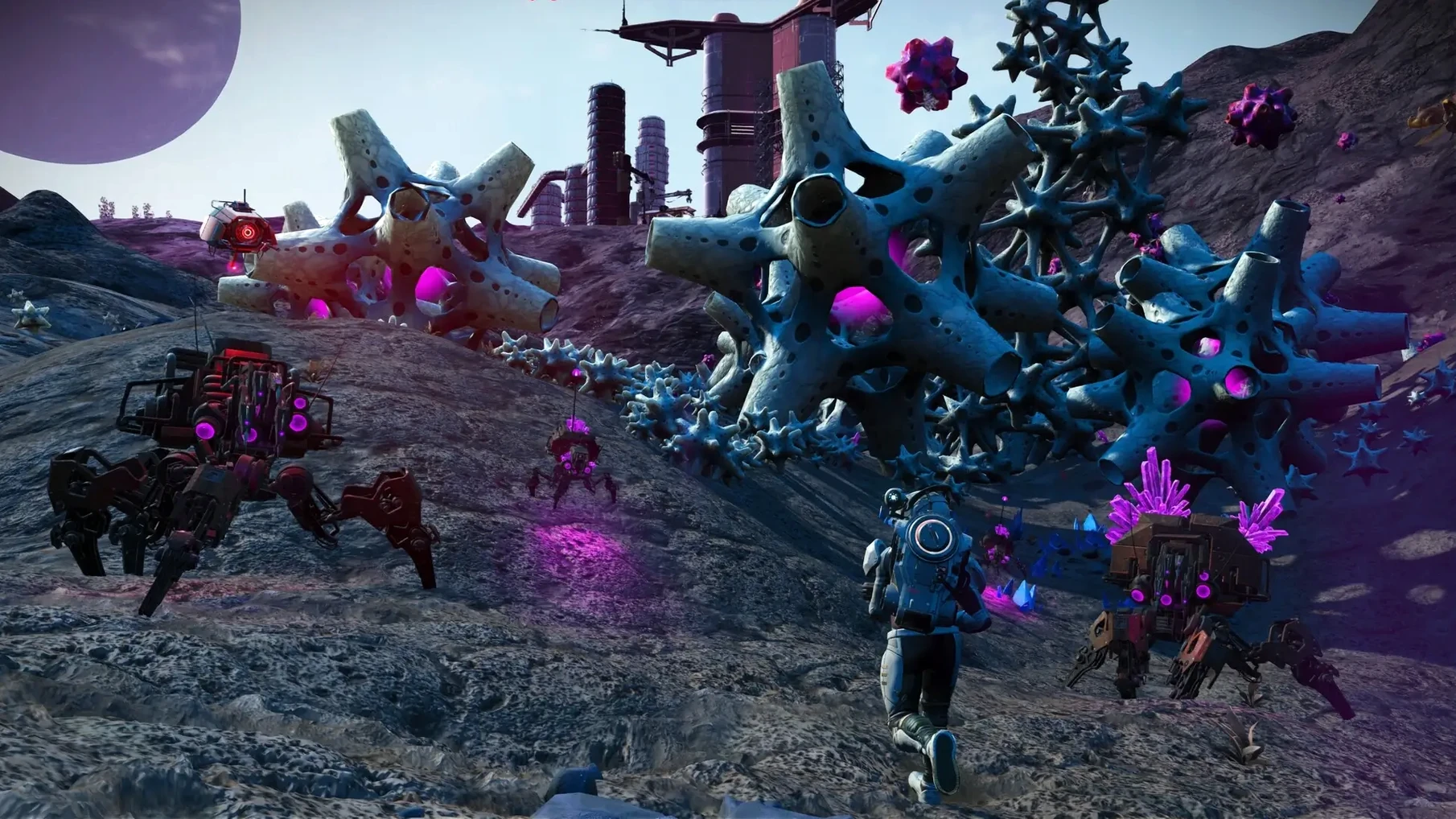
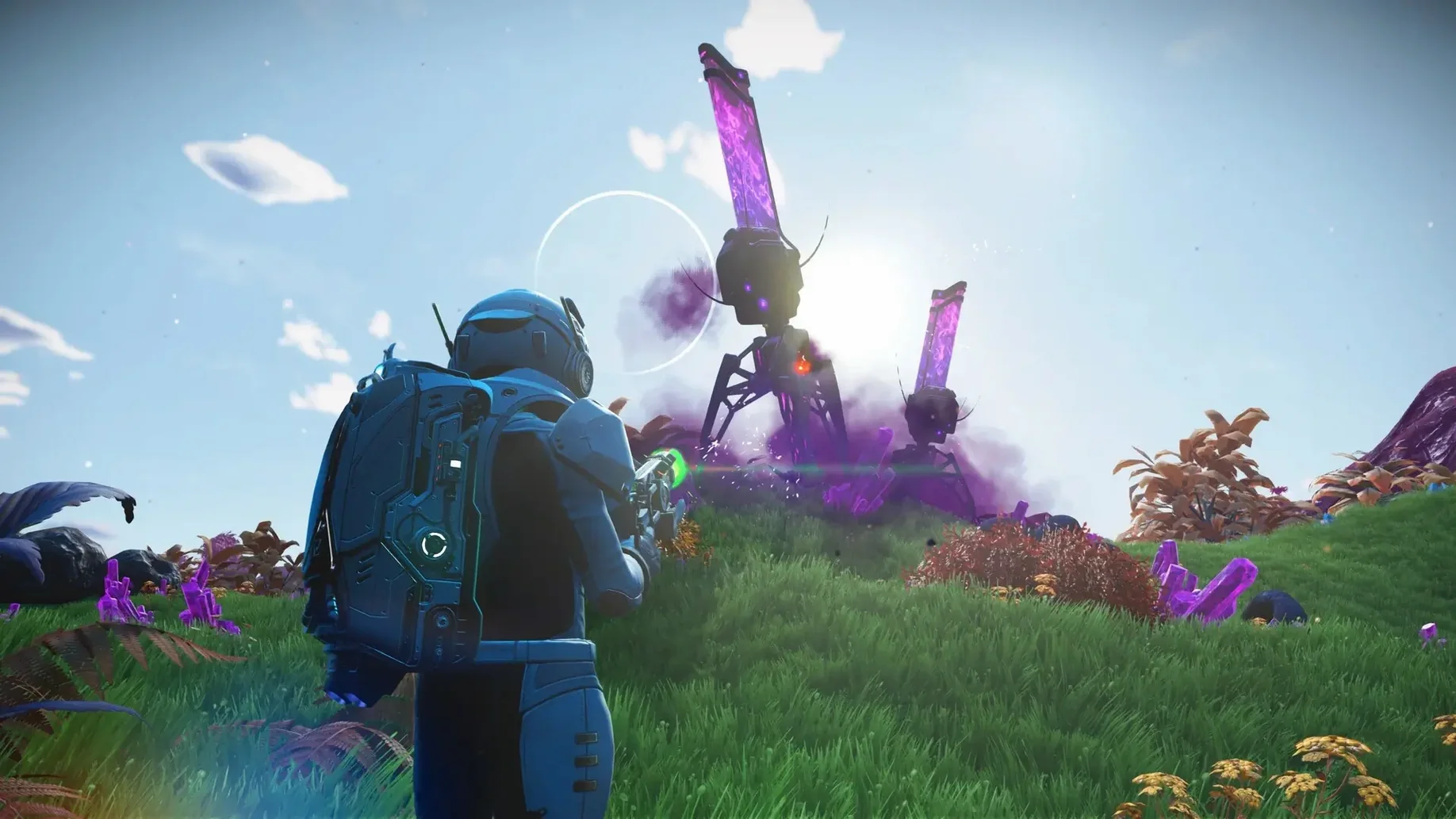
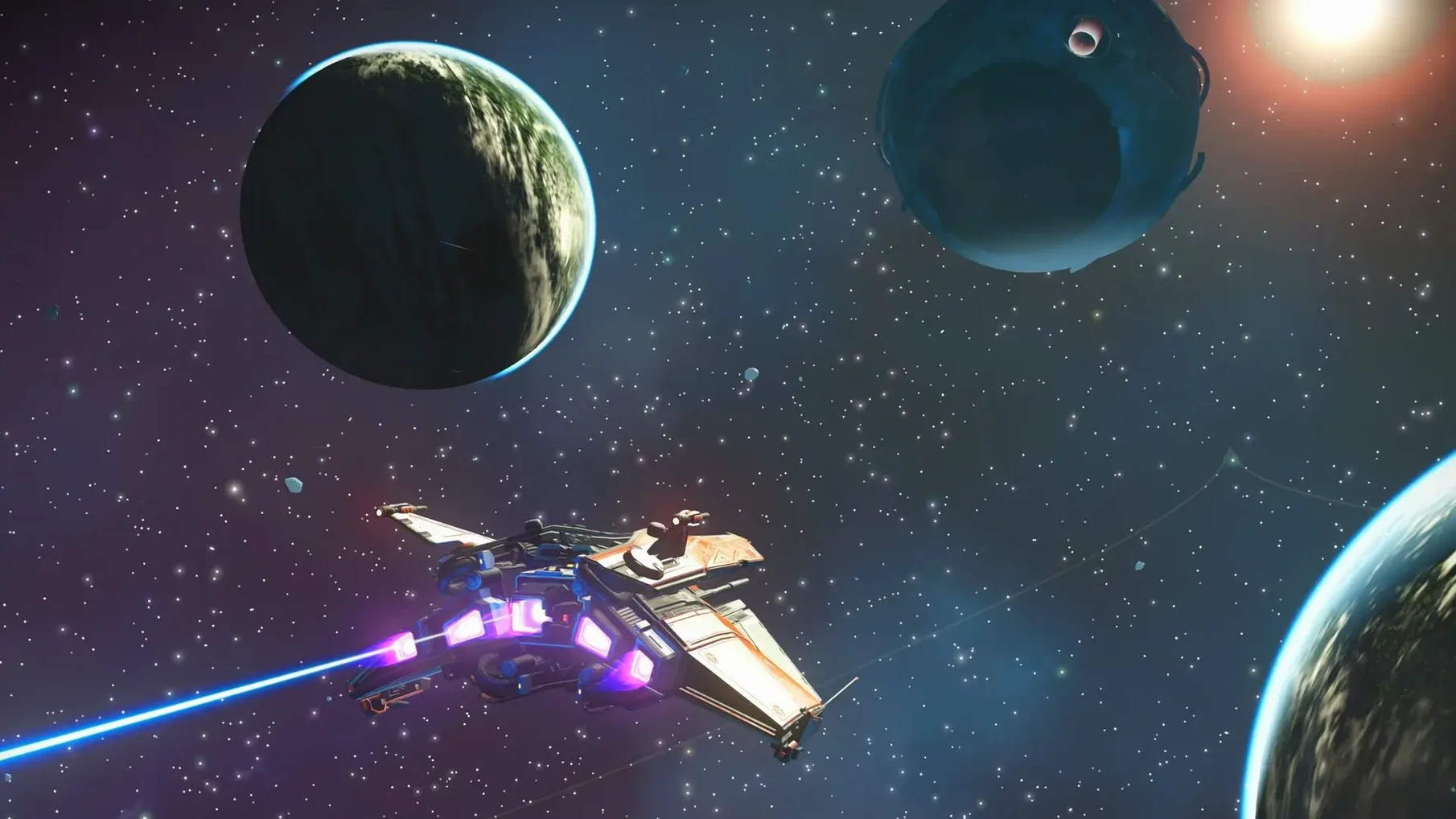
Does every ‘unique’ planet feel different?
The procedural engine generates terrain and life forms from a shared set of parameters. You notice recurring families of creatures and rock formations, but the arrangement — and the colour of the sky above them — shifts noticeably each time you land. Weather extremes and sentinel aggression give some worlds a hostile edge.
Cobalt arbitrage across star systems
Space stations and trading posts list buy and sell prices that vary by system economy. You can load your ship with locally mined cobalt or crafted goods, warp to a system where the market favours them, and pocket the difference. The loop is simple, but it ties together the need to explore, gather and upgrade your suit and ship inventory.
How does the moment-to-moment gameplay feel?
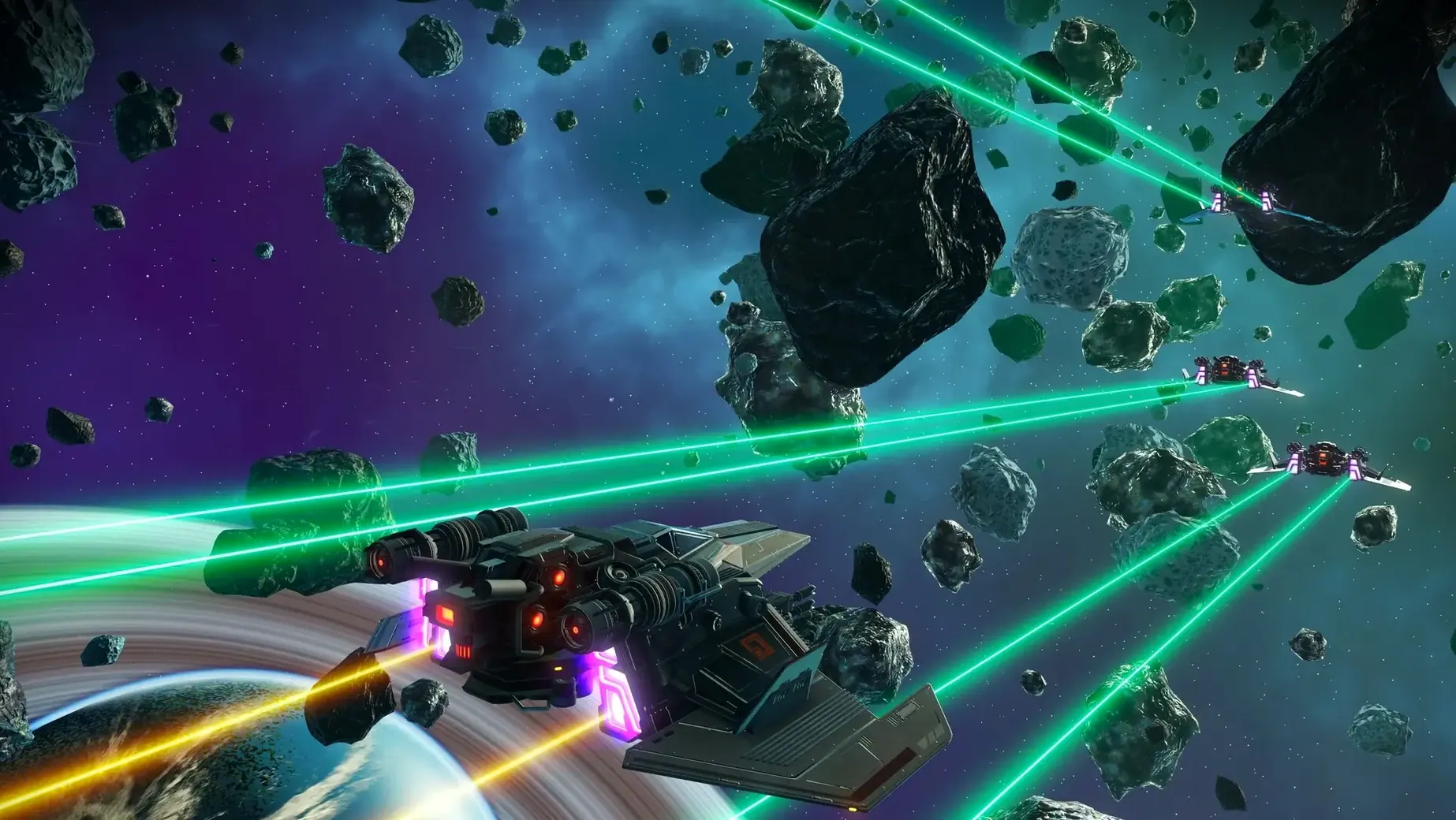
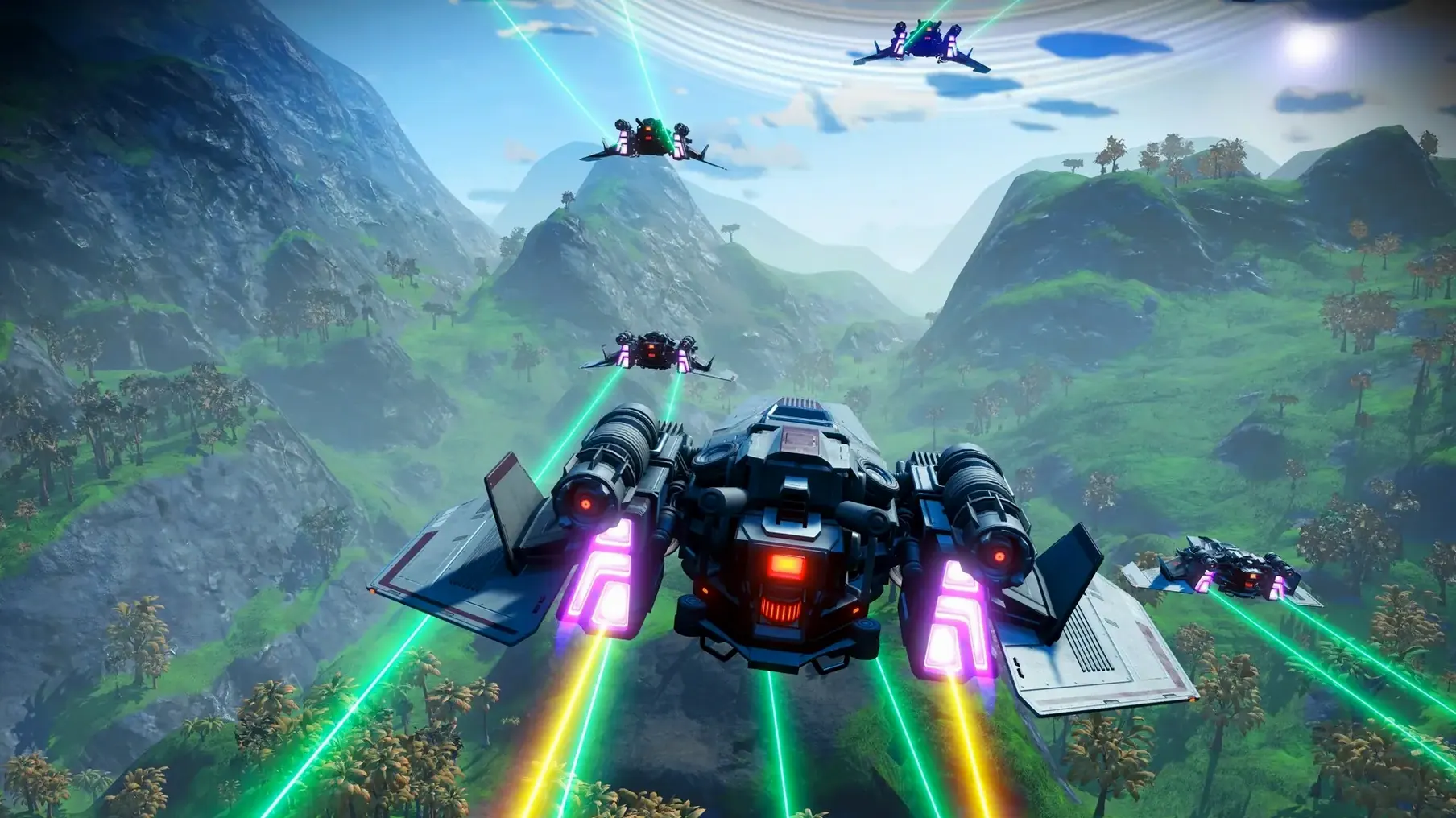
One minute you are scanning flora for credits, the next a pirate scan forces you into a dogfight or a sprint to the planet surface. Fleet convoys hang near freighters, and you can choose to defend them, ignore them, or raid their cargo. The test machine — a Mac mini 2024 M4 running macOS Tahoe — handled these transitions without stutter under Metal, even in asteroid-dense fields.
What’s the long-term rhythm?
Progression follows a loose spine of base-building, freighter command and story threads woven into the Anomaly. But the pull comes from self-set goals: learning enough of an alien language to understand a distress beacon, or stockpiling warp cells to reach a distant class-O sun because it looks promising.
Under three seconds from orbit to surface
On an M4 Mac mini, No Man's Sky settles into a steady rhythm. Planetary entry — the moment the surface streams in from a blur of cloud and atmosphere — completes in under three seconds with default settings. Warp jumps between systems take roughly the same, and the hyperspace tunnel effect masks the load cleanly. Frame pacing stays even during dense scenes: a storm-lashed forest with two dozen creatures in view held at a smooth rate without the fan becoming audible.
Memory use sits around 6 to 8 GB after a long session with several base parts loaded. That leaves room for a browser and a chat app in the background without swap pressure. The Metal rendering pipeline does the heavy lifting; the CPU stays modestly loaded even when the terrain generator is building a new landscape on arrival. Crashes were absent across eight hours of testing — patch 7.04 has ironed out the worst of the instability some players reported after the Cosmos update first landed.
Rust-coloured planet, right where you saved
You launch the game and the starfield loading screen appears. Ten seconds later you are standing beside your ship on a rust-coloured planet, the last place you saved. The game restores your exact position, inventory and active mission. A quick glance at the hazard protection bar tells you the air is toxic, so you make for a cave mouth fifty metres away while the suit hums its warning.
Inside the cave, cobalt glows in the dark. Your multi-tool mines a stack while you check the galaxy map for a nearby system that buys cobalt at a markup. The map shows a Gek-controlled economy two jumps away. You mark it, return to the ship, and lift off. The atmosphere thins around you, stars sharpen, and the pulse drive kicks in. Two minutes later you dock at a space station, sell the cobalt, and spot a new multi-tool in the vendor cabinet that outclasses your current one by three slots. You buy it, install a scatter blaster mod from your inventory, and set a course for a planet the station's cartographer marked as having ancient bones.
Building a first mining outpost: a workflow
The task is simple on paper: establish a small base that extracts copper automatically. In practice the chain of steps pulls you through several of the game's systems at once.
- Fly low over a planet with copper deposits, scanning from the ship until a resource node appears on the radar.
- Land nearby and walk to the deposit. Deploy the terrain manipulator and mine at least 250 copper.
- Open the build menu and place a base computer. Claim the site — the game registers the location on your discoveries list.
- Construct a mineral extractor on the deposit hotspot. The survey visor shows the density percentage; anything above 60% is worth the effort.
- Build a supply depot within the extractor's pipe range and connect them with a supply pipe. Power the extractor with solar panels and a battery, placed on open ground nearby.
- Build a teleporter ring beside the base computer, wired to the same power grid. Name the base so it appears on your teleport list.
- Wait two minutes for the depot to fill, then collect the stack. The copper feeds into your suit refiner to make chromatic metal, which in turn fuels the next warp cell.
The whole sequence, from atmospheric entry to the first full depot, takes roughly twenty minutes. After the initial setup, every return trip nets a fresh stack with zero manual mining — the extractor runs silently in the background while you are halfway across the galaxy.
Buy an exosuit slot at every station
The opening hours throw a lot of systems at you. These pointers help settle the noise into a manageable loop.
- Prioritise suit inventory slots early. Every space station sells one exosuit upgrade at the vendor next to the character customiser. Summon the Space Anomaly in each new system for a second upgrade at the back of the research hall. Two slots per jump adds up fast.
- Turn off PvP in network settings. Cross-play is on by default, and while most encounters are peaceful, a single griefer in the Space Anomaly can disrupt a session. The toggle is under Options > Network.
- Keep a stack of sodium and oxygen on the ship at all times. Hazard protection and life support drain in the background even when you are managing menus. A frantic scramble for sodium in a storm is avoidable with a buffer of fifty units in the cargo hold.
- Use photo mode as a scout. The camera can fly ahead of your position, revealing cave entrances, resource deposits and sentinel patrols without spending launch fuel. It also pauses the game, giving you time to plan a route through hazardous terrain.
- Freighter battles trigger after three hours of play and five warps. Wait for a capital-class freighter design you like before accepting the first free one. The class and slot count are fixed once you claim it.
On a Mac the game runs capably enough that a no man's sky mac download slots into a library without reservation, and those familiar with the console or Windows versions will find the Mac port faithful — sometimes quieter, often smoother. The same cross-save compatibility means a session started on one machine continues on another, though that is a topic for another aspect.