Aspecten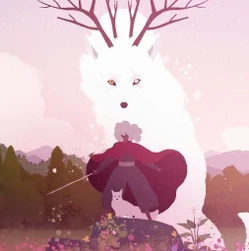
 Download (9 GB)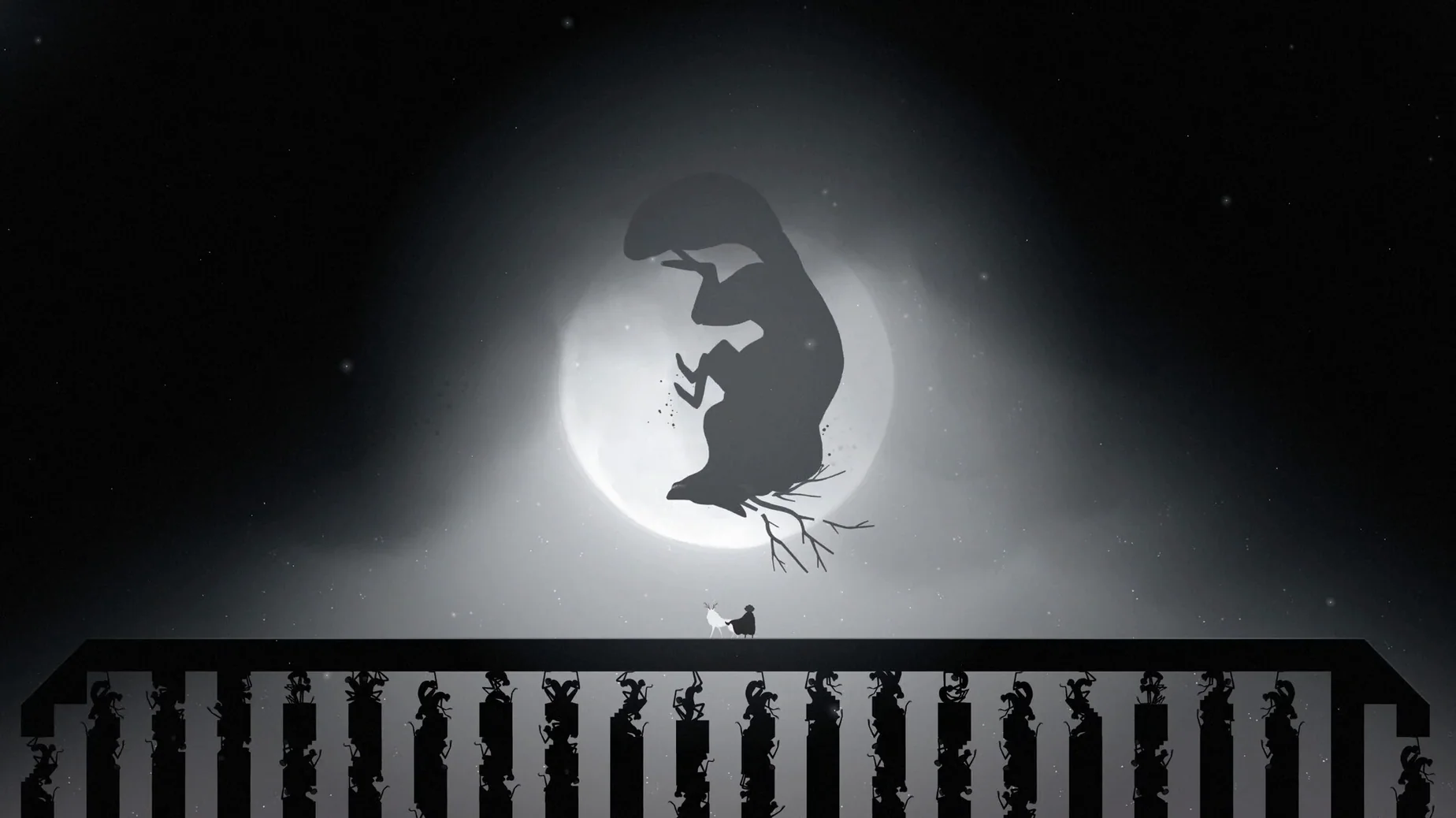
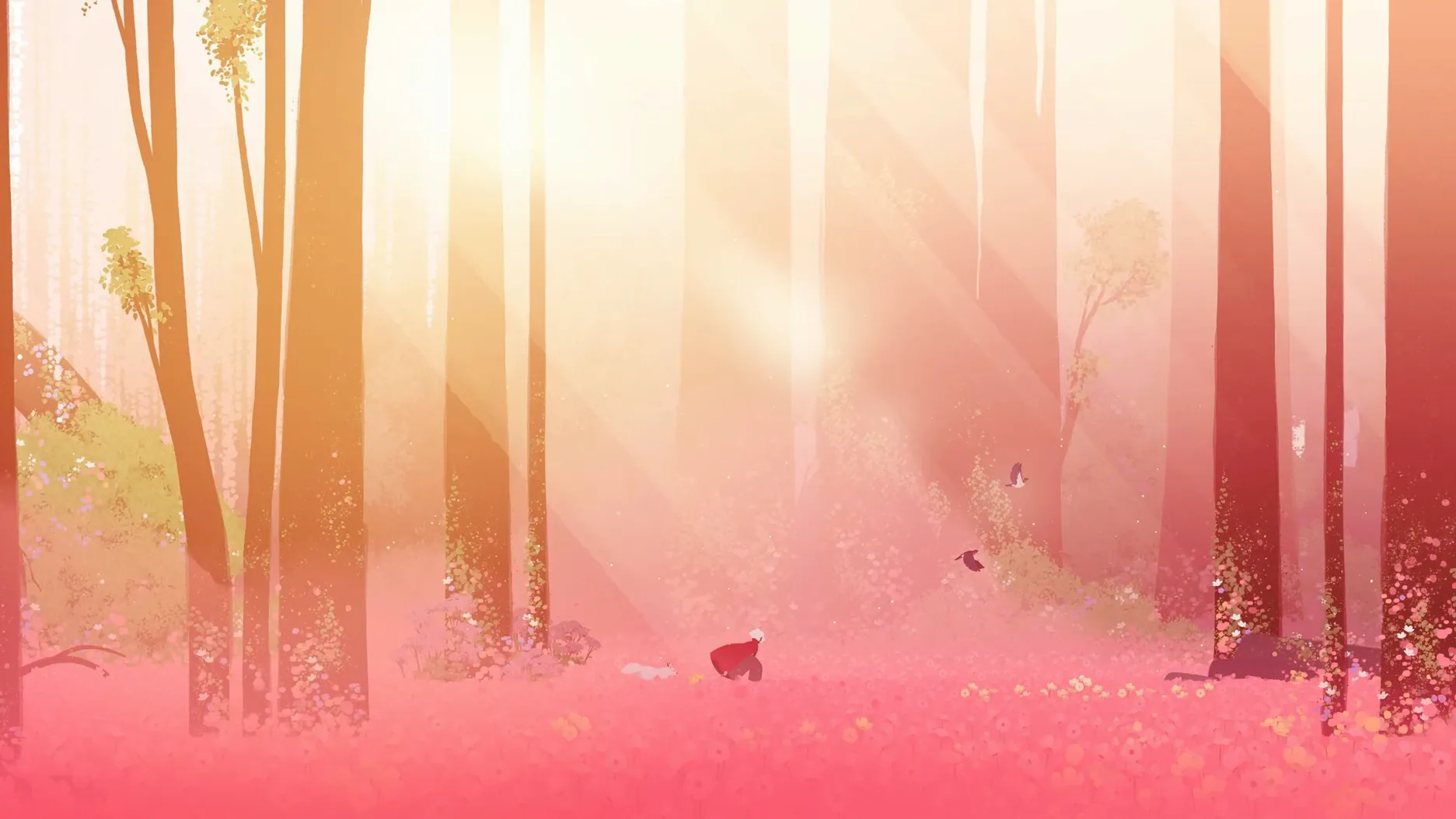
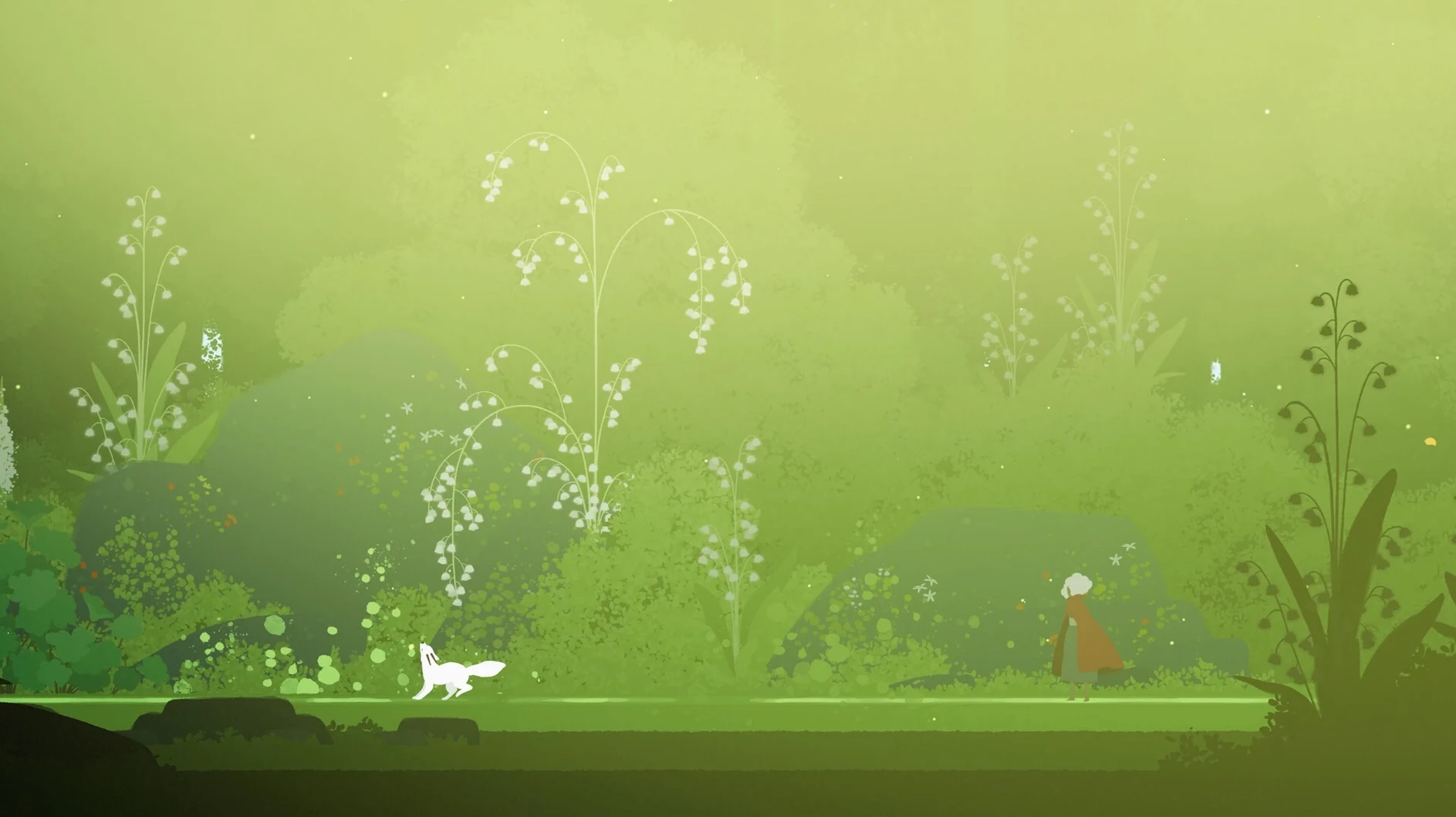
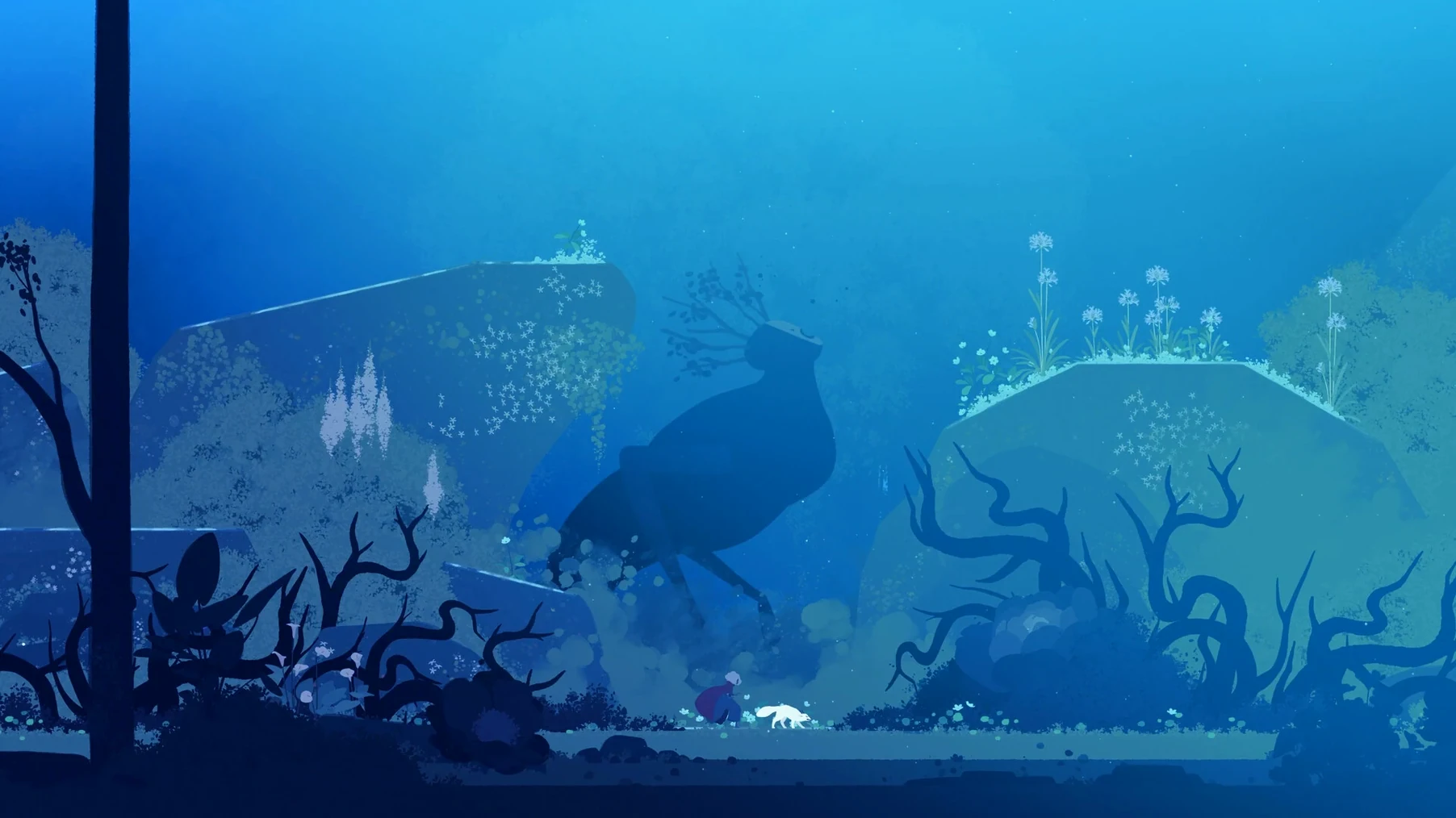
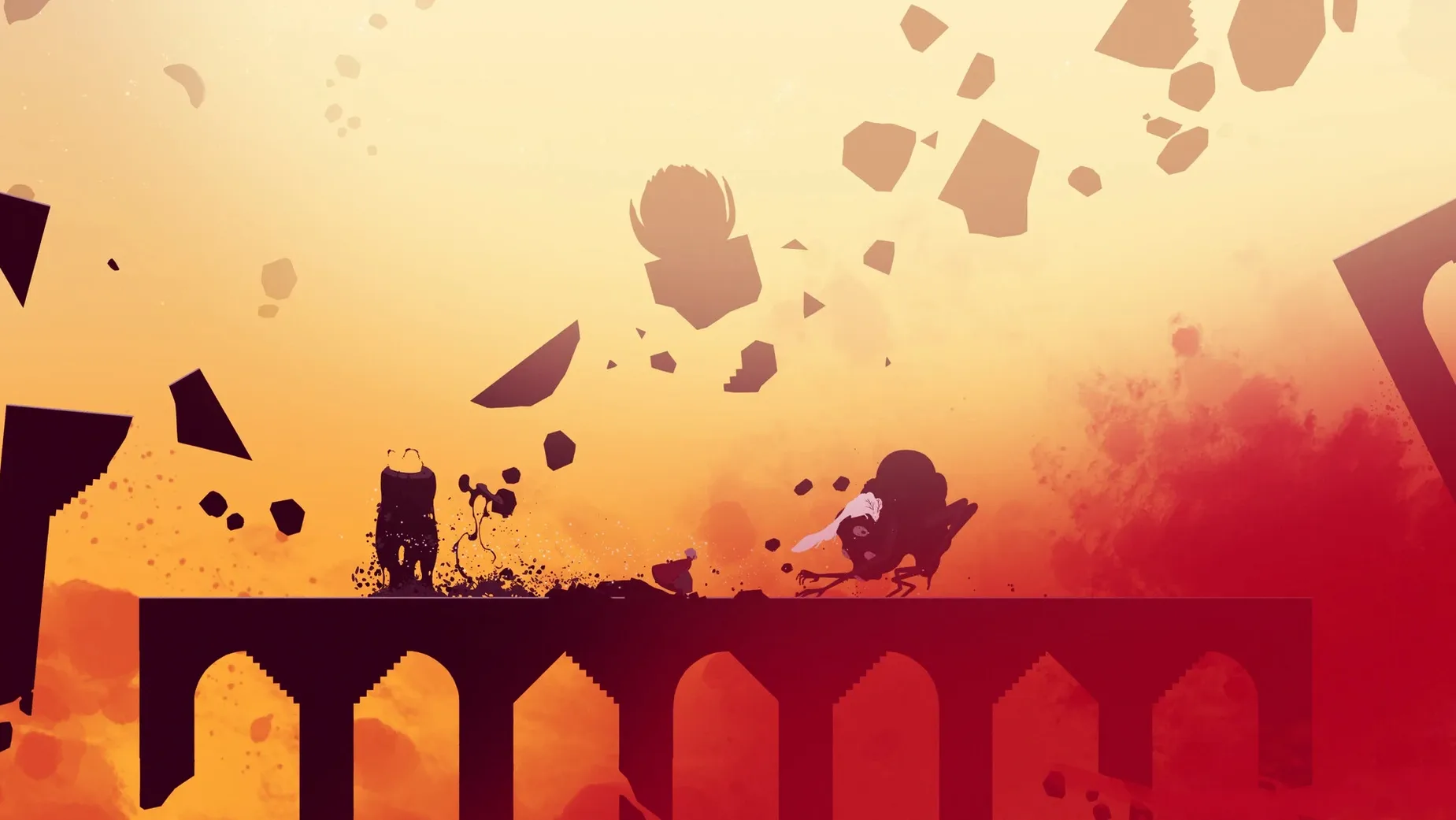
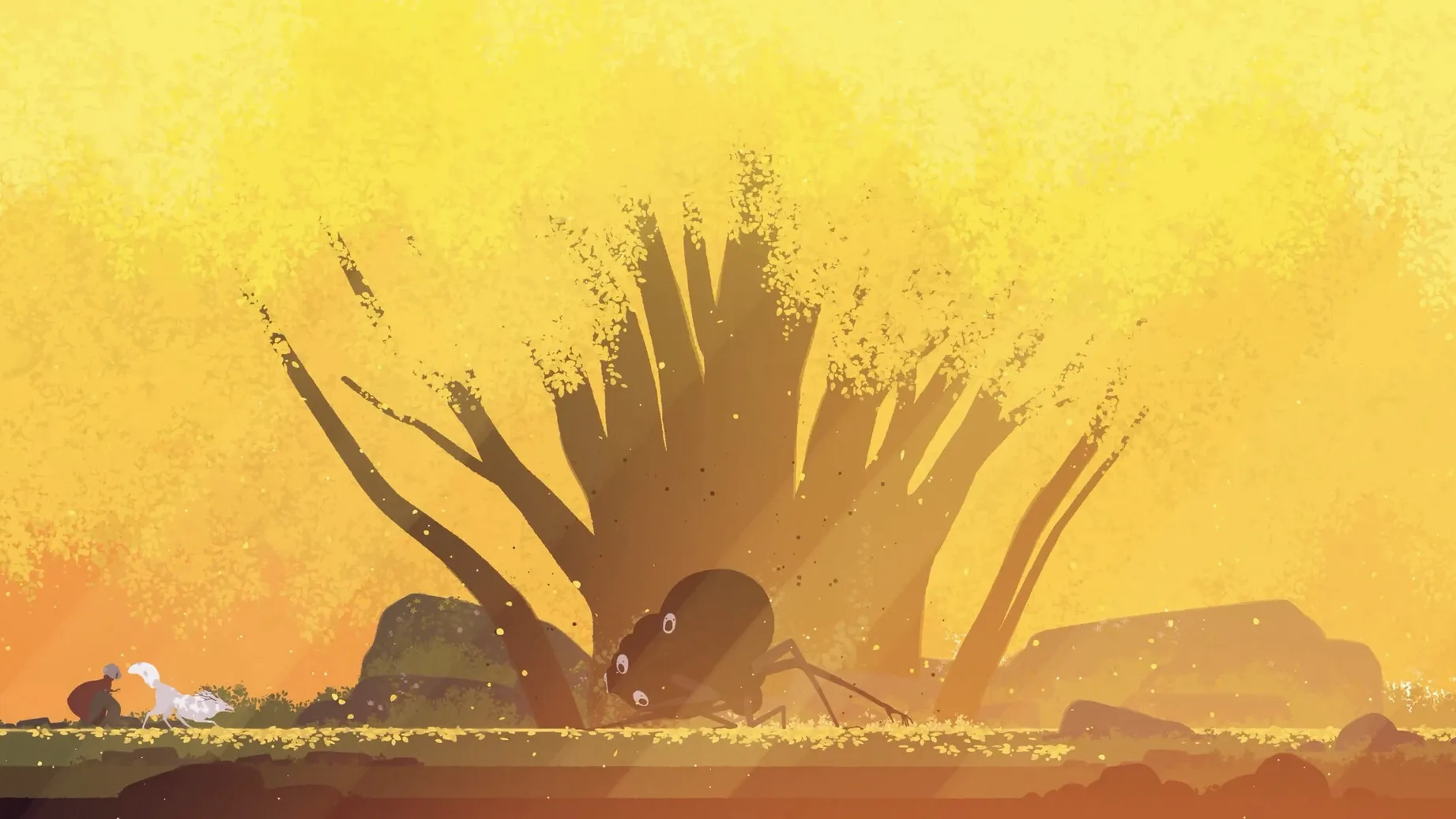
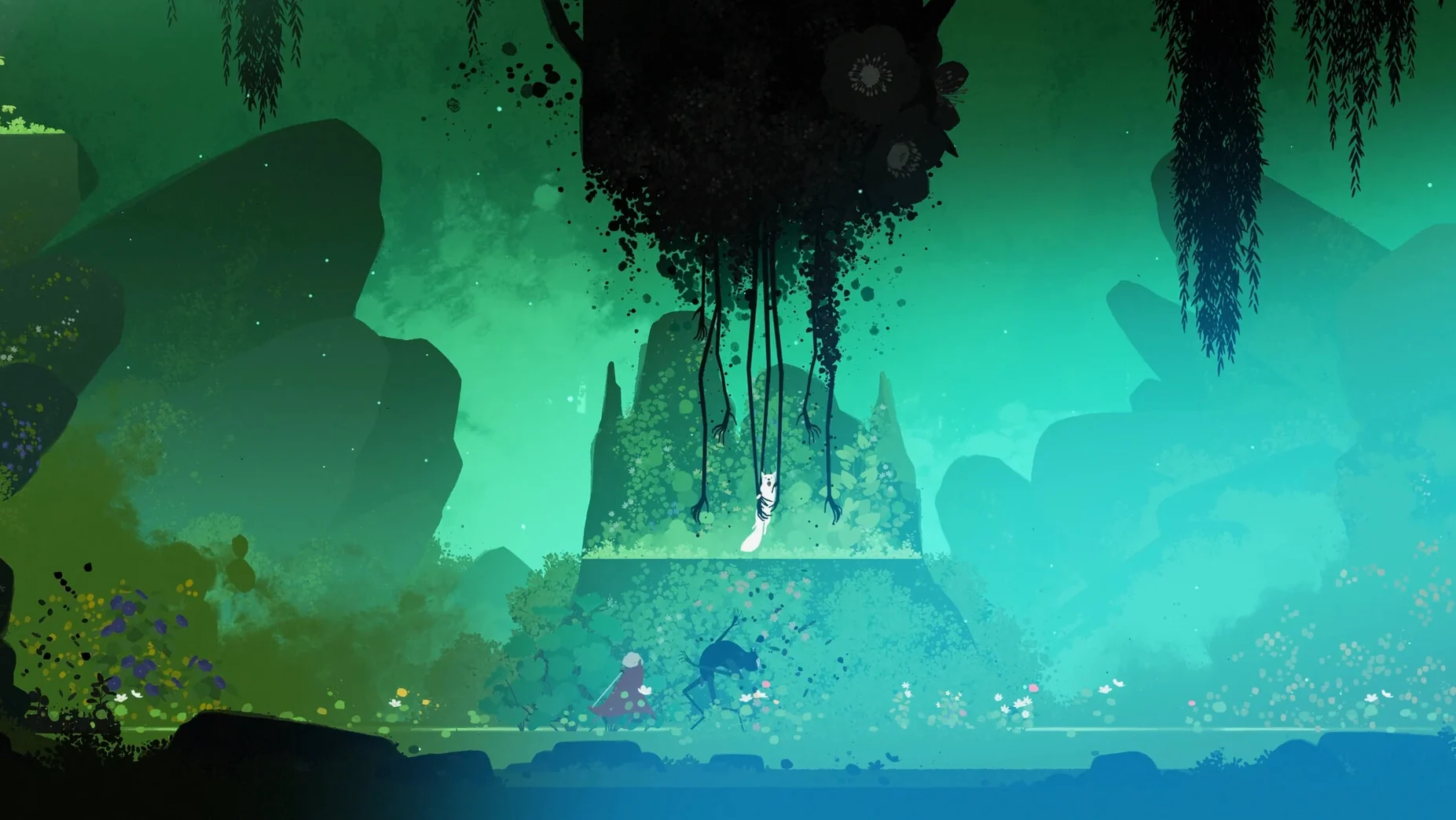
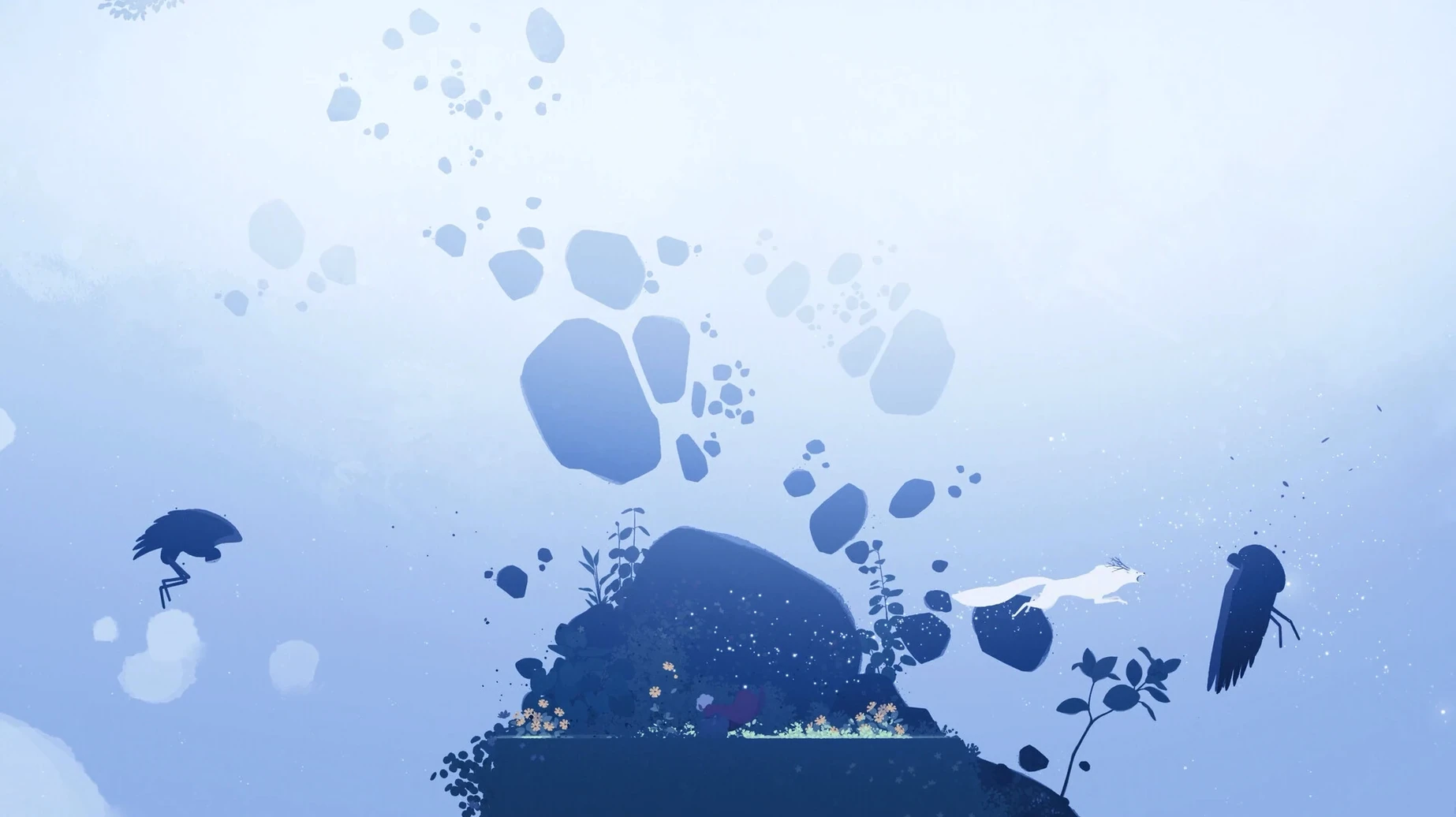
Neva settled into a quiet rhythm after its release, with no new version changes to report. The game itself remains a fixed, wordless journey.
Calling the wolf cub to fight dark creatures
- Guide Alba across crumbling terrain and decaying forests, with the wolf cub following or scouting ahead.
- Use a sword for light platforming combat—slashing dark creatures that spill across the ground.
- Call the cub with a button press; it yelps, solves simple environmental puzzles, and grows between chapters.
- Watch the bond shift: the cub starts small and dependent, then becomes a partner you ride and fight alongside.
How it feels moment to moment
Play moves between stillness and sudden danger. One minute you are crossing a meadow, the next you are slashing through a blackened thicket. The world changes with the seasons shown on screen—spring greens to winter whites—and the cub’s size and ability grow accordingly. There is no spoken dialogue or text. Mood comes from colour washes, moving grass, and a soundtrack that tightens during encounters with dark forces.
Fixing the sluggish camera before your first run
Before starting a new game, open the settings panel from the title screen. The default camera speed feels a touch slow for reacting to enemies that appear from the screen edges. Raising the camera sensitivity slider to about 70% makes turning snappier without overshooting. If you play on a MacBook with a trackpad, you may also want to switch the run input from hold-to-sprint to toggle. It spares your finger during the longer traversal stretches between combat encounters.
Check the audio balance too. The soundtrack is lovely but by default it can bury the wolf cub’s calls, and those sounds are sometimes your only clue that the cub has found something off-screen. Pull the sound effects volume up a few notches above the music, or at least keep them equal. The subtitle option is off by default and irrelevant here—there is no spoken dialogue to subtitle—so leave it alone.
First days with Alba and the cub
The early chapters teach you the basics through action rather than tutorials. Spend the first hour paying attention to how the cub reacts to distance. If you run too far ahead, it whines and hesitates. That is not just flavour: standing still and calling it resets the cub’s pathfinding, which sometimes stalls on jagged terrain. Get into the habit of pausing after each combat group and tapping the call button once. It keeps the cub close and stops you from backtracking to fetch it.
Combat asks for patience more than speed. Enemies flash white just before they strike—that is your dodge cue. Dodging early and slashing once or twice before rolling away again works better than button mashing. The sword combo resets if you pause too long between swings, so try a rhythm of two slashes, dodge, one slash. Against shielded foes, wait for the cub to stagger them first; you cannot break their guard alone until much later.
Explore the edges of each screen. Hidden paths often sit behind low foliage or crumbling pillars, and they lead to small collectibles that have no mechanical purpose but reward you with a short scene of the cub playing or resting. The game never tells you these exist, so poking at corners becomes its own quiet activity.
Bypassing the black screen on cracked Apple Silicon builds
A handful of players on Apple Silicon Macs have run into a black screen on launch, particularly when using the Neva for Mac cracked build downloaded outside the usual channels. The fix is usually straightforward: right-click the app, choose Get Info, and tick Open in Low Resolution. That forces the game to run at a non-Retina scale and sidesteps whatever render path trips the blank frame. You can untick it again once you are past the title screen, though most people leave it on and notice no visual difference.
Another occasional problem is the cub freezing in place near the end of chapter two, around the collapsed bridge. Quitting to the main menu and using Continue usually resets its position. If the cub remains stuck, select Chapter Select and replay the last section of that chapter; your overall progress is saved per chapter, so you lose only a few minutes.
Controllers sometimes disconnect during the winter sequence. Unplugging and reconnecting the controller mid-game works, but the game does not always re-register it without a restart. If button presses do nothing after reconnecting, quit fully and relaunch—the autosave catches you at the last screen transition, so progress loss is minimal. Keyboard-only players should note that the default keybind for dodge is left Shift, which is easy to fat-finger on compact Mac keyboards; rebind it to Z or a side mouse button in the input settings.