Aspecten
 Download (24 GB)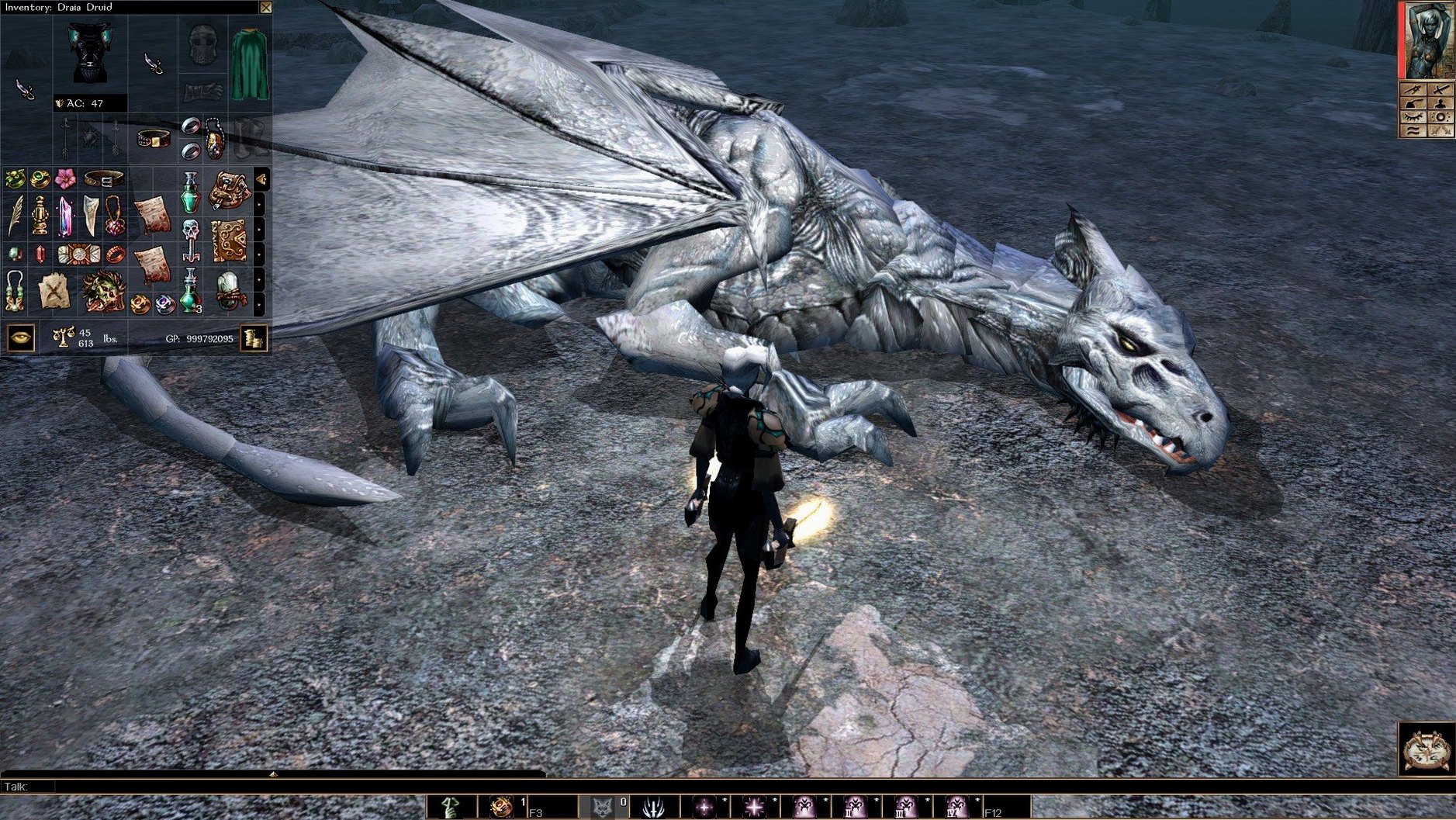
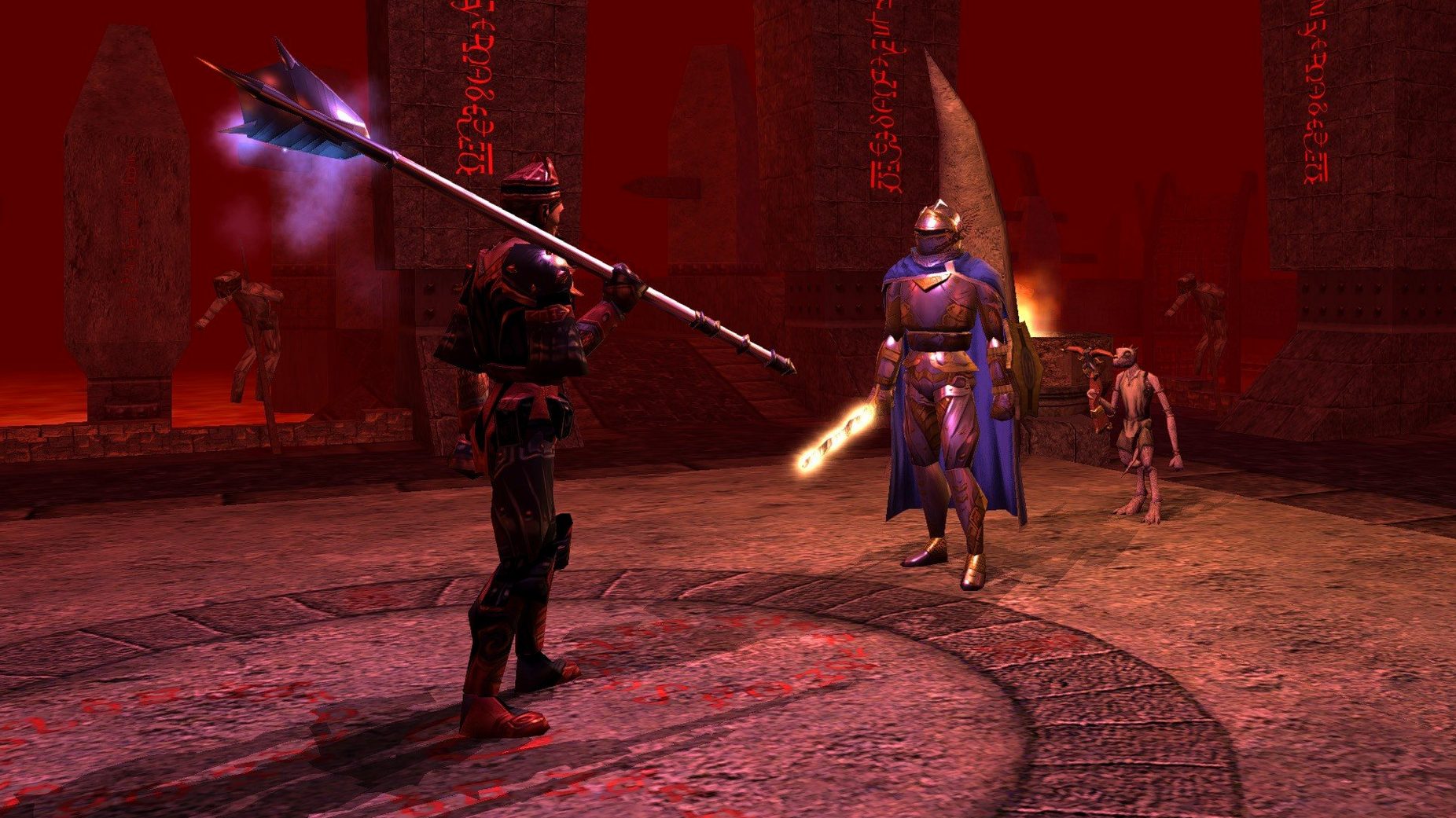
Build 89.8193.37.17 is a fix release, addressing underlying stability rather than adding features. The core package remains the same: a classic RPG updated to run smoothly on modern systems.
What kind of story does it tell?
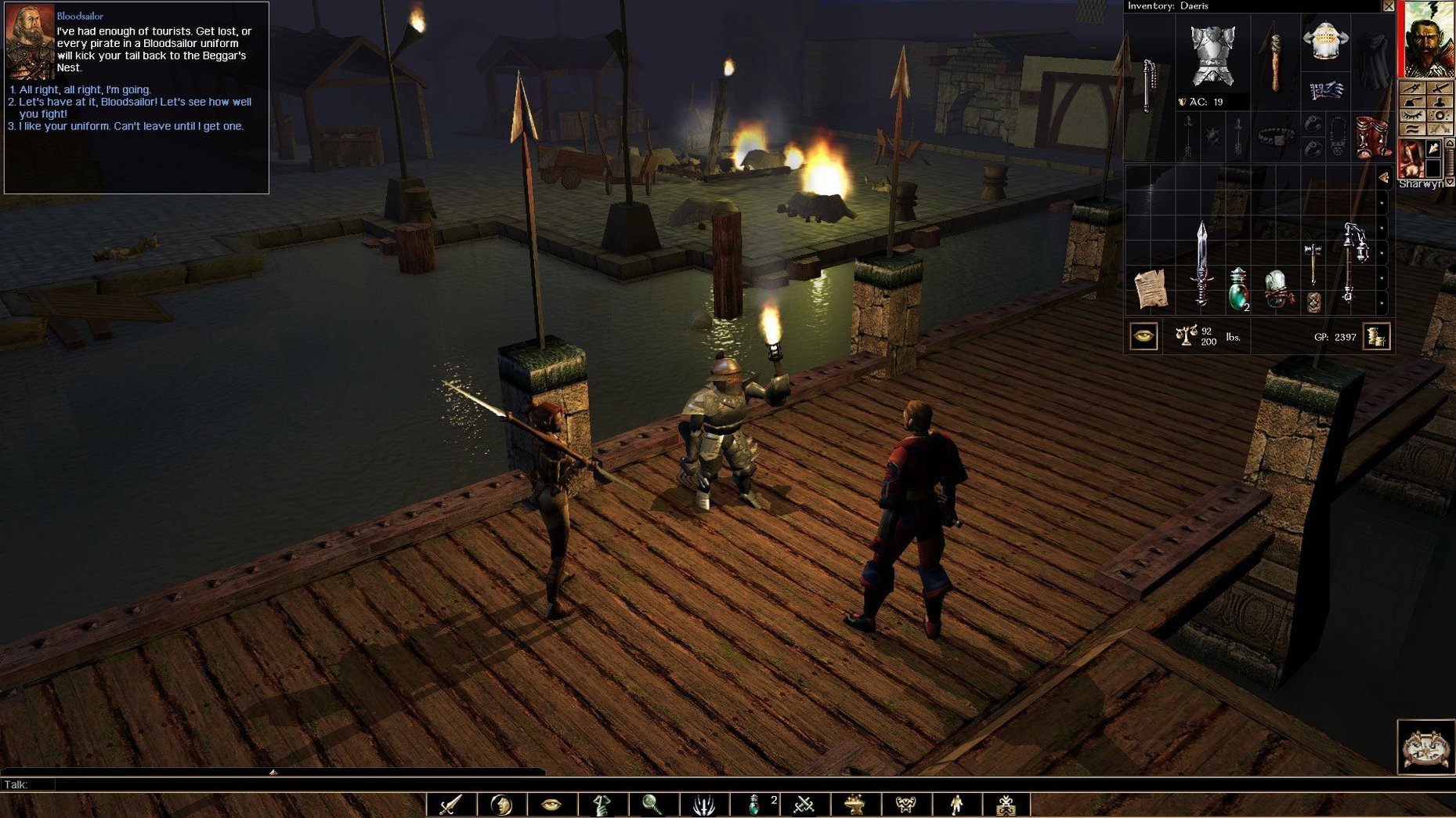
It is a role-playing game set in the Forgotten Realms, built on Dungeons & Dragons rules. Your character's appearance and personality traits are chosen at creation, and decisions you make during play can shift how later events unfold.
Who will enjoy the creative side?
Players who like designing their own adventures get a lot of material. The package contains all content from the Diamond Edition and supports community modules and mods through the Steam Workshop, though the adventure-creation toolset itself is Windows-only.
What does the Enhanced Edition improve visually?
Graphics and animations have been updated, and full-screen post-processing effects are available. It is a gentle refresh rather than a modern rebuild, so the look remains faithful to the original.
Turn-based roots may frustrate action-RPG fans
Anyone expecting a contemporary action-RPG pace will feel the age of its systems. A player who wants to write modules directly on a Mac will also be disappointed that the toolset requires Windows.
Windowed by default, works with Spaces
Neverwinter Nights: Enhanced Edition behaves politely inside macOS. It runs as a standard windowed application by default, though full-screen mode works through the green traffic-light button — no hidden launch options needed. Switch between the game and other spaces with a three-finger swipe, and the game pauses cleanly in the background rather than chewing through CPU cycles.
Spotlight indexes the save-game folder automatically. If you keep your saves in the default location inside ~/Documents/Neverwinter Nights, searching for a character name pulls up the folder directly. This matters once you accumulate dozens of saves across multiple modules and want to archive a campaign without digging through Finder hierarchies.
Voice chat apps coexist without friction. Discord, FaceTime and the game's own multiplayer voice codec all work side by side, though you may want to adjust the game's audio ducking in the sound options so dialogue isn't buried under a conversation. The game also registers correctly with macOS Screen Time, so a session appears in your usage reports — useful if you like to track how evenings disappear into the Sword Coast.
For anyone who plays across machines, the save format is identical to the Windows and Linux builds. A campaign folder dropped into the equivalent path on another platform resumes without conversion. Community modules downloaded through the Steam Workshop land in a shared directory that the game scans at launch, and you can also place manually downloaded .mod files into the modules folder yourself. The game does not lock you into a single source for content.
Drag emotes and macros to the quickbar
Several details sit just outside the main options panels. The quickbar — that row of slots along the bottom of the screen — accepts more than abilities and items. Drag a dialogue macro or an emote onto it, and a single keypress triggers a spoken line or gesture in multiplayer. Holding Shift while clicking a stack in the inventory splits it, which the tutorial never mentions. Holding Control while targeting a spell shows the area-of-effect radius before committing the cast, preventing a fireball from clipping your own front line.
The radial menu changes depending on what you right-click. Right-clicking empty ground gives movement and rest options; right-clicking a party member opens their full command set. A lesser-known shortcut: Tab highlights all interactive objects and containers in the current area. In older modules with cluttered tilesets, this saves hunting for a door handle hidden behind a wall prop.
Camera behaviour benefits from a small adjustment. The default chase camera is serviceable, but switching to top-down strategy mode in the camera settings — then zooming out with the mouse wheel — gives a cleaner view during large encounters. A tap of the End key snaps the camera back behind your character instantly, a shortcut that stays consistent even when you have remapped other controls.
Multiplayer server browsing includes a filter box that accepts partial server names and module titles. Typing a fragment such as "arab" narrows the list to persistent-world servers running Arabian-themed modules. The direct-connect option under the multiplayer menu also lets you paste an IP address from a forum post without launching the full browser.
Enable depth of field for softened scenery
Open the graphics menu before starting a campaign. The default settings lean conservative, and a few toggles make a noticeable difference without straining modern Mac hardware.
- Depth of field — Off by default. Enabling it softens distant scenery during dialogue, which suits the fixed camera conversations better than the flat default look.
- UI scaling — Set it to match your display. On a 4K screen, the interface becomes illegible at 1.0 scaling. A value around 2.0 restores readable text and usable hotbars without upscaling blur.
- Contrast and vibrance — Both sit at neutral by default. A slight vibrancy bump, around 10–15%, helps the updated textures read better on a Retina display. Overdo it and the colour grading in darker modules tips into garish territory.
- Auto-pause triggers — Under gameplay options, the game can pause on enemy sighted, trap detected, or party member downed. The defaults leave most of these off. Turning on pause-on-trap-detected saves a rogue's life more often than you would expect.
- Combat log verbosity — The feedback window defaults to a minimal setting. Setting it to full reveals attack rolls, saving throws and damage calculations, which helps when you need to understand why a spell fizzled against a creature's spell resistance.
Sound settings include a slider for environmental audio. Crank it up if you play with headphones; the positional audio in dungeons and forests uses it well, and low settings flatten the atmosphere.
Enhanced skyline glow greets you on launch
You launch the game and the main menu loads with the Neverwinter city skyline behind it — the enhanced post-processing gives the towers a faint glow that the original build lacked. You select Load Game, pick a save from halfway through a community module, and wait roughly four seconds as the area assembles.
Your party stands in a torchlit crypt. You left off mid-exploration, and the auto-pause on area transition drops you straight into tactical view. You tap Tab; a sarcophagus highlights, along with a pressure plate on the floor. Selecting your rogue, you order a disarm attempt from the radial menu. The combat log in the corner streams the die roll and the trap's DC, and the pressure plate clicks inert.
A dialogue with a spectral guardian triggers when you approach the far door. The conversation tree branches based on an earlier choice — you spared a cultist two rooms back, and the spectre acknowledges it, offering a riddle instead of combat. You type a reply using the dialogue box, and the game logs the outcome in your journal automatically.
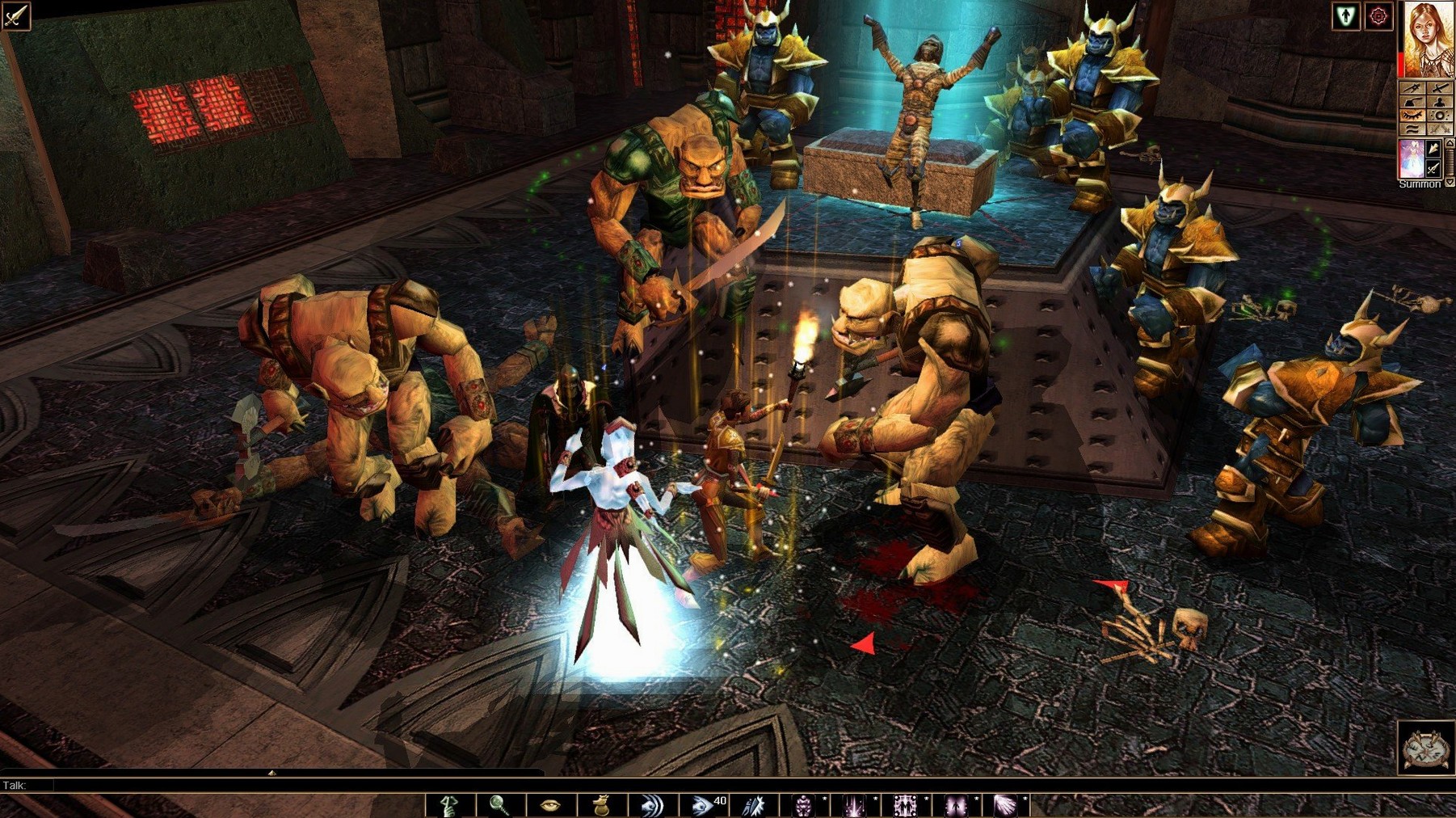
During a fight against a pack of ghasts, you hold Control to check the radius on a fireball before casting, shift-click a potion stack to split it for the fighter, and hit the quickbar slot where you stored a healing kit. Three minutes of combat scroll through the log with full attack-roll breakdowns, and when the last ghast drops, you quicksave and minimise the game with a gesture to check a message — the session pauses, ready to resume exactly where you left it.
Later, you browse the Steam Workshop through the in-game browser, sort by recently updated, and subscribe to a short dungeon module. The game downloads it in the background. You restart the application, the module appears under New Game > Other Modules, and you spend another hour testing a stranger's dungeon design before checking the clock. A typical evening with a neverwinter nights enhanced edition for mac free download install from a community archive works exactly the same way — the game does not distinguish between sources, it just reads the module files and runs them.