Aspecten
 Download (2 GB)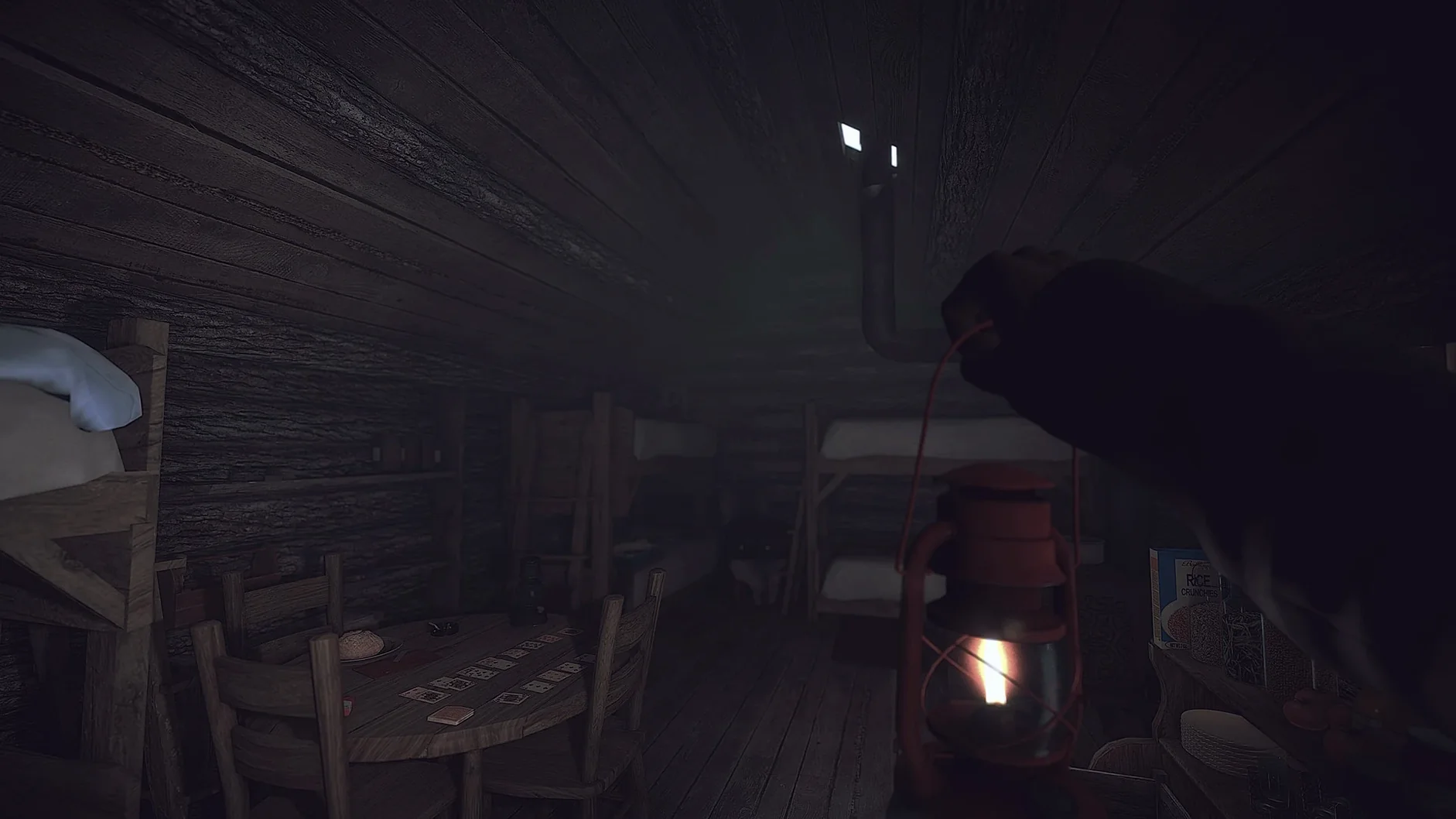

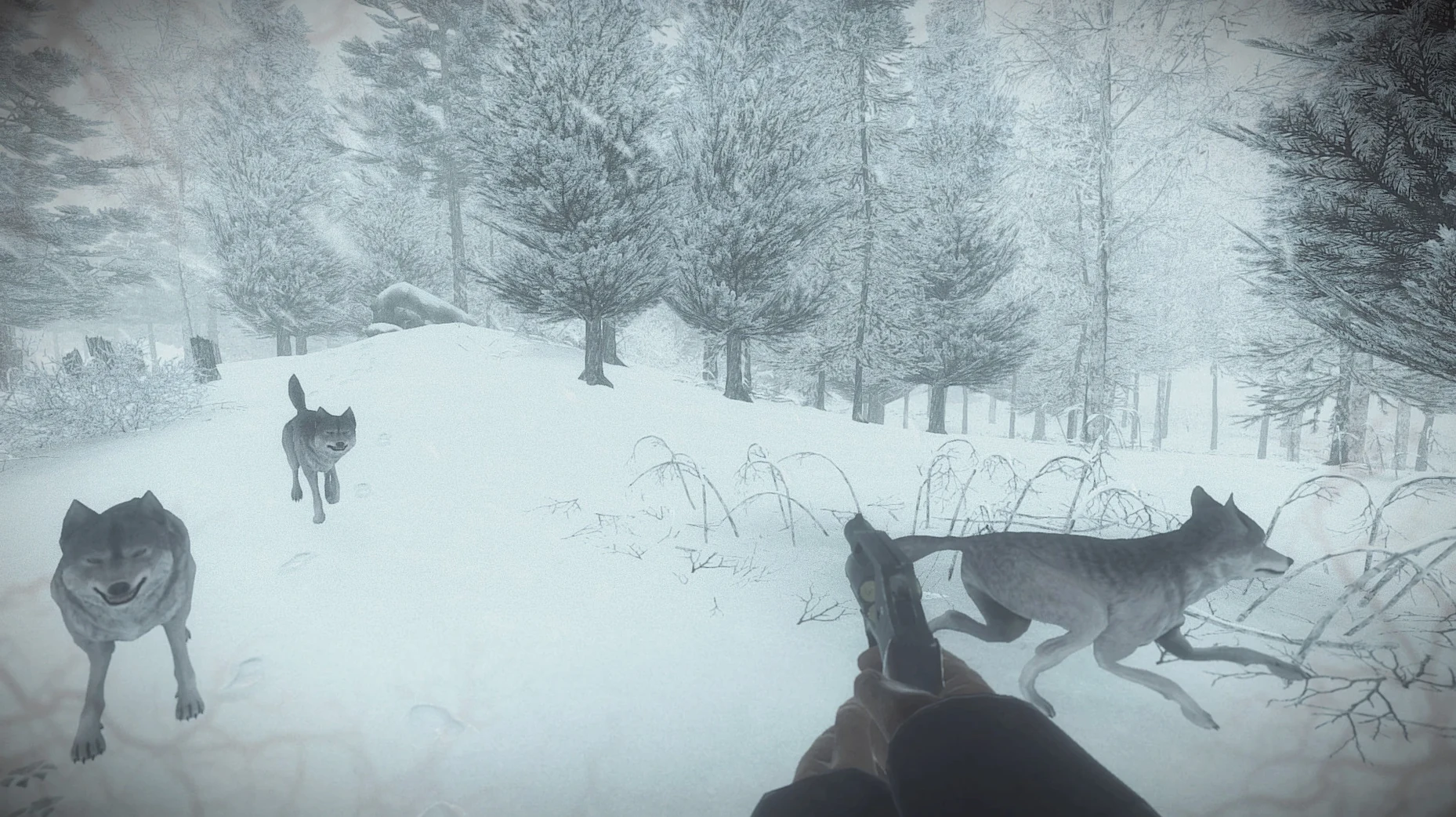
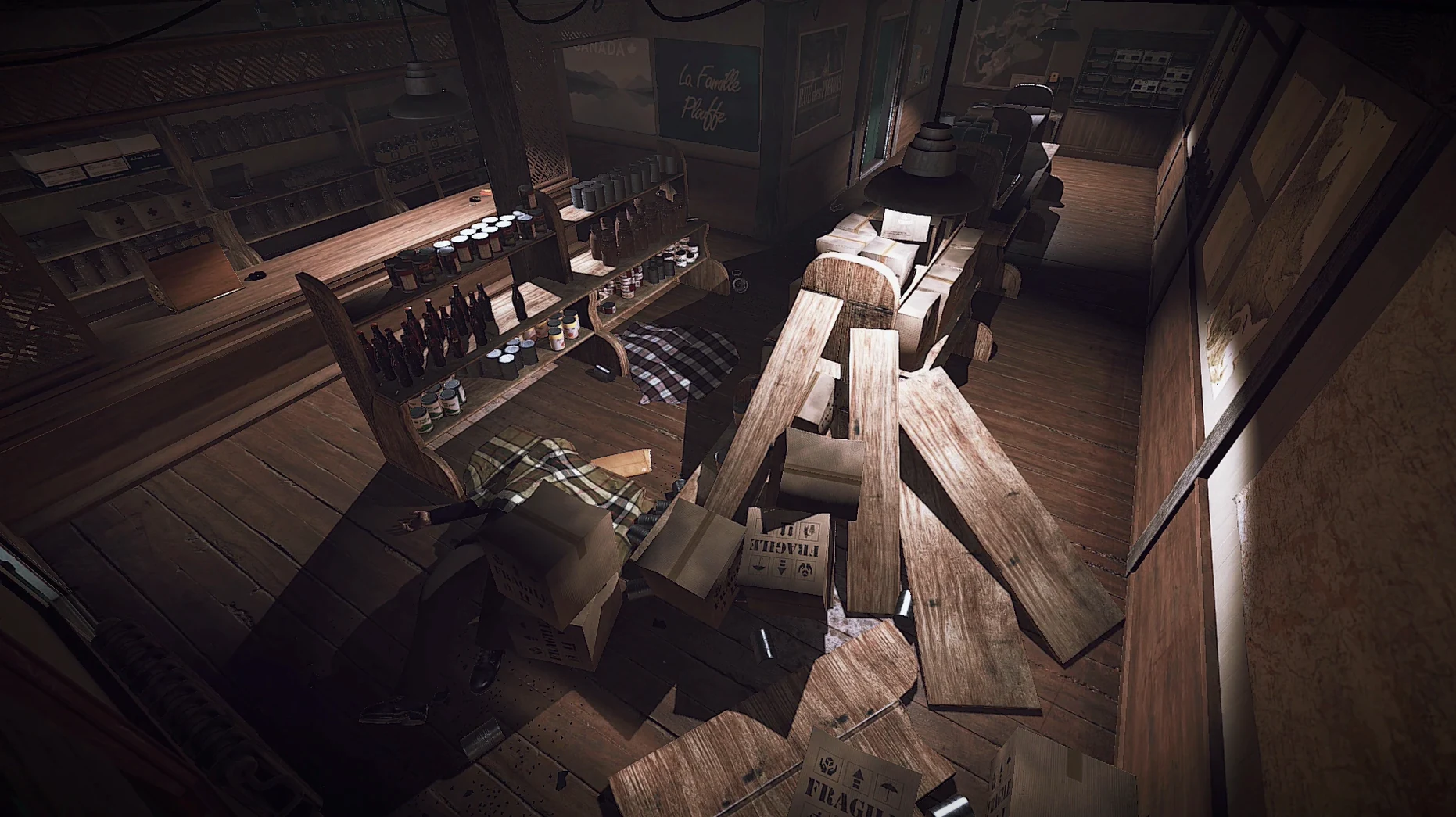
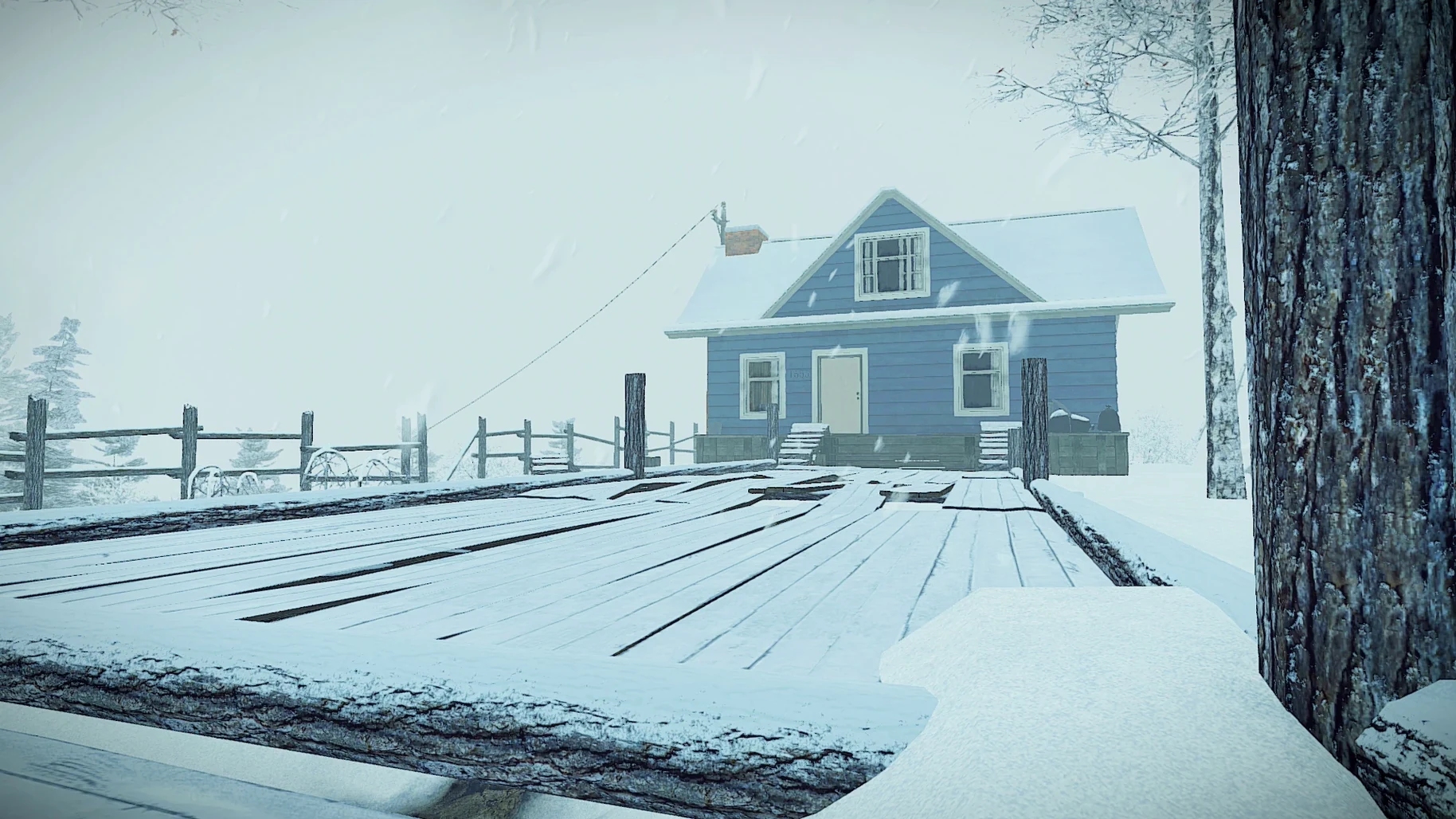
Investigate the village
If you have played a detective game where notes and photographs slowly map out a mystery, Kona works in a similarly deliberate way. You piece together what happened to the frozen community around Atamipek Lake.
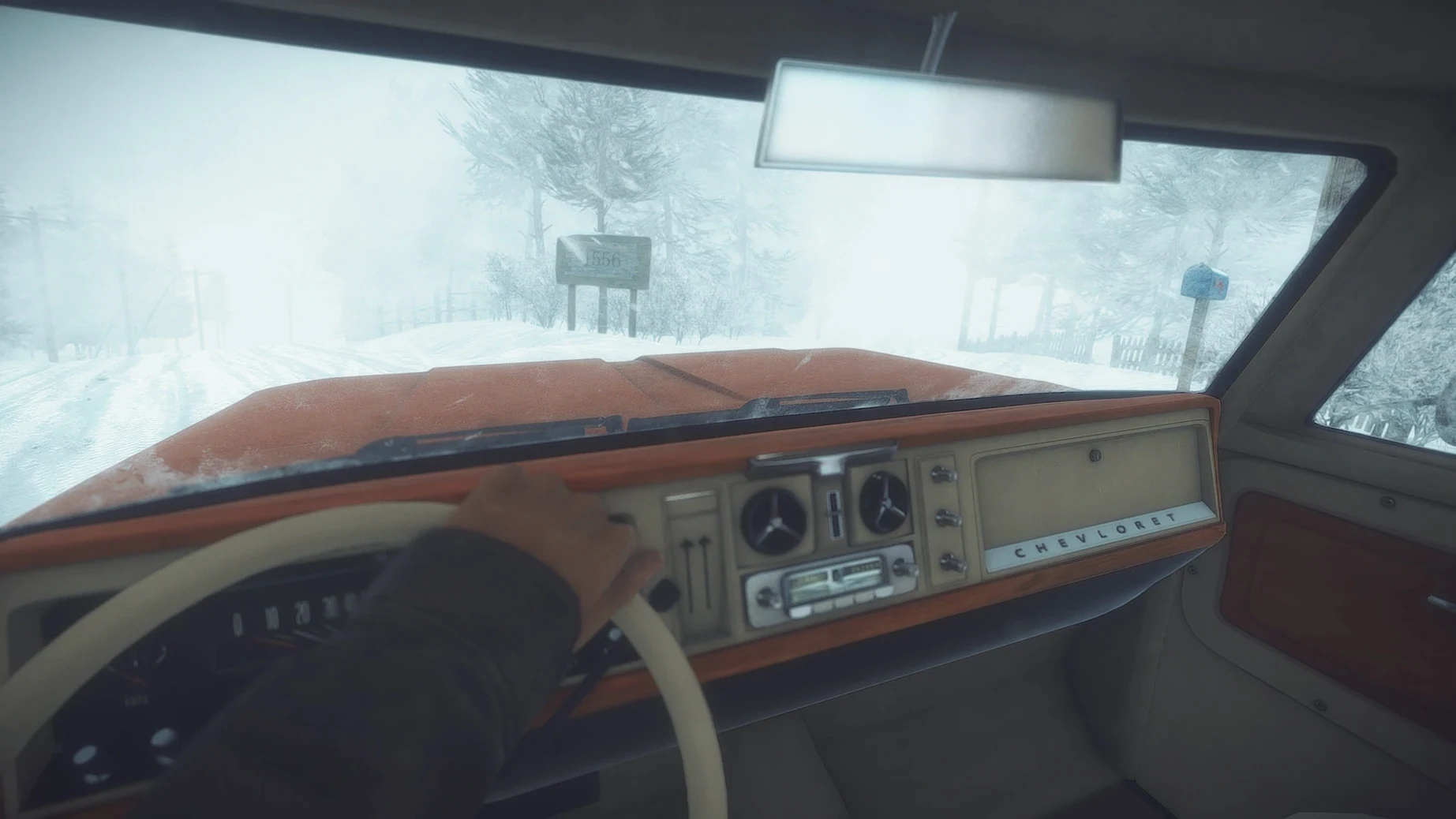
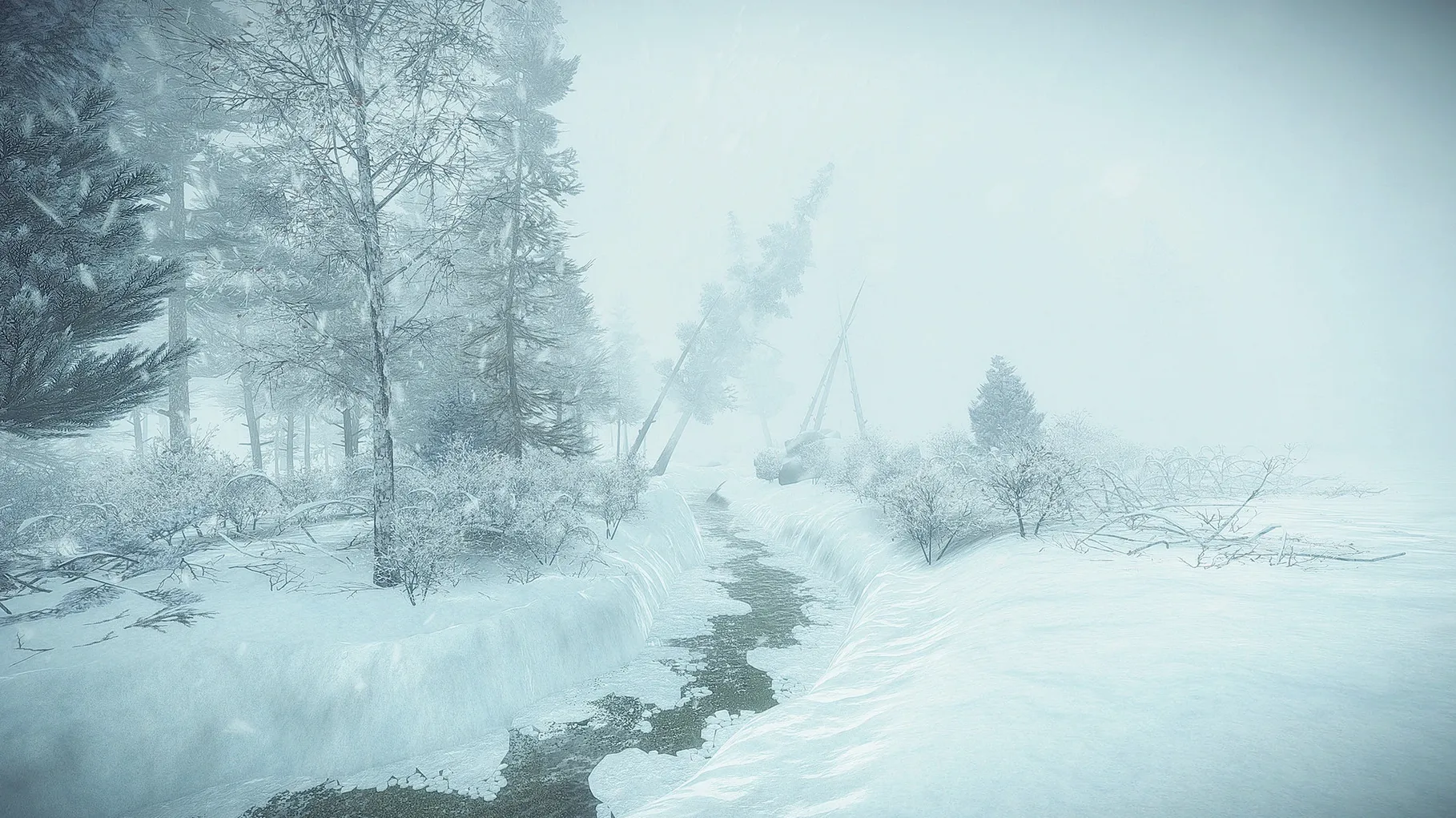
Survive the blizzard
The cold is as much an antagonist as any person. You manage body temperature, scavenge for warmth and keep the elements from ending the investigation early.
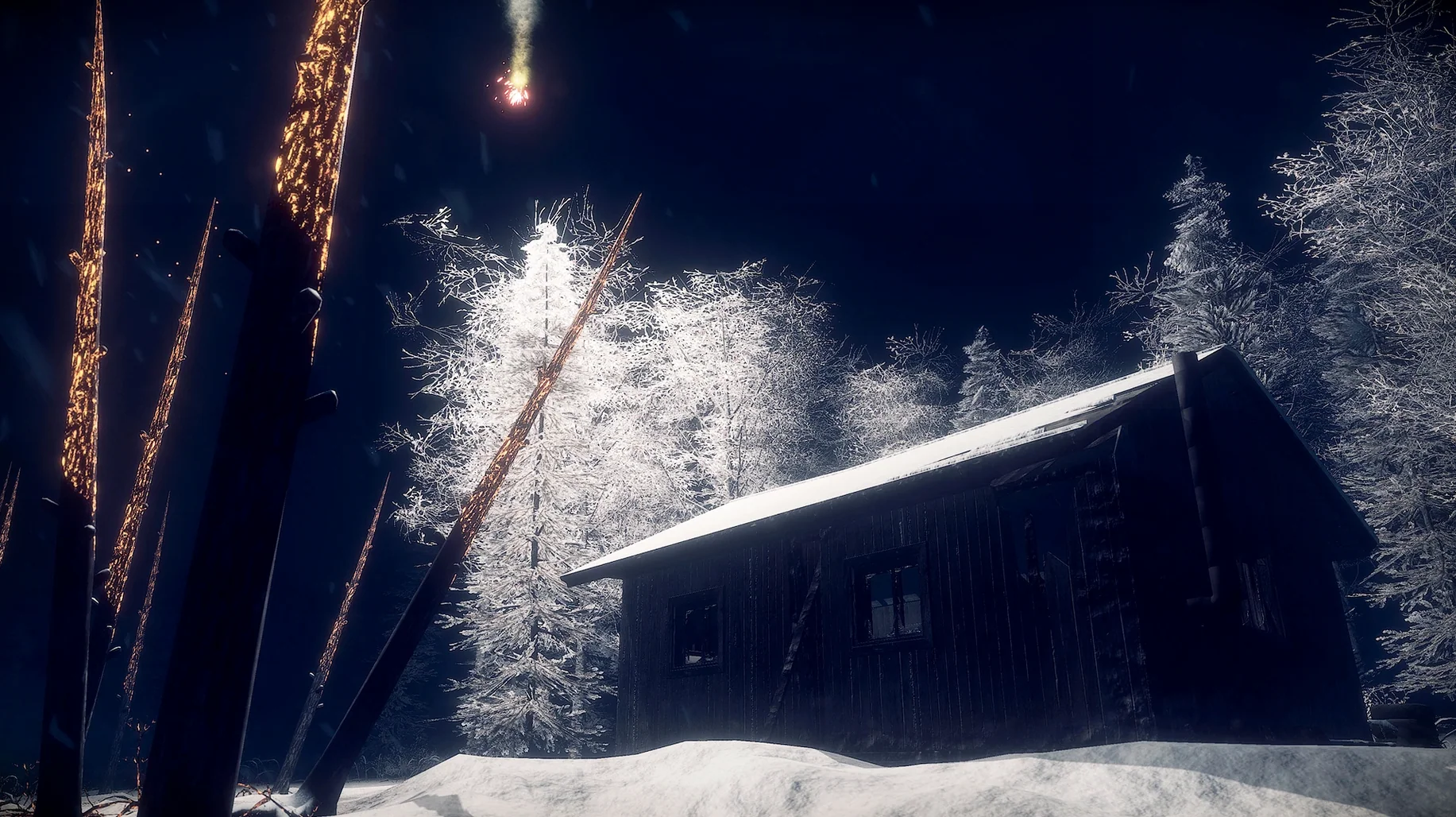
Follow the thread
First days in Atamipek Lake
The opening hours can feel disorienting, not because the mechanics are complex but because the game leaves you to find your rhythm. A few practical habits make the early investigation less punishing.
Gather everything you see inside the general store at the start. Matches, wood, canned food, a crowbar — none of it looks remarkable, but each item has a clear use within the first thirty minutes. The crowbar in particular opens locked doors and crates you will otherwise have to backtrack for, and backtracking in a blizzard costs body heat.
Light a campfire as soon as the tutorial suggests it, then watch how the temperature gauge behaves. Standing next to a fire restores warmth gradually, but the real lesson is how quickly the cold returns the moment you step away. That rhythm — push out, gather, return to heat — becomes the backbone of every excursion. In the first few days, resist the urge to explore far from the truck. The truck itself serves as a mobile safehouse: you can store extra supplies in the glove compartment and warm up inside whenever the engine has fuel.
Pay attention to the narrator’s voice. Early lines can sound like mere flavour, but the omniscient third-person commentary often drops small hints about where to look next or which cabin holds a useful item. It is easy to tune out a voice-over during tense moments, yet the narration is one of the game’s quieter navigation tools.
Placing custom waypoints on the map
Several shortcuts sit just below the surface. The map, for instance, marks locations you have discovered, but you can also place custom waypoints by clicking on it. Doing so adds a small compass marker to the screen, which spares you from reopening the map every few steps while trekking between cabins.
The inventory screen is not just for browsing. Right-clicking an item often reveals a secondary action — examining a photograph more closely or reading the back of a note. Some documents contain information that never appears in the objective log, so the habit of inspecting everything thoroughly pays off.
A less obvious survival trick involves the snowmobile. You encounter it fairly early, and while it seems like a simple faster-travel option, its headlamp illuminates a wider area than the handheld flashlight. During night sequences or in dense forest, riding slowly with the headlamp on helps you spot supply crates and cabin paths that the flashlight misses.
The audio logs you collect can be replayed from the journal at any time. If a name or event mentioned in one log resurfaces later in a note or a photograph, replaying the audio with new context often clarifies a connection that felt vague on first listen.
Launching as a self-contained bundle on Apple Silicon
The version labelled 14034 incorporates the Wineskin wrapper, which shifts how the game behaves on Apple Silicon Macs. Practically, this means the application launches as a self-contained bundle without requiring manual configuration of compatibility layers. The build was tested on macOS Tahoe with a Mac mini 2024 M4, and the wrapper handles the translation from the original Windows executable to ARM architecture without exposing intermediate steps to the user. For everyday play, the effect is straightforward: the game starts, the performance is steady, and the fan noise remains low even during extended sessions.
Language switching happens inside the game settings rather than through a launcher or a separate configuration file. Russian, English, German, Spanish, Simplified Chinese and French are all present in the interface, while voice-over tracks are available in English and French. Switching the interface language mid-playthrough does not disrupt save files, so players who prefer one language for menus and another for narration can find their own mix.
One practical note: if the application throws an error on first launch, the disk image includes a file named Fix. Running it once resolves the launch issue. After that, the game opens normally from Launchpad or the Applications folder.
Widening the field-of-view slider before driving
Before stepping out into the snow, open the settings panel and check two things. First, the field-of-view slider. The default is modest, and widening it slightly — even five or six degrees — reduces the tunnel-vision effect when driving the truck or snowmobile across open terrain. The change is subtle but makes scanning for landmarks easier without distorting the scene.
Second, disable the objective markers if you prefer a less guided investigation. The game still logs objectives in the journal, but removing the floating on-screen markers pushes you to navigate by road signs, cabin descriptions and environmental cues. Given how much of Kona’s atmosphere comes from navigating the lake region unaided, the setting suits a slower, more observational pace.
Audio balance deserves a moment of attention as well. The soundtrack by CuréLabel is understated but carries a lot of the emotional weight during long walks between locations. Lowering the ambient wind volume by a notch or two relative to the music helps the score breathe, especially during sequences where the narrator is silent and only the guitar and the wind compete for your ear.
Narration and a soundtrack from Quebec folk group CuréLabel pull you through the isolation, giving the empty roads and snow-buried cabins a specific, grounded atmosphere.