Aspecten
 Download (4.7 GB)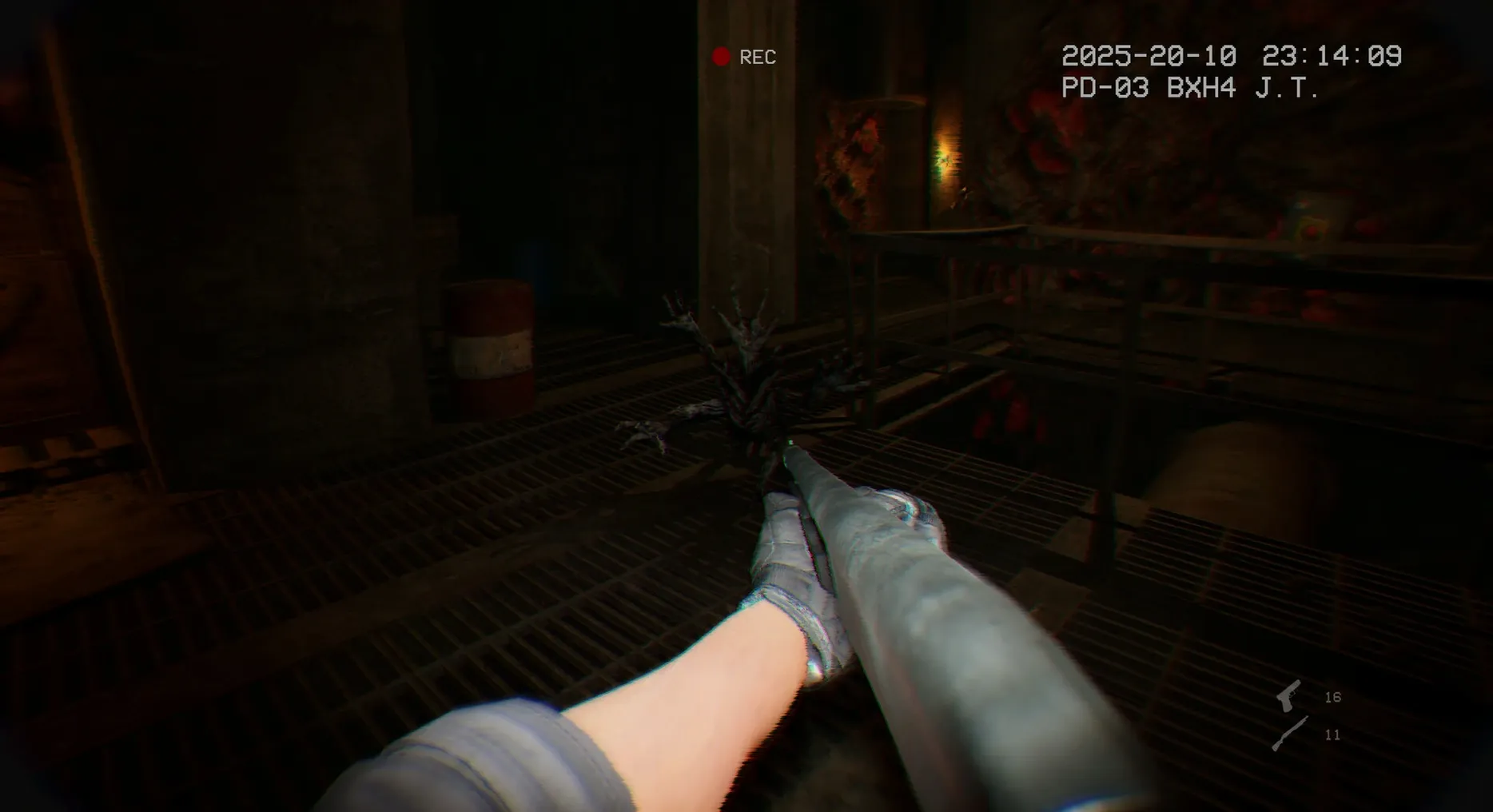
1. A procedural opening
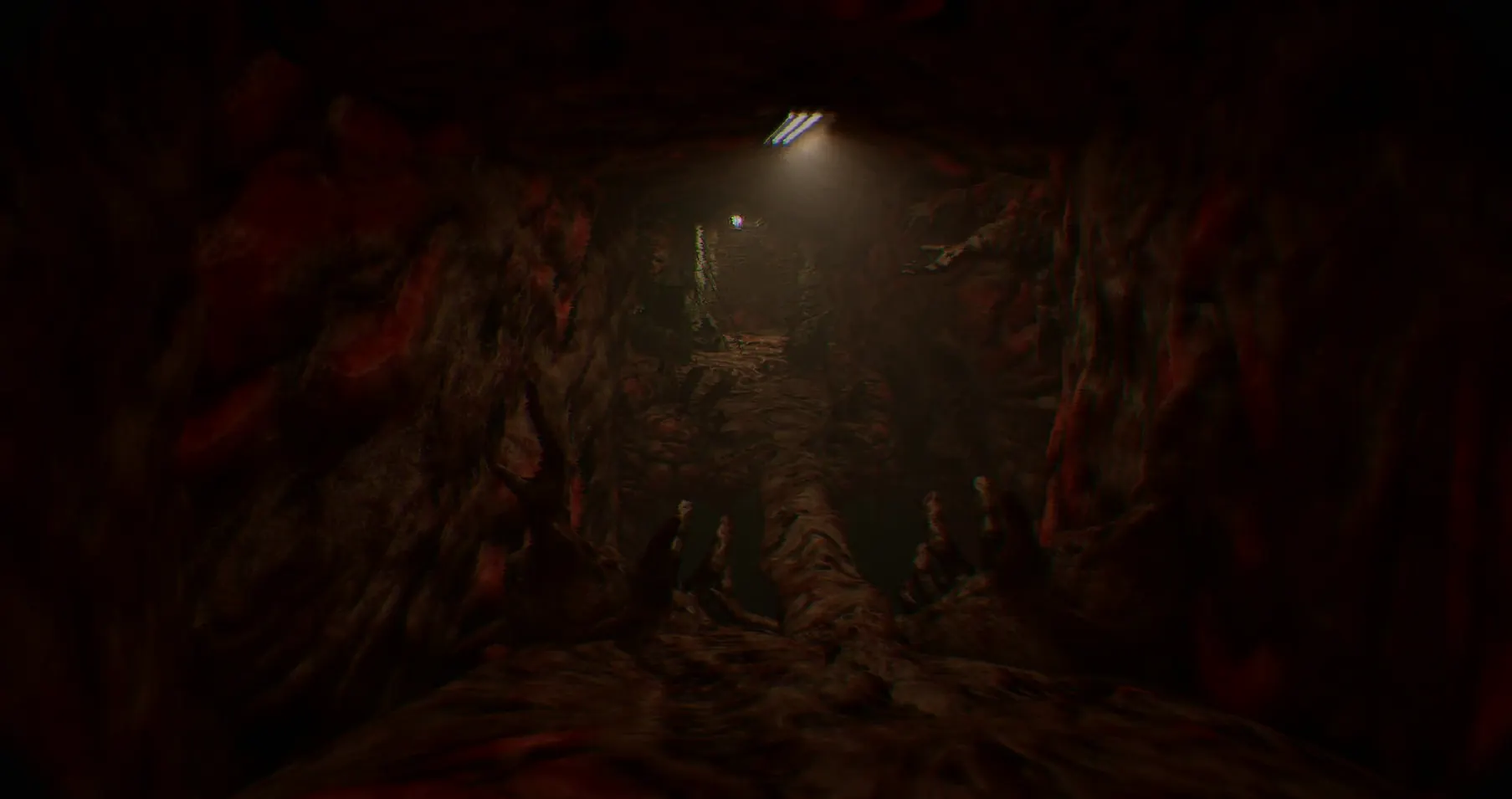
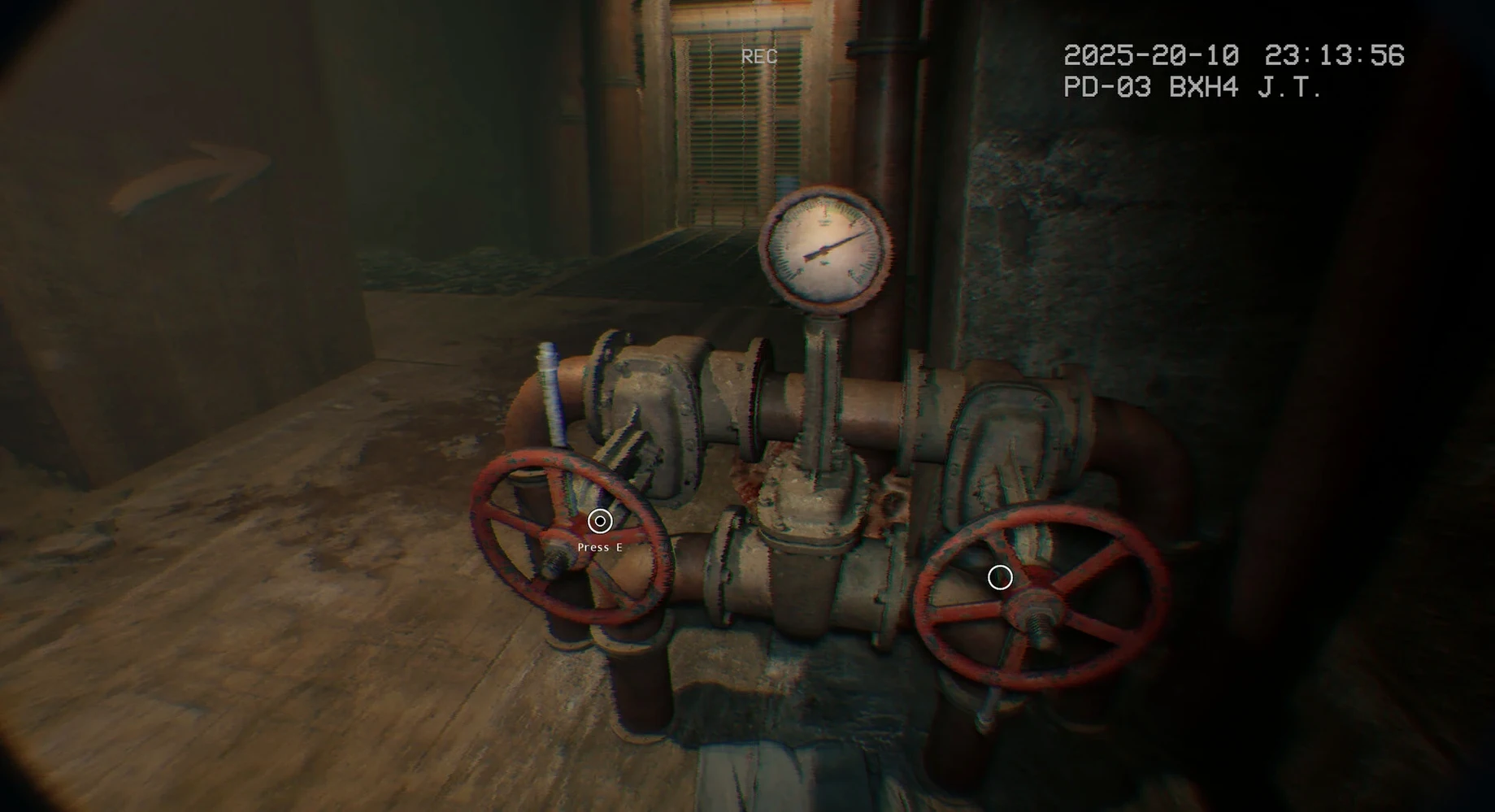
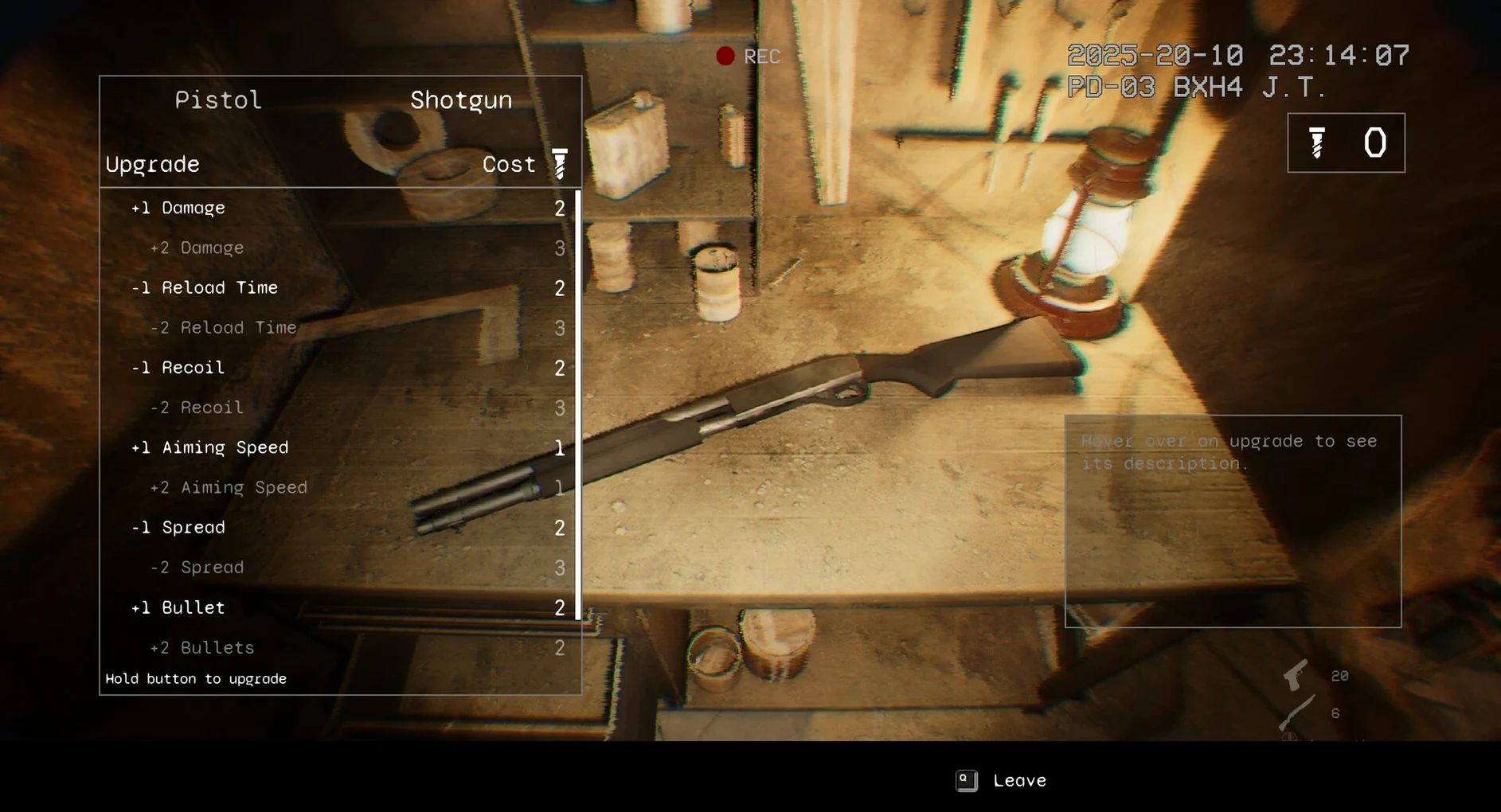
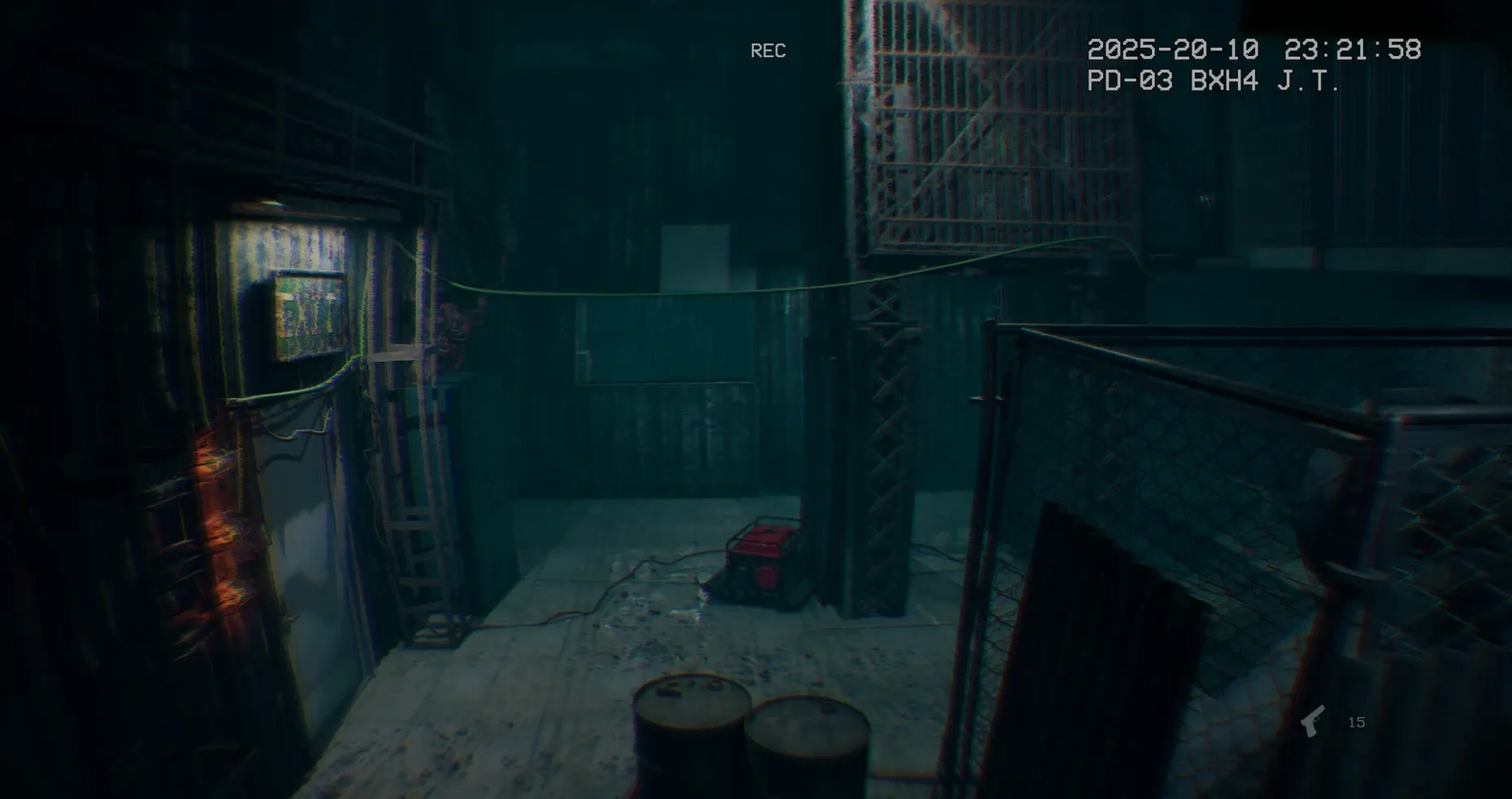
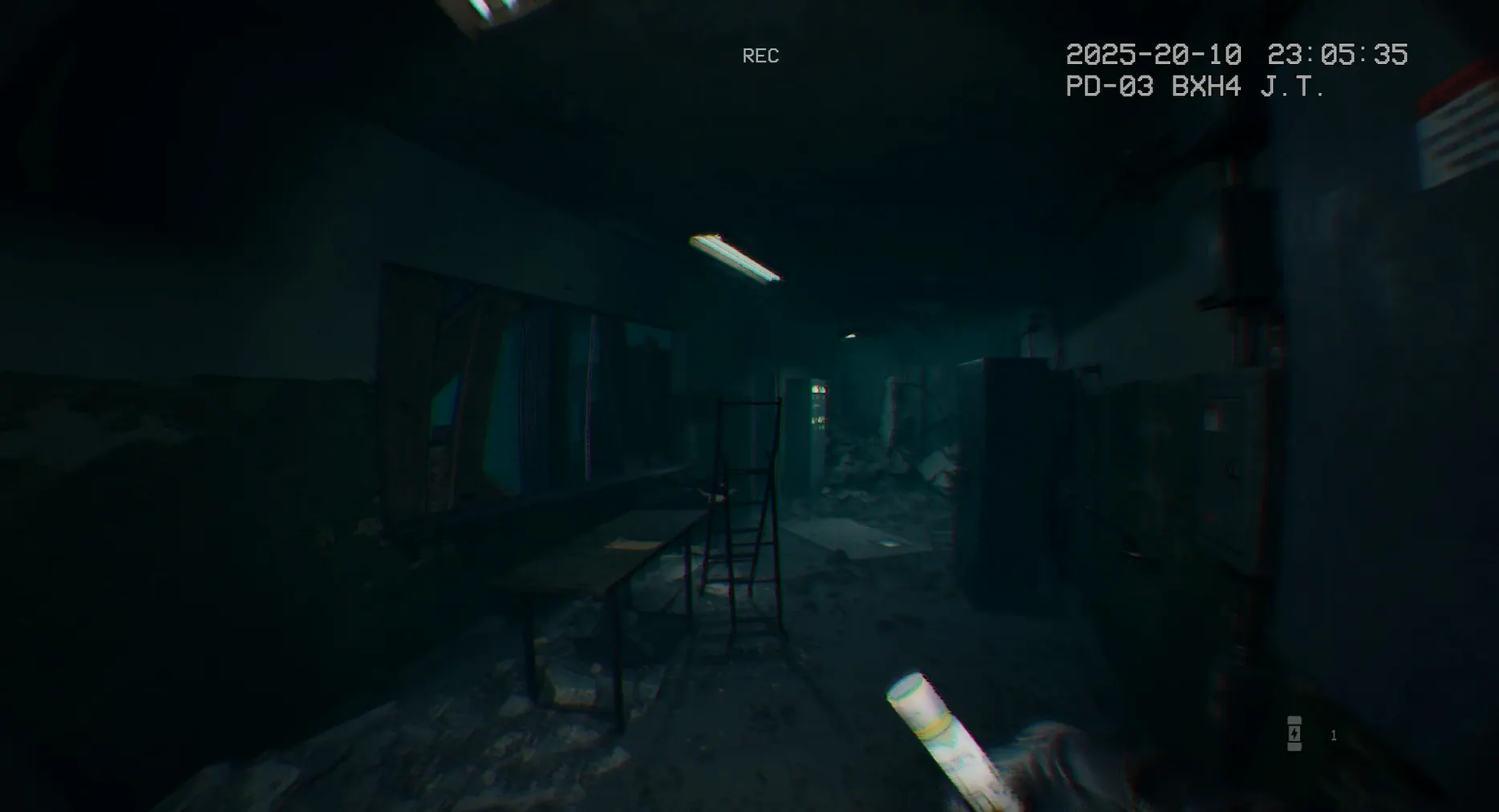
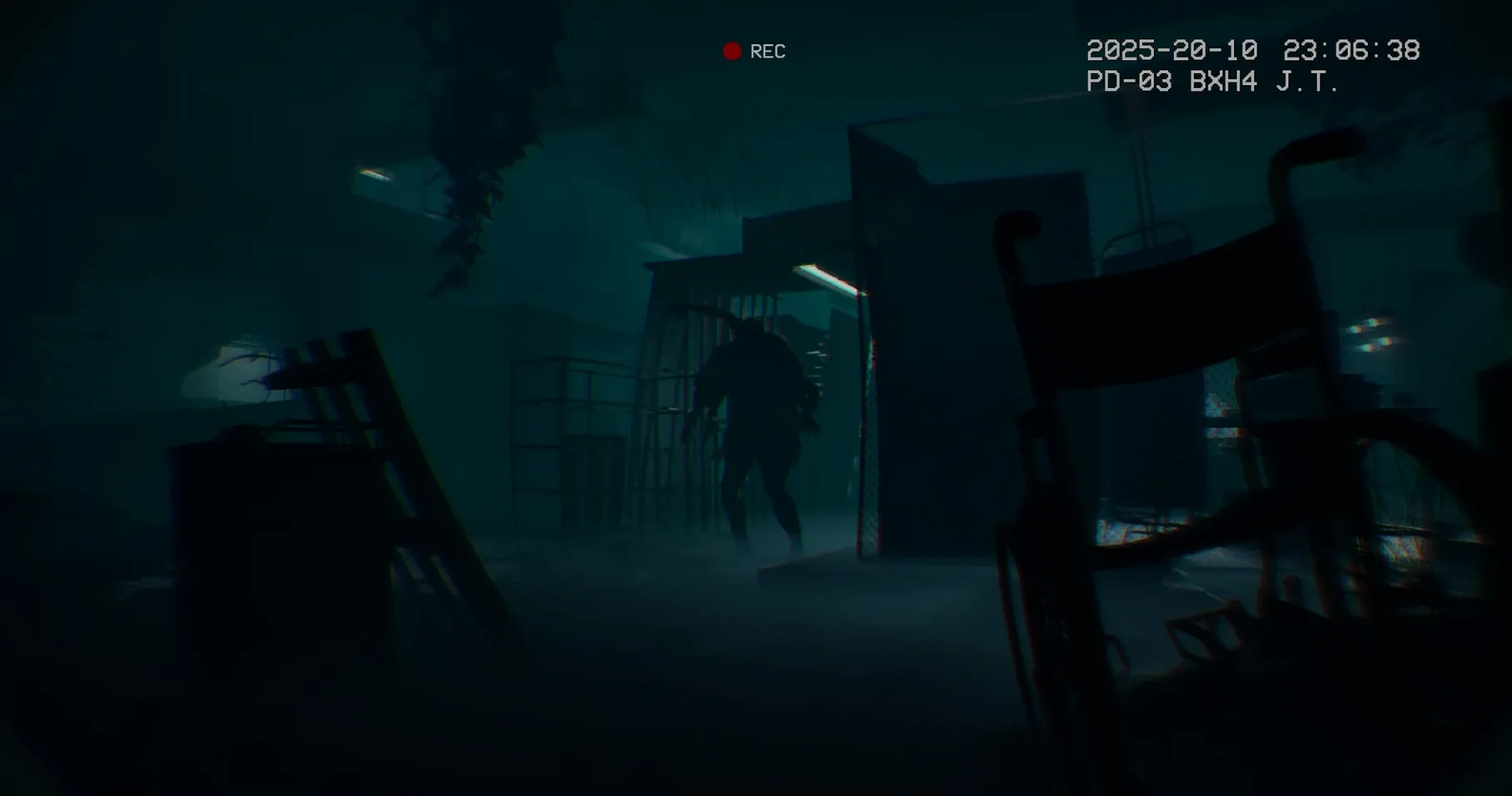
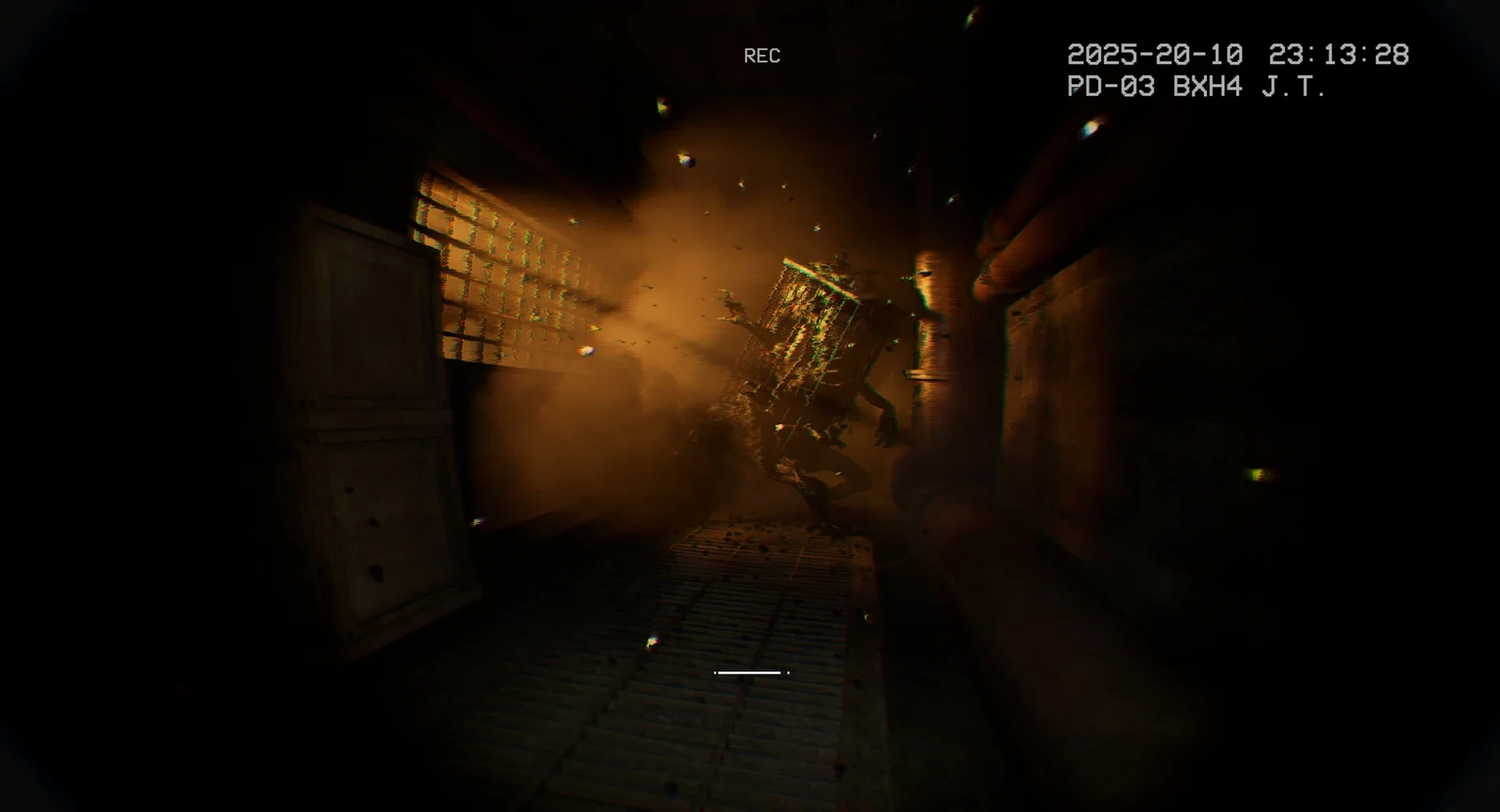
The framing is deliberately dry. You see through a body camera, the perspective of someone who entered this place with a practical purpose. The interface reinforces it: a grainy, narrow field of view, on-screen timestamps, and an unglamorous sense of documentation. The game does not explain why you are here in a cutscene; it leaves you to piece that together from the environment and a handful of audio logs.
2. The building as a system
The hospital is not a linear corridor. It splits into wings, service tunnels and underground facilities that open as you find keys or solve environmental puzzles. Exploration feels methodical rather than theatrical. You check rooms, note which doors are locked, and gradually build a mental map. The game rewards this patience with a mystery that tightens the deeper you go.
3. When the silence breaks
Deadly encounters are infrequent enough to keep tension high. There is no combat system to master—the only reliable response is to move. Sound design carries much of the weight here. Footsteps, distant metal, and the sudden shift in ambient audio signal a threat before you see it. The English voice work is sparse but functional, and the interface supports nine languages including Russian, German, Japanese and Simplified Chinese.
The current build runs via Wineskin on Apple Silicon, and save files sit in a path inside the app bundle—specifically under It Reaches.app/Contents/SharedSupport/prefix/drive_c/users/Sikarugir/AppData/Local/ItReaches/Saved/SaveGames. It is a self-contained setup, though launching it the first time may need an extra step described in the install notes.
The body-camera feel holds up under the new wrapper
Build 23432348 moves the game onto a Wineskin wrapper, which is the most visible change for anyone picking up the Mac version. In day-to-day play, the shift is subtle. The body-camera effect, the lighting and the audio layers behave as they did in the earlier Windows release. What differs is the launch behaviour and the way the app handles itself on Apple Silicon. The wrapper bundles the game and its dependencies into a single self-contained app, so there is no separate compatibility layer to install and no manual tweaking of Wine prefixes. The trade-off is a slightly longer first cold start while the wrapper initialises, after which load times settle into something unremarkable for a Unity-based horror title.
Save handling also reflects the Wineskin structure. Because the save path lives inside the app bundle, backing up progress means copying a folder from within It Reaches.app/Contents/SharedSupport/prefix/ rather than a user-facing Library folder. That is not a problem once you know where to look, but it is easy to overlook the first time you want to transfer a save to another machine.
Drifting through rooms where not every door pays off
Players drawn to slow-burn procedural horror—the strain that values atmosphere over combat loops—will find the strongest fit. The game suits someone who enjoys mapping a space in their head, reading environmental clues and accepting that not every room will yield a reward. If you have patience for the quieter stretches of titles like Amnesia or the original Slender, the pacing here feels familiar.
It also clicks with anyone intrigued by the body-camera conceit. The police-procedural framing is more than a visual filter; it shapes how information is revealed. You are not a patient or a ghost hunter. You are an officer following a trail of evidence, and the game respects that premise by keeping the storytelling grounded in documents, audio logs and the physical layout of the hospital. The nine supported interface languages broaden that audience further, making the English voice work accessible with subtitles in Simplified Chinese, Korean, Japanese and several European languages.
What It Reaches is not, however, is a game for players who want a clear objective marker or a bestiary to study. There is no skill tree, no weapon wheel, and no pause to inspect a threat. If that sounds like a limitation, it is also the reason the tension holds.
That first-launch macOS block and the one-click fix
The most frequent hitch appears on first launch. Because the app is a Wineskin bundle, macOS may flag it with a generic error rather than opening cleanly. The install image includes a file labelled Fix for exactly this scenario. Running it resets the necessary permissions inside the bundle so the game can start. After that one-time step, subsequent launches from Launchpad should work without intervention.
Another occasional issue is a black screen on launch with audio playing in the background. This is usually a resolution mismatch between the game’s default settings and the Mac’s display. Holding the Option key while launching can force the game into a windowed mode where you can then set the correct resolution in the settings menu. Once applied, switching back to fullscreen tends to stick.
Language changes are handled in-game through the settings panel, but the option only appears on the main menu, not during active play. If you start the game and find the wrong language active, back out to the title screen to make the switch. The change takes effect immediately and persists across sessions.
For anyone searching for a straightforward way to grab the title, it reaches mac download points to the same self-contained build described here. The Wineskin wrapper keeps the installation tidy—drag the app to Applications, run the Fix file if needed, and the game is ready. No external Wine installations, no separate engine downloads, and no activation steps to trip over.