Aspecten
 Download (17.4 GB)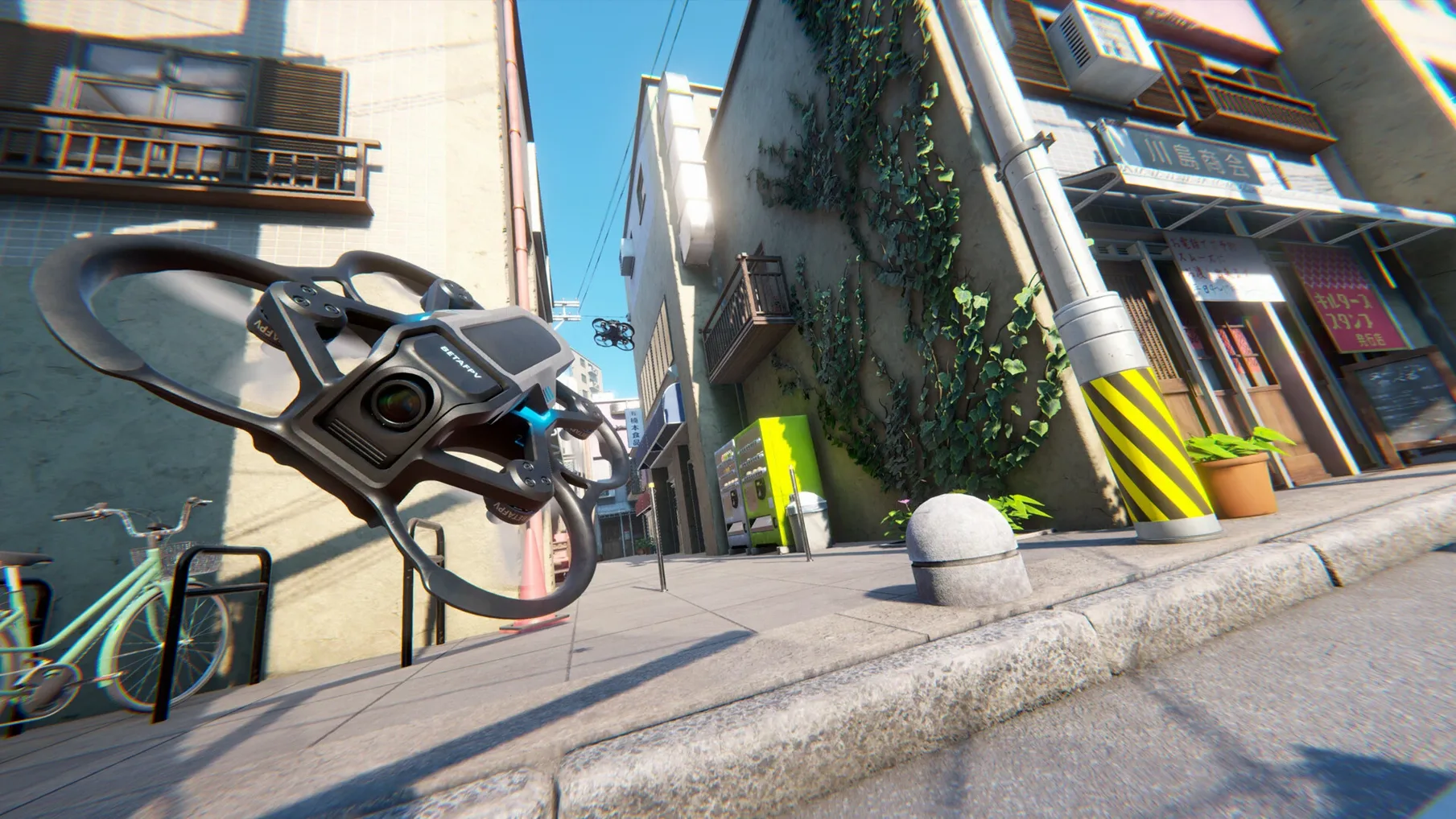
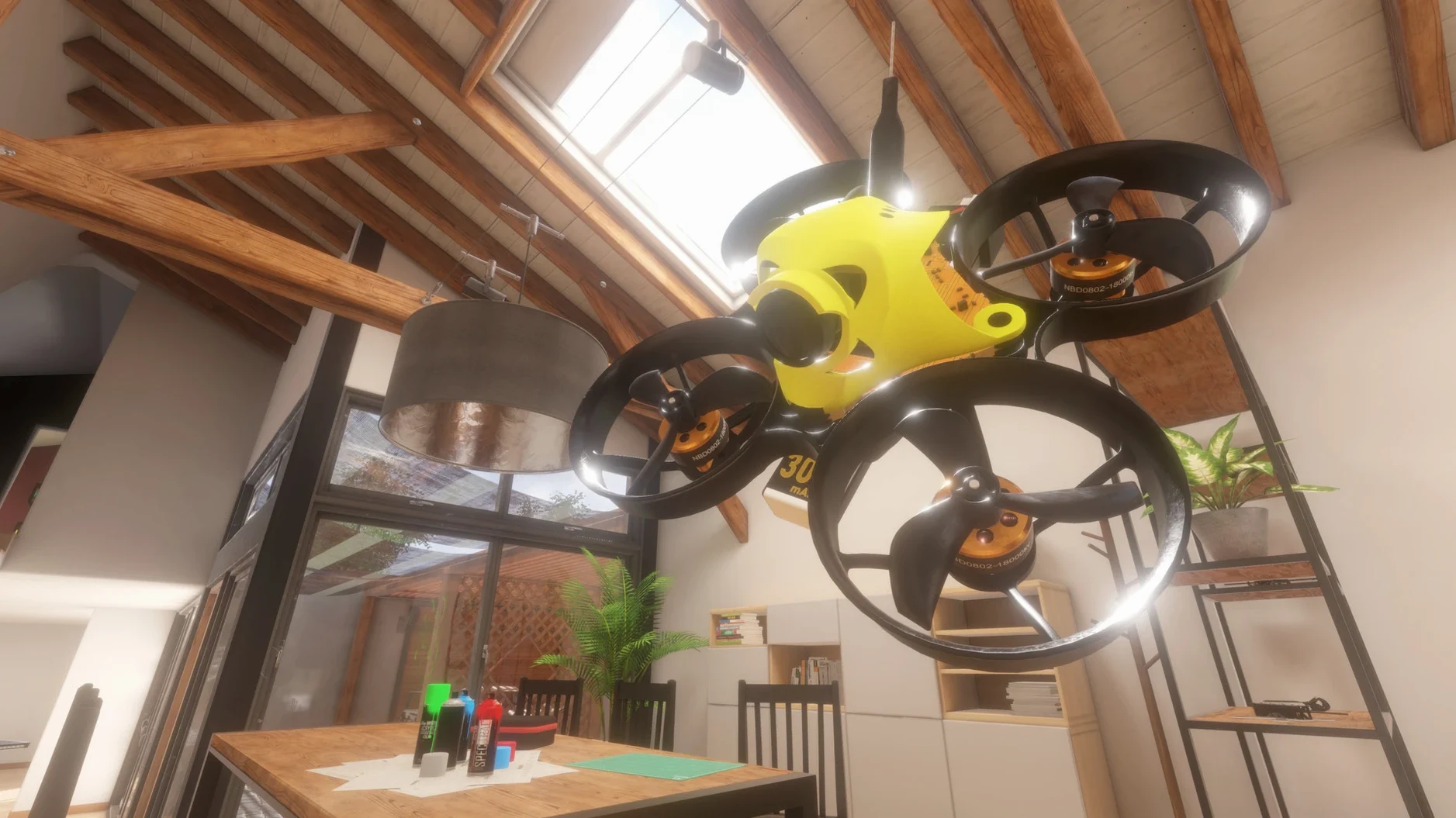
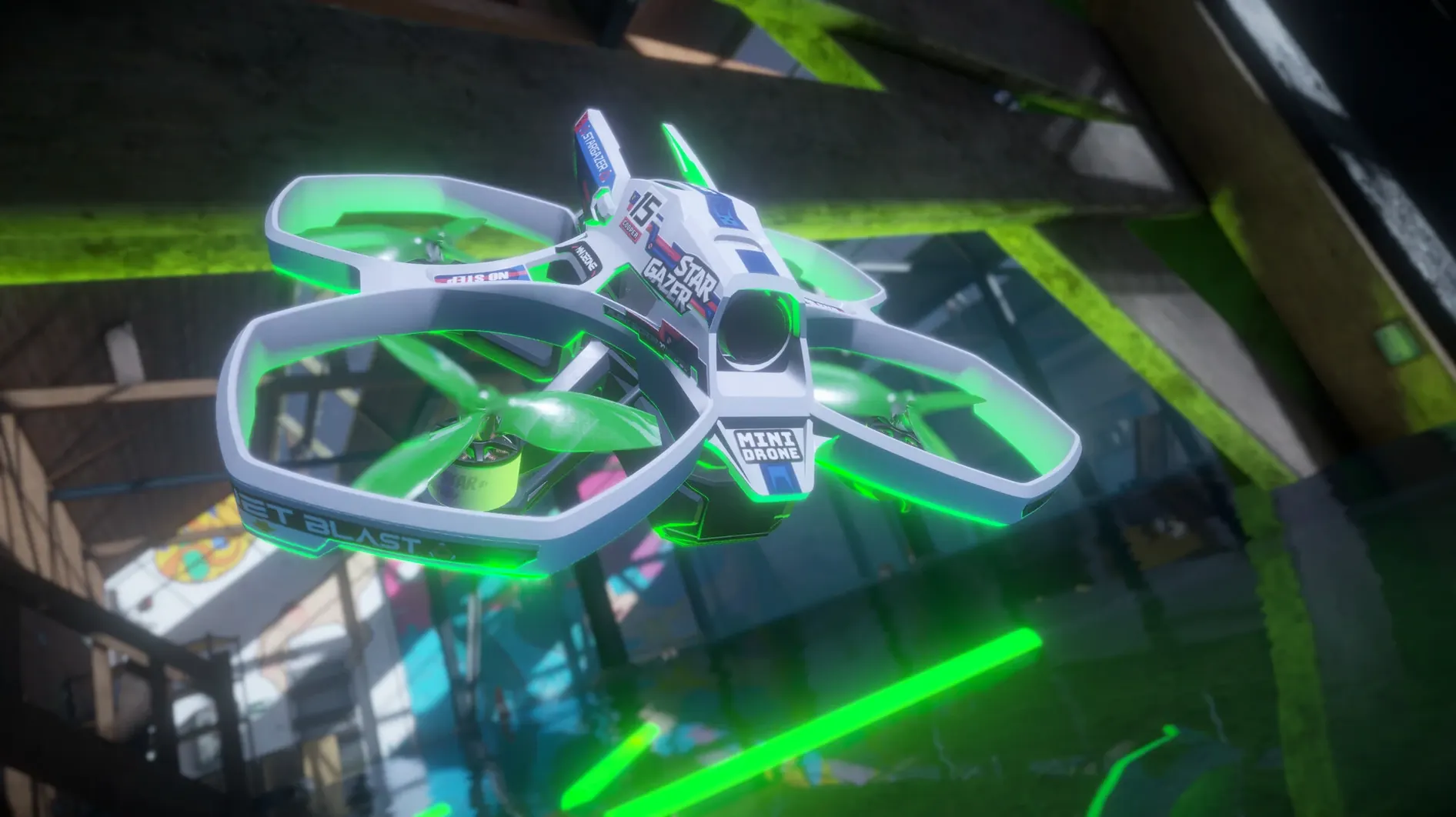
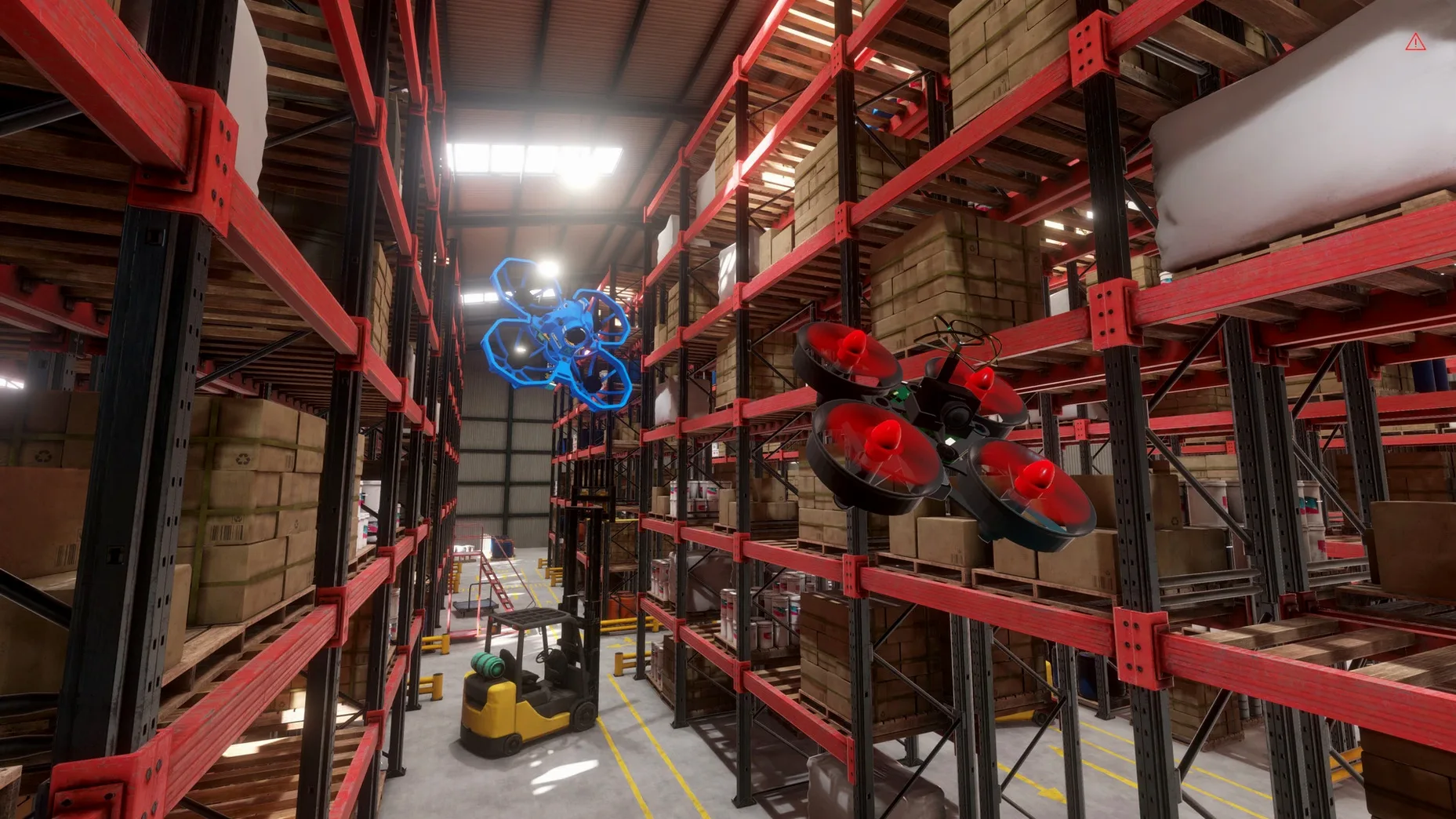
The drone editor turns a living room into a test bench. You can swap frames, adjust motor properties and choose battery cell counts, then watch the weight and thrust numbers shift. A build that feels floaty in an open kitchen might snag on a door frame, so you keep returning to the bench.
Three pillars: tracks, hardware, flight
The menu structure puts the track editor and drone editor on the same level as the flight modes. That layout signals where you will spend your time: roughly a third building courses, a third tinkering with hardware and a third flying. In cockpit view the on-screen data stays compact — just altitude, speed and a horizon indicator nudged into the corners. The English and French localisations cover every tooltip and setting panel, though the community slang in loading-screen tips stays untranslated.
Drag gates across a real floor plan
A session typically starts in the track editor. You drag gates, hoops and checkpoints across a scan of an indoor space — a garage, an office floor, a loft with exposed beams. After a quick save you switch to the drone editor to pick a quad that suits the course. Racing through a narrow hallway demands a lighter build; an atrium with vertical gaps wants more punch. Flying fills the last stretch of the loop. You repeat the circuit, nudge a gate that felt misaligned, then try again with a different propeller pitch. The whole cycle runs inside one application, so you rarely pause to reload.
Three spires in a freelancer's living room
She has twenty minutes between client calls and a micro quad on her desk that never leaves the house without a prop change. The living room becomes a track of three spires: a floor lamp, a bookshelf edge and a tripod still warm from the morning shoot. She opens the track editor and drops a gate just under the ceiling rose, aligning it so the drone must roll right past the lamp shade. A second gate sits between tripod legs. She saves, picks a 2S build with slightly underpowered motors and flies five laps. The first two end against the bookshelf. The third clears cleanly. On the fourth she hears the client ring and lets the drone hover — a small, still thing spinning silently above the sofa. When she comes back, the battery reads 12%. She lands, adjusts the lamp gate half a metre lower and runs one more lap before logging off. The whole session fits inside a cup of tea.
Drop RC rate 15% for tight corridors
Out of the box the rates feel tuned for an open hall, not a corridor lined with picture frames. Opening the settings panel and dropping the RC rate by roughly 15% makes indoor proximity flying much less twitchy. The camera angle default sits around 25 degrees — lowering it to 15 degrees helps when most of your flight path runs under tables and through chair legs, because you see the floor sooner. The field of view slider is worth nudging wider only if you fly a cockpit view and need peripheral awareness near walls. In chase view a wide FOV tends to distort distance, so keeping it near 90 degrees often works better. Lastly, the gravity setting in the physics tab ships at 9.81 m/s² but can be dialled down a fraction for a slightly more forgiving hover, useful while learning a new course layout.
Press R to reset at the last checkpoint
Several details slip past the tutorial. Pressing R while hovering resets the drone's position to the last checkpoint you passed, which saves walking a crashed quad back down a long hallway. In the track editor, holding Shift while dragging a gate snaps it to the nearest surface, aligning it flush with a wall or ceiling without manual rotation. The drone editor remembers your last battery cell count per frame, so swapping a 1S build to a different frame auto-fills the cell count — one less click. The loading screen tips rotate through a small set of community expressions left in untranslated French, a quiet nod to the FPV scene. In the free-flight mode, double-tapping the throttle cut button drops the drone straight down without arming the full disarm sequence, a handy move when a cat wanders under your flight path and you need to stop fast. Finally, the track thumbnail generator uses your current camera angle, so setting a dramatic low angle before saving a track produces a thumbnail that actually hints at the course shape.