Aspecten
 Download (1 GB)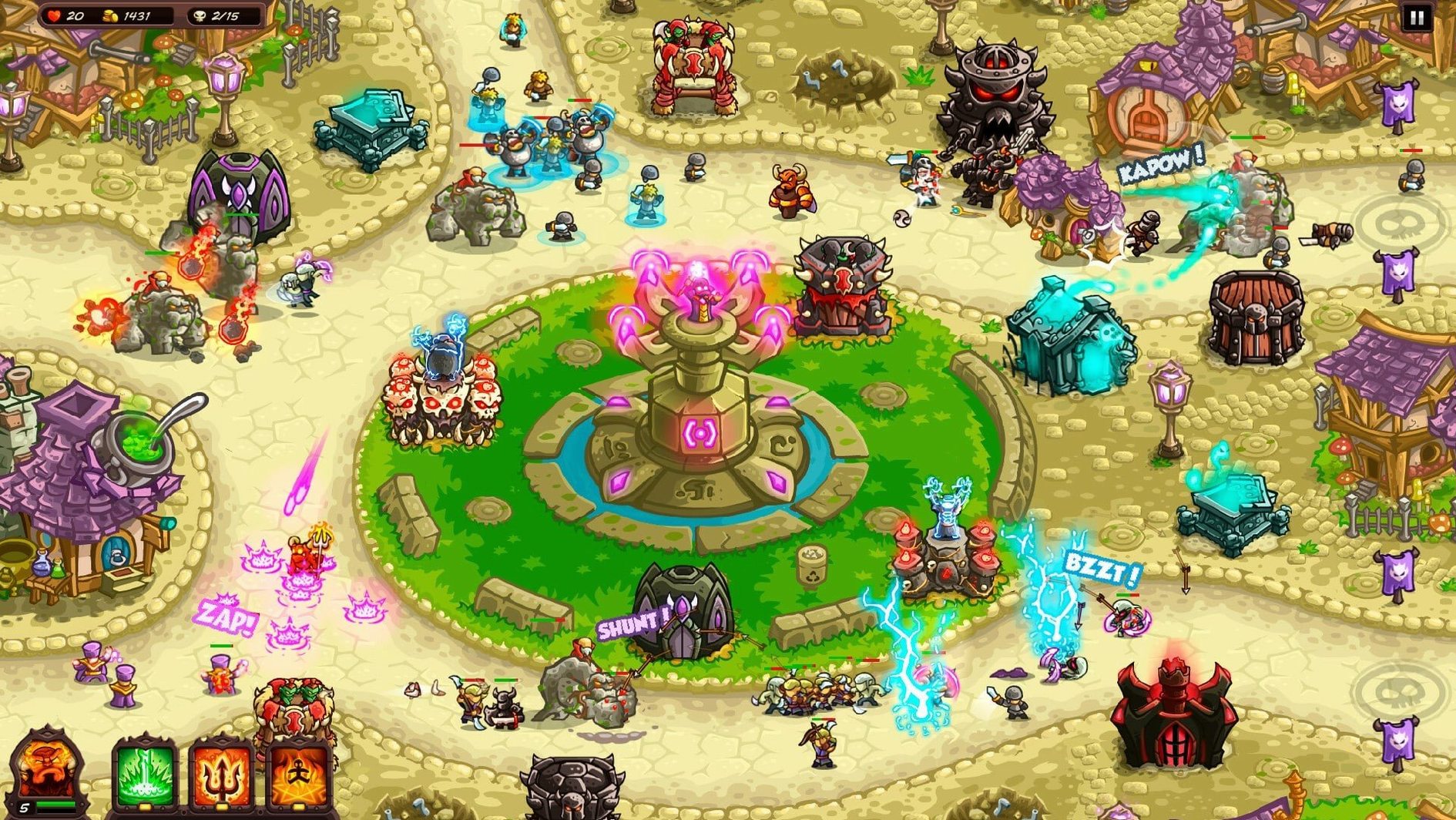
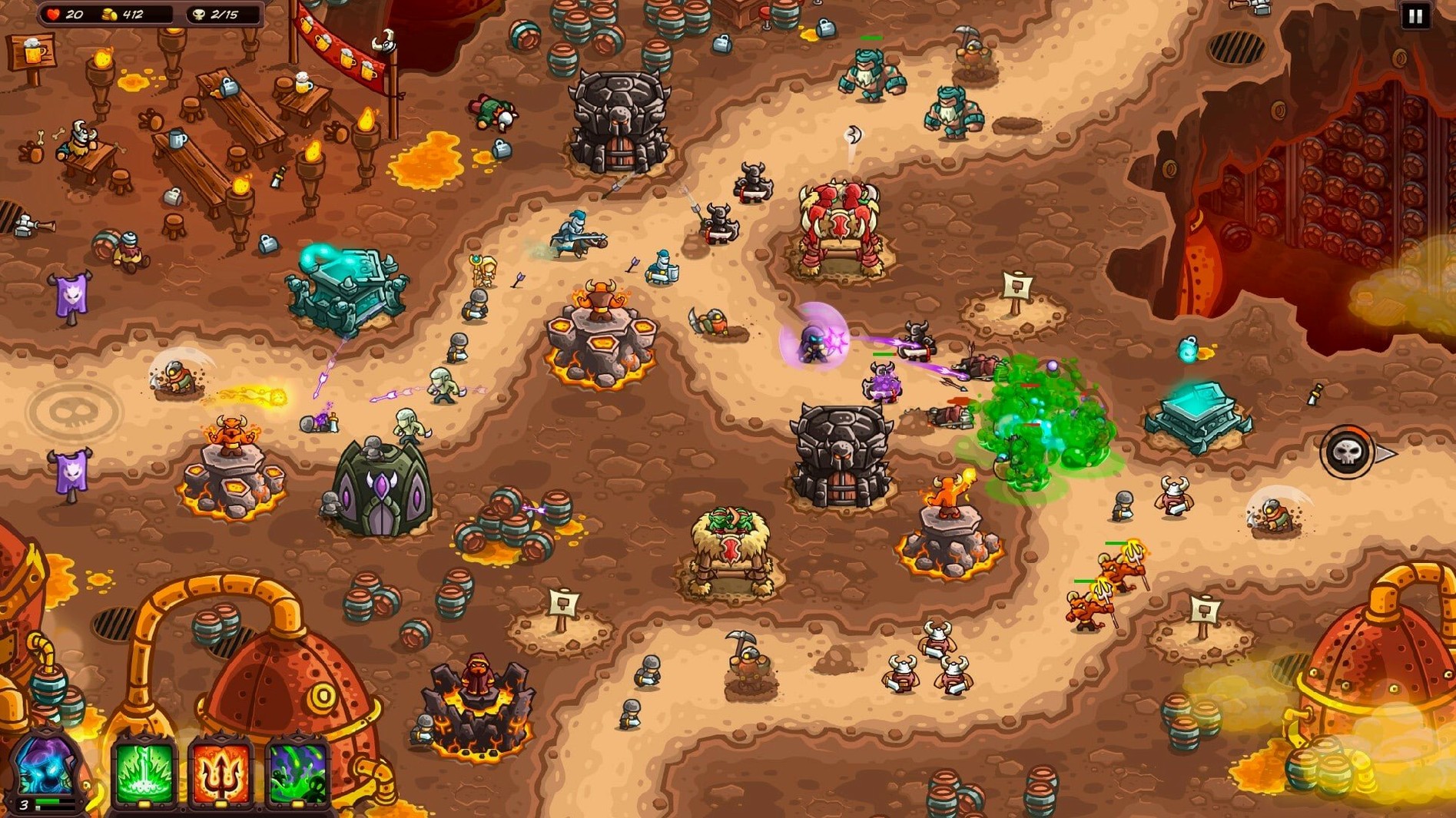
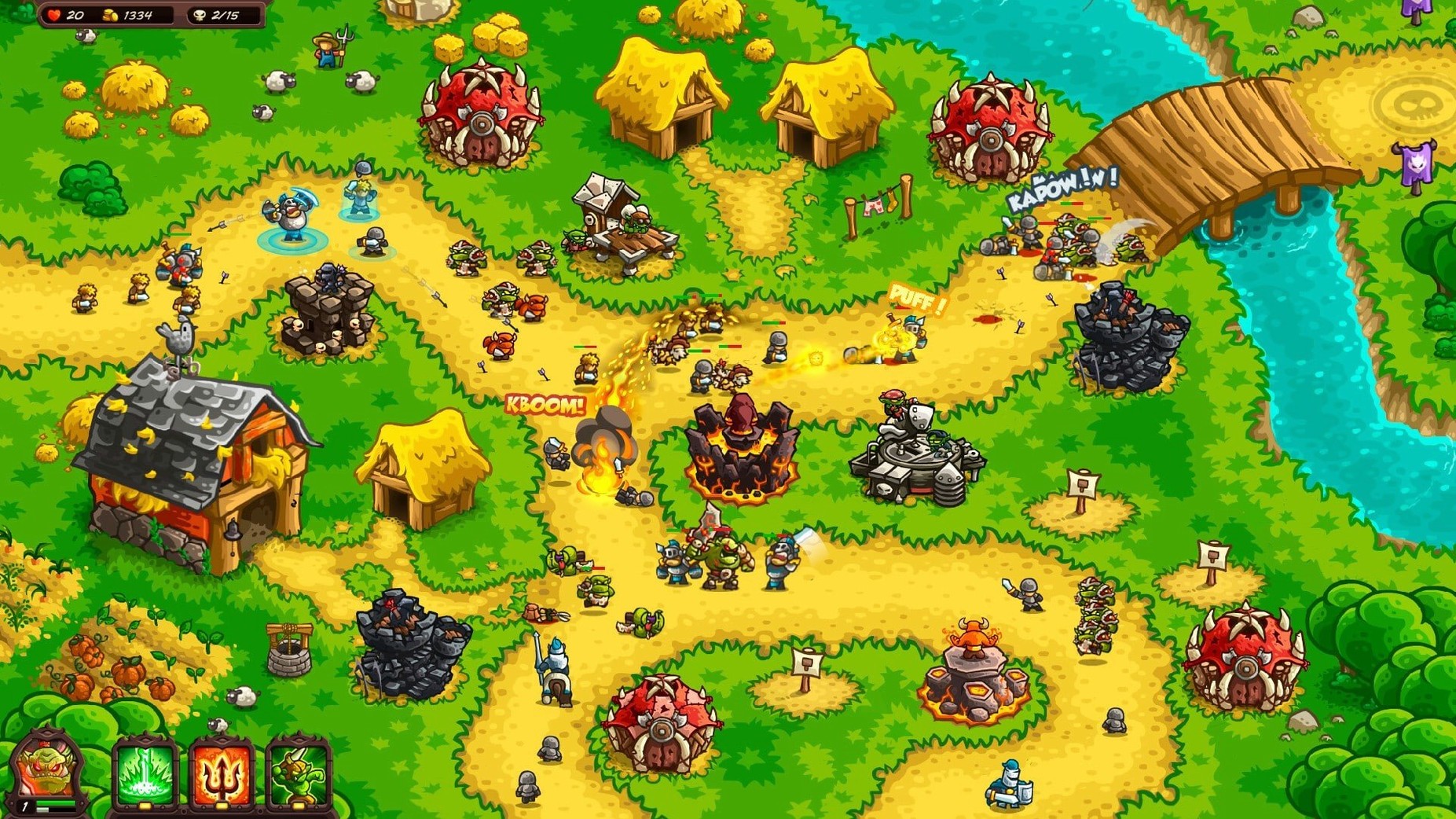
Kingdom Rush Vengeance is a tower defense game in which you help the sorcerer Vez'nan assemble an army of darkness across 25 stages divided into five lands. Ironhide Game Studio supplies 18 towers, each with its own abilities and special skills, 13 heroes to lead the troops, and 30 upgrades to strengthen the army. Hidden secrets and an in-game encyclopedia round out the package. The interface text appears in Russian, English, German, Spanish, Traditional Chinese, Simplified Chinese, Korean, Portuguese, French or Japanese; voice lines are delivered in English only.
Controls and interface
On a Mac the pointer does most of the work. Placing a tower, triggering a hero ability or calling in reinforcements is a matter of clicking and dragging. Keyboard shortcuts are sparse, so you spend almost all your time with one hand on the mouse or trackpad. The localised interface text stays crisp on a standard display, and the encyclopedia sits in a dedicated menu, giving quick access to unit stats and lore without breaking the flow of a stage.
Performance expectations
The game runs natively on both Intel and Apple Silicon Macs. On a Mac mini 2024 M4 with macOS Tahoe, stages loaded quickly and the frame rate held steady even when the screen filled with enemy waves and particle effects. The artwork scales cleanly, and the soundtrack plays without stutter. No special graphics tweaks were necessary — the default settings delivered smooth play straight after installation.
Disable screen shake and two more comfort tweaks
A handful of adjustments right after the first stage make the game more comfortable. Open the settings panel from the main map screen and check three things. Disable screen shake if you find the camera tremor during boss entrances distracting — it adds drama but blurs tower selection for a moment. Switch the auto-return rally point toggle on; this resets a hero’s rally flag to the exit path after each wave, which saves a lot of micromanagement when you move them for an ability and forget to reposition.
Turn on show enemy health bars immediately. The default hides them, and seeing exactly which lane the tougher targets are on helps you prioritise upgrade spending. If you play with a trackpad, lower the pointer speed inside the game rather than in macOS — their slider is a little finer and avoids overshooting small tower tiles on crowded maps.
Scenario: a new player on the Dwarven kingdom path
A player who has finished only a few tower defence games, perhaps someone returning to the genre after years away, starts the Dwarven kingdom stages. They rely on the Shadow Archers tower early, placing two at the first fork and upgrading their range. By stage four they notice the elite dwarf engineers repairing mechanical enemies, so they switch to the Orc Shaman tower for its debuff and learn — through the encyclopedia — that its ability strips armour from constructs. They clear the stage with two stars, replay it on a higher difficulty for the third star, and unlock a new hero ability in the process. The moment-to-moment lesson is that tower choice matters more than spamming upgrades, and the encyclopedia supports that discovery without a tutorial pop-up.
Pick a hero for the next unplayed stage
Launch the game and pick a save slot from the profile screen. The overworld map shows the next unplayed stage. Before starting, open the hero gallery and select a hero suited to the terrain — a mobile melee one for winding paths, a ranged support for open lanes. Tap Start.
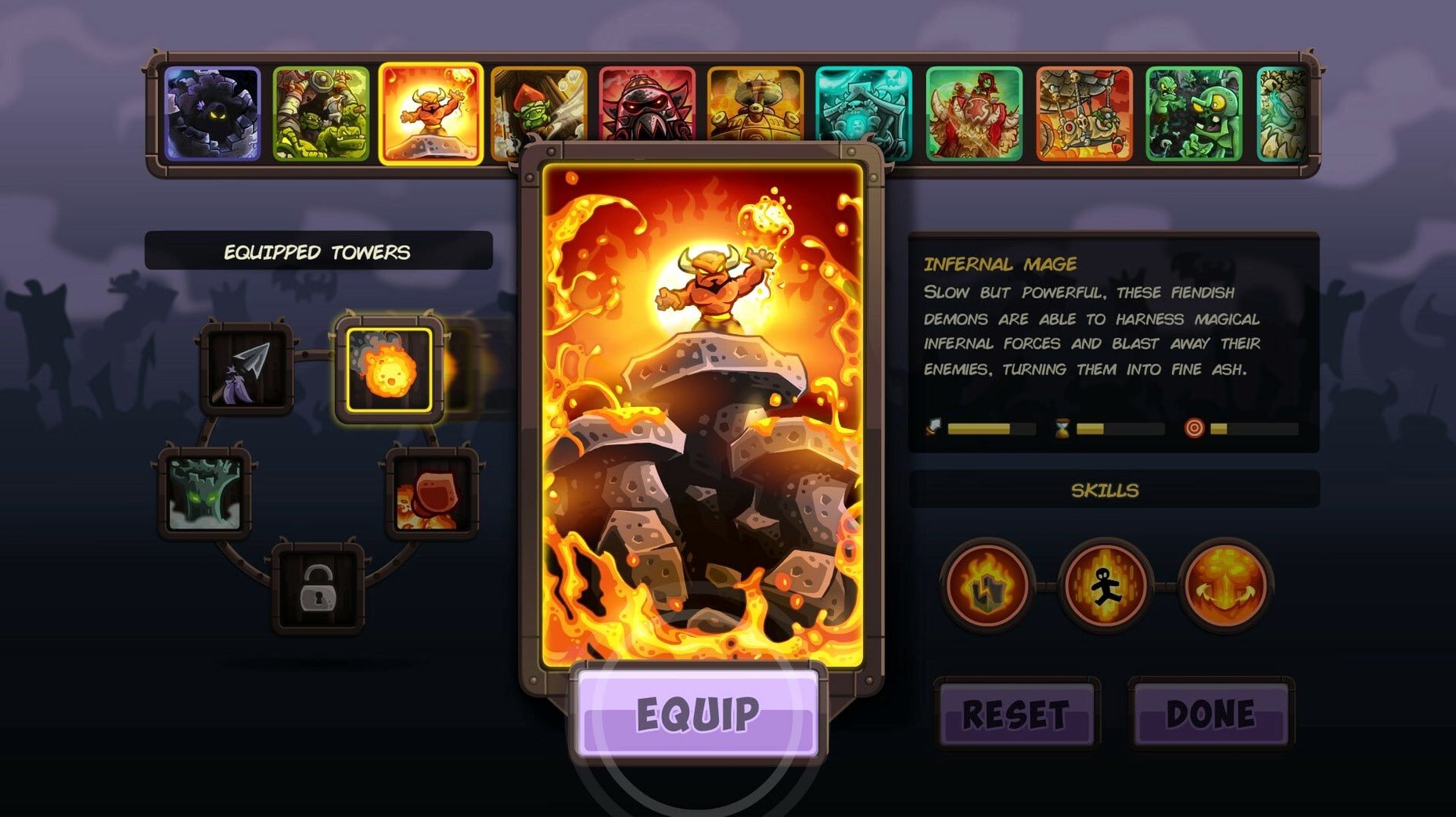
The first wave approaches from the top-right path. Pause with the space bar and study the route: two short straights and a long bend near the exit. Place an Infernal Mage tower at the bend, set its rally point to the inner corner, and unpause. Coins trickle in as the first goblins fall. By wave three you have enough gold for a second tower — an Elite Harasser on the opposite lane — and you upgrade the mage’s fireball skill once.
When the first armoured dwarf appears, you drag the hero to intercept it, trigger a damage-over-time ability, then call in reinforcements behind it to stall its advance. A hidden gnome pops out from a mushroom patch on the left; tapping it drops extra gold that funds a third upgrade. The session continues this way: pause to plan, spend coins, reposition the hero, and scan each new enemy type with a click into the encyclopedia entry. The rhythm feels methodical, almost like a live puzzle where the pieces are towers and the timer is an advancing army.