Aspecten
 Download (30 GB)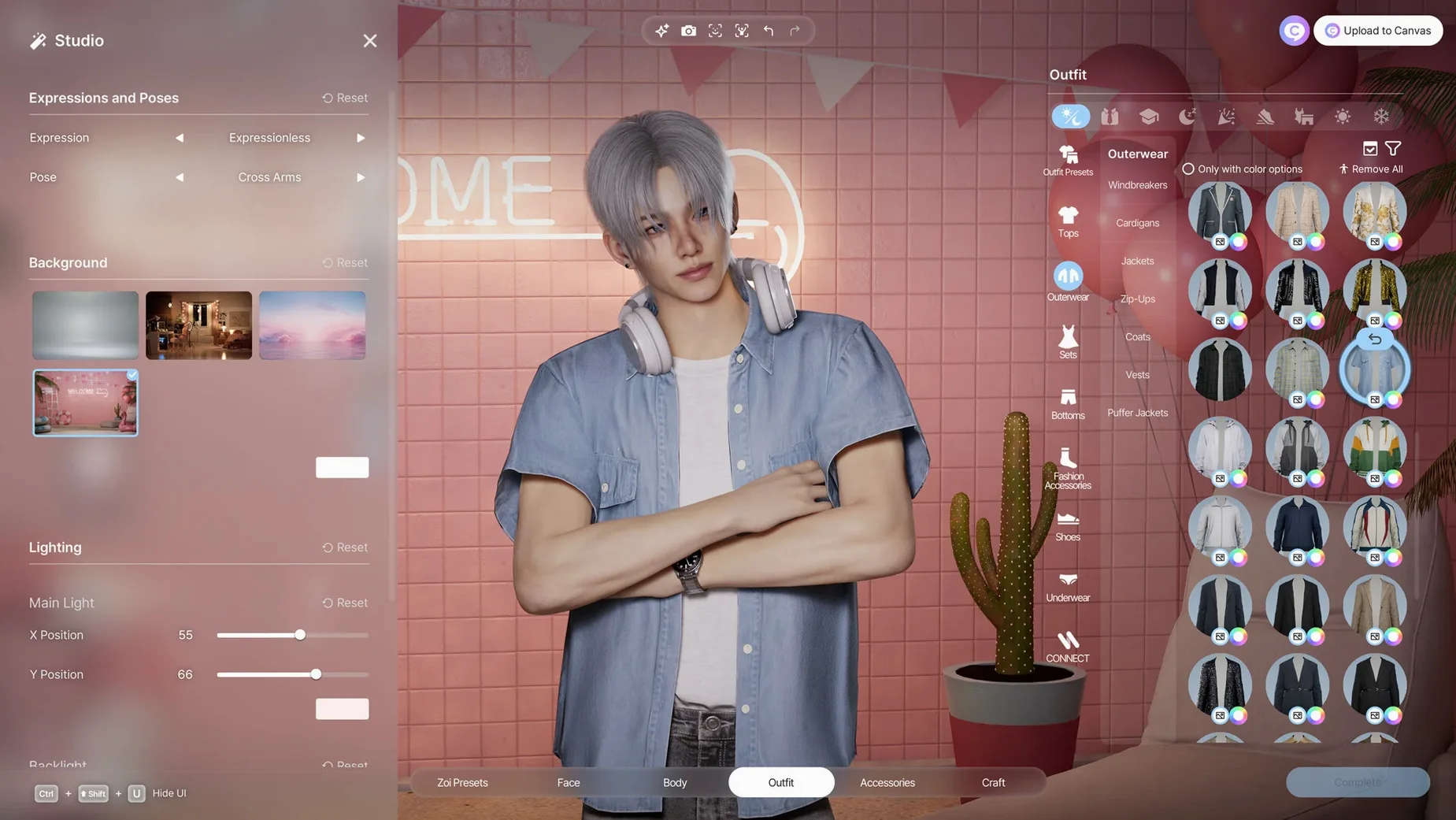


Apple Silicon and macOS Tahoe required
inZOI runs on Apple Silicon Macs with macOS Tahoe. It was built and tested on a 2024 Mac mini with M4, and requires no Intel support.
What you can create
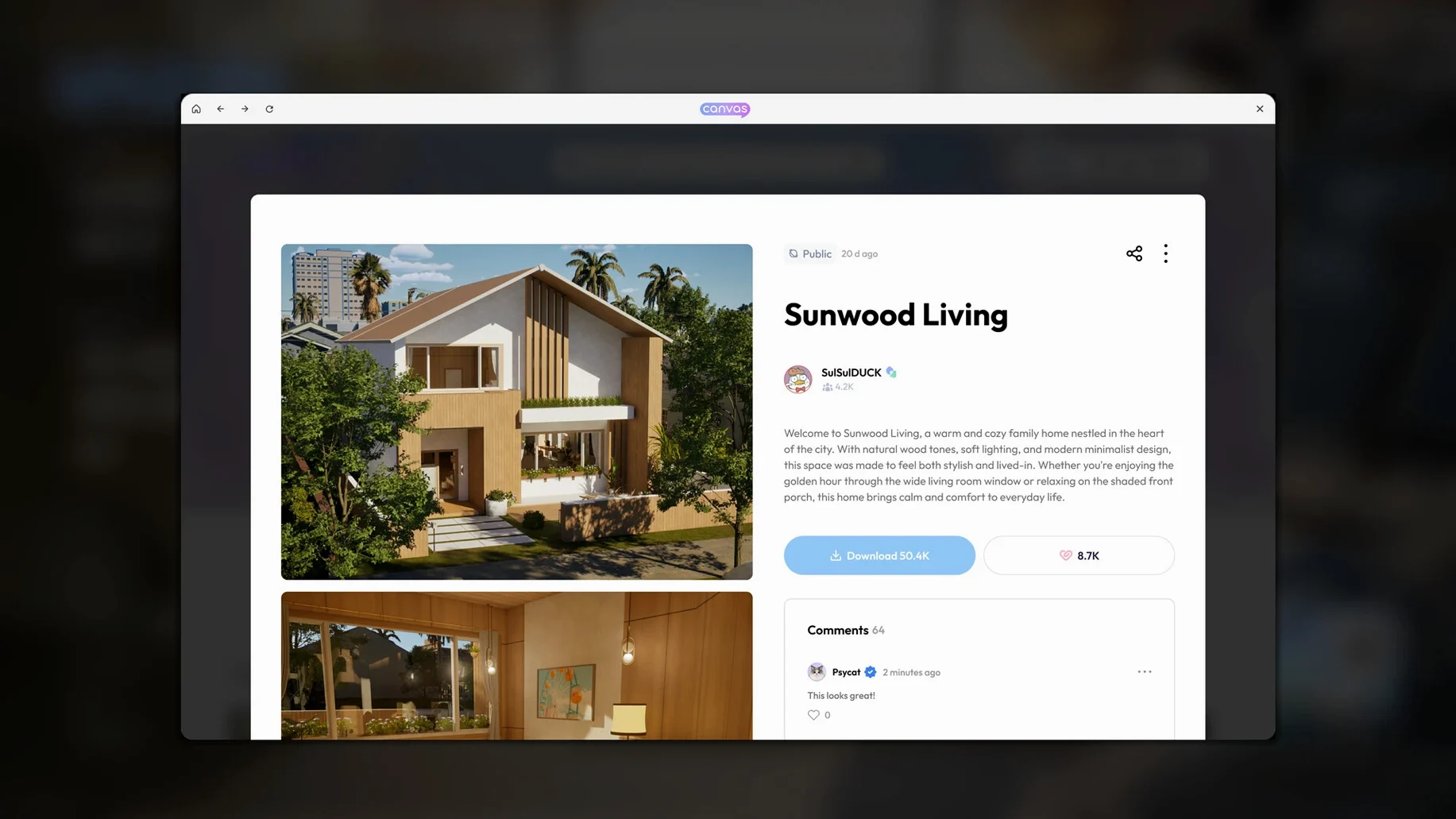
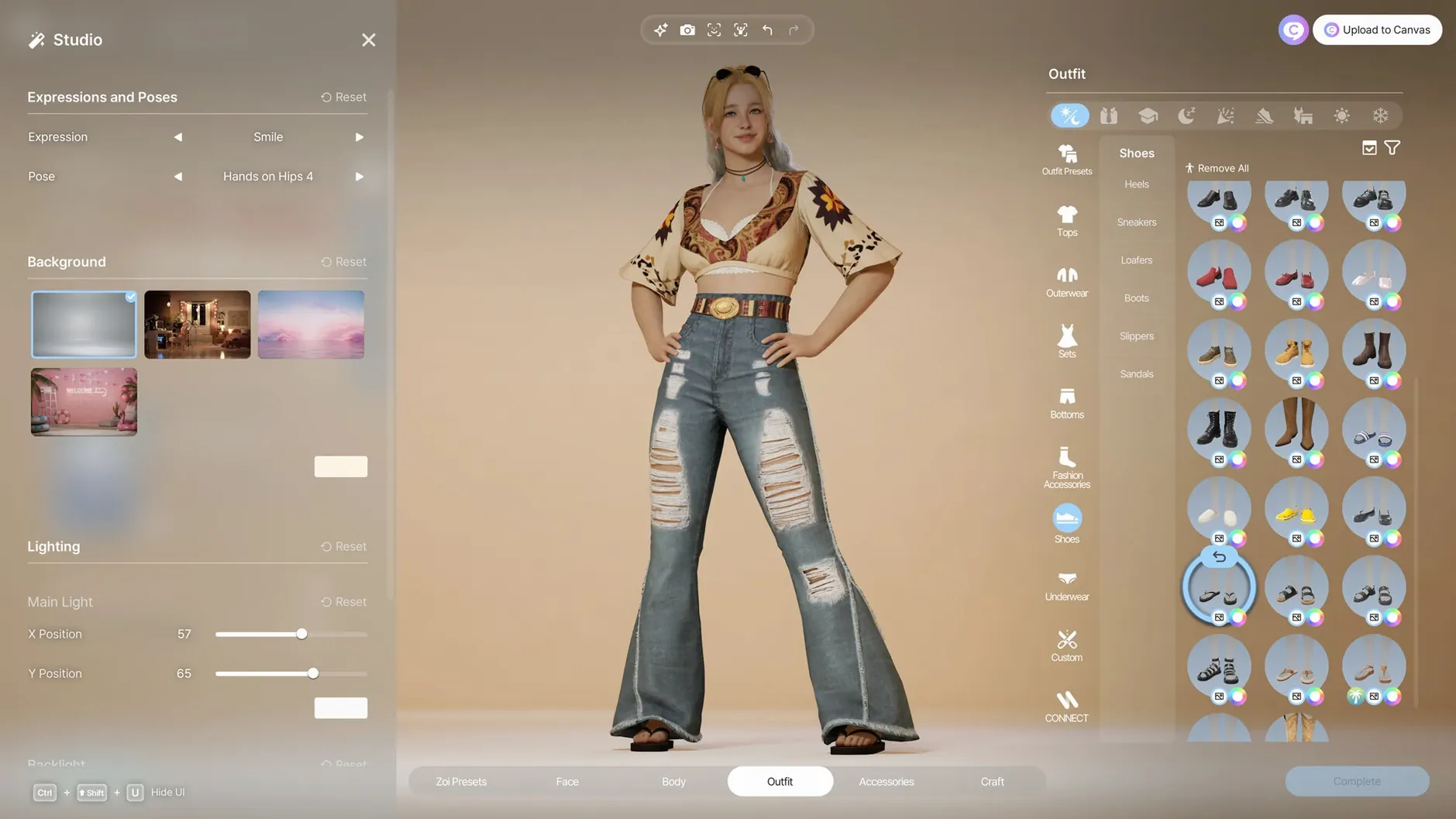
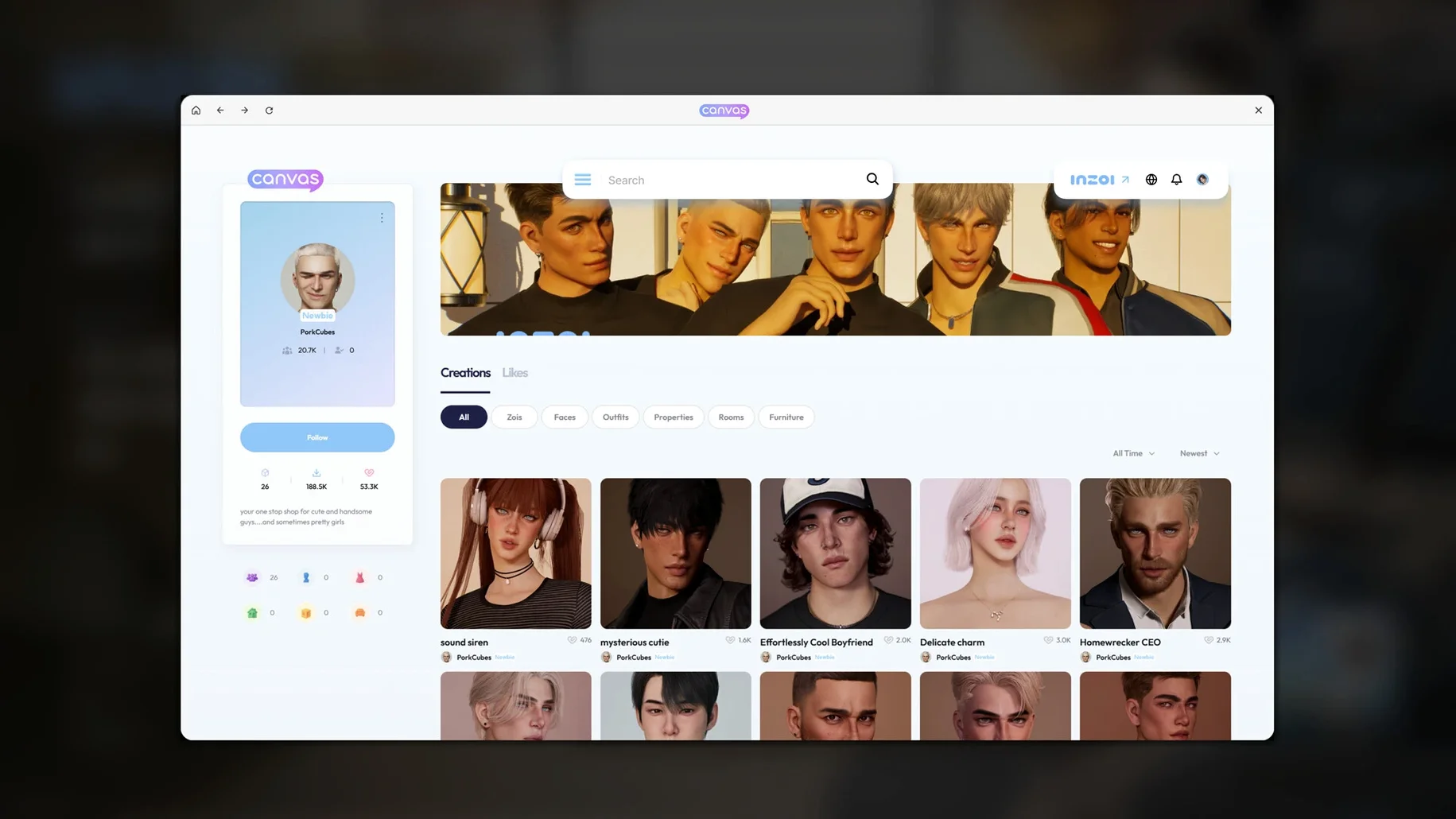
Character creation offers over 250 customisation options, plus facial and motion capture support. A local generative AI model turns text prompts into patterns and images for clothing, decorations and furniture, while 2D models can become in-game 3D objects.
How the simulation works
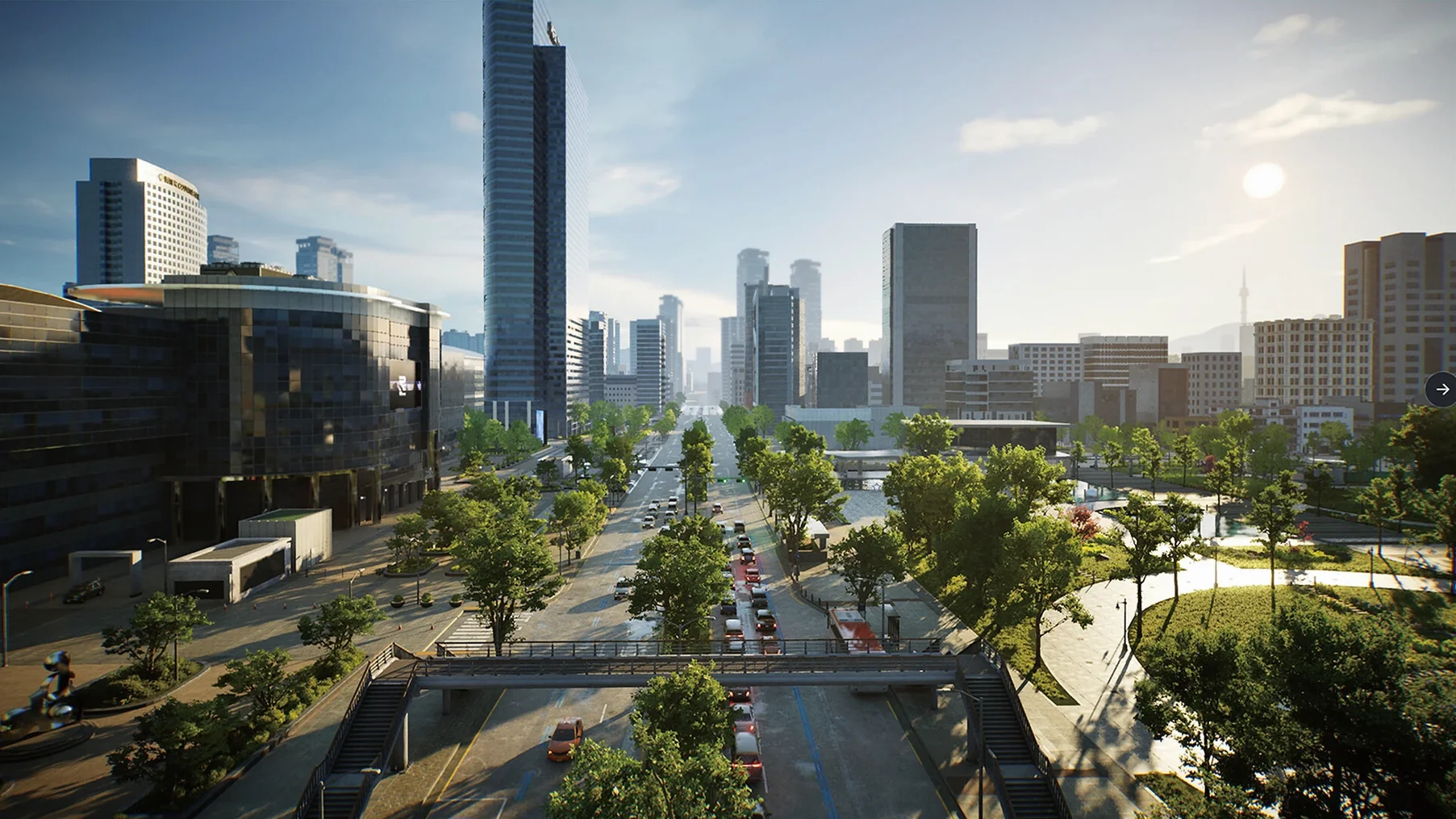
The game simulates a fully functional community. Characters called Zois act and form relationships based on personality traits and life experience. Cities are modelled after real places, and you can change weather, lots and streets as you play.
What engine it uses
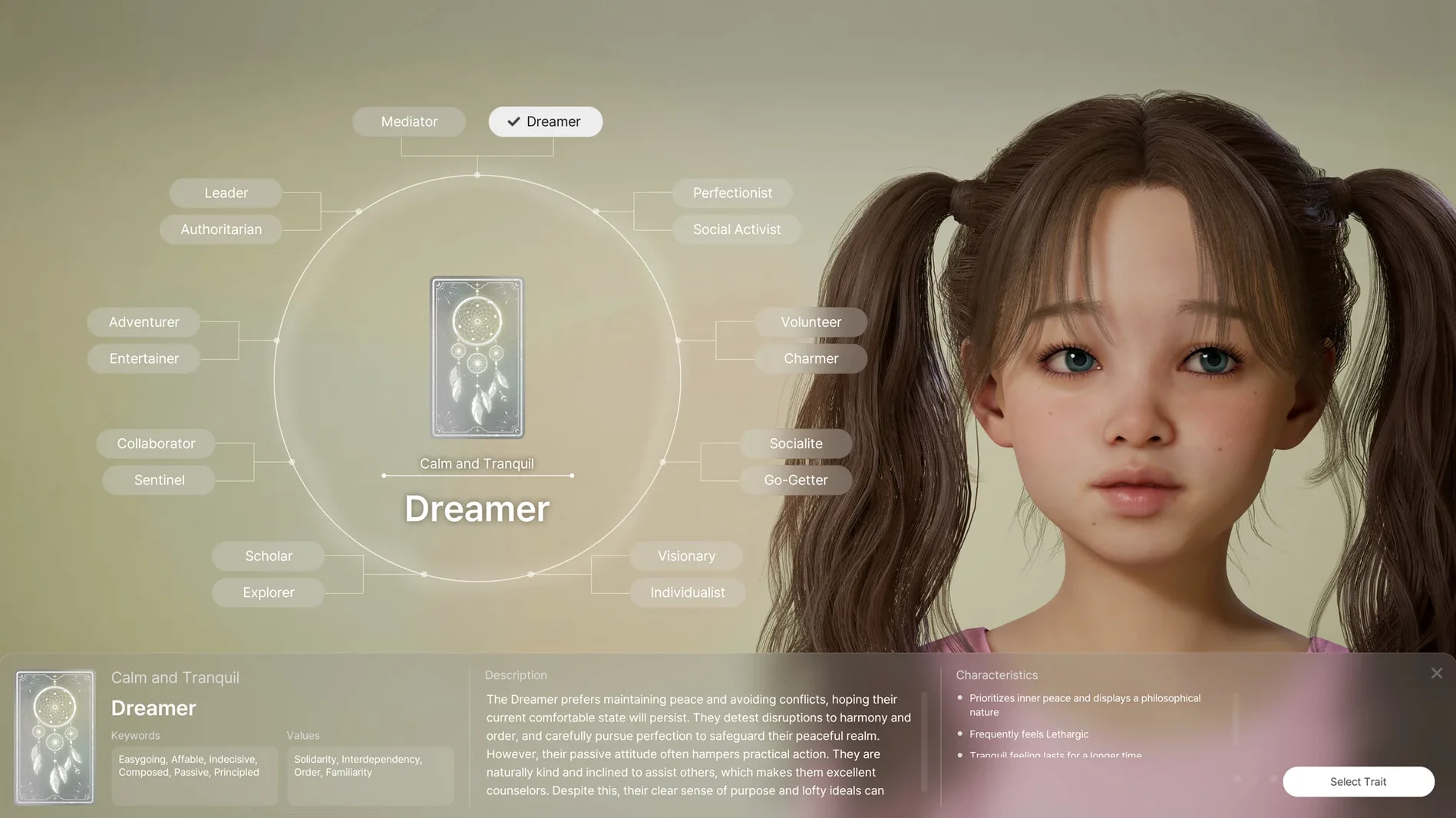
Personality sliders shape future relationships
Give yourself a quiet first session with the character creator before diving into city management. The toolset is deep, and early decisions about Zoi traits shape how relationships unfold later. Spend time with the personality sliders rather than picking the first preset that catches your eye. A Zoi whose traits clash with the household you place them in can produce friction that is interesting to watch but hard to steer if you are still learning the interface.
Start with a small lot. The building tools offer walls, roofs, stairs, fences, platforms and gates, and it is tempting to lay out a sprawling home straight away. A compact build teaches you how snapping works and how interior items interact with room boundaries. You can always expand later, and the weather system makes outdoor spaces feel different when a storm rolls through a half-finished yard.
Keep an eye on the simulation speed toggle. The community runs a full rumor and trend system in the background, and on the default speed a quiet neighbourhood can change noticeably while you are busy decorating a single room. Slowing things down for the first few in-game days lets you observe how Zois react to events without missing the cause.
App blocked by macOS Gatekeeper
A handful of issues crop up often enough to be worth noting. The first is the launch block on macOS. If the app refuses to start after dragging it into Applications, open System Settings → Privacy & Security and look for a prompt about inZOI near the bottom of the window. Approving it there usually resolves the matter. If the prompt does not appear, running the Terminal commands listed in the install notes forces a re-check.
Some players report that the generative AI tool for clothing patterns produces garbled results when the text prompt is too abstract. Stick to concrete descriptions, two or three words at most, while you learn what the local model interprets cleanly. "Blue tartan" works; "something nostalgic but modern" tends not to.
Motion capture from uploaded videos occasionally misaligns limbs if the source clip has multiple people or busy backgrounds. A short video of a single person against a plain wall, shot from a fixed camera, gives the cleanest transfer to a Zoi skeleton. Re-importing the same clip after trimming it often fixes jerky movement.
The city editor's lot placement can feel stiff when two edges refuse to align. Zooming in until the grid lines are clearly visible and nudging with the arrow keys rather than the mouse usually settles the snap behaviour. It is a precision tool that rewards patience.
Twenty minutes in the character creator
The dock icon bounces twice on a 2024 Mac mini with M4, and the main menu appears. From there you pick a save or start fresh. A new game drops you into the creator. You spend twenty minutes shaping a Zoi: adjusting the cheekbone depth, picking a manicure colour, testing how the curly hair options catch the Unreal Engine 5 lighting. The local AI panel sits off to the side. You type "faded floral" into the prompt field and watch a pattern generate across the jacket your Zoi is wearing. It takes about four seconds. You try three more prompts before settling on one.
You name the Zoi and assign two personality traits that lean toward sociability. The game loads your chosen city, a seaside map modelled after a real coastal town. Streets are already populated with other Zois going about their routines. You pick an empty lot near the waterfront and open the build mode. Walls go up quickly once you learn that holding Shift extends them in straight runs. You add a small porch with a fence, drop a few interior items from the catalogue, and rotate a sofa until it faces the window rather than a blank wall.
You switch back to live mode. Your Zoi steps out of the taxi, looks around, and within a minute strikes up a conversation with a neighbour. The neighbour mentions a rumour about a local business closing, something the simulation generated based on the economic trend running in that district. You check the city overlay and notice a mild outbreak of a minor illness spreading through two households. It is not serious enough to intervene, but you make a mental note to check back later.
An hour passes. You have tweaked a street layout, added a bench near the bus stop, and watched your Zoi form a tentative friendship. You save and quit. The session felt like half that time.
Architectural tools turn lots into canvases
Creative builders who enjoy long, uninterrupted sessions in edit modes will find the deepest satisfaction here. The architectural toolset, with its walls, roofs, stairs, fences, platforms and gates, rewards the kind of player who treats a lot as a canvas rather than a backdrop. The ability to turn 2D models into in-game 3D objects also opens a door for anyone with a modest 3D modelling habit and a folder of reference images.
Life simulation fans who care about emergent storytelling rather than directed quests settle into inZOI naturally. The Zois do not follow scripted arcs. A shy Zoi placed in a dense apartment block develops differently from the same Zoi placed in a quiet suburb, and the rumor and disease systems add texture that unfolds over dozens of hours rather than a single evening.
Players who enjoy tinkering with AI tools get a bonus layer. The local generative model for clothing patterns and furniture decoration is not a gimmick; it is woven into the creator workflow. Someone who likes iterating on small visual details will lose whole afternoons to the prompt field without ever touching live mode.
Mac users with M1 or later hardware are the intended audience, and the Apple Silicon optimisation means the simulation stays responsive even when a city grows dense. Those still on Intel machines cannot run it, which rules out a portion of the life-sim audience but also means the developers have not split their attention across two architectures during early access.
Traits aren't cosmetic in the creator
The most common mistake is treating the Zoi creator as a one-time task. Many players rush through it to reach the city, then wonder why their Zoi behaves oddly. Personality traits and life experience settings are not cosmetic. A Zoi built without care can end up isolated or constantly at odds with the community, and by the time the problem is obvious the save has already branched in a direction that is hard to unwind. Experimenting with different trait combinations in short test saves teaches more than any tutorial.
Another misstep is ignoring the city overlay panels. The simulation tracks rumours, trends and diseases quietly, and a player focused only on their own lot can miss a disease spreading through the school district or a trend that is about to tank property values on a street they planned to develop. Glancing at the overlays every few in-game days is a habit worth forming.
Overbuilding too early trips up newcomers who come from pure building games. inZOI expects you to play in live mode as well. A beautifully detailed mansion on an empty street feels hollow because the simulation has not had time to grow a community around it. Letting the Zois live in a modest space while the neighbourhood develops around them produces a more coherent world.
Finally, the generative AI tools tempt beginners into spending hours on a single item of clothing or a piece of furniture while the simulation runs unattended. Zois left alone on default speed can drift into job loss, broken relationships or illness. Pause the simulation when you enter a deep customisation session, or accept that you will return to a world that moved on without you.
inZOI is built on Unreal Engine 5, which handles the visual detail across creation tools and city environments.