Aspecten
 Download (1.3 GB)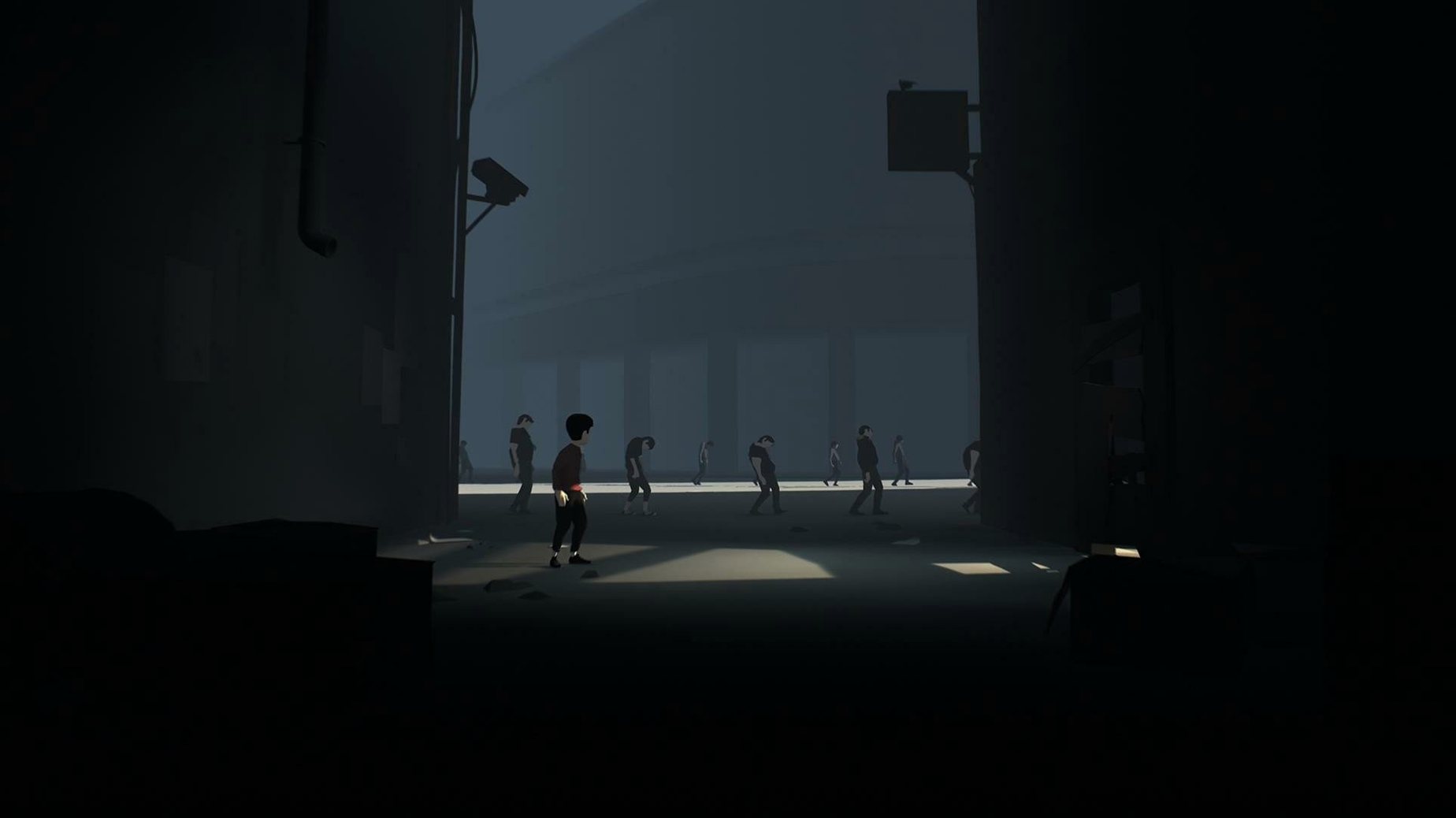
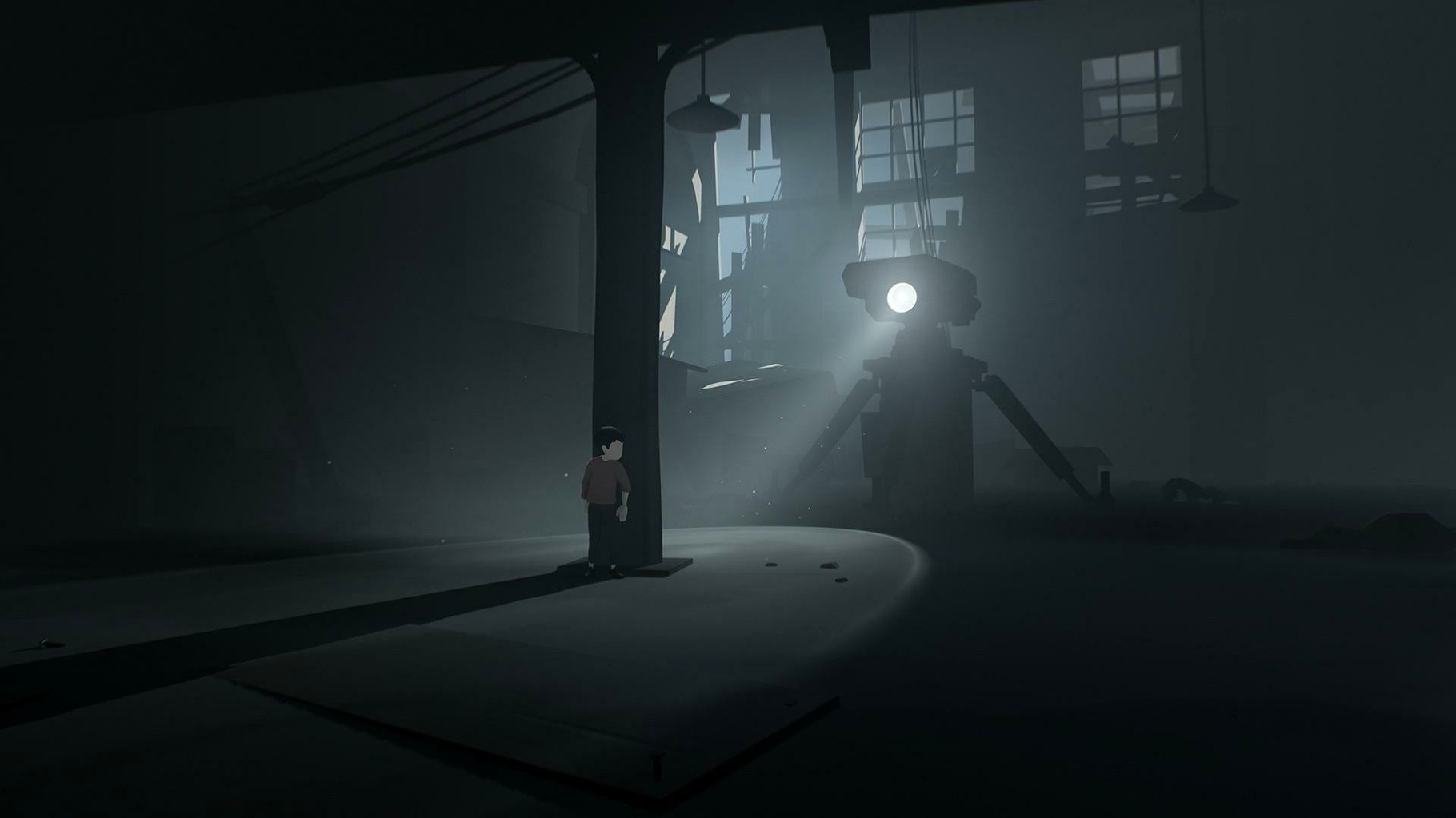
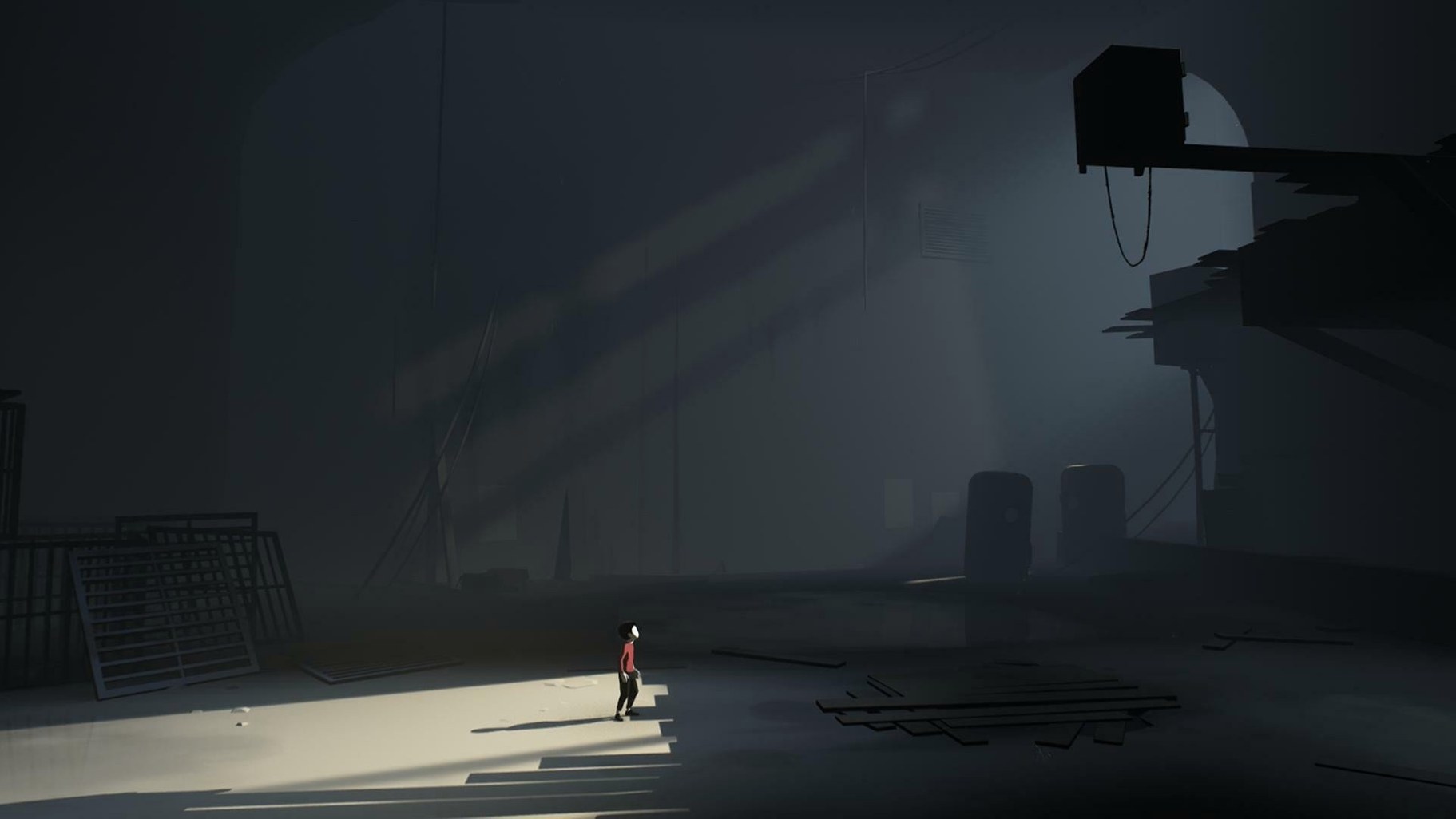
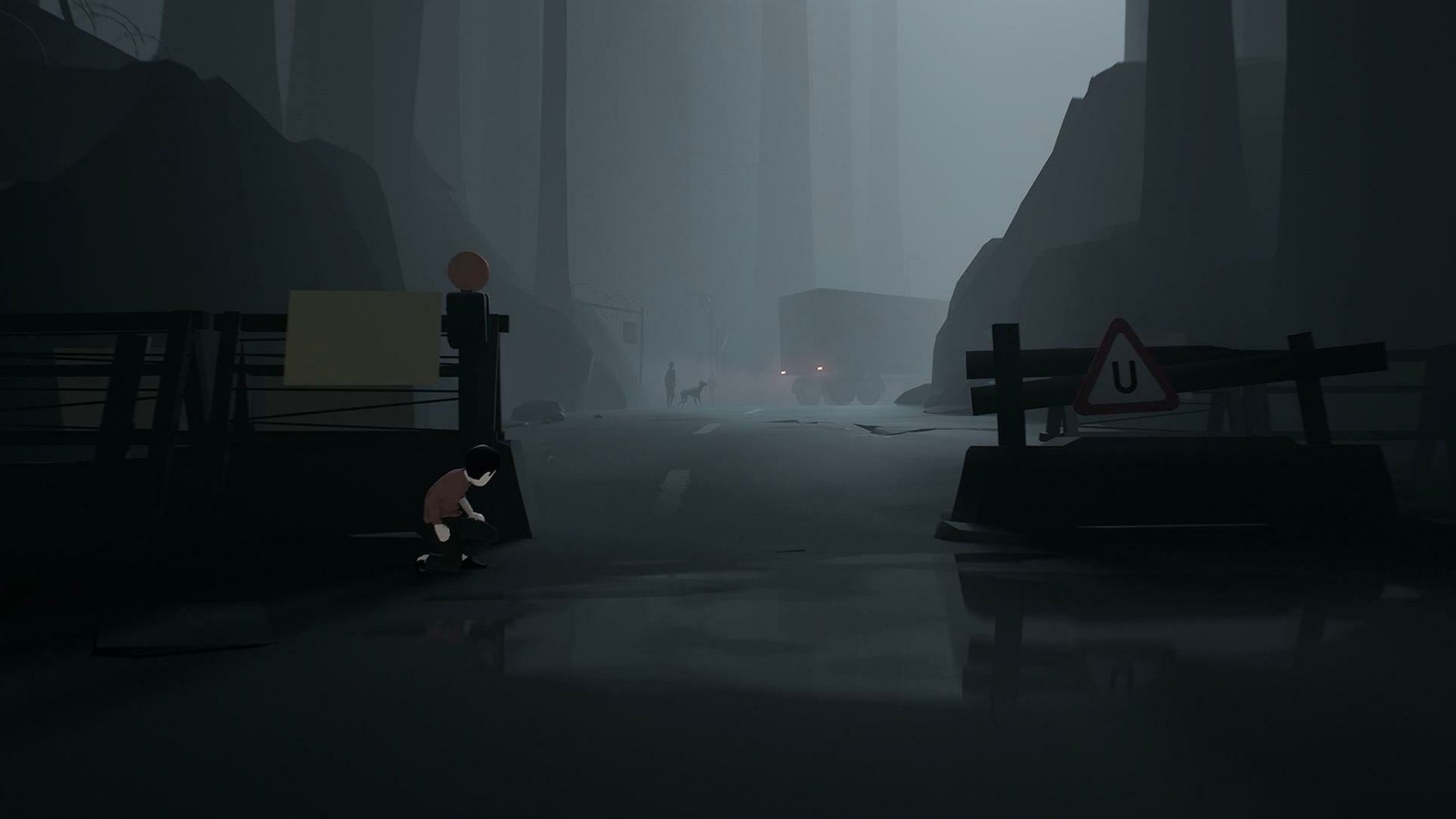
Version 1.0.5 brings no listed changes, but it remains the build tested on macOS Tahoe with a Mac mini 2024 M4. The game runs on Intel Macs and launches without fuss once copied across. Controls are plain and responsive: an unnamed boy moves left and right, jumps and grabs, and every input feels deliberate rather than twitchy. The interface stays out of the way, leaving the grey, ruined world to set its own tone.
Performance on the M4 machine is steady. The game’s quiet soundtrack is the only audio language, and it does a lot of work — footsteps, distant machinery and sudden silences guide your attention more than any on-screen text. The story leaves room for interpretation, with no backstory shown at any point. You piece things together by moving through a post-apocalyptic landscape, avoiding hazards and solving physical obstacles to progress.
The interface language is Russian, but the game’s communication is almost entirely visual, so a lack of English menus does not get in the way. Obstacles range from patrolling figures to environmental traps, and each section teaches its rules through consequence rather than instruction. It is a compact, focused experience that holds up well on current Mac hardware.
Bypassing the Gatekeeper launch block
A few players have reported the game refusing to launch after dragging it to Applications, usually because of macOS Gatekeeper. If you see a message that the app cannot be opened, right-click the application icon and select Open from the context menu; that gives you the option to run it anyway. You only need to do this once.
On machines with an M-series chip, the Intel build runs through Rosetta 2 automatically. The first launch can take a little longer while translation happens in the background, but subsequent starts are quick. If performance feels sluggish, check that Low Power Mode is not enabled in System Settings — the game does not throttle itself, so any stutter tends to come from the system capping the processor.
Another occasional hiccup involves the game window appearing off-centre or too small on high-resolution displays. Holding the Option key while clicking the green traffic-light button cycles through window sizes and often snaps it into a usable arrangement. The game renders at a fixed internal resolution, so expect some softness on Retina screens rather than pin-sharp pixels.
There is no save-game menu to worry about — progress is checkpointed automatically — but if you need to start fresh, deleting the folder ~/Library/Application Support/com.playdead.inside wipes all local data. No hidden plist tweaks are required, and the game does not phone home.
Observation over instruction in a bleak world
Players drawn to single-player puzzle platformers with a bleak atmosphere will find Inside a natural fit. The pacing suits people who prefer observation over instruction — each room is a self-contained puzzle that rarely needs more than a few attempts, so frustration stays low even when the solution is not obvious at first glance.
Mac users who keep older Intel machines around also benefit: the x86 build runs without demanding a Metal-capable GPU from the last few years, making it viable on hardware that has been left behind by many newer titles. Anyone curious about the lineage of Playdead’s work — this comes from the studio behind Limbo — will recognise the same commitment to environmental storytelling, but Inside is tighter and more polished in its set-pieces.
People who value a game that finishes in a few evenings rather than demanding weeks of attention get the strongest return. The experience is short and does not pad itself with collectibles or side content. Those who dislike dialogue-heavy narratives or excessive menu screens will also appreciate how little stands between launching the app and being in control of the boy.
Respects Spaces and Focus modes mid-chase
Inside behaves like a well-mannered full-screen citizen. It respects Mission Control, so swiping between spaces while paused works without glitches. The game also cooperates with Do Not Disturb focus modes — notifications will not interrupt a chase sequence if you have a focus active, which is a small but welcome touch on a Mac used for work and play.
Screen recording through the built-in macOS tool or QuickTime Player captures gameplay cleanly, with audio from the soundtrack included. Streamers using OBS will find that window capture works more reliably than display capture when the game runs full-screen. The app shows up as a distinct window rather than hiding behind a compositor layer, which simplifies setting up a scene.
For those who supplement their library with titles found through an inside for mac free download search or who arrive via an inside mac torrent, the lack of activation or online checks means the game never conflicts with firewall settings or VPN connections. It is entirely self-contained — no launcher, no companion app, no background processes lingering after you quit.