Aspecten
 Download (1.9 GB)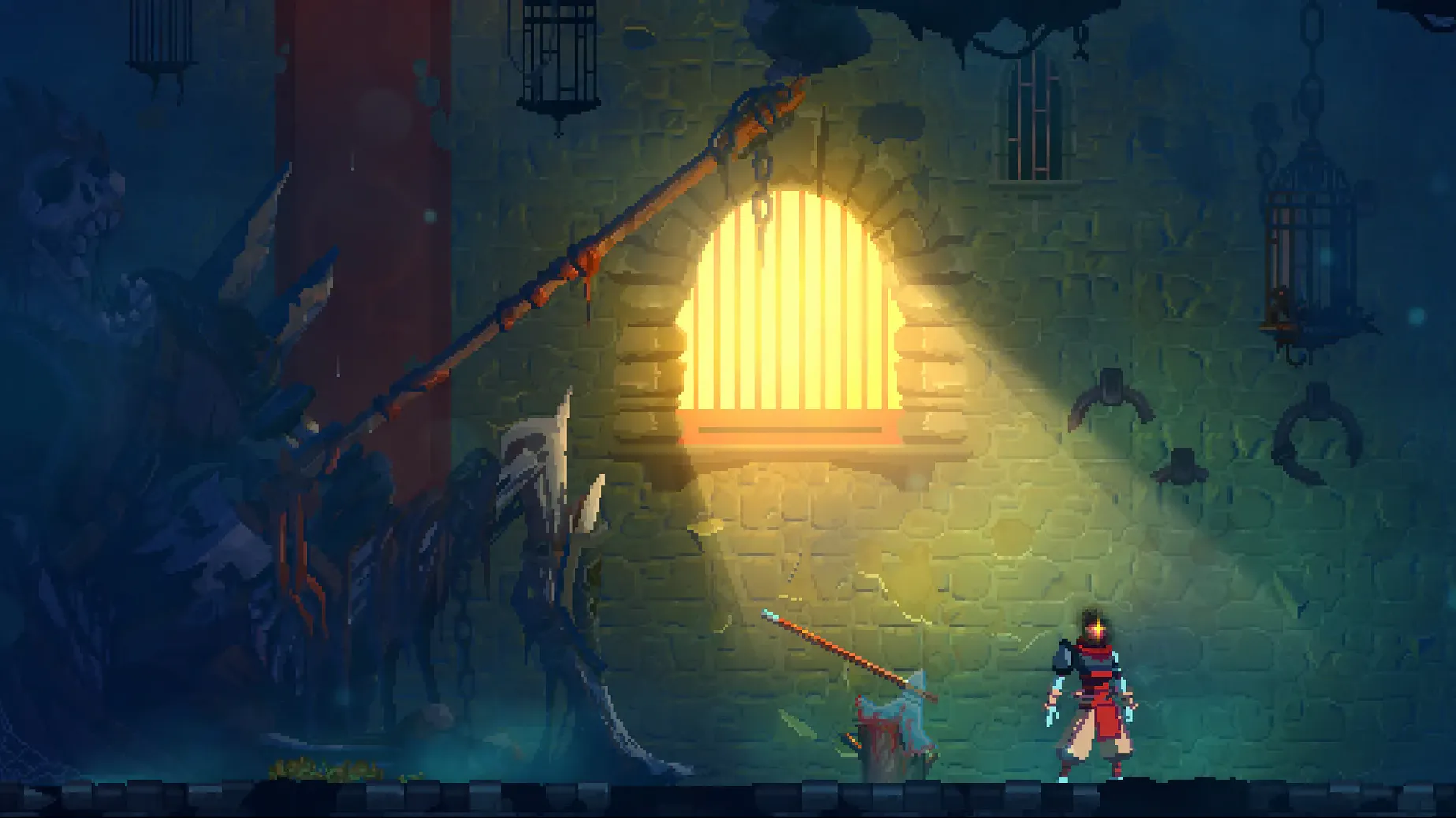
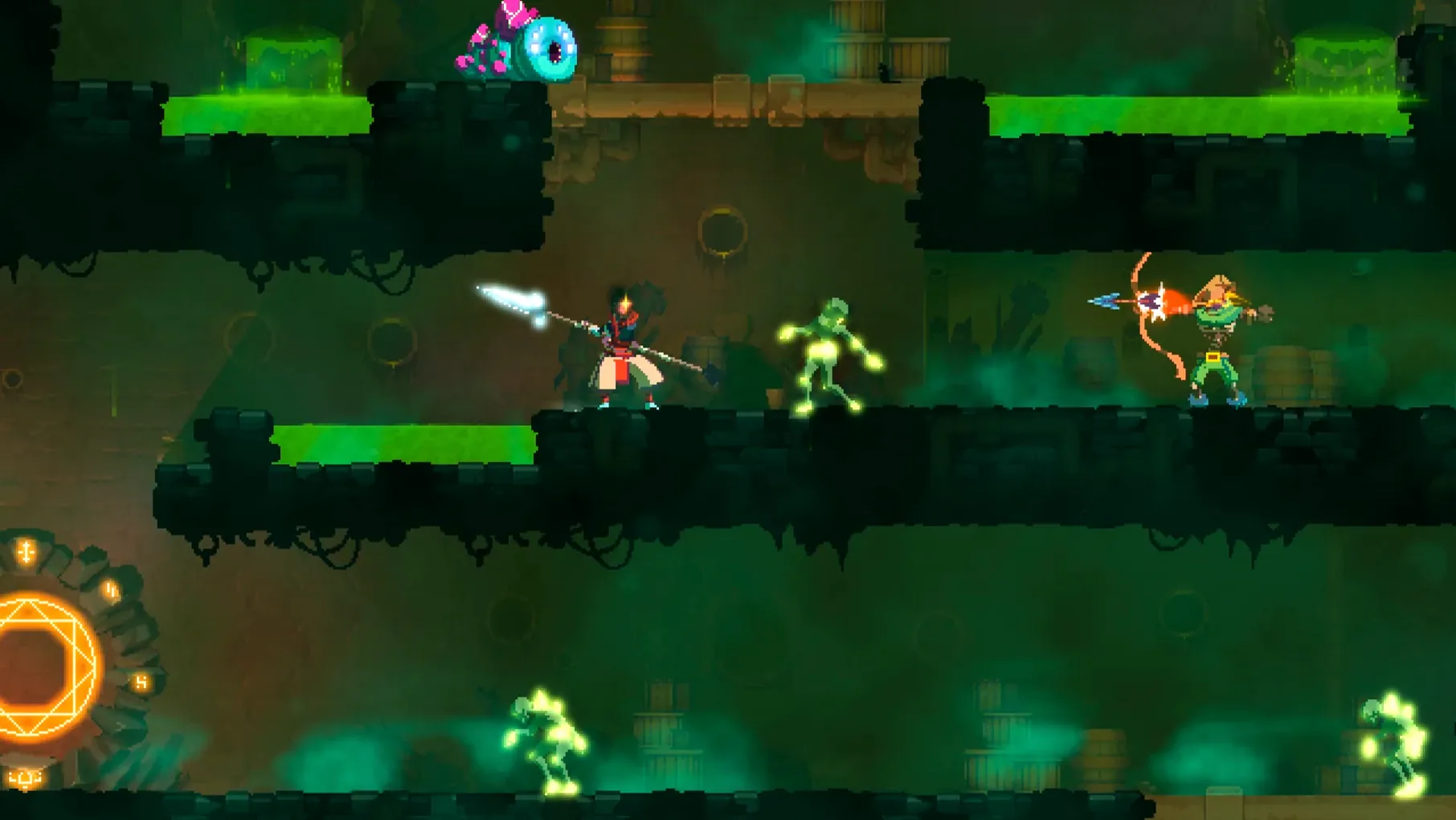
The game runs on Intel Macs, and the build has also been tested on macOS Sonoma with a MacBook Air M1 from 2020. There is music but no spoken dialogue, and the interface supports Russian, English, German, Spanish, Italian, Simplified Chinese, Korean, Portuguese, Turkish, French, and Japanese.
Dead Cells is built around repeated runs. You work through an interconnected level layout that changes over time, and death sends you back to start again. There is no save system, so each attempt is a fresh pass through the current layout. Progress depends on learning enemy patterns and making better use of the weapons you find along the way.
Combat sits close to the Souls-like end of the spectrum: deliberate, quick to punish mistakes, and built around timing. The metroidvania side appears in how areas connect and how certain abilities open new routes. The rogue-lite structure keeps the pressure on, since a run can end without a checkpoint.
Launching from a deadcells file and landing in the Prisoners' Quarters
You launch the game by opening the deadcells file inside the game folder. The title screen appears, music kicks in, and you pick a fresh run. The Prisoners' Quarters load — familiar stone corridors, a few torches, the first zombie shuffling toward you. You roll behind it, land two quick slashes with the rusty sword, and pick up the cells it drops.
The next room forks. Left leads to a timed door you cannot open yet; right descends toward a cluster of archers. You toss a grenade you found two rooms earlier, watch the blast catch two of them, then finish the third with a jump-and-strike. A blueprint drops. That goes into your mental list for the Collector later.
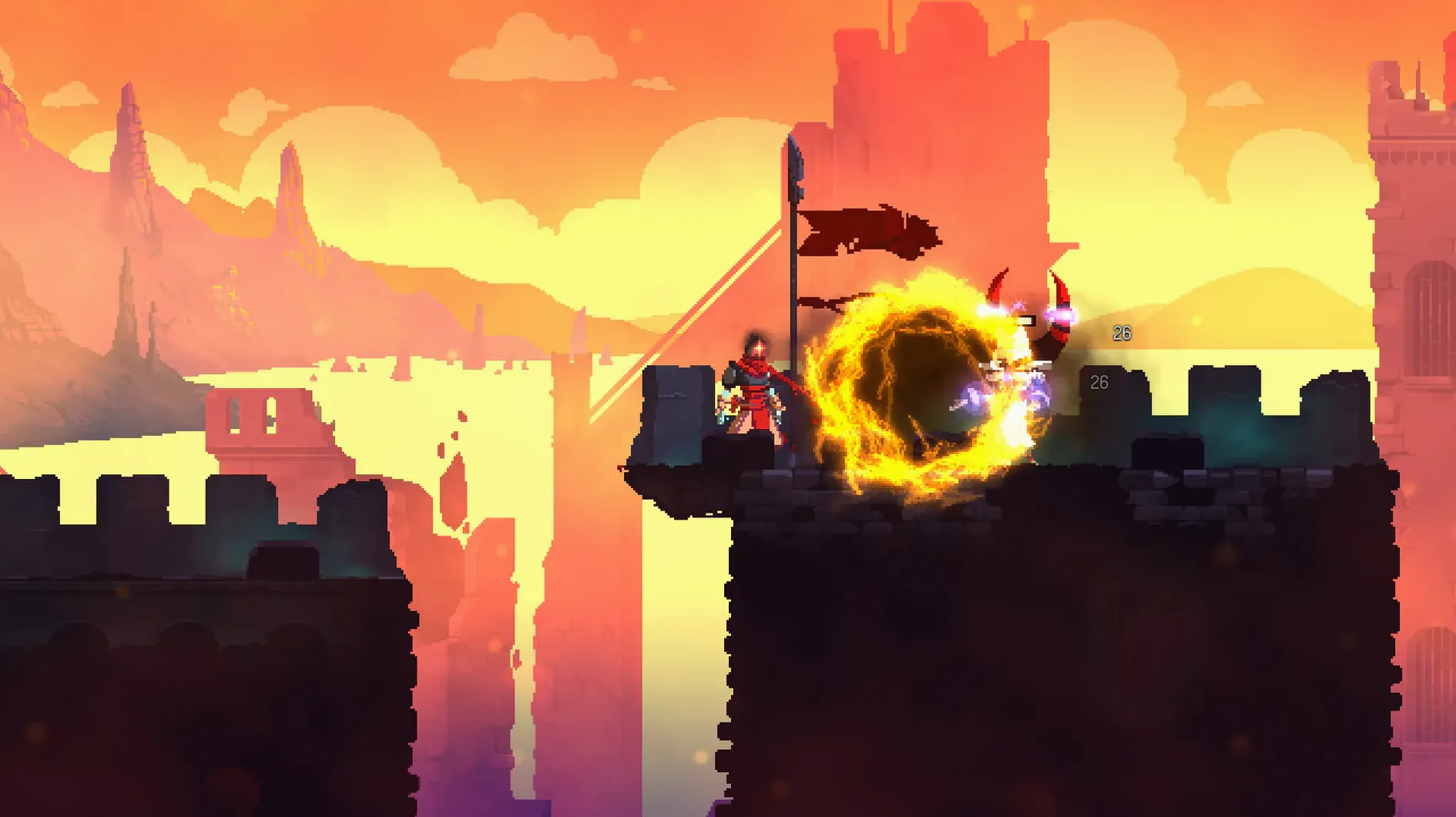
By the time you reach the Promenade of the Condemned, your build has shifted. You swapped the sword for an electric whip, picked up a sinew slicer trap, and poured early cells into a health flask upgrade. The run now leans toward ranged pokes and trap placement — different from the close-up brawling you started with. That shift is what keeps a session interesting. Dead Cells does not let you lock into a single style; the gear you find shapes your approach.
Mid-run you hit a challenge rift. Inside, a cluster of shielded enemies and a spike pit. You drop the slicer near the ledge, whip the shield-bearer from across the gap, roll through the survivor's swing, and collect the scroll. The scroll boosts your Brutality stat, which feeds back into the whip's damage. The loop tightens: explore, fight, scavenge, decide which stat to push.
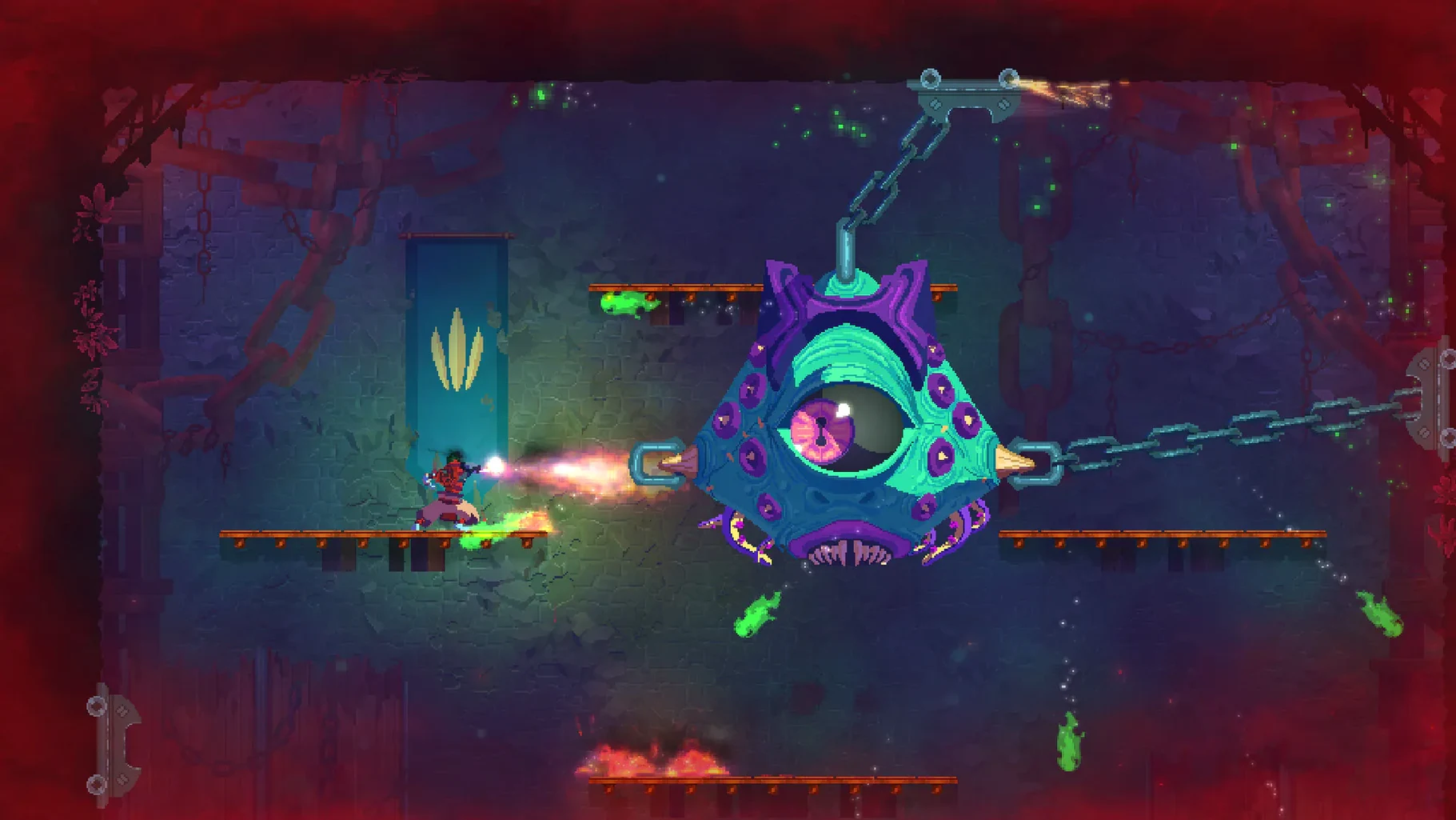
Eventually a boss room appears. The Concierge. You dodge the flame trail, wait out the leap, land hits during the roar animation, and lose half your health bar to a mistimed roll. The fight takes ninety seconds. When it ends you stand in an empty arena with a handful of cells and a new weapon unlock. You spend the cells at the Collector, unlock the assault shield, and start the next biome. A full session from launch to death or victory usually runs between twenty and forty minutes.
Committing to one stat early keeps damage from falling off
The first few hours with Dead Cells reward a narrow focus. Pick one stat — Brutality, Tactics, or Survival — and commit to it early in a run. Spreading scrolls across all three keeps your damage low and makes later biomes a slog. The game does not explain this directly, but the damage scaling formula punishes split builds.
A second habit worth building early: spend cells at the Collector as soon as you pass a safe transition door. Cells drop on death if unspent, so hoarding them through a biome is a gamble. Even a small unlock, like the health flask upgrade or a random starting weapon, adds permanent progress regardless of how the current run ends.
Learn the tell for a timed door. These appear in certain transition passages and lock after a set number of minutes. In the early days, ignoring them is fine. The rewards behind a timed door are useful but never essential, and rushing to reach them teaches sloppy movement habits. Learn enemy patterns first; speed comes later on its own.
Rebind the controls early if the defaults feel off. Many players move roll to a shoulder button or swap the secondary weapon slot to something easier to reach under pressure. The game reads keyboard and controller input cleanly, and the settings menu covers both.
Rosetta 2 missing stops the x86 build on M1 Macs
Game does not launch on an M1 Mac. The build is x86 64-bit, so it runs through Rosetta 2. If it fails to open, check that Rosetta is installed — the system usually prompts for it on first launch. A second cause is a quarantine flag on the deadcells binary. Running xattr -d com.apple.quarantine deadcells from Terminal inside the game folder clears it.
Frame drops in busy biomes. The Stilt Village and the Clock Tower push particle effects harder than earlier areas. Turning off screen shake and reducing debris rendering in the video settings smooths things out. V-Sync can also be toggled; on some configurations disabling it raises the frame rate noticeably.
Lost a run to a crash. No save system means a crash during a biome sends you back to the Prisoners' Quarters with nothing from that attempt. The fix is prevention: avoid suspending the Mac while the game is running, and close background apps that might trigger a memory spike. Some players also grab a dead cells mac download from a clean source if they suspect a corrupted asset, though the DRM-free build is generally stable.
Stuck on a boss. The Concierge and the Time Keeper are common walls. For the Concierge, the trick is staying close to bait the melee swing instead of the flame attack. For the Time Keeper, parry timing on the dash attack opens a long damage window. If frustration builds, a session in the Training Room — unlocked through the Collector — lets you practice a boss without a full run beforehand.
Cmd-Tabbing to a notes file for blueprint and boss reminders
Dead Cells works as a focused window or in fullscreen, and it plays well alongside a note-taking app. A quick Cmd-Tab to a plain text file for jotting blueprint locations or boss patterns feels natural after a long session. The game does not block system shortcuts, so switching to a browser to check a wiki page or compare weapon stats is frictionless.
Screen recording through the built-in macOS tool or OBS captures gameplay without frame drops on most setups. The DRM-free nature of the build means no black-screen blocks or HDCP issues. Some players record boss fights to review their own dodge timing later.
Controller support is solid. A DualSense or Xbox controller paired via Bluetooth connects without extra configuration. The game switches input prompts on the fly, so moving from keyboard to controller mid-run does not require a restart. If a controller is not detected, a quick toggle in the Input section of the settings menu usually picks it up.
Because the build is DRM-free, moving the game folder between Macs is straightforward. Copy the folder, run the binary on the new machine, and it works. Settings and unlock progress live inside the game folder, so the whole state travels with it. People who grab a Dead Cells torrent for offline play on a second Mac often do exactly this.
Motion Twin, a French workers cooperative based in Bordeaux, created and published the game.