Aspecten
 Download (2.3 GB)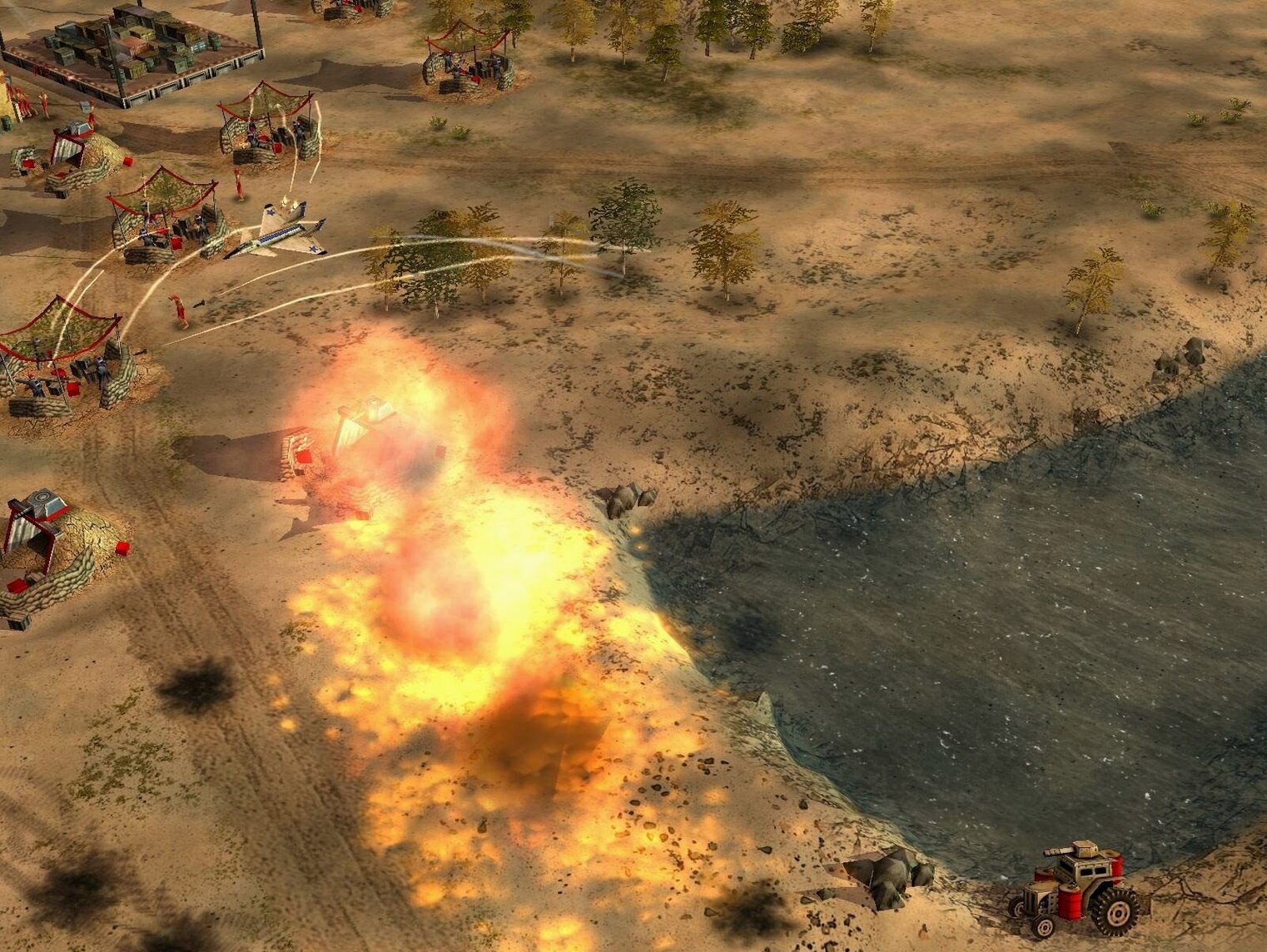
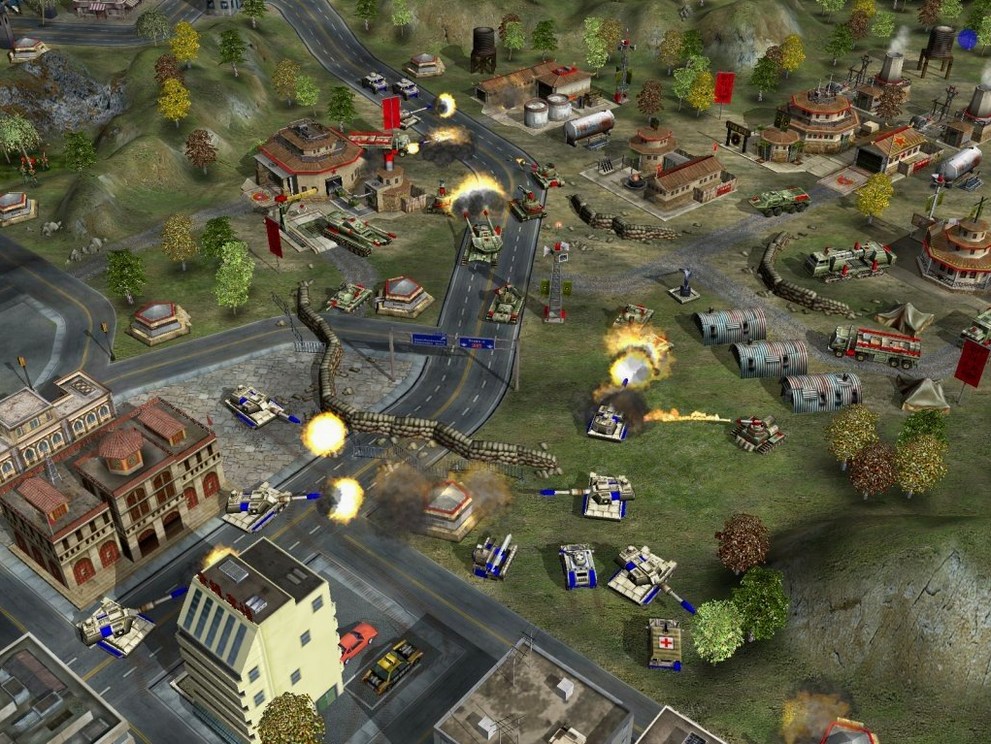
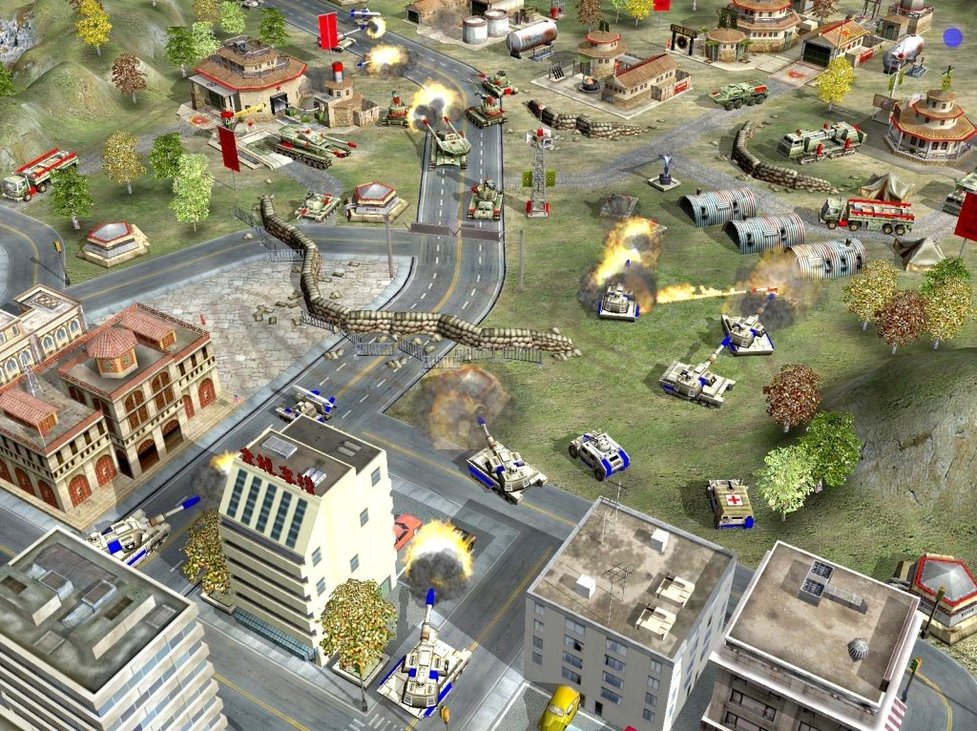
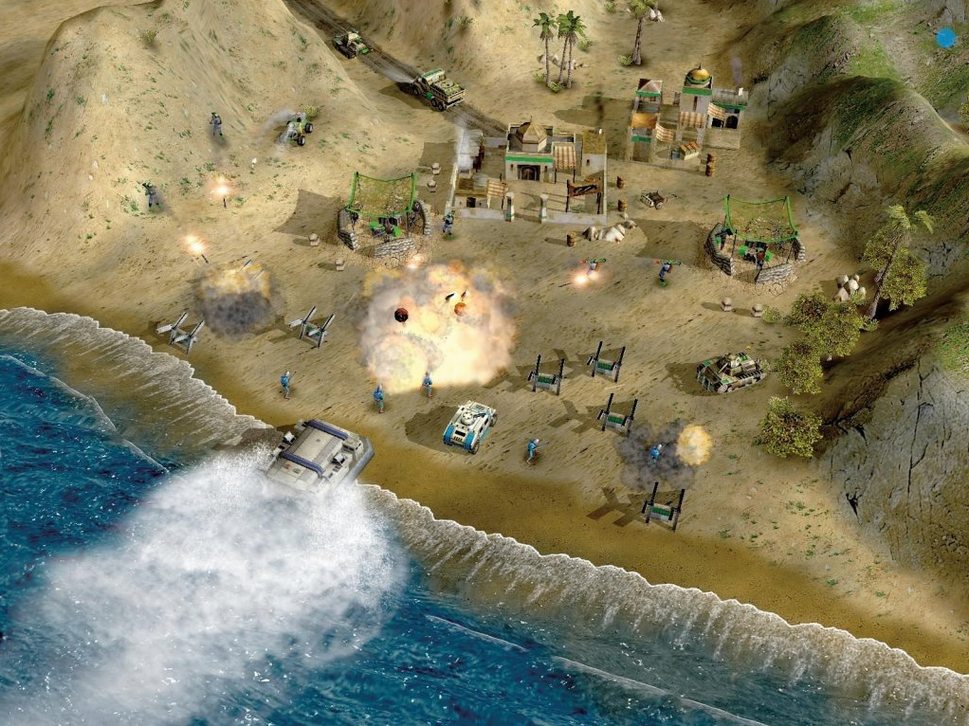
A player who found the base game's three factions a bit too symmetrical will get the most from this expansion. Zero Hour sharpens the differences between the USA, China, and the GLA by introducing a roster of sub-factions, each led by a general with a distinct passive or active ability. It suits someone who enjoys the core loop of building a base, gathering resources, and training units, but wants a stronger flavour of asymmetry when capturing enemy positions.
Command bar familiar, general upgrades tucked inside
The interface language is English and the layout stays close to the original, so returning players will recognise the command bar and build queues immediately. Where it changes is in the general-specific upgrades, which sit naturally in the existing panels. The new units and buildings slot into the three factions without making the sidebar feel cluttered.
Supply lines first, then a general's trait reshapes the match
Early minutes still revolve around establishing a supply line and a basic production structure. The difference arrives when a general's unique trait starts to shape decisions. One might lean into cheaper armour, another into faster infantry, and that nudges the whole build order off the standard path. The expansion replaces the original Super Strike ability with these general-specific systems, so combat and base capture feel less like a mirror match and more like a deliberate mismatch of strengths and limits.
Dozer, supply centre, repeat
An evening session tends to settle into a rhythm within the first few minutes. After starting a skirmish, the opening move is almost always the same: select the dozer, place a supply centre near the nearest resource patch, and order a power plant. The simplified economy means there is no second resource to juggle, so attention shifts quickly to scouting and the first production building.
With China, a session might begin with a forward barracks and a small infantry squad sent toward the centre of the map. The general's trait is what changes the next decision. If the choice was the infantry general, the squad is larger and cheaper, so it makes sense to contest the middle early and deny the opponent room to expand. If the choice was the tank general, the early minutes look different: fewer units, more patience, and a heavier investment in the war factory once the supply line is stable.
Mid-game is where the expansion shows its hand. A USA player using the air force general will spend more time on airfields and repair cycles, while a GLA player with the toxin general might rely on ambush units and temporary tunnels rather than a large standing army. The new buildings and units for all three factions create small decision points that were absent in the base game. A capture team ordered to take a hostile supply depot can flip the economy in one push, but the defender's general ability often determines whether that push succeeds.
The closing phase usually comes down to one sustained assault. By that point the base is running with minimal supervision, and the focus is on unit composition and the timing of the general's active ability. Some missions do not require capturing enemy bases, so the session can also end with a smaller surgical strike: destroy a specific structure, hold a position, or eliminate a command vehicle. The loop stays familiar, but the generals keep it from playing the same way twice.
One AI skirmish to read each general's trait card
The first skirmish against the AI is a useful way to learn what the new generals do without the pressure of a human opponent. Each general has one trait, and the description in the selection screen is short enough to read before the match starts. It is worth trying two or three generals from the same faction in a row, because the contrast between their build orders is the clearest lesson the expansion offers.
Early on, it helps to keep the default hotkeys and spend a few sessions just observing how the new units behave. Some of them are situational, and using them at the wrong moment can waste resources that would have been better spent on a second supply centre. The simplified economy hides this at first, but a stalled production queue is still a loss in waiting.
- Play one skirmish per faction before touching the campaign. The campaigns lean into specific generals, and the skirmish mode gives a cleaner view of the new roster.
- Read the general description twice: once before the match, once after the first battle. The second read usually explains what went wrong or right.
- Experiment with the GLA tunnel network early. It changes how reinforcements reach a fight and is easy to underestimate in the first hours.
- When a match feels one-sided, switch generals rather than difficulty. The imbalance often comes from a trait mismatch, not the AI.
Wineskin build on Monterey wakes up without hassle
Version 1.04 is the release in circulation, prepared as a Wineskin build for Intel architecture and tested on macOS Monterey with an M1 MacBook Air. The practical changes for daily use are mostly about how the game starts and runs, not about new content. Activation is not required, so a session begins directly from the Applications folder without any additional steps.
The standalone nature of the expansion means there is no need to keep the base game installed. Missions, skirmish mode, and the new generals are all available from one launch. For Mac users, that removes a compatibility step that older Command & Conquer titles sometimes require. The interface language remains English, and the voice work is presented as musical accompaniment in the build details, which suggests the audio side is treated as part of the overall package rather than a separate download.
Everyday play has not changed dramatically in terms of content. The changes that matter are the ones that reduce friction: launching without activation, running as a self-contained install, and keeping the original 2003 feature set intact rather than reworking it for modern systems.
Late-game unit counts stay smooth on M1
On a MacBook Air with an M1 processor, the game runs through the Wineskin layer without visible slowdown in typical skirmishes. Unit counts in the late game can grow large, but the simplified economy and smaller maps keep the load manageable. The game's age works in its favour here: it was designed for far more modest hardware than what the tested machine offers.
Stability is generally good for a title running through a compatibility wrapper. The main risk comes from long sessions with many save/load cycles, which can occasionally cause a drop back to the desktop. It is not frequent enough to discourage play, but it is worth saving before a large assault. Memory use stays low by modern standards, and the fan on the tested machine rarely spins up even during heavy combat.
Resource use in daily work is unobtrusive. The game loads quickly, transitions between menus and matches are short, and there is no background service or launcher left running after quitting. For a 2003 title, the experience on current hardware feels closer to a native lightweight app than to a demanding port.
Camera pulls back where Company of Heroes zooms in
Company of Heroes shares the base-building and capture mechanics but moves the camera closer and slows the pace. Where Generals keeps units abstract and quick to replace, Company of Heroes asks for more attention per squad. The Mac version of Company of Heroes arrived much later and feels heavier on system resources, though it also offers a more modern presentation. Players who prefer a clean, fast economy will find Generals easier to read at a glance.
StarCraft II is the obvious point of comparison for anyone coming from a Blizzard background. It has a far deeper competitive scene and more polished interface work, but it also demands more from the player in terms of build-order precision. Generals sits in a more relaxed space: the macro side is simpler, and the general traits provide variety without the need to memorise long opening sequences. For someone looking for evenings of casual skirmishes, Generals asks less before it gives something back.
Age of Empires II is slower and more economy-driven. Four resources, long tech trees, and a greater emphasis on defence make it a different kind of strategy. Generals compresses the economy into one resource and pushes the action toward combat and base capture much sooner. The two games attract overlapping audiences, but a session of Generals is shorter, louder, and less concerned with long-term planning.
None of the three is a direct replacement. Company of Heroes offers heavier tactical detail, StarCraft II offers sharper competition, and Age of Empires II offers deeper economy. What Generals provides is a compact loop: build a base, train units, capture a position, repeat. The expansion keeps that loop intact while adding enough asymmetry to make each faction worth revisiting.