Aspecten
 Download (21 GB)
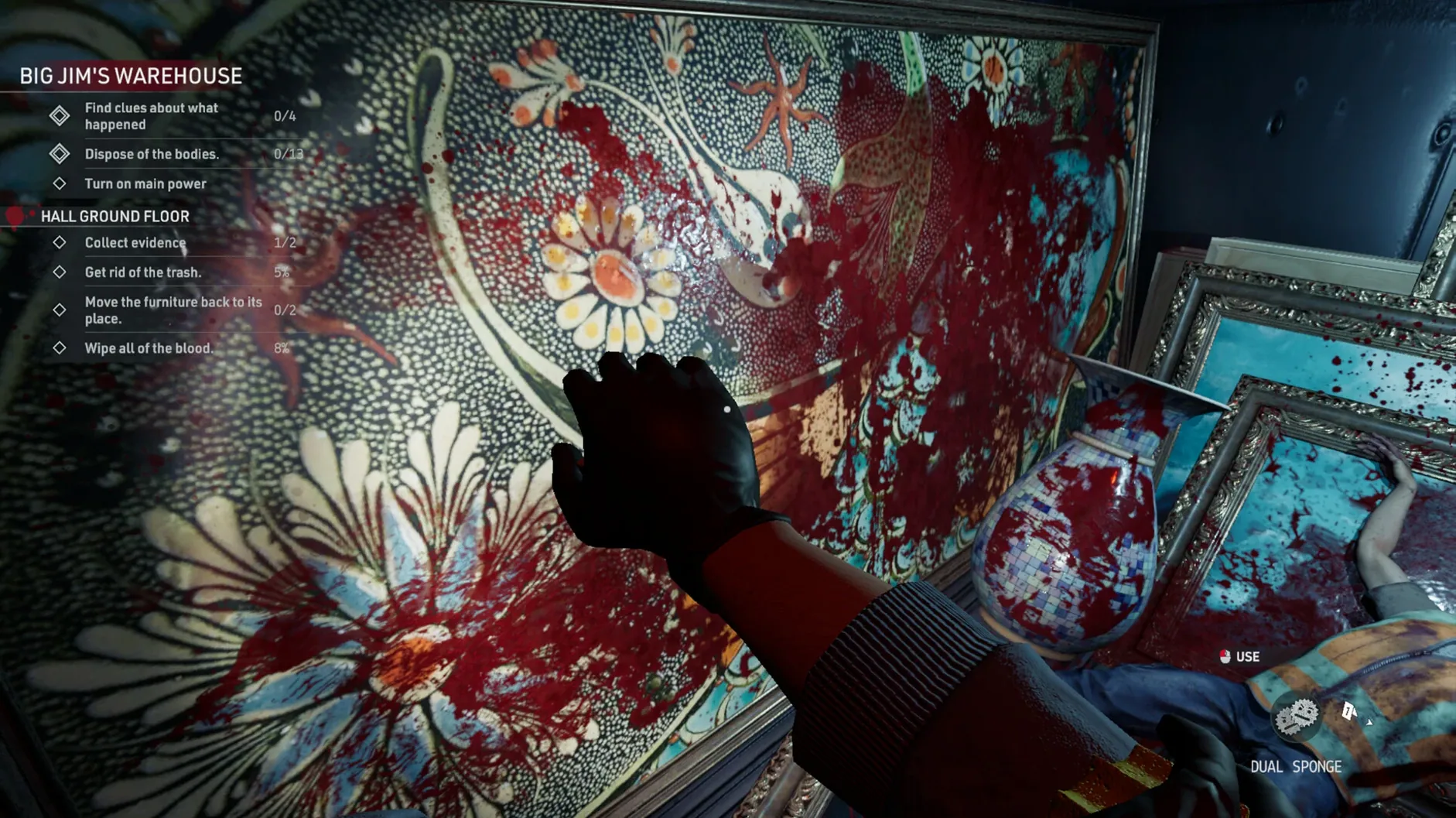
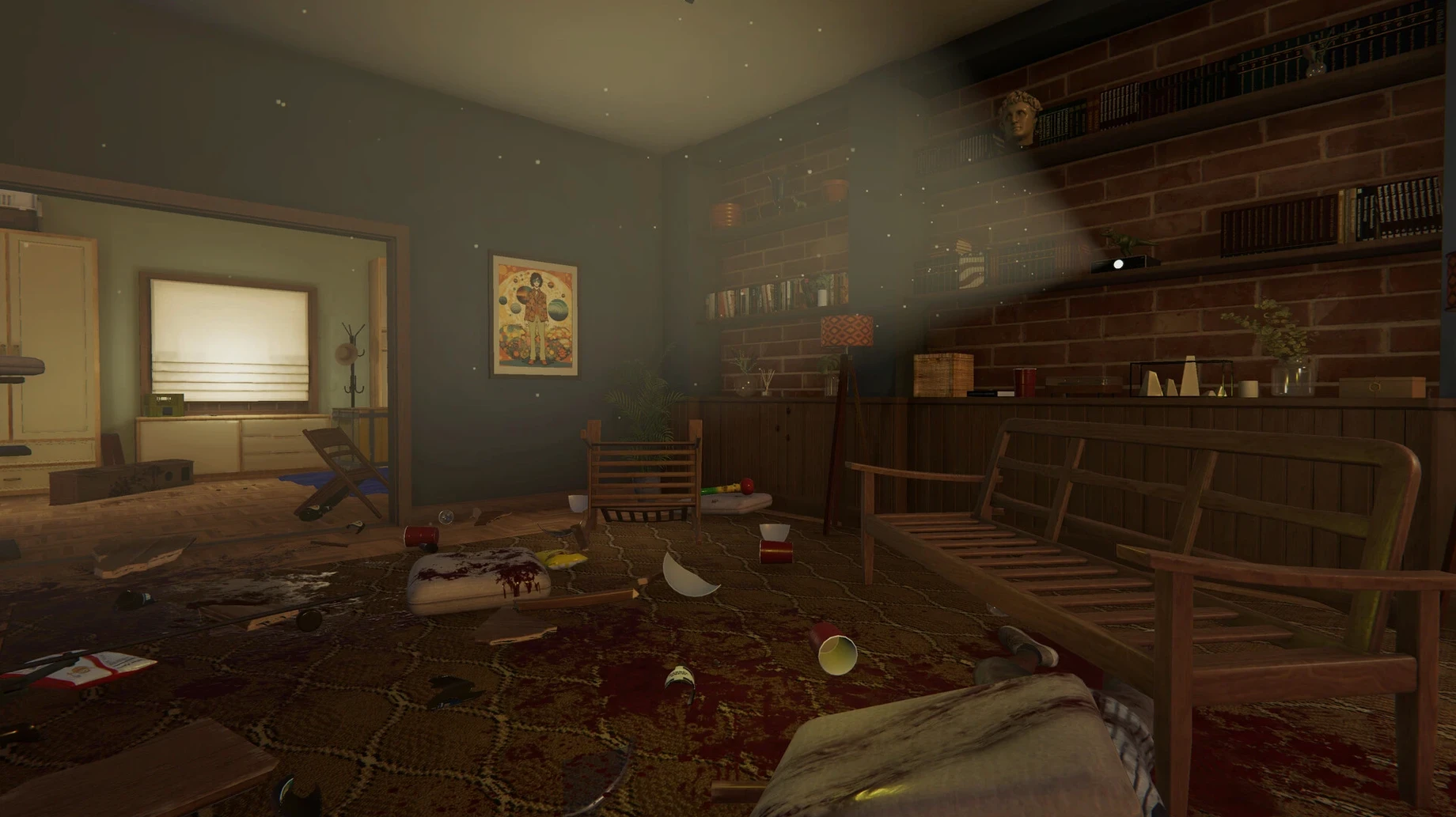
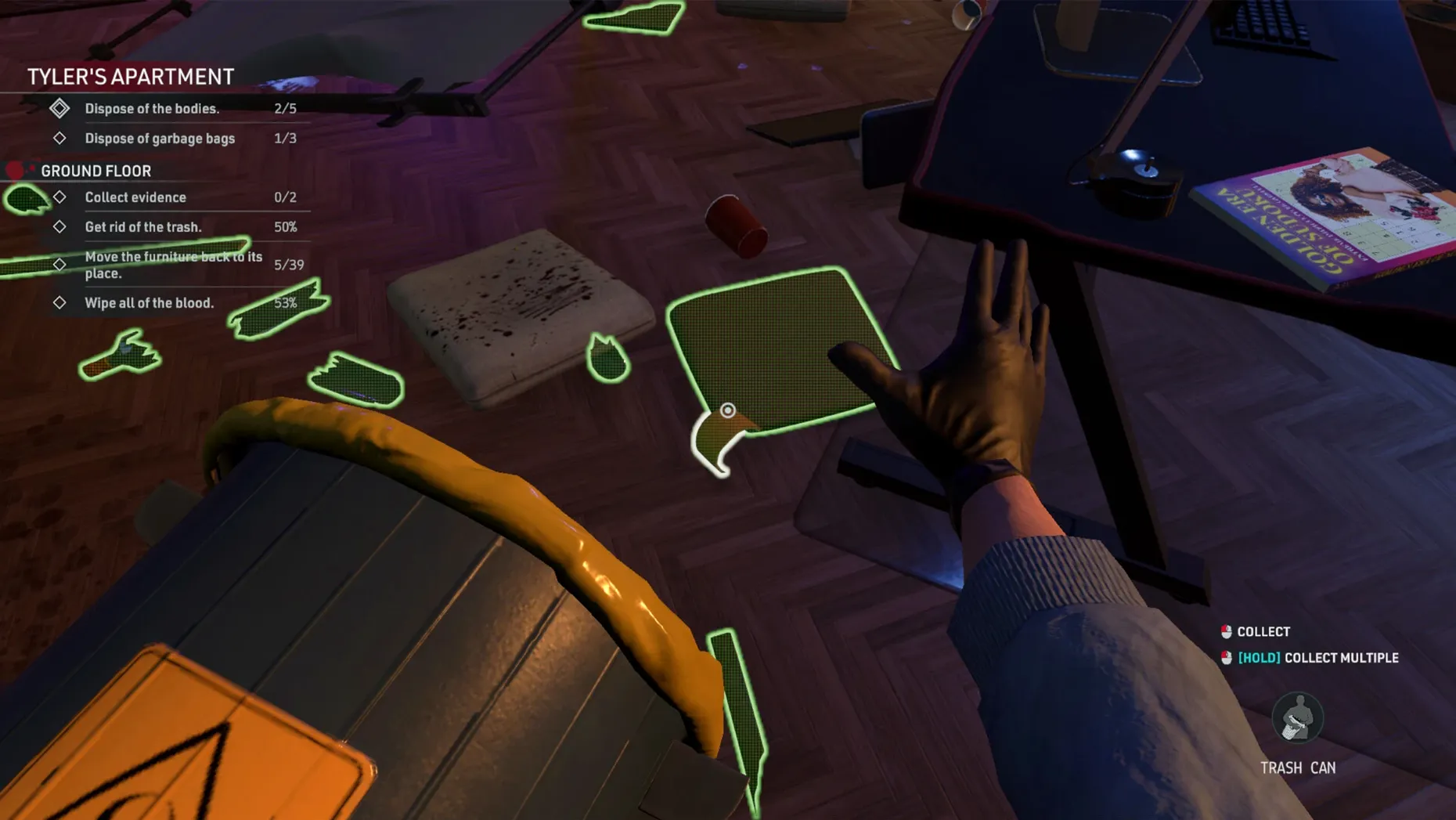
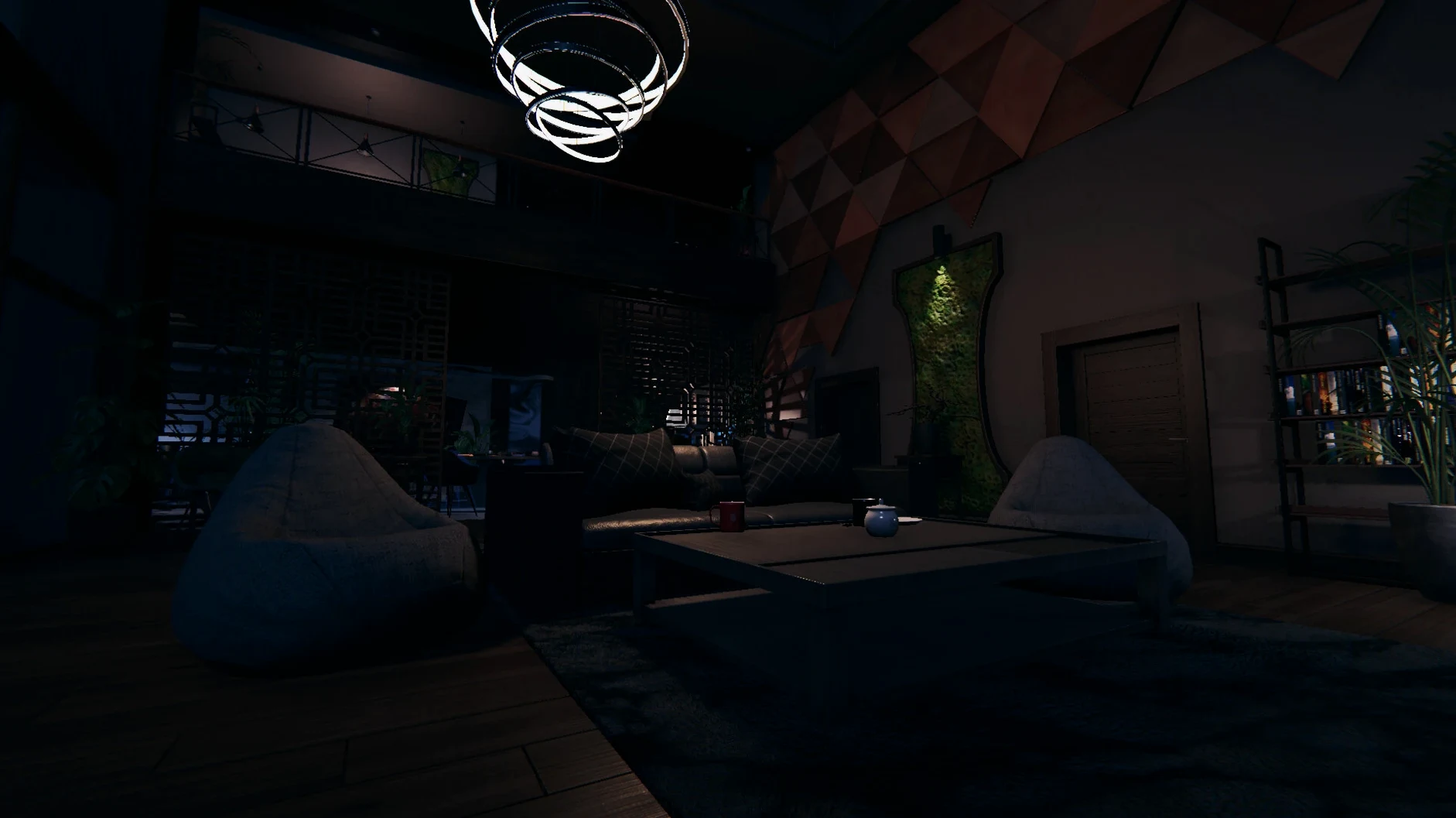
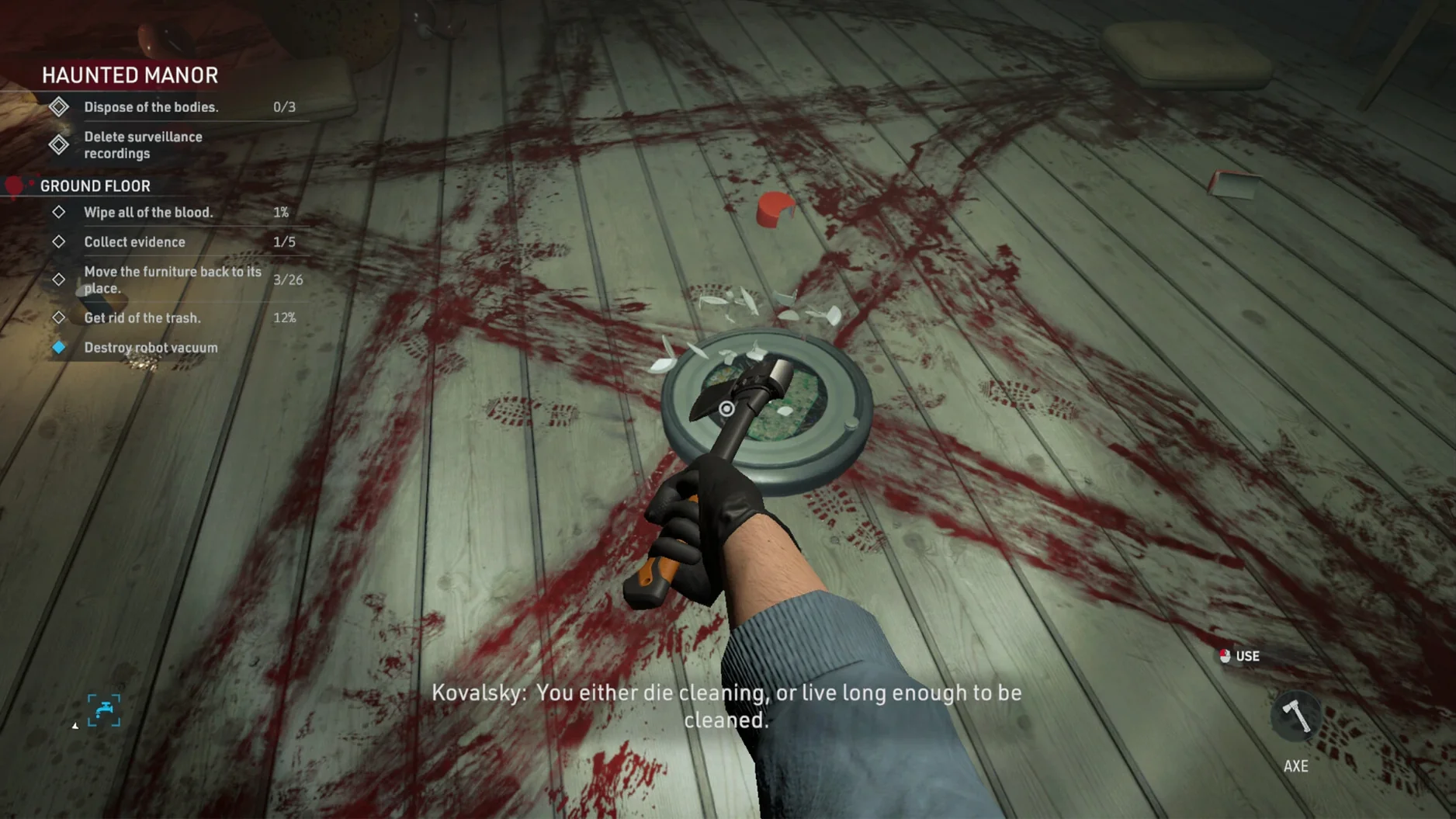
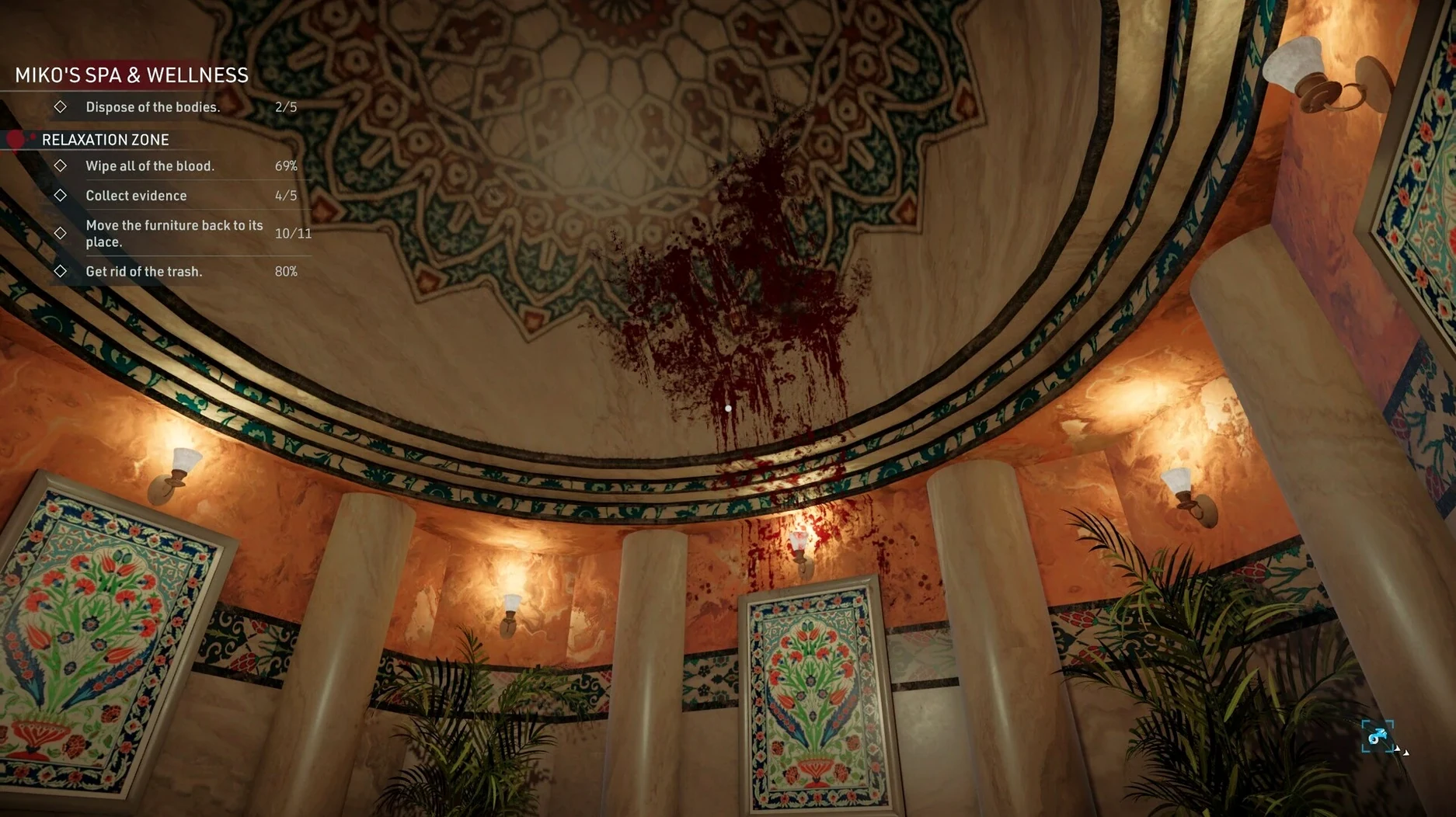
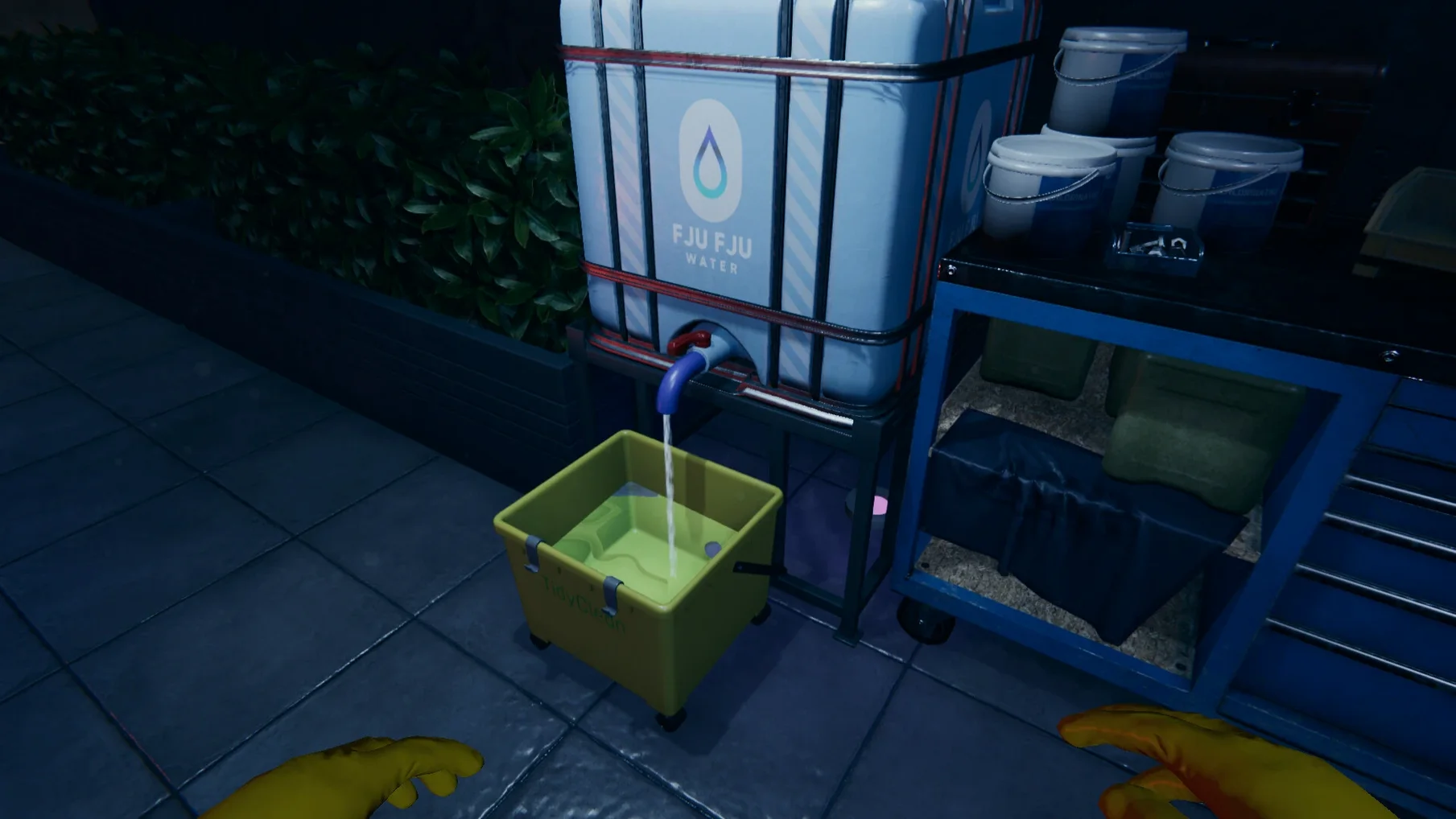
If you have spent time with cleaning simulators like Viscera Cleanup Detail, you will find a familiar griminess in Crime Scene Cleaner. You work freelance, scrubbing blood, packing bodies, and masking odours to earn money while caring for your daughter. The premise may be dark, but the process is methodical and oddly absorbing. Running the Mac version means paying attention to a couple of practical points before the first job.
- Mission preparation involves checking your supplies and inventory before setting out. Arriving without enough body bags or cleaning fluid can make a job take much longer.
- On first launch the game asks for a language. You can also change it later in settings, picking from English, German, Spanish, Dutch, Polish, French, Turkish and several others.
- Controls are straightforward on a keyboard and mouse, with clear prompts for picking up items, scrubbing surfaces and packing remains. No special peripheral is needed.
- The English voice acting delivers deadpan briefings and occasional comments that fit the murky tone without becoming overbearing.
- Apple Silicon is required. Expect steady frame rates on M-series chips at moderate settings, with no unusual heat or fan noise during typical scenes.
Performance holds up well as long as your machine meets the Apple Silicon requirement. The cleaning tasks grow more complex across missions, layering simple mechanics into something tense and strangely meditative. It is grim work, but the game knows exactly what it is.
Boost washer sensitivity so aiming feels responsive
Open the settings menu before accepting your first contract. Two options affect nearly every minute of play and are easy to overlook during the opening prompt rush.
- Sensitivity for the electric washer. The default value makes aiming feel sluggish when you need to spray a wide wall quickly. Bump it up by a notch and test it on the first blood spatter in the tutorial. You will spend less time wrestling the reticle and more time watching stains dissolve.
- Subtitle background opacity. Subtitles are on by default, which is useful given the muffled radio chatter, but the semi-transparent bar behind them can obscure the bottom edge of a room where small stains often hide. Drop the background to around thirty percent and the text stays readable without masking evidence.
Language switching is straightforward — the game supports fifteen interface languages — but the choice on first launch is not locked. If you decide the voice acting in English clashes with reading prompts in another language, you can swap the interface separately without restarting the mission.
Slow down so the police timer doesn't trigger rework
New players often treat each scene as a speed challenge. The timer is visible, police can arrive, and that creates a rush that leads directly to sloppy work. A few specific habits cause the most repeat visits to the same room.
- Skipping the supply check. The inventory screen before a mission is not decorative. Arriving with two body bags when the briefing mentioned three corpses means backtracking to the van or restarting. Count the listed remains and pack accordingly.
- Mopping before bagging. Dragging a body across a freshly mopped floor leaves a new trail. Bag the remains first, then clean the floor. The order feels obvious in hindsight, but the instinct to tidy up immediately is strong when a timer is ticking.
- Ignoring odour removal as a final pass. Some players scrub every visible stain and still fail the inspection because a faint smell lingers in a corner. The odour remover works on air, not surfaces. Walk the perimeter of each room and spray near vents, furniture edges and anywhere a body lay for a long time.
Police presence adds pressure, but patrol patterns are consistent per mission. Rushing against the clock usually causes more noise and attention than working steadily and watching the visual cue for officer proximity.
Tap number keys to swap mop and sponge instantly
The game does not tutorialise every interaction. A handful of small touches make the cleaning loop smoother once you discover them.
- Quick-swap between mop and sponge. Tapping the number keys cycles tools faster than the radial menu. Assign the mop to
1and the sponge to2during the first mission, and switching becomes muscle memory by the second job. - Holding the interact key near grouped items. When body parts or stained cloth sit close together, holding the key rather than tapping it automatically chains the pickup action. You can clear a pile in half the usual clicks.
- Van trunk organisation. The trunk is not just a dump zone. Placing body bags on the left and cleaning supplies on the right speeds up loading between trips. The game remembers positions within a mission, so a moment of sorting early pays off when the timer is tight later.
- Corner-checking with the electric washer. The spray cone is wider than it looks. Aiming slightly past the edge of a blood pool often catches a thin smear that the mop would miss, saving a separate pass with the sponge.
None of these shortcuts remove the grimness of the work, but they cut down the friction between you and a clean scene. After a few missions the controls fade into the background, leaving only the quiet rhythm of scrubbing and the weight of why you are doing it.