Aspecten
 Download (11 GB)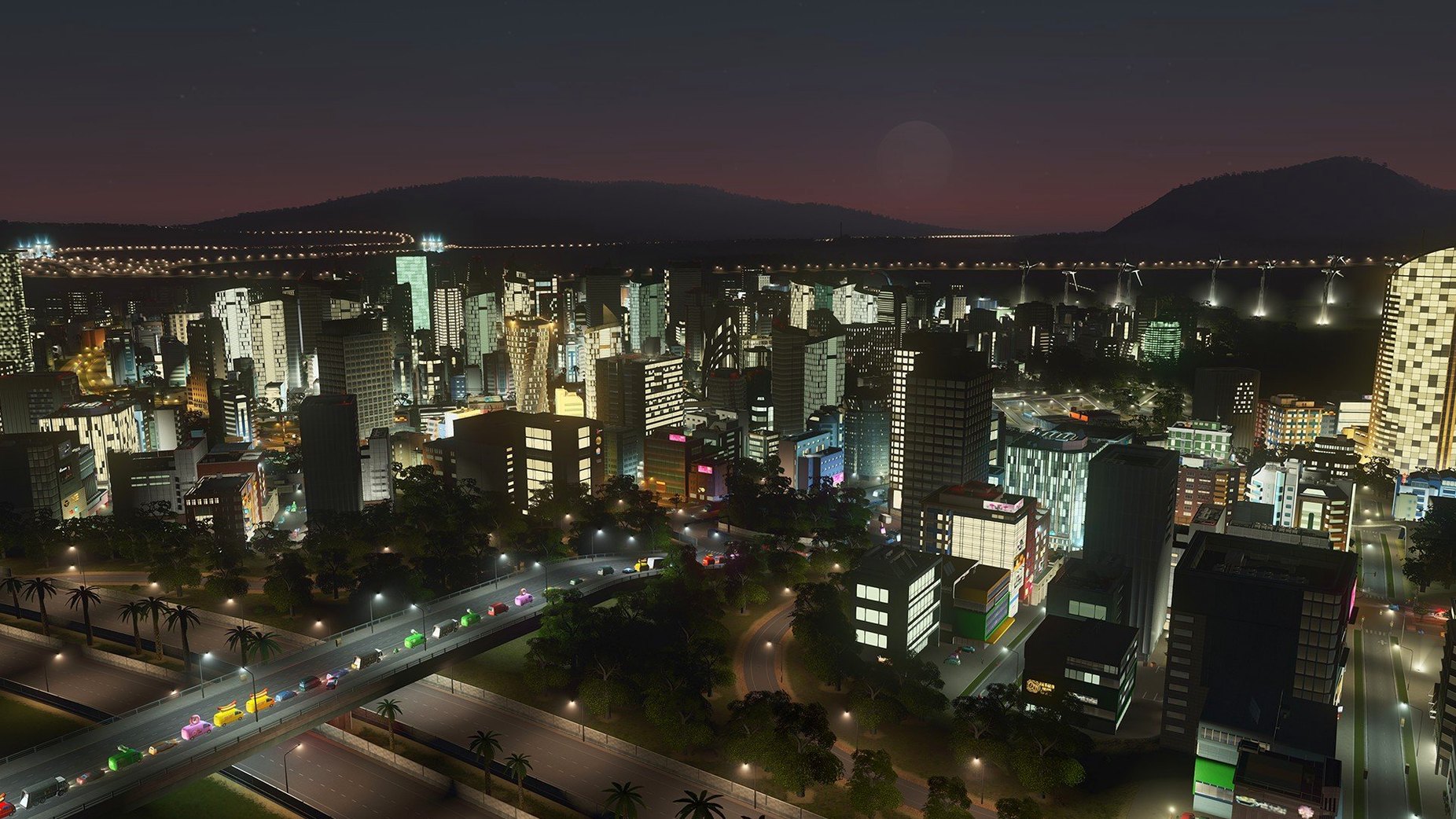
The 1.21.1-f9 build is a minor maintenance update that fixes two specific rendering bugs: trees placed on roads no longer revert to the default type after reloading a save, and trolleybuses are visible again. The changes are small enough that existing mods and custom assets should continue to function without interference.
Starting a city
- Choose a map or create your own in the editor. The terrain, natural resources, and existing transport links set the initial constraints.
- Zone residential, commercial, and industrial districts. Road layout determines traffic flow from day one.
- Connect water pipes and power lines. Without these, nothing grows.
- Set a budget for each service and watch the population tick upward. As the city expands, unlock education, police, fire services, and specialised utilities.
- Switch between the day-and-night view to see activity patterns shift. Commuters travel at sunrise; leisure districts peak after dark.
What ships in the box is a complete simulation loop: housing, jobs, infrastructure, and all the services needed to keep a city running. Colossal Order, the studio behind the Cities in Motion series, built the game so that players can also modify existing buildings or design entirely new maps. The simulation does not end at a fixed goal — a city keeps reacting to every zoning change and budget tweak for as long as you tend to it.
Lock daylight for easier slope and snap work
Before laying down the first road, open the options panel and turn off the automatic day–night cycle if you prefer constant visibility while zoning. The cycle is atmospheric, but judging slope angles and snapping points is easier in steady daylight. Under the gameplay tab, switch the edge-scrolling speed down a notch — the default is a touch quick on smaller Mac displays and can send the view skidding past a district with a nudge of the mouse.
A less obvious setting sits in the interface section: the budget panel auto-open behaviour. Disabling it stops the fiscal overview from popping up every time income dips, which it will do often in the early game. The information is still a single click away, but the screen stays clear for building. If you plan to use the map editor or install custom assets, also raise the autosave interval from ten minutes to fifteen or twenty. Frequent writes are an old habit from the spinning-disk era; on a modern Mac with an SSD, a slightly longer gap between saves keeps the simulation running smoother during heavy traffic calculations.
No pressure, no fail-state, just deep tools
The game suits Mac users who enjoy long, self-directed sessions where the toolset is deep but the pressure is low. There is no campaign, no fail-state that cannot be undone with a bulldozer and a re-zoning pass. That makes it a good fit for players who treat a city as a slow project — something tinkered with over weeks, not finished in an evening.
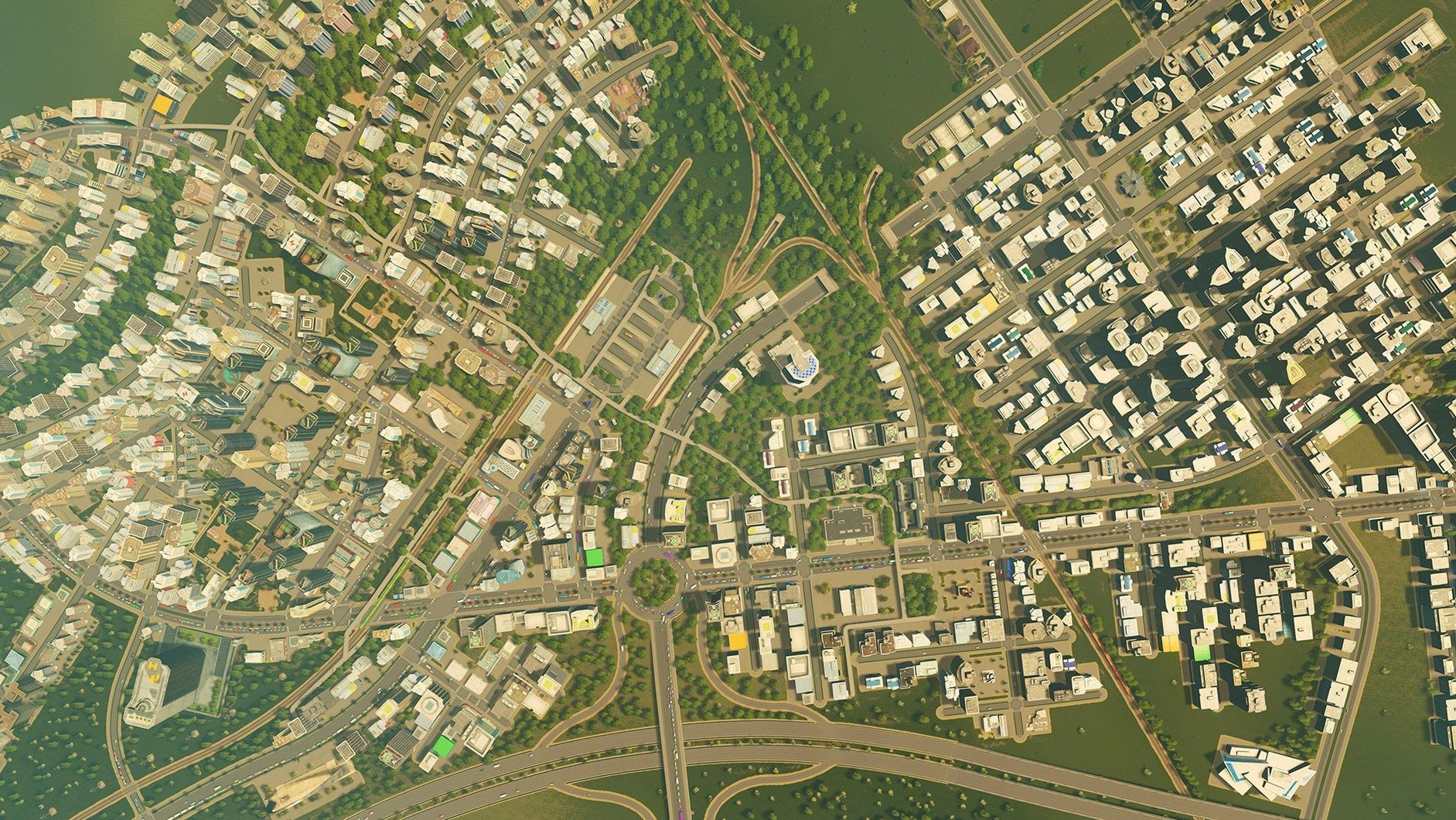
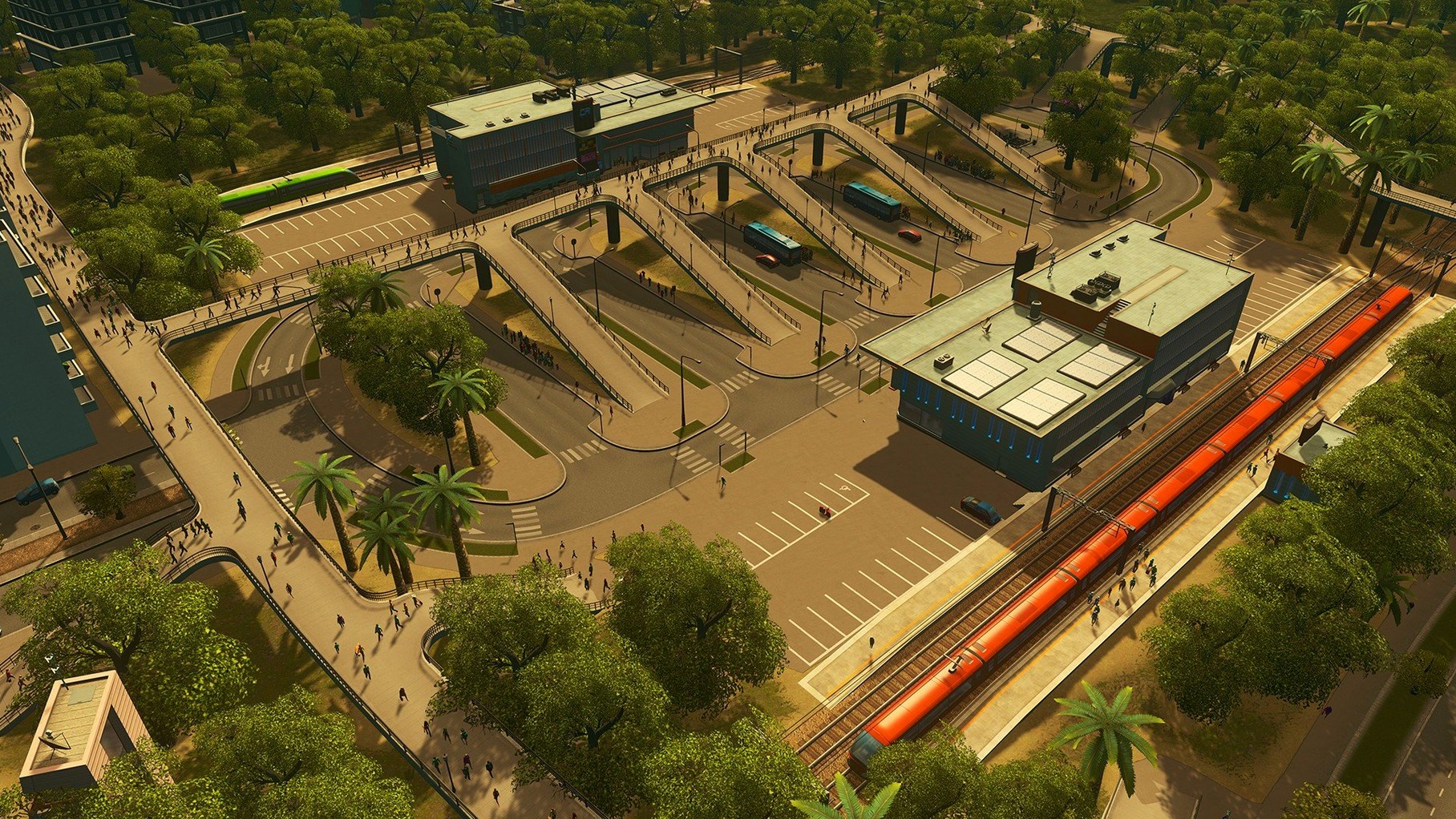
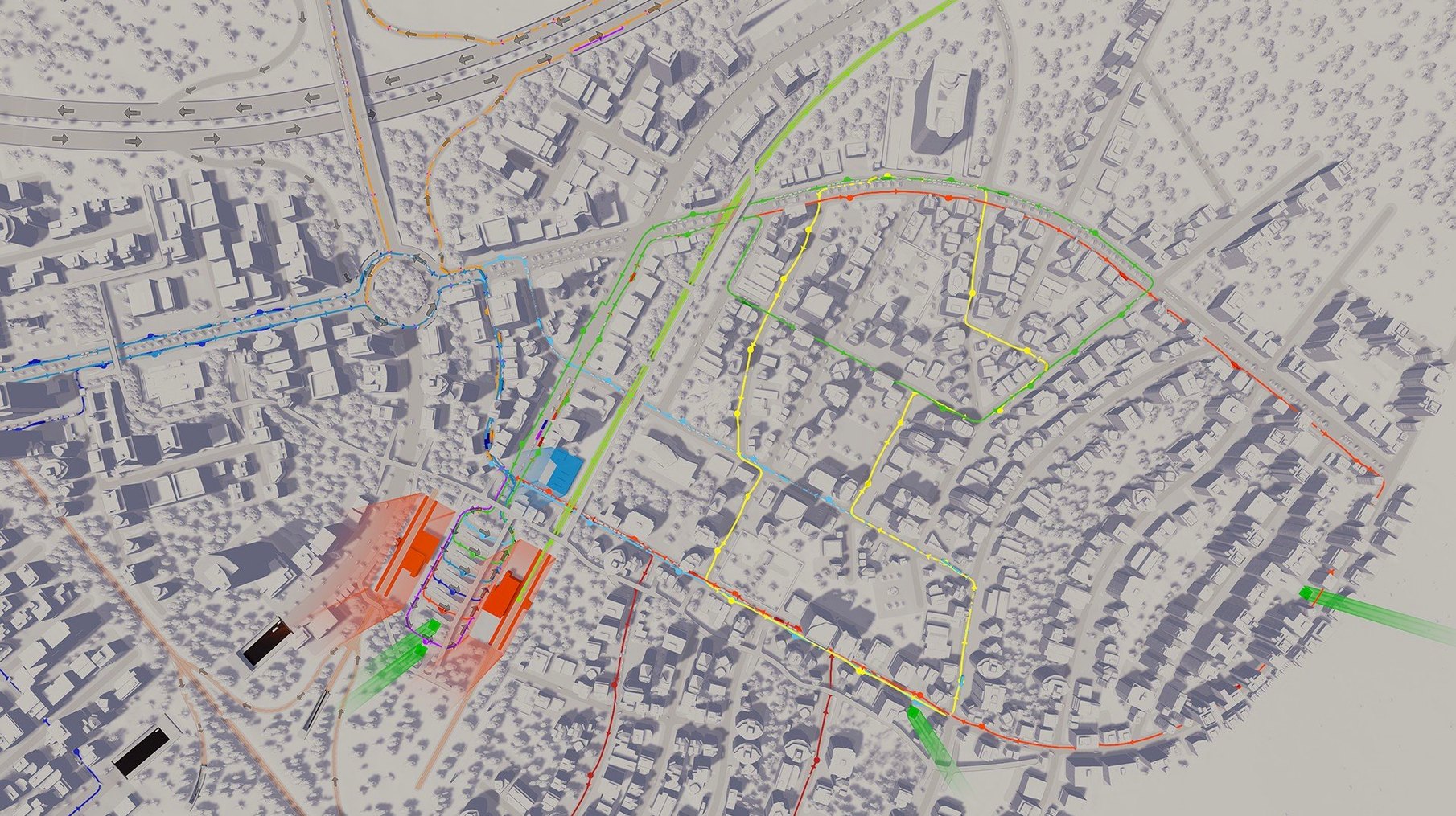
It also rewards people who like seeing systems interact. A new bus route is not just a line on the map; it pulls workers toward industry, eases traffic on a clogged arterial road, and shifts land value in the surrounding blocks. If you are the sort of Mac user who organises files into nested folders for the pleasure of it, the district-policy layer will feel like a natural extension of your desktop. Players who want a directed narrative or a tech-tree to climb may find the open structure aimless, but for anyone who finds satisfaction in a well-timed roundabout, the loop holds.
Runs alongside a planning scratchpad without friction
The simulation runs in a standard window and coexists without fuss alongside a browser, a notes app, or a spreadsheet. Many players keep a city-planning scratchpad open in the background — a plain text file or a Numbers sheet — to track which industrial zone needs a cargo terminal next. Because the game pauses fully when switched away, it is easy to dip out, look up a reference image of a tram layout, and return without the city having moved on without you.
Mods and custom assets live in a folder that can be backed up with Time Machine like any other user data. The map and asset editors produce files that are straightforward to share over AirDrop or store in iCloud Drive. On Intel Macs, the fans will spin up once a city passes a certain size — the traffic simulation is single-threaded and hungry. Closing Chrome tabs and quitting Slack before a long session is a practical habit, not just a superstition.