Aspecten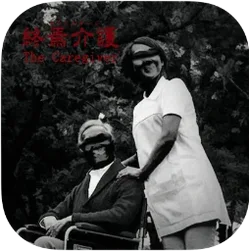
 Download (2.5 GB)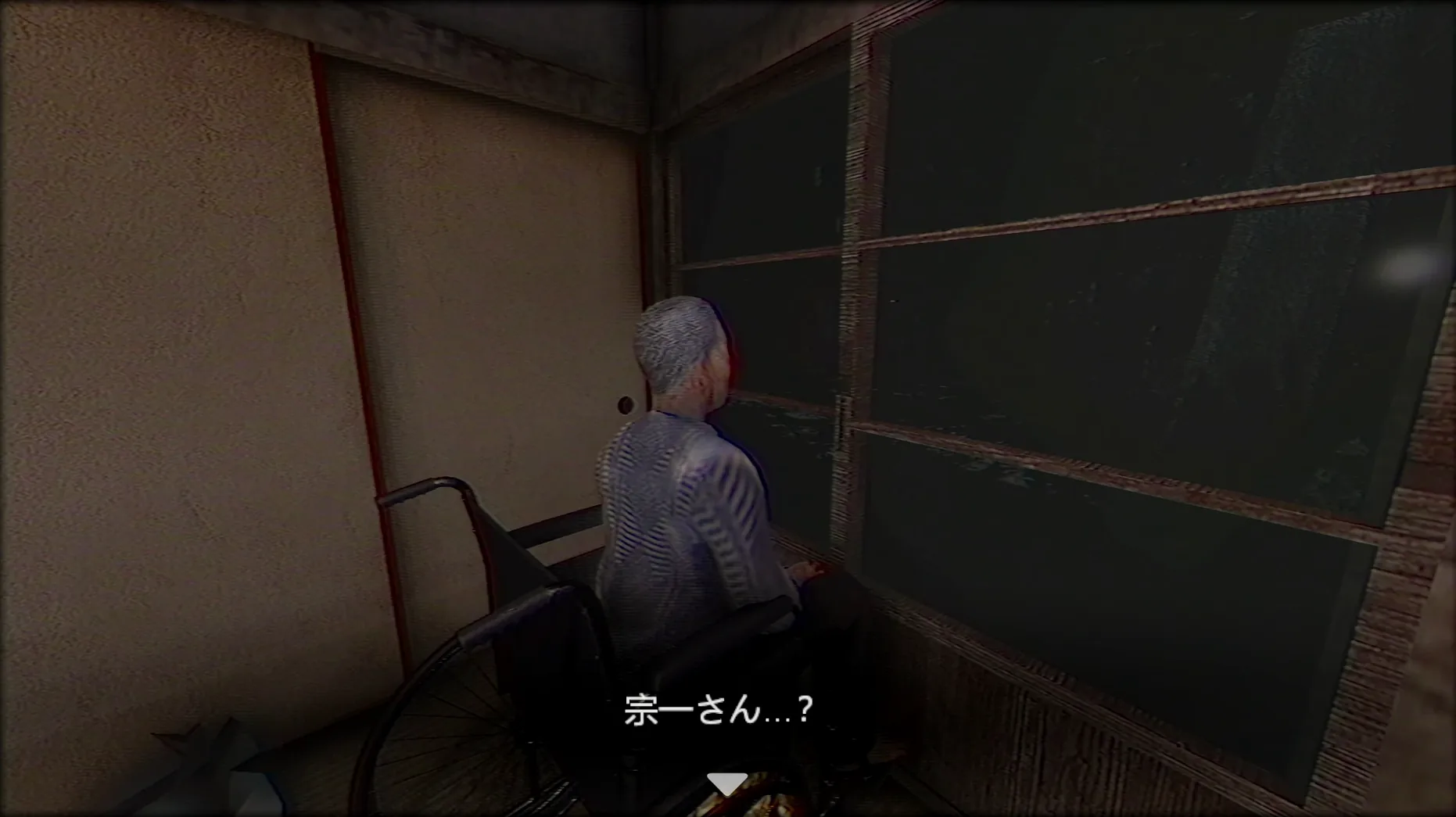
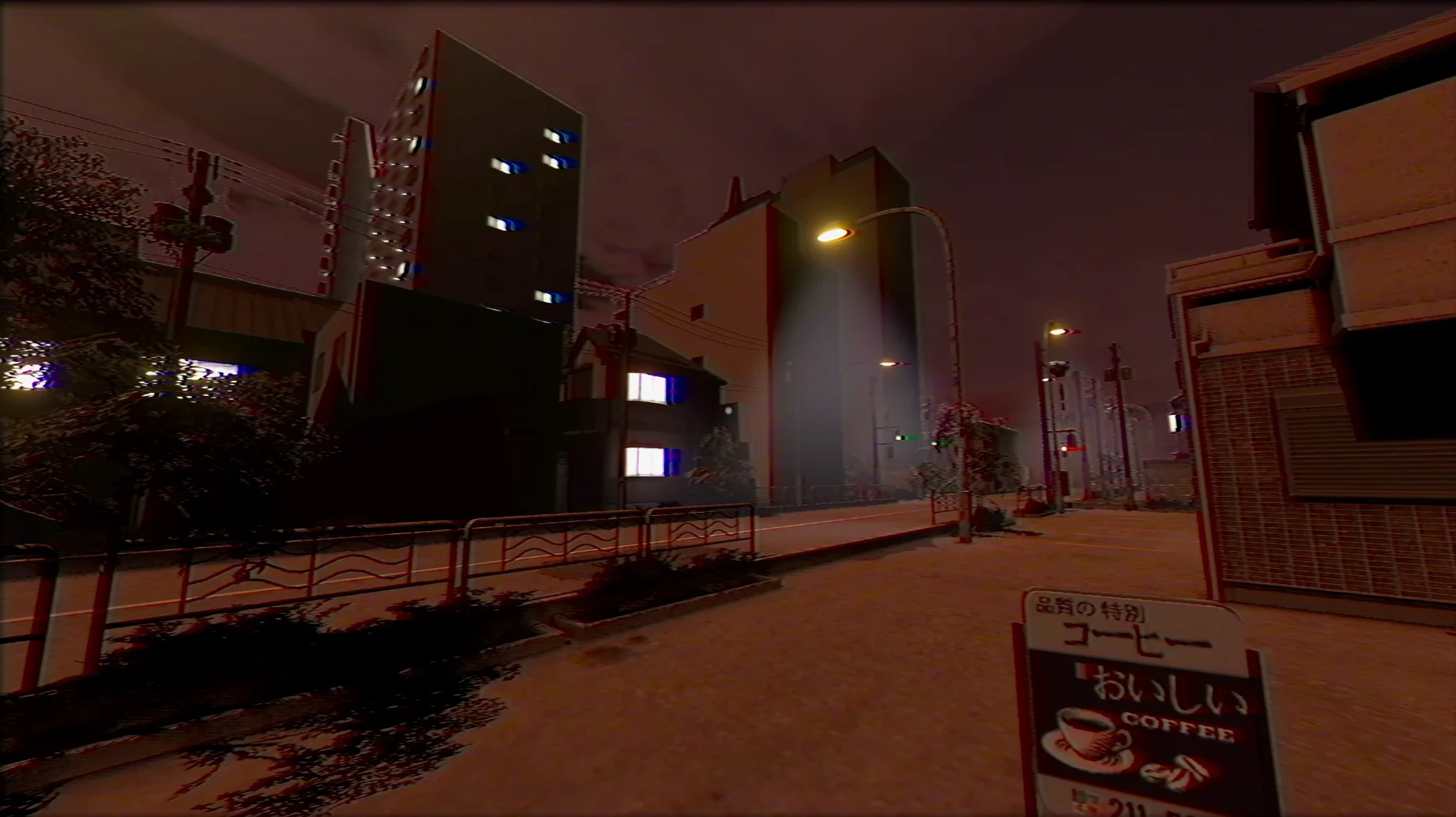
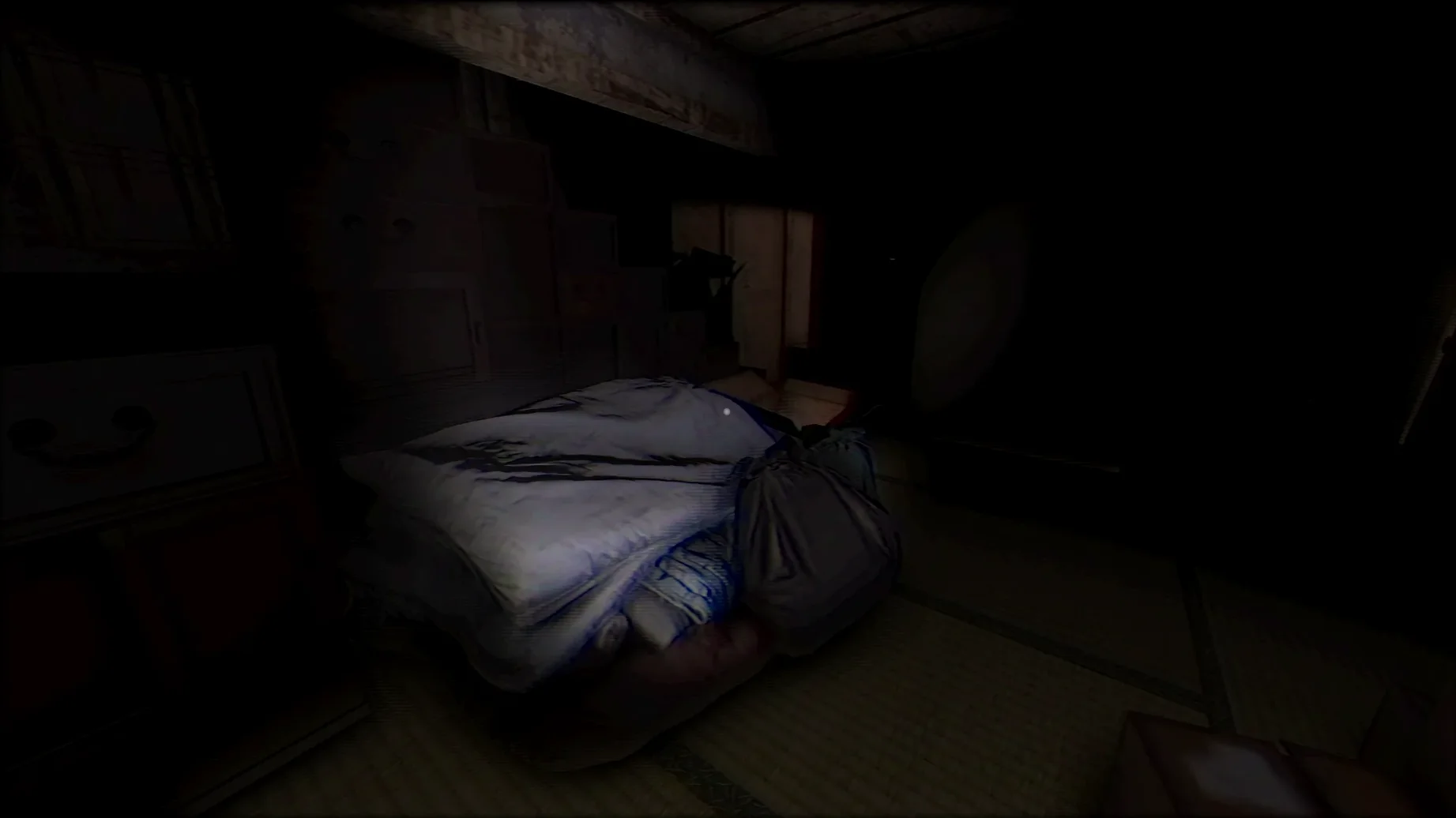
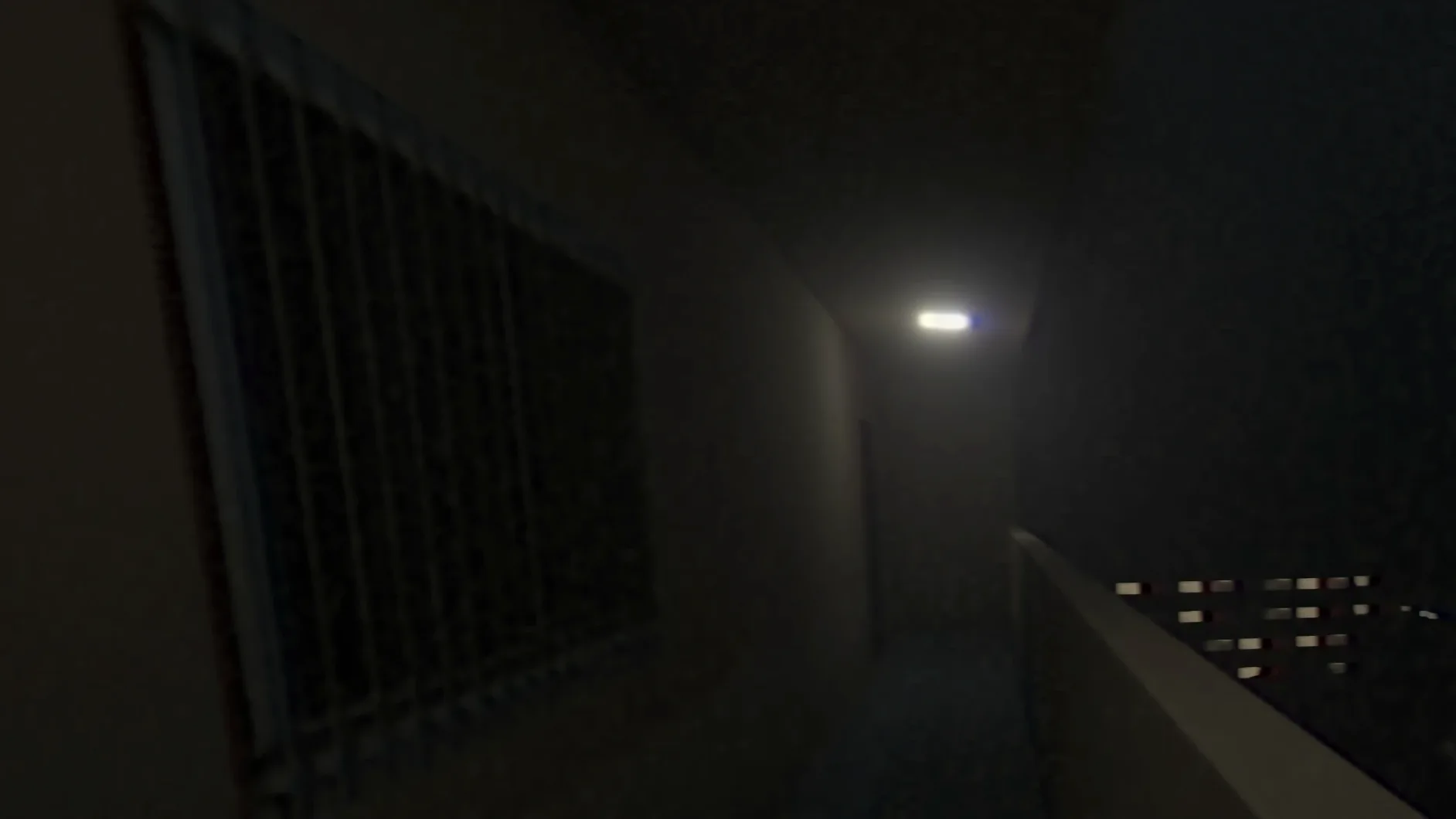
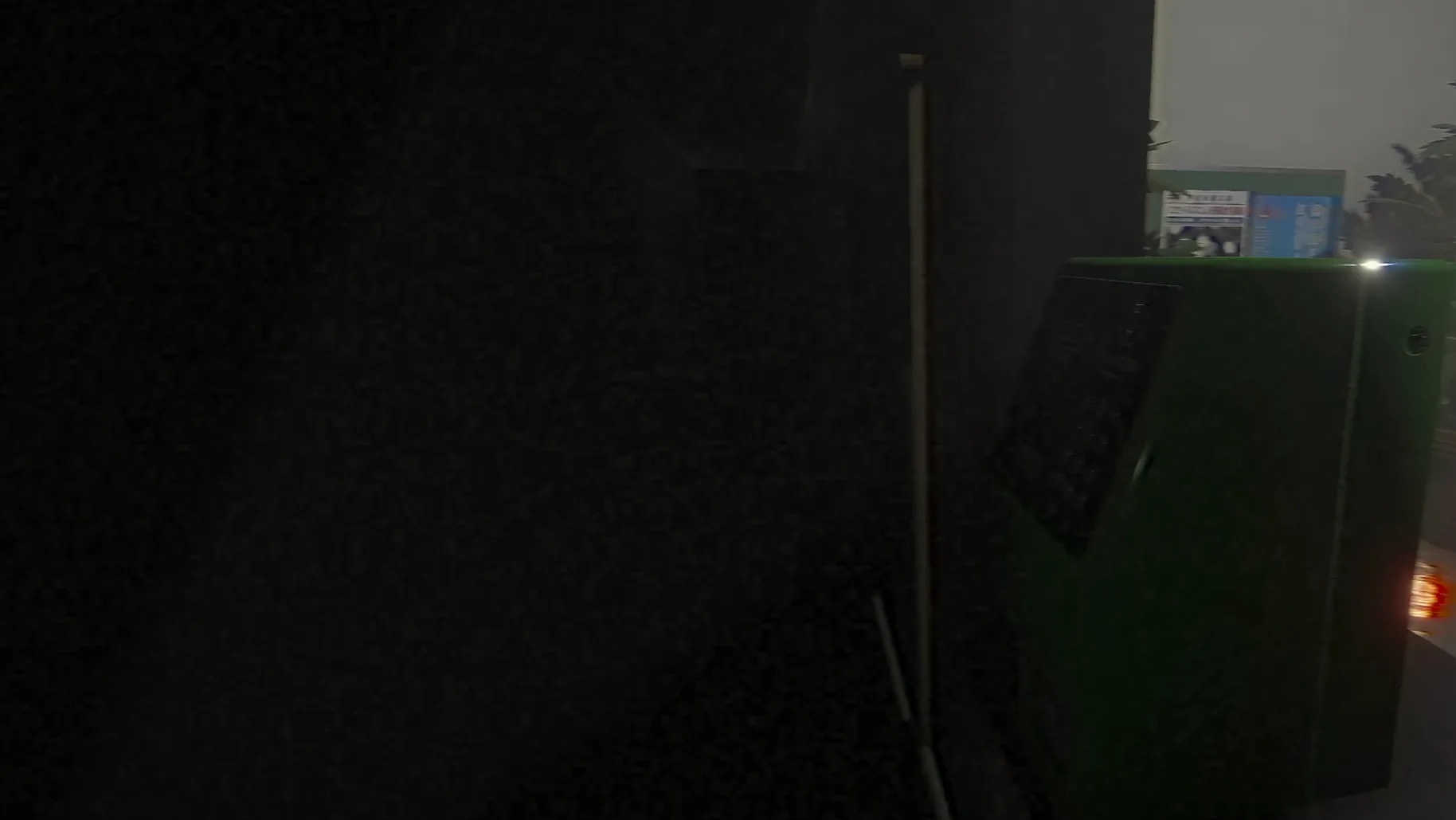
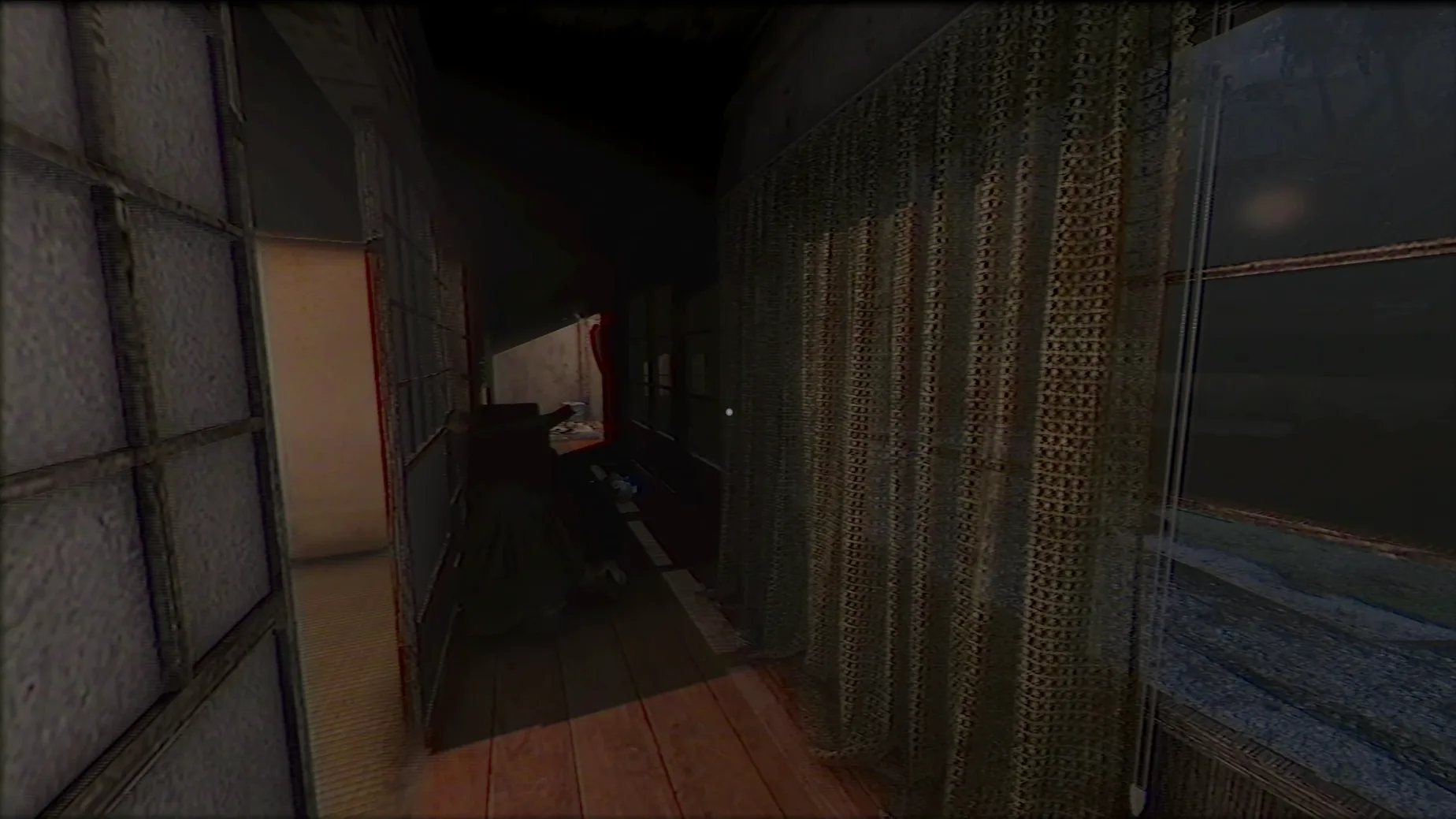
The build runs on Apple Silicon Macs and was tested on macOS Tahoe with a Mac mini 2024 M4.
Setting — A Japanese residence where a caregiver works. The house does not stay the same; rooms and details shift as play progresses.
Story delivery — The narrative unfolds through environmental clues. Notes left in drawers, objects out of place and subtle hints build the psychological tension without long cutscenes.
Play rhythm — Routine tasks such as cleaning rooms sit alongside unpredictable events. The ordinary and the unsettling trade places without warning, keeping the mood fragile.
Interface — English text throughout. Menus and prompts are straightforward, leaving the atmosphere to carry the weight.
Disable motion blur, drop shadow resolution
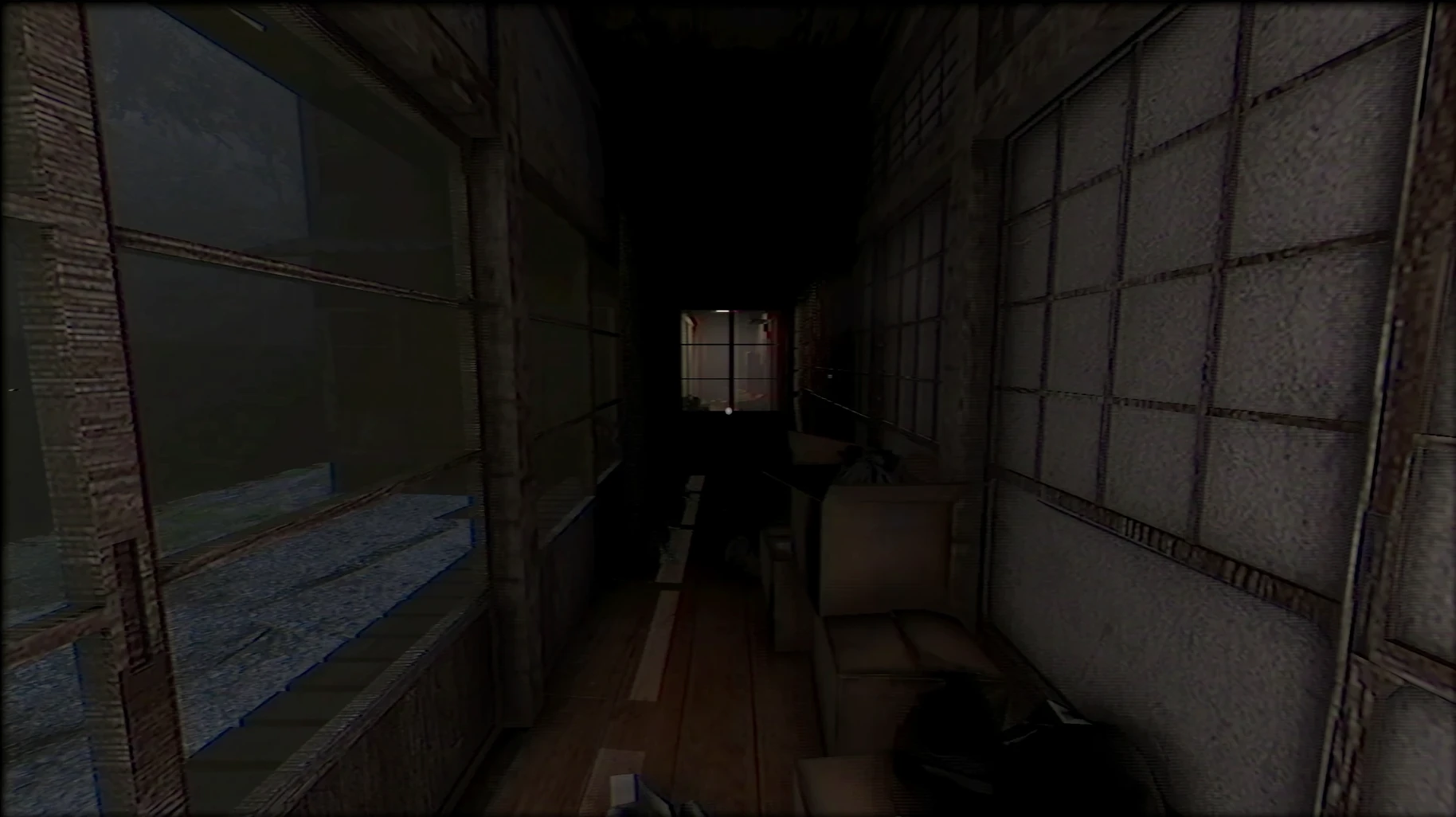
The default graphics preset favours frame rate over fidelity, which suits the game’s lo-fi horror aesthetic. On Apple Silicon the “Fantastic” quality setting rarely causes issues, but I drop shadow resolution to medium and disable motion blur. The latter smears detail in already dim hallways and works against the careful environmental clues the game relies on.
Sensitivity sliders for mouse look are set quite high out of the box. Lowering horizontal sensitivity by roughly thirty percent makes turning corners in the narrow corridors feel more deliberate. The default Japanese voice acting is worth keeping — it grounds the setting — but the subtitle size can be bumped up one notch if you are reading on a laptop screen at arm’s length.
One quirk of the Wineskin wrapper: the game launches in a fixed resolution that may letterbox on some displays. Pressing Alt+Enter once toggles between fullscreen and windowed mode, and the second press usually snaps it to the correct desktop resolution. The Fix script on the disk image also addresses a launch error that appears when the wrapper cannot locate its runtime components; running it once after installation is sensible even if no error appears.
Loads scenes in under three seconds on M4
On the M4 test machine the game loads scenes in under three seconds. There is no noticeable frame hitching during camera pans, and the Wineskin layer introduces no input lag that a player would feel. The build sat comfortably at 60 frames per second at the native panel resolution with the quality preset on “Good”.
Stability over a two-hour session was uneventful. No crashes during scene transitions, and the inventory screen opened without the brief freeze that some Unity-based horror titles exhibit. One minor oddity: alt-tabbing away and back occasionally mutes the ambient audio for a second before it fades back in. It does not break anything, but it is worth knowing if you switch between the game and a walkthrough note.
Resource use is modest. Activity Monitor showed the wrapper process hovering around 1.2 GB of RAM and light CPU draw, leaving plenty of headroom for background apps. The fan on the Mac mini stayed silent throughout. For a game that relies on stillness and quiet, that thermal restraint matters — a whirring fan would undercut the tense silence the sound design works hard to create.
Workflow: a first evening shift
A typical opening session flows like this. After launching and toggling fullscreen with Alt+Enter, I check the graphics menu, switch shadows to medium and turn off motion blur. Then I put on headphones — the soundtrack and incidental creaks are mixed in binaural stereo and a speaker setup loses the positional detail.
The game begins in the entrance hall without a tutorial prompt. I walk the ground floor slowly, opening every door that is not locked. Cupboard handles that rattle but do not open are noted; the house rewards remembering them. In the kitchen I find the first note tucked behind a rice cooker. I read it twice. The English translation is functional but occasionally stiff, and a second pass catches phrasing that hints at the patient's state of mind.
My first errand is cleaning the bathroom. The mop and bucket sit in the utility closet and the task is mundane — click to wipe the floor, click to rinse — but the camera pulls back slightly when I pick up the bucket, suggesting the game is watching me as much as I am watching the screen. After the chore the hallway light flickers once, long enough to notice but brief enough to doubt. I check the fuse box anyway. Nothing. A good horror game makes you check things anyway.
By the twenty-minute mark I have fed the patient, collected three notes and found one locked drawer that a key from the bedroom opens. The evening shift ends when I hear a door I closed earlier creak open upstairs. I could investigate immediately. Instead I save, quit and let the unease sit until the next session. The game works best in short, deliberate stretches — patience lets the environmental storytelling breathe.