Aspecten
 Download (17 GB)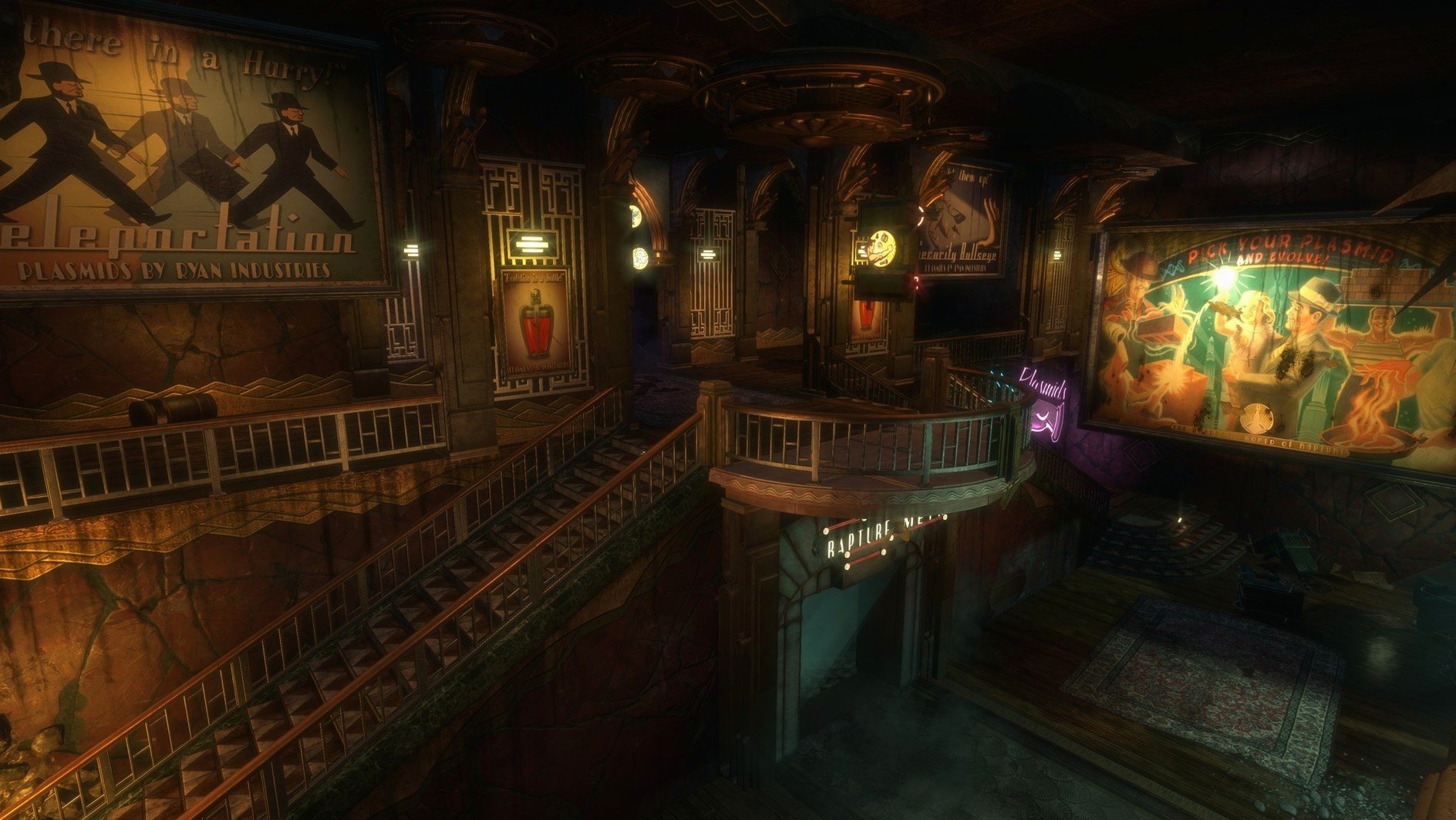
Choosing a plasmid loadout
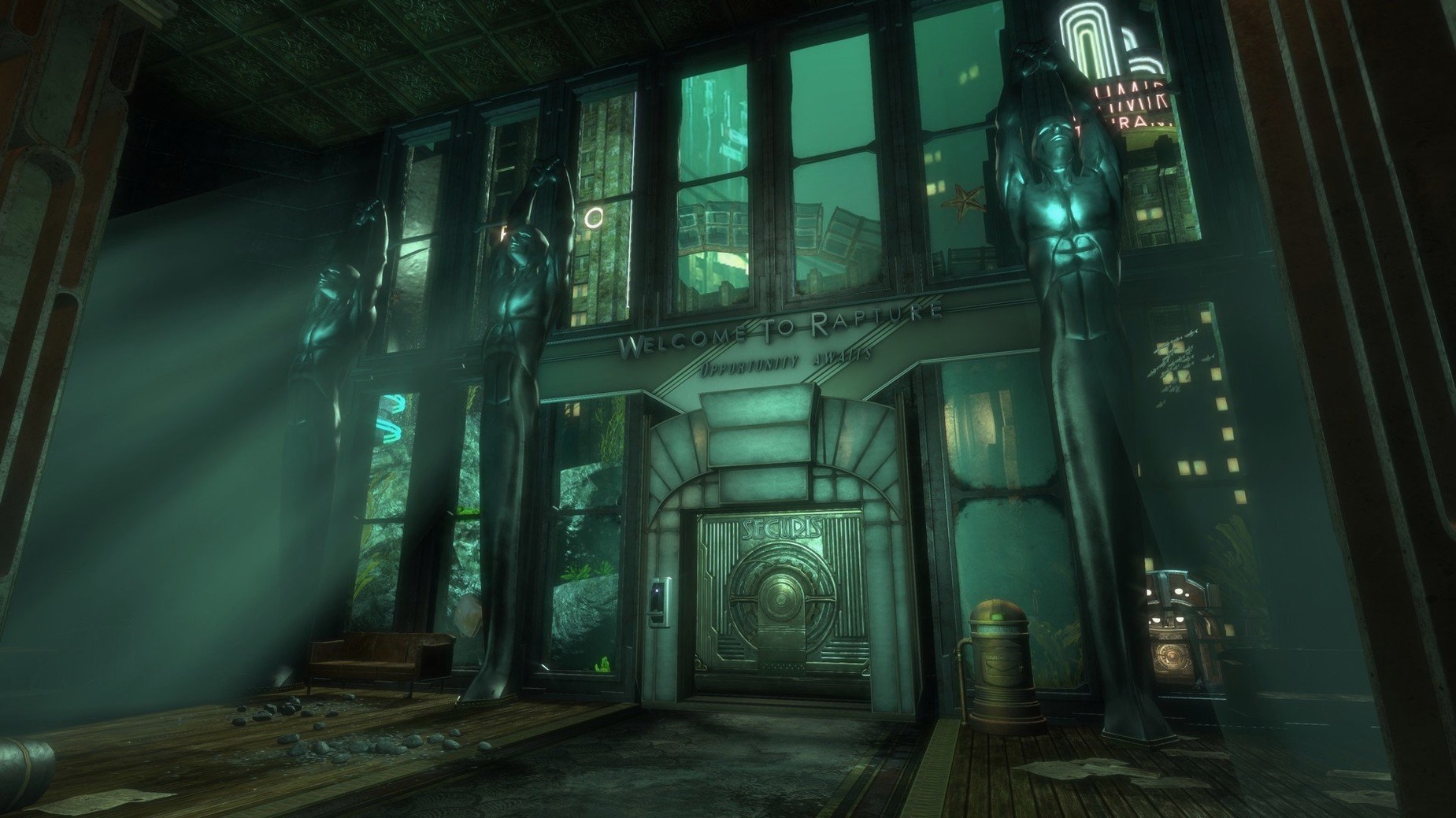
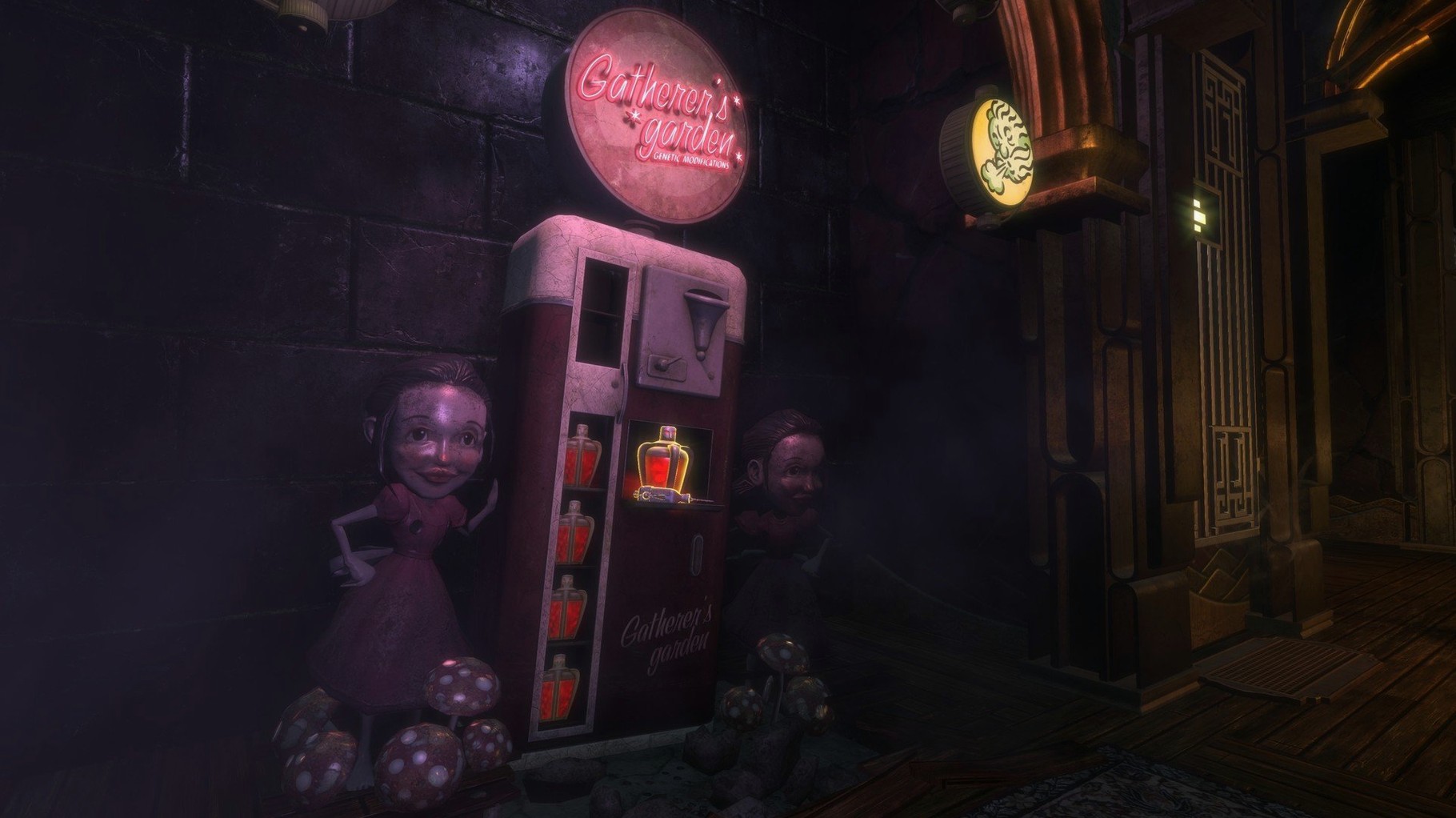
Electro Bolt and Incinerate are early staples, but the remaster lets you revisit Rapture with a fuller sense of how these genetic modifiers shape each fight. The Mac version responds cleanly to weapon and plasmid switching, even when the screen fills with splicers and water effects.
Checking the system requirements
Feral Interactive set the floor at a 2.0 GHz Intel Core i5 with 8 GB of RAM and a 2 GB AMD R9 290M, Nvidia 680mx or 1.5 GB Intel Iris Pro 5200. On an M1 MacBook Air under Rosetta, frame rates stay playable at medium to high settings, though some stutter arrives during heavy alpha effects.
Adjusting controls and audio
The keyboard-and-mouse layout follows the original, with rebindable keys buried a layer deeper than expected. Audio logs and the developer commentary track play back clearly, and the challenge rooms load without the texture-streaming hitches that marked earlier builds.
First days in Rapture
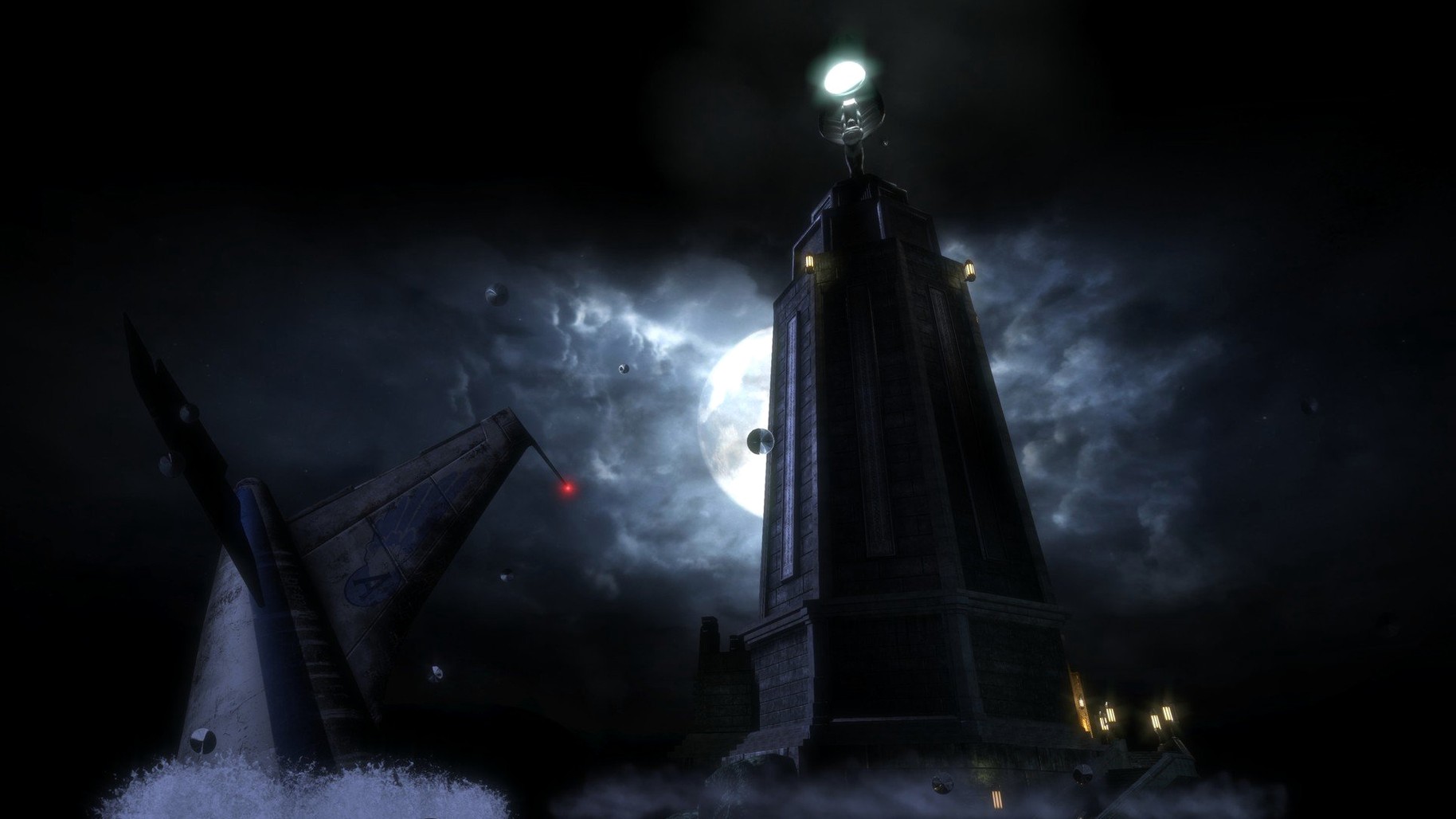
Give the game an hour before judging performance. The opening plane crash and lighthouse sequence pushes more geometry than the early corridors, and the shader cache builds as you move through new areas. On Intel machines, close browsers and background render tasks before launching; the 27 GB install leaves little headroom on smaller SSDs.
Set mouse sensitivity lower than you would in a modern shooter. The original BioShock tuned movement for gamepads and slower turns, and the remaster keeps that feel. If plasmid switching feels clumsy at first, bind the plasmid wheel to a side mouse button or a key close to WASD. The keyboard layout screen accepts direct key presses, so rebinding takes under a minute.
Enable subtitles before the bathysphere descent. Several audio logs overlap with splicer chatter, and the remaster's mix pushes the score forward. Subtitles keep the diary entries readable without replaying sections.
A first-time player on an older iMac
Consider someone on a 2017 iMac with a 2.3 GHz Core i5 and 8 GB of RAM. They install the game, launch it, and spend fifteen minutes in the graphics menu. Shadows go to medium, ambient occlusion off, resolution held at 1920x1080. The Medical Pavilion runs smoothly until a Big Daddy fight kicks up dust and water spray, at which point the frame rate dips but recovers.
That player learns to treat the wrench as a fallback, not a primary. Electro Bolt plus a shotgun blast becomes the default opener against splicers, and the plasmid wheel gets rebound to the Q key. By the time they reach Fort Frolic, the performance quirks stop registering; the art direction carries the slower frame pacing.
Shaking off the black screen, stuck cursor, and missing saves
Three issues appear often enough to mention:
- Black screen after launch. The game may start on a display resolution the Mac does not like. Hold the Option key at launch to open the display selector, or delete
~/Library/Preferences/com.feralinteractive.bioshockremastered.plistand relaunch. - Stutter after alt-tabbing. The windowed mode tends to behave better than fullscreen on Intel Macs. Switch to windowed or borderless in the graphics menu, then restart the game once.
- Audio logs cutting out. Save and reload the checkpoint. The remaster occasionally drops playback when a splicer dies mid-log; reloading restores the track without losing progress.
If the game refuses to start after upgrading macOS, the usual fix is a clean reinstall of the game files, not a system downgrade. Some users report that the BioShock Remastered Mac torrent build behaves identically to the standard package once unpacked; the game does not phone home for activation.