Aspecten
 Download (2.4 GB)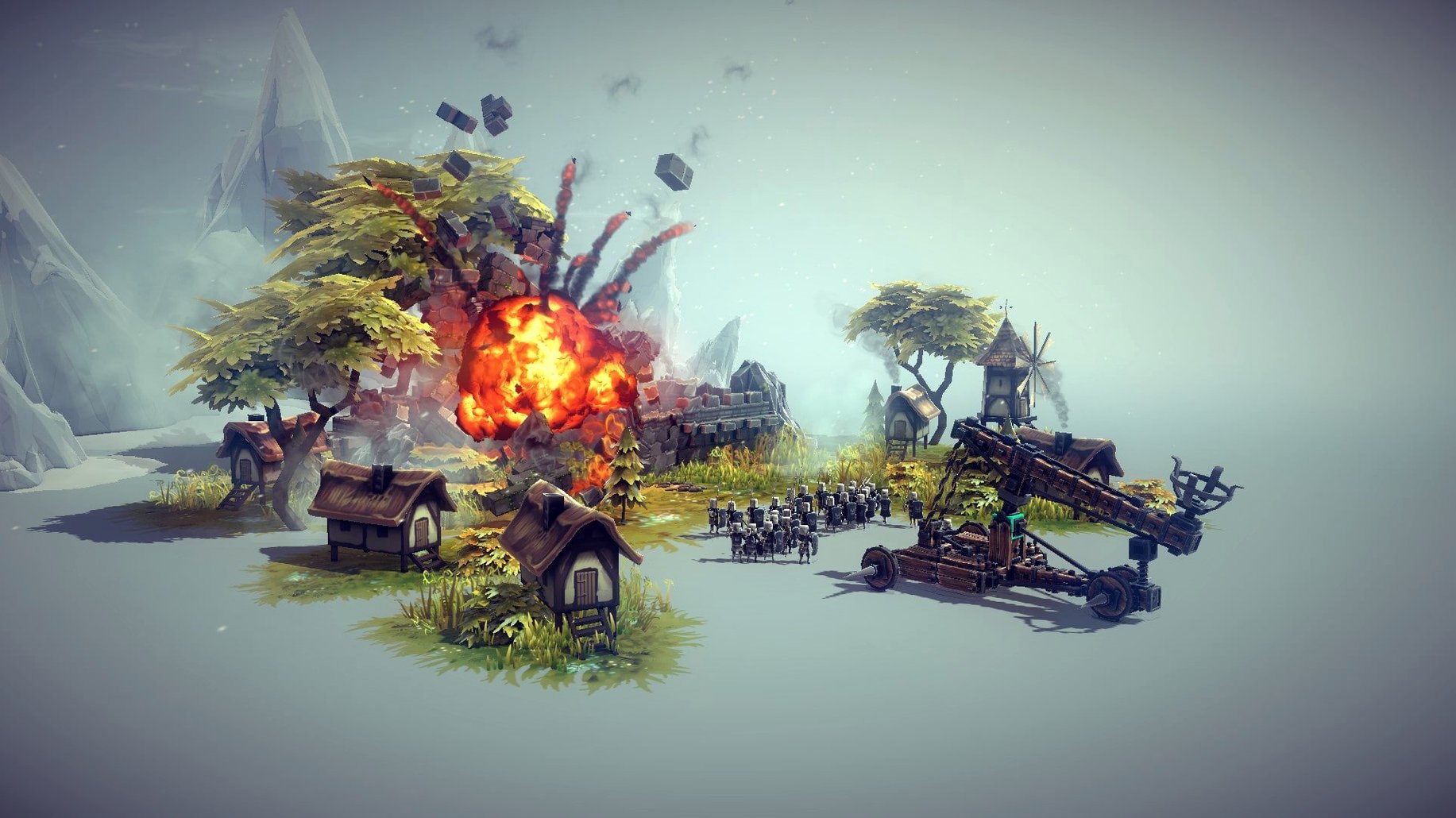
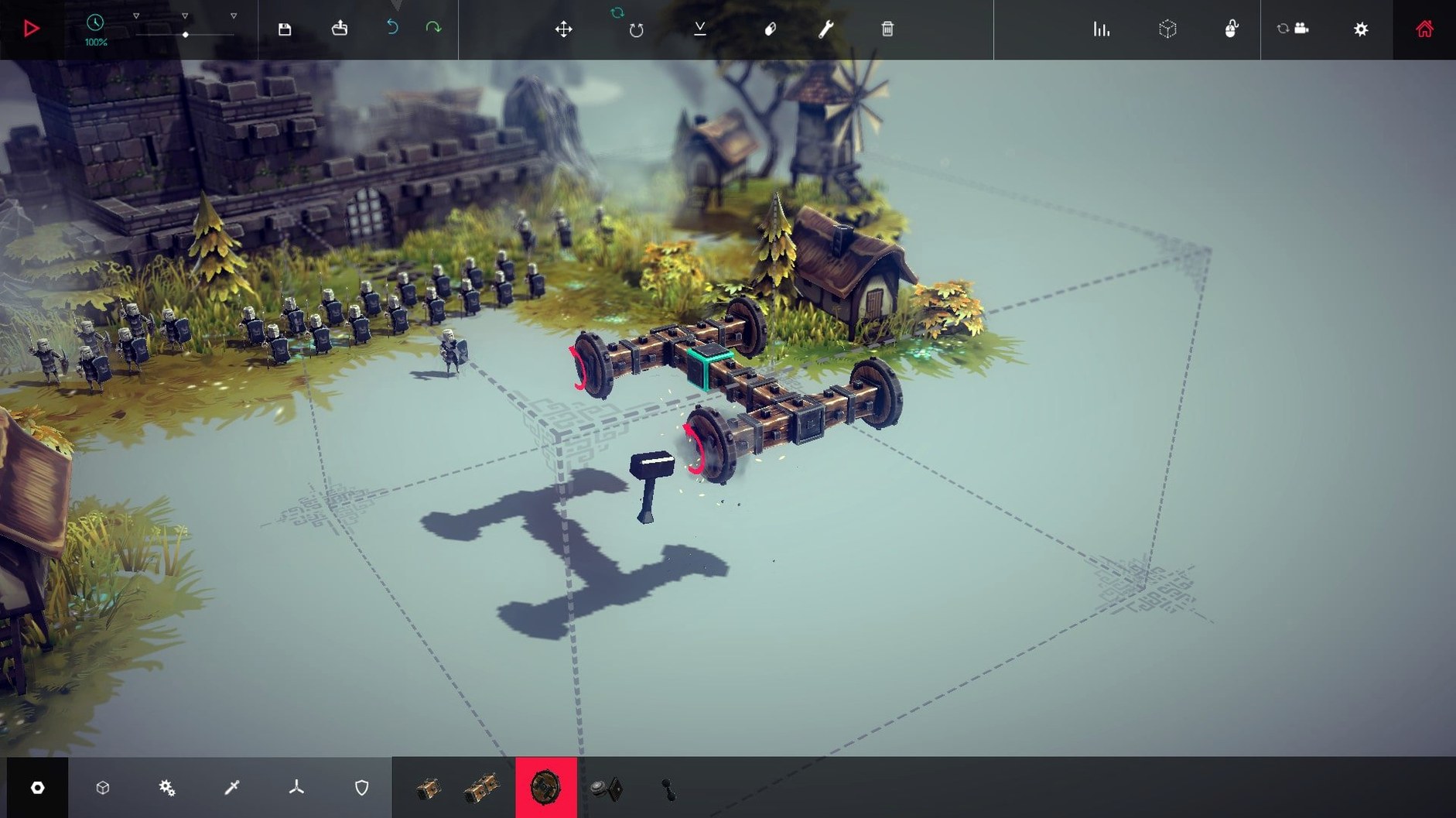
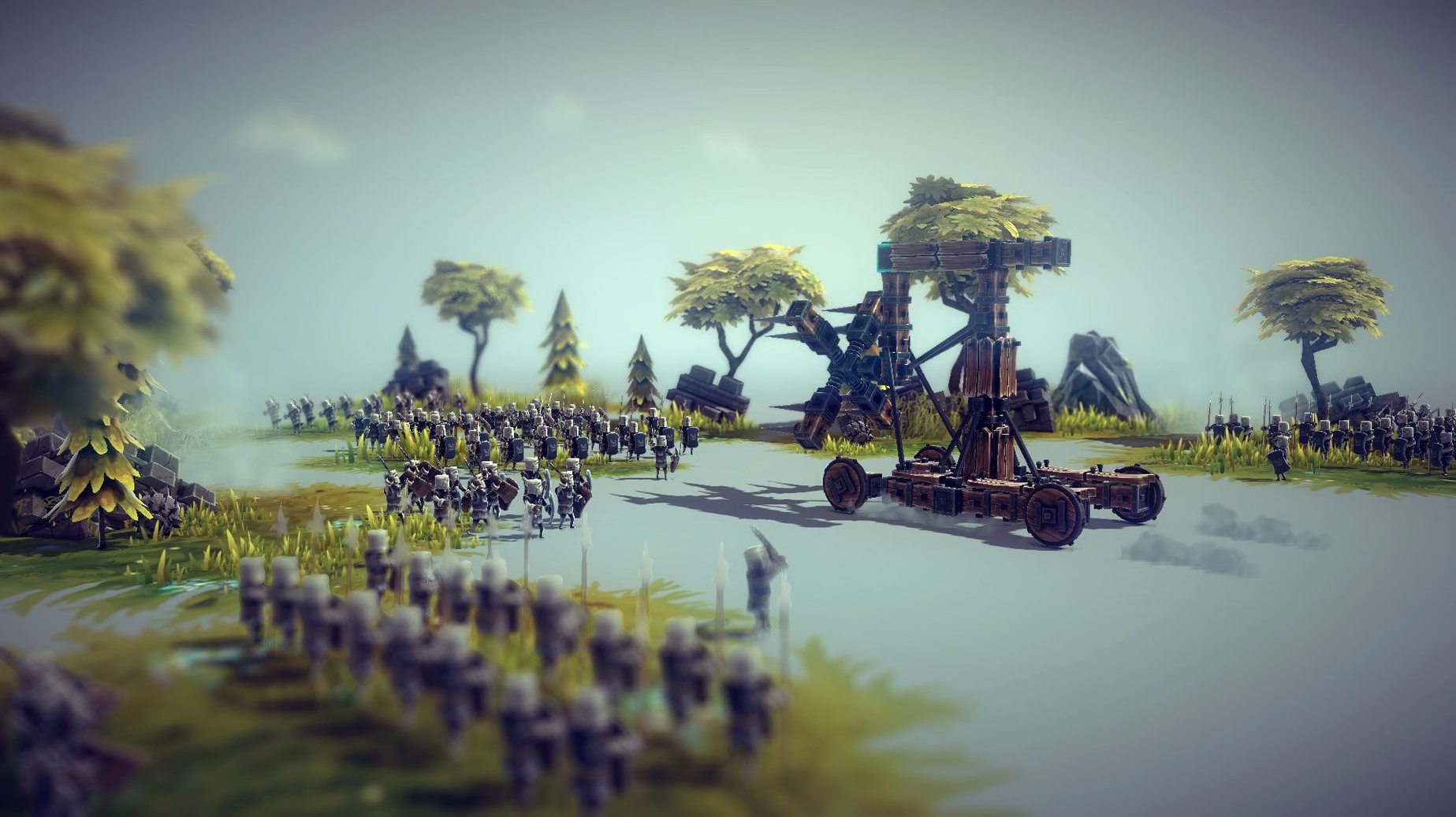
You draw a rough chassis, bolt on four wooden wheels, and mount a spinning blade at the front. The machine lurches forward, wobbles, and flips spectacularly into a hillside. On a second try you shorten the wheelbase, brace the axle with a crossbeam, and the contraption trundles obediently into a windmill, shredding it to planks. This is the rhythm of Besiege: build, test, watch the physics do their work, then rebuild.
The Mac version runs natively on both Intel and Apple Silicon hardware. Controls translate well to a mouse and keyboard, though a two-button mouse is close to essential for rotating and placing blocks in the 3D construction space. The interface is available in English, French, German, Japanese, Korean, Portuguese, Russian, and Simplified Chinese.
Medieval chaos where failure teaches physics
- Physics sandbox play with a clear medieval theme
- Iterative tinkering — every failure teaches something about weight, torque, or bracing
- Access to a large library of community-made machines via Steam Workshop
- Multiplayer battles in dedicated arenas and co-operative play in Multiverse mode
- Making your own challenge levels with the built-in editor
Frame rates dip under complex machine strain
- Complex machines can push the physics simulation hard, and frame rates may dip on older Macs
- The interface assumes a keyboard and mouse; trackpad-only play feels imprecise during block placement
- The base game is a sandbox first — a structured campaign exists, but the draw is the building itself
How Besiege compares with similar Mac sandbox builders
Besiege sits somewhere between the freeform engineering of Trailmakers and the contraption-puzzle logic of Poly Bridge. Trailmakers shares the block-snapping, vehicle-building core but pushes toward exploration and racing across an open world. Besiege stays tighter in scope — you build to destroy, and the medieval setting gives every machine a thematic anchor that Trailmakers lacks. The destruction feels more consequential here; wood splinters, stone crumbles, and a wobbly axle actually matters because physics govern the outcome, not just the spectacle.
Instruments of Destruction is a closer cousin on paper — both are about wrecking structures with elaborate machines — but that game leans toward pre-built heavy equipment and a more arcade-like handling model. Besiege hands you a blank frame and a tray of gears, braces, and flaming projectiles, then steps back. The learning curve is steeper, and the satisfaction of a machine you designed from scratch clearing a fortress is different in kind from piloting something the developer assembled for you.
Where Besiege genuinely stands apart is the Steam Workshop pipeline. A few clicks bring in walking mechs, ornithopters, trebuchets that fold themselves up, and entire level packs reworking the campaign rules. Trailmakers has community creations, but the volume and variety in Besiege — machines, levels, texture mods, logic blocks — is unusually deep for a physics sandbox on Mac.
Tinkerers who savour the build loop over the goal
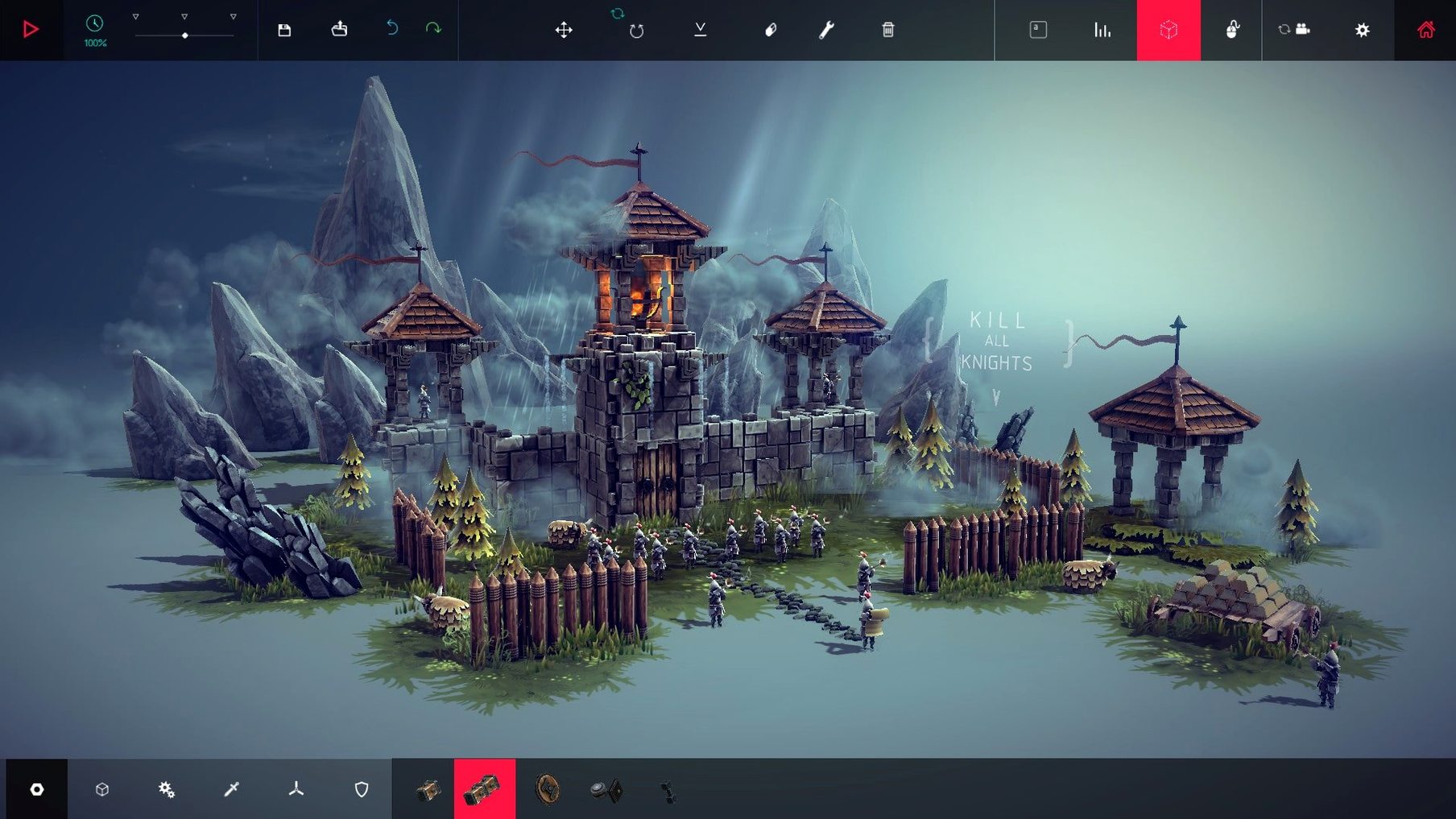
Tinkerers who enjoy the process more than the objective. The campaign gives you targets — destroy the windmill, rout the soldiers, survive the cannon fire — but the real pull is the iterative loop of placing a hinge, watching it buckle, reinforcing it, and grinning when the revised machine trundles through intact. If you find yourself mentally redesigning the gear train while eating breakfast, this is your kind of game.
Multiplayer groups looking for something off the usual competitive track should take note. Pitting your rickety ballista against a friend’s walking fortress in an arena, or working together in Multiverse mode to crack a tough level, stretches the building system in directions single-player doesn’t reach. The co-operative play rewards specialisation — one person builds the chassis, another handles weaponry — and the shared laughter when a machine spectacularly disintegrates is a genuine part of the experience.
Modding-curious players who don’t want to write code get a gentle on-ramp. The level editor uses visual placement for spawn points, objectives, and terrain, and the block-logic system for custom modifications is accessible enough that you can tweak existing Workshop items to learn how they work before building your own.
Dial rotation increment down for finer block placement
The default block-rotation sensitivity can feel twitchy on a mouse, especially when you are trying to nudge a brace by a few degrees. In the Controls menu, dial the rotation increment down to the smallest step — you can always speed things up with the shift key for coarse adjustments, but fine control saves repeated undo cycles.
Under Graphics, the shadow resolution slider has an outsized effect on frame rate when machines grow complex. Dropping it one notch from the maximum often buys a noticeable smoothness during large-scale destruction without making the scene look flat. On integrated-GPU Macs, this trade-off is almost always worth making.
In the General settings, enable the advanced building mode right away. The basic mode hides half the block palette to reduce clutter for newcomers, but once you have placed your first few axles and wheels, the missing pieces — braces, grabbers, logic blocks — are exactly the parts that unlock interesting machines. Toggling this early avoids the frustration of hunting for a component that the simplified view simply does not show.