Aspecten
 Download (2.3 GB)
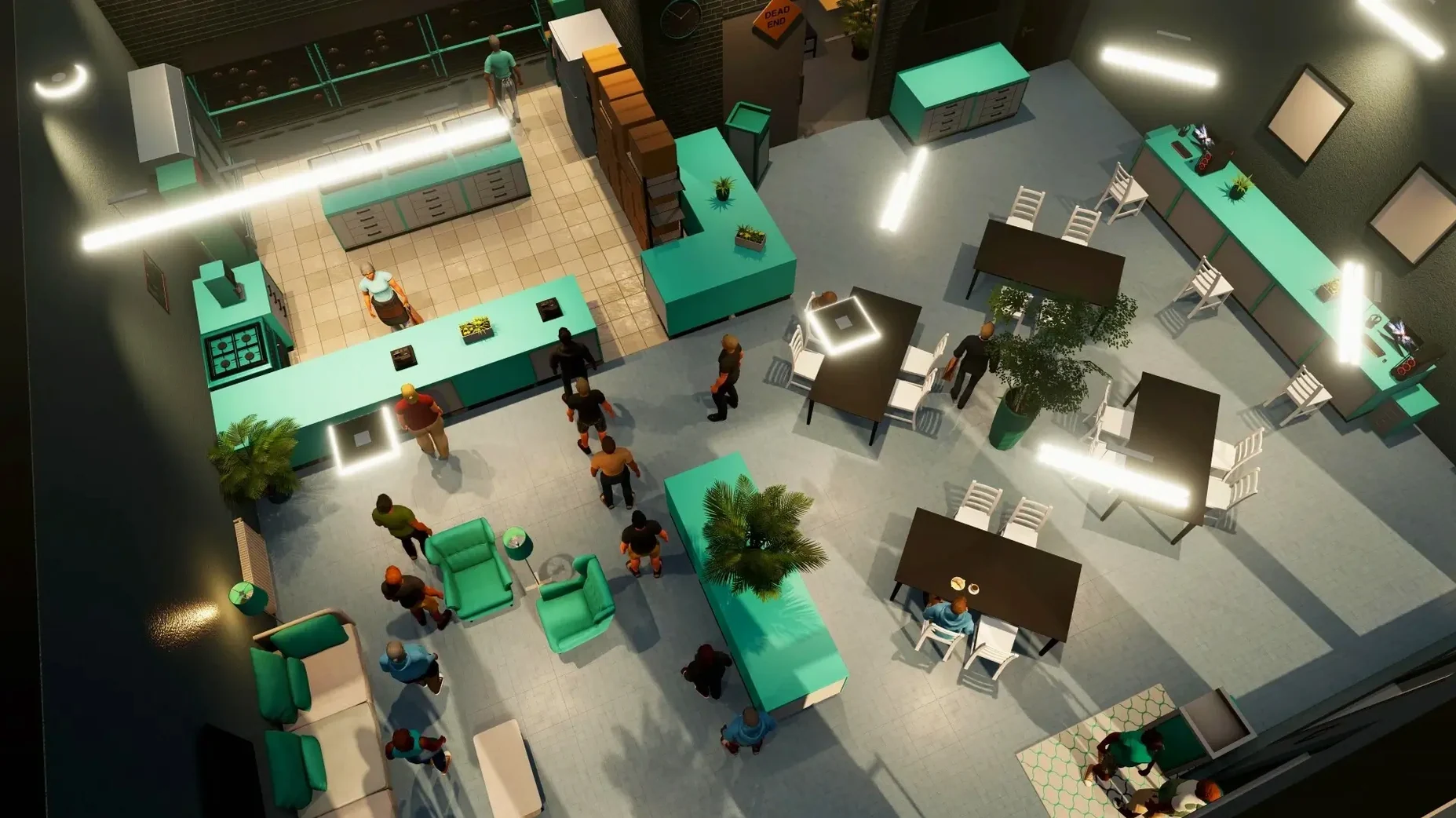
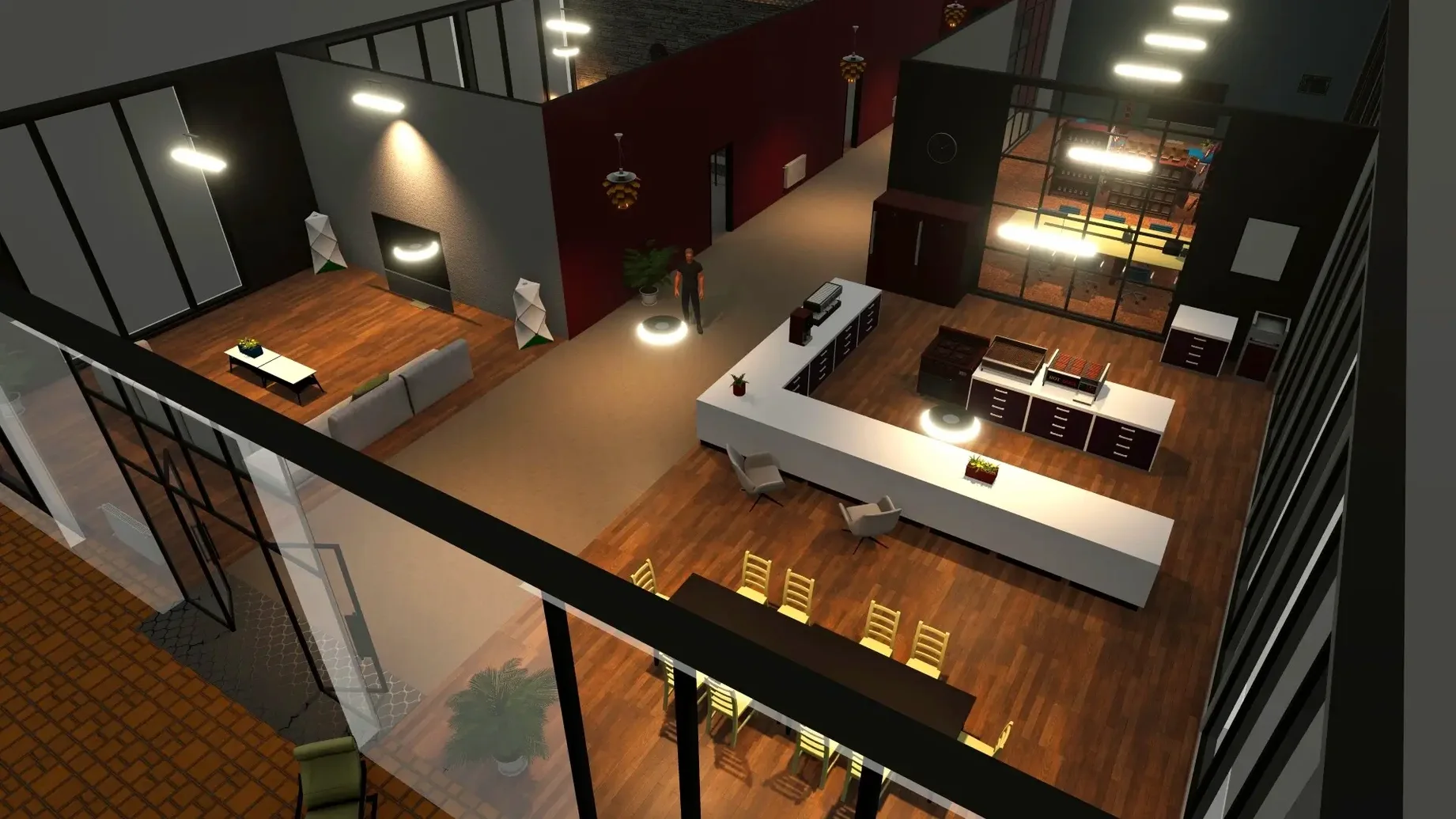
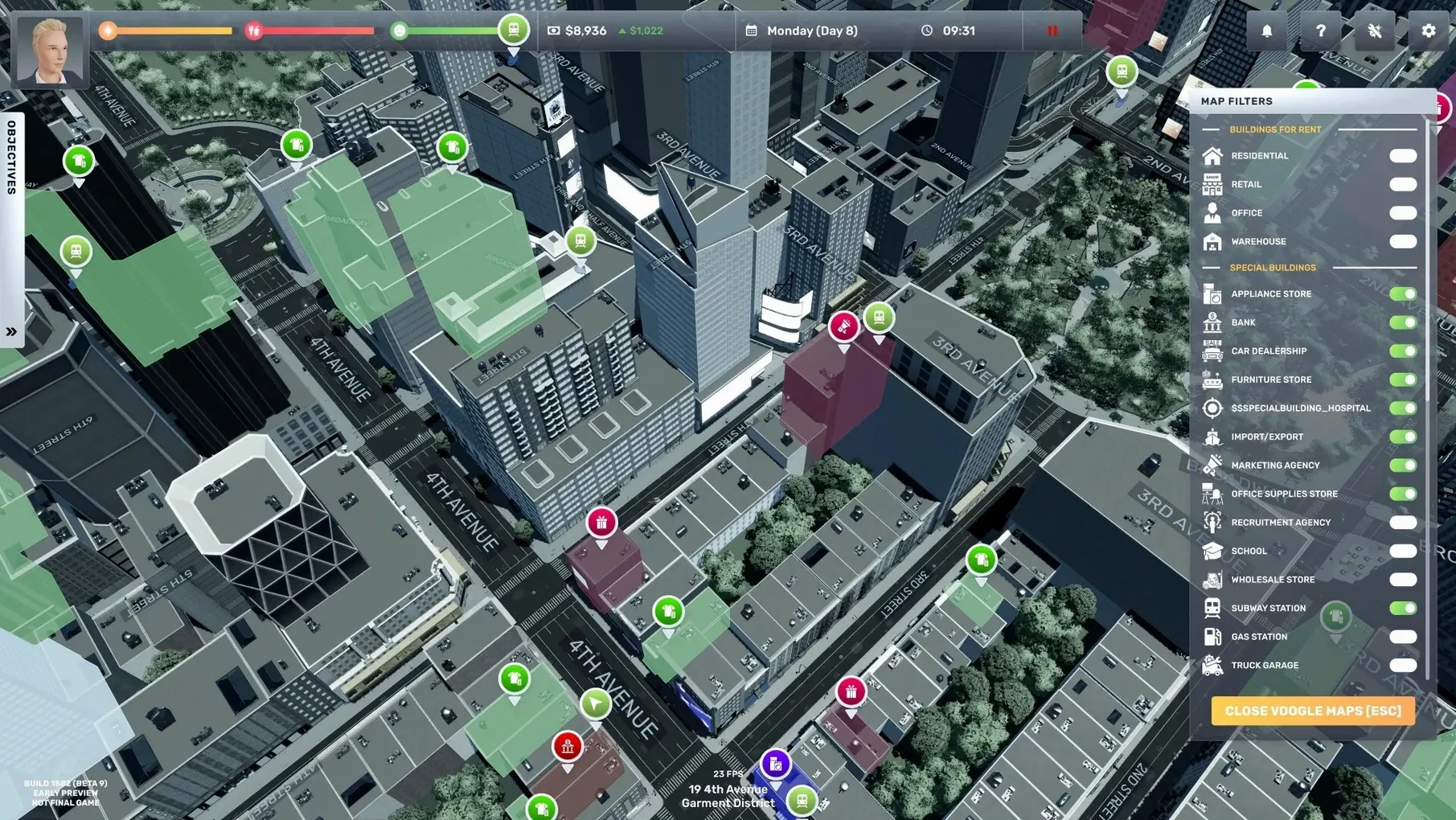
- You begin with a small nest egg and an uncle's modest handout, scanning the city map for an affordable first unit.
- You choose a business type — a souvenir shop or a small supermarket, perhaps — and kit it out with shelving, cash registers and stock.
- You hire staff, set their wages and schedule, then open the doors and watch the daily profit reports roll in.
- You reinvest earnings into larger premises, a law firm or a wine store, balancing supplier relationships against customer footfall.
- You repeat, scaling from a single storefront to an empire that overtakes rivals across New York City.
That loop — plan, execute, monitor, expand — sits at the heart of the experience. The game suits players who enjoy spreadsheets made tactile, where growth is measured in square metres leased and margins improved percentage point by percentage point. The English voice acting and the range of businesses, from flower shops to clothing stores, give the simulation a grounded texture. It is less likely to hold the attention of someone looking for a narrative arc or fast-paced action. If the thought of adjusting supplier contracts and comparing wholesale prices feels like work rather than play, the drive from rags to riches may lose its pull long before the first rival is overtaken.
Tweaks that keep the early hours from dragging
Fresh out of the downloaded disk image, the game ships with a handful of defaults that can make the early hours feel more cumbersome than they need to. A few quick adjustments after dragging the app into Applications and launching it for the first time smooth out the day-to-day rhythm considerably.
- Autosave frequency. The default interval is generous. Tightening it to every 5 or 10 minutes prevents the sting of losing a carefully negotiated wholesale deal or a redesigned store layout because the simulation caught you out while you were distracted. The setting lives under Options > Gameplay.
- Time scale. The simulation clock can be slowed down. During the first few in-game weeks, when you are learning supplier lead times and watching customer flow, a slower pace leaves room to observe without burning through cash on rent and wages while you think. You can speed it back up once the operations feel routine.
- Interface scale. On high-resolution Mac displays, the UI can render quite small by default. The scaling slider in the graphics settings adjusts panel and text size without affecting the 3D view, which is particularly helpful when comparing supplier catalogues or reading fine-print loan terms late at night.
- Wage calculations. The game lets you set staff pay manually or let it suggest a figure. The suggestion is rarely optimal. Getting into the habit of checking the staff satisfaction panel and adjusting wages just above the threshold where morale holds steady — rather than accepting the default — pays off within the first in-game month.
What the first few days teach you
Nothing in the early tutorial prompts prepares you for how quickly a poorly placed shelf slows customer throughput, or how a single missed restock window can cascade into a week of thin takings. The first hours with Big Ambitions, especially for Mac users coming from lighter management games, are as much about unlearning assumptions as about building systems.
Start with one store. The temptation to lease a second unit as soon as the loan offer appears is strong, but the overhead of two locations — double the rent, double the staff, double the inventory risk — can choke a thin profit margin before it has had time to compound. Let the first business run profitably for at least two in-game weeks before signing a second lease.
Visit your own shop as a customer would. Walk through the entrance, trace the path to the shelves, queue at the register. The game simulates foot traffic realistically, and bottlenecks caused by poor layout — a display rack too close to the door, a checkout counter that blocks the flow toward high-margin items — show up in the daily reports as lost sales. Adjust early, before you scale the floor plan across three more locations.
Build a small cash buffer before hiring. Staff wages drain the balance every day regardless of revenue, and the first hire often arrives before the shop has enough footfall to justify the cost. Running the counter yourself for a few extra days — exhausting as it is for your player character's energy — teaches you the actual throughput numbers you will use later to decide staffing levels.
Track supplier reliability. Not every wholesaler delivers on time, and a late shipment of wine bottles for a Friday evening rush is a quiet profit killer. The game does not surface supplier performance in a single dashboard, so keeping a mental note — or an actual scrap of text in a pinned note app — about which suppliers have missed deadlines saves grief when you are placing orders for multiple businesses simultaneously.
Optimisation puzzles with a long tail
The game rewards a specific kind of patience. Players who enjoy optimisation puzzles, where the problem is not whether you can turn a profit but how efficiently you can squeeze margin from a given footprint, find a long tail of engagement here. The simulation does not rush you toward a victory condition; it lets the systems breathe, and that suits people who would rather tweak a pricing strategy across three stores than chase a scripted goal.
Mac users who have spent time with games like Game Dev Tycoon or the deeper end of the Tycoon series will recognise the lineage but notice the spatial layer Big Ambitions adds. You are not just setting prices in a menu; you are physically arranging the shop floor, driving the truck to a supplier, standing in your own lobby and noticing the lighting feels off. That physicality makes the business logic feel more present, and it clicks hardest for players who want their spreadsheets to have a sense of place.
It is also a strong fit for anyone who finds city-scale sandboxes calming. New York City is rendered not as a backdrop but as a functional map where property prices vary by neighbourhood, traffic affects delivery routes, and the distance between your warehouse and your retail unit has a real time cost. Players who enjoy the logistics layer — routing vehicles, planning distribution, watching a supply chain operate — will sink hours into that loop long after the store interiors stop surprising them.
Friction points the full release finally tidied up
The full release build and the patch that followed shortly after — Build 3672/3674, with the current version sitting at 1.0.3682 — tidied up several friction points that Early Access players had learned to work around. The changes are subtle but touch the parts of the simulation you interact with daily.
The patch note page from the developer lists fixes for issues that, during early play, could break the flow of a session: a bug where staff would occasionally stop restocking shelves without warning, and another where vehicle pathing around certain Manhattan intersections caused delivery trucks to stall. Both fixes matter more than they sound. A stuck truck in the Early Access build meant an entire store could sit empty for an in-game day while you manually intervened; now the logistics chain hums along with less babysitting.
Inventory management received a small but welcome quality-of-life change. The interface for restocking multiple stores from a central warehouse now groups items more logically, cutting down the clickwork needed to transfer goods across the city. For players managing three or four retail units, this alone recovers minutes per session that previously went into repetitive menu navigation.
Performance on Apple Silicon Macs also tightened up. The Early Access build ran acceptably but could stutter when the camera panned quickly through dense commercial districts at high time-speed settings. The full release handles those transitions more smoothly, which makes the open-world traversal feel less like a technical compromise and more like a natural part of the workflow — driving from your apartment in Brooklyn to check on a Manhattan wine store no longer comes with a small hitch in the frame rate.