Aspecten
 Download (1.8 GB)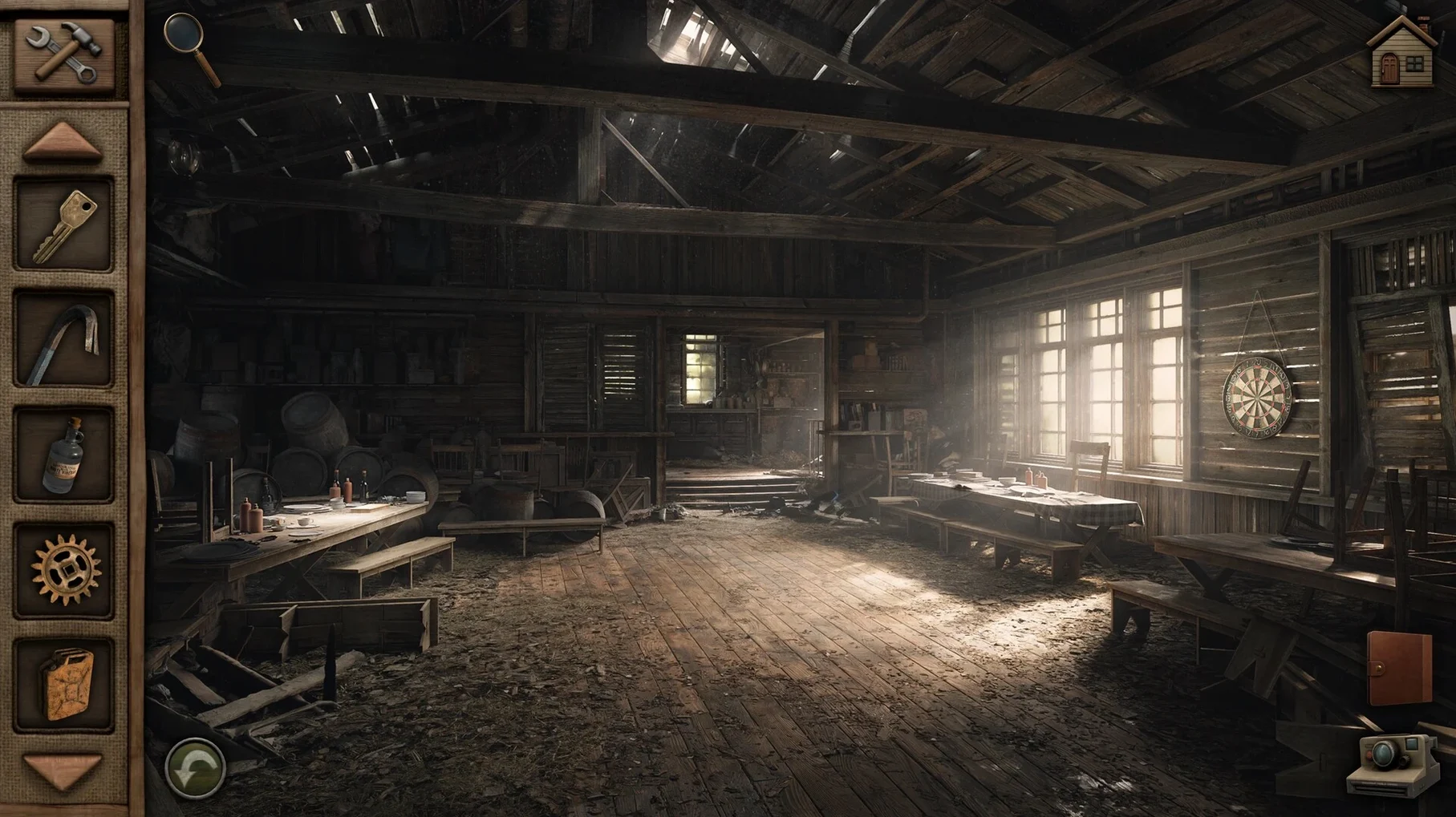
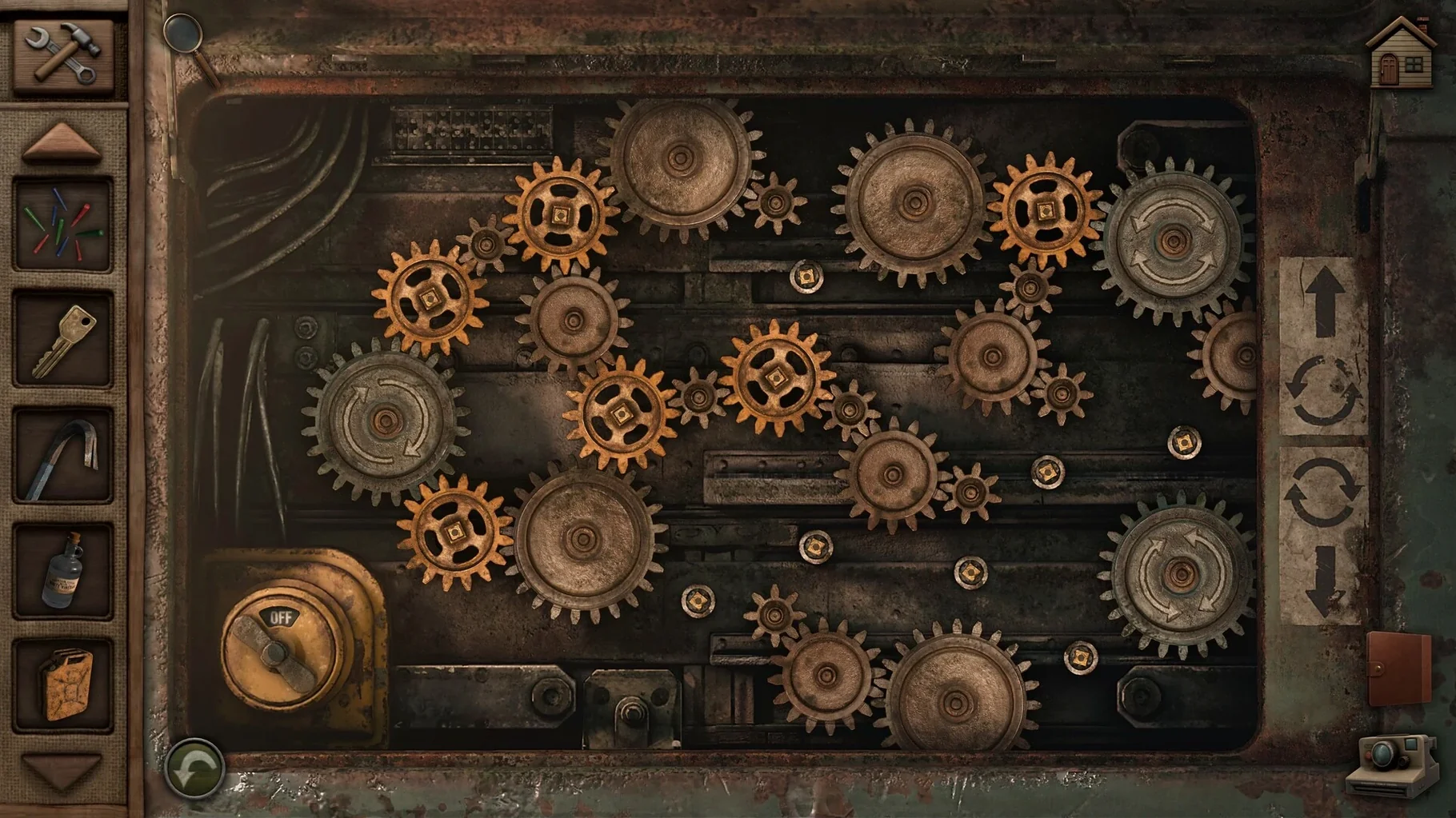
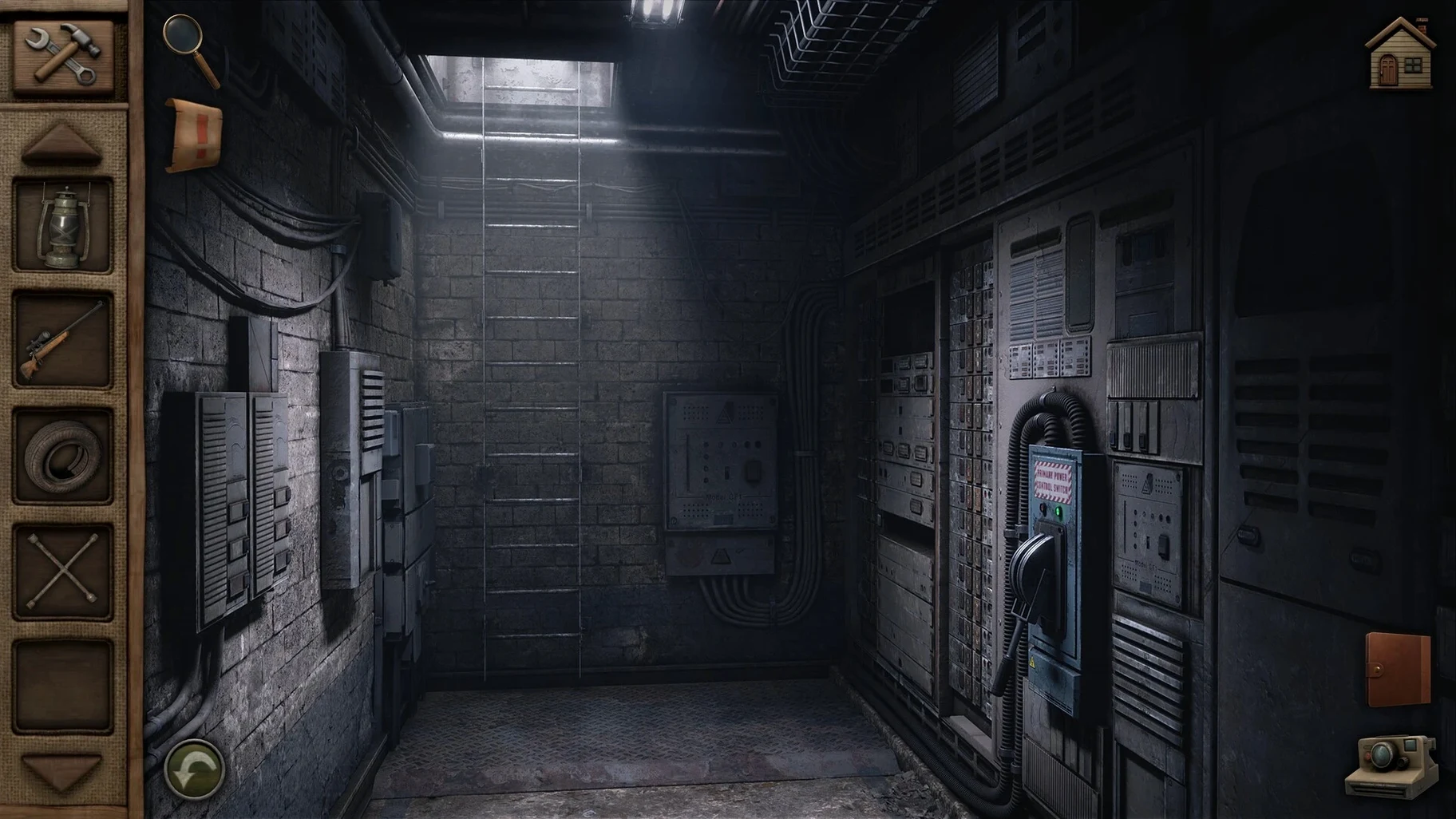
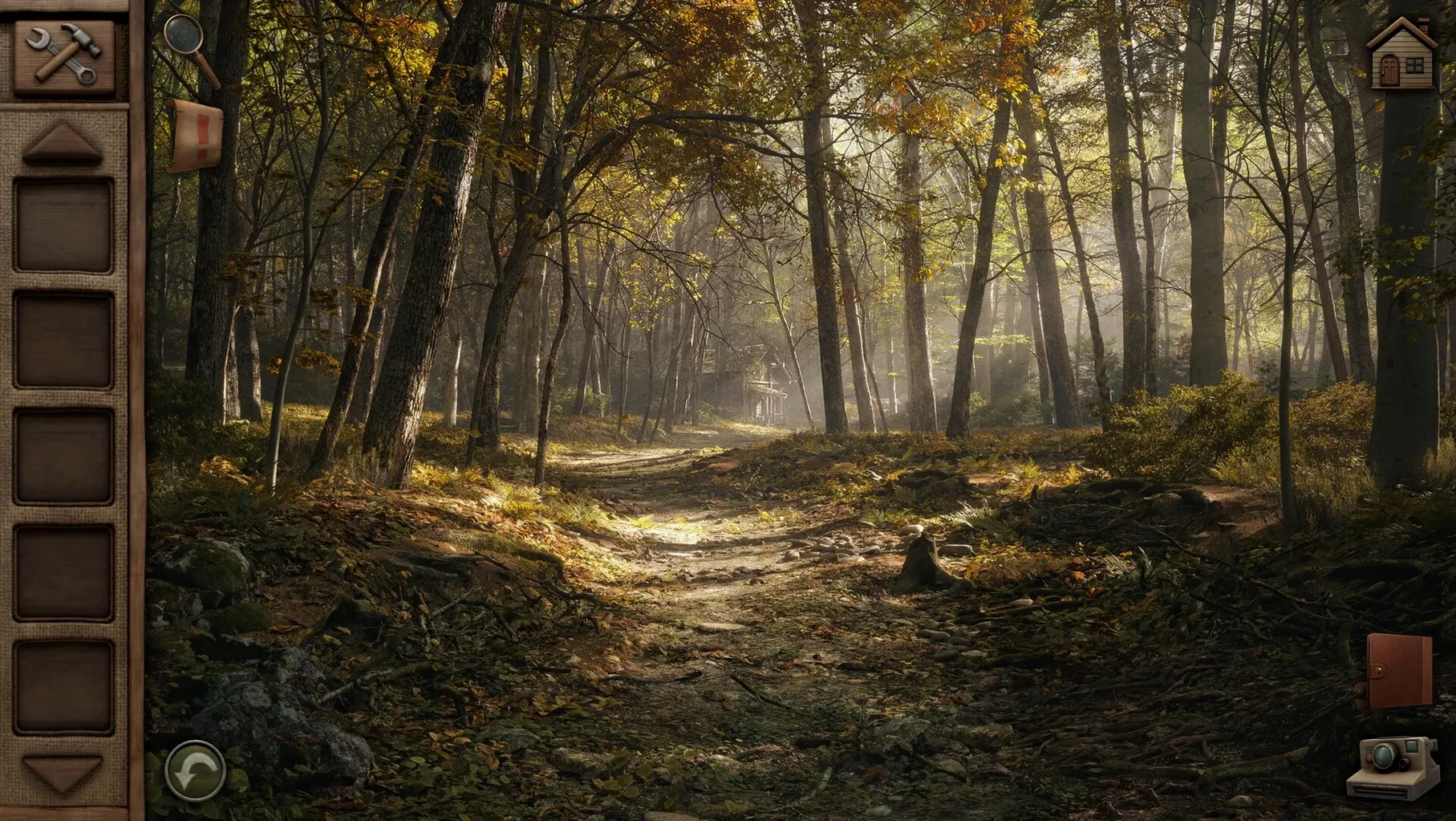
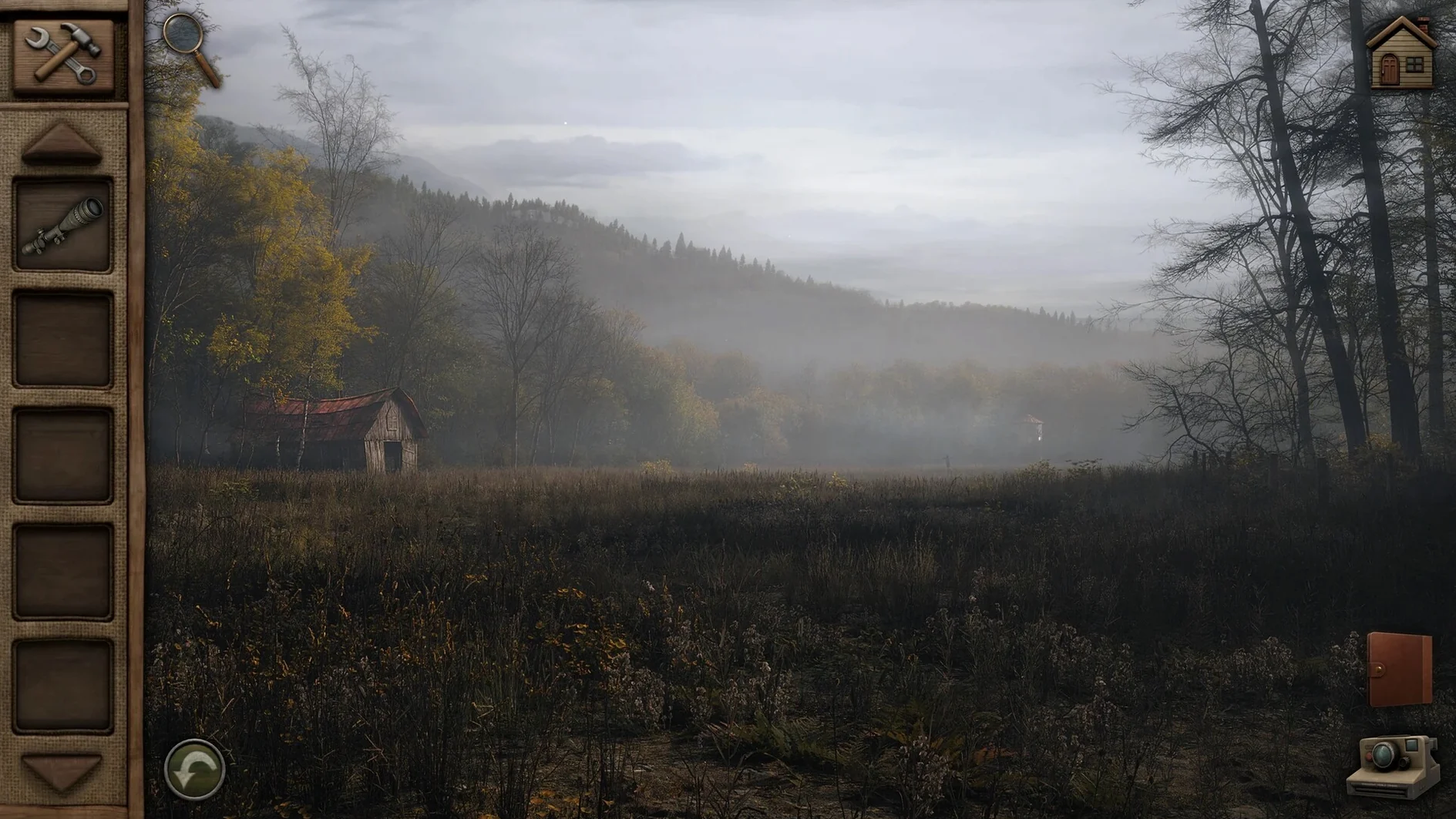
Players who enjoy methodical puzzle-solving in a narrative-driven setting will find a familiar rhythm in Aurora Hills: Chapter 2. You step into the boots of Ethan Hill, a park ranger in a small West Virginia town, tasked with investigating a series of strange disappearances that seem tied to a national park. The controls translate straightforwardly to Mac, relying on a single click to move and interact, which makes it comfortable for extended play with a trackpad or a mouse. Performance on both Apple Silicon and Intel Macs is steady, with the hand-illustrated environments rendering cleanly without fan noise on recent machines.
- The interface uses a classic point-and-click system: click to move, click to examine objects, and drag items from inventory to use them in the world.
- The game runs natively on Apple Silicon and Intel processors, keeping energy use low on MacBooks.
- Exploration takes you through remote sections of the park, where each screen is a static, detailed scene rather than an open 3D space.
- Puzzles are inventory-based and environmental, often asking you to notice small details in the background art.
- A custom soundtrack adapts to locations indoors and out, though you can adjust the volume independently of sound effects.
- Subtitles are available in nine languages, including English, German, Japanese and French, selectable from the settings menu before starting.
The experience is a self-contained continuation from the first chapter, but newcomers can follow the story without prior knowledge. Saving is manual and slot-based, so it is worth picking a consistent habit to avoid losing progress between the park's quieter and more tense sections.
Switch to windowed mode before you enter the park
Before stepping into the park, a short visit to the settings menu can save minor frustrations later. The game defaults to full-screen mode, but switching to windowed mode (set under Display) makes it easier to consult a notepad or map on the same screen — particularly useful if you are tracking clues across multiple locations. The resolution scales cleanly at 1920×1080 and above; on a Retina display, text remains crisp without additional tweaking.
The colour-blind mode deserves a mention. This is not a filter slapped over the whole screen but a targeted adjustment that modifies the palette of key interactive objects, making them distinct from the background without washing out the hand-illustrated art. If you sometimes miss hotspot outlines in dim forest scenes, toggling this on can sharpen object visibility noticeably.
Sound balance is another early adjustment. The custom soundtrack is atmospheric but mixed prominently by default. Dropping music to roughly 60 % while keeping sound effects at full lets ambient cues — footsteps on gravel, a distant door latch — cut through more clearly, which matters when an audio clue signals a nearby interaction point.
A workflow: investigating the ranger station
To see the game's logic in motion, consider the early task of searching the abandoned ranger station for records on the first missing person. Start by methodically clicking every drawer and shelf inside the main office. One drawer is locked and requires a key; a sticky note on the corkboard points you towards the maintenance shed. Move to the shed and examine the workbench. Among the tools sits a small magnet on a pegboard, easy to overlook if you click too quickly. Pick it up.
Return to the station and use the magnet on the metal vent cover in the floor. This reveals the key. With the key in hand, unlock the drawer to retrieve a logbook. Flipping through the logbook pages — done by clicking the corner — highlights a date discrepancy that Ethan notes automatically in his journal. That journal entry unlocks a new dialogue option with a character at the diner later, feeding the investigation forward. The whole sequence relies on observation, not guesswork, and the two-level hint system stays unobtrusive unless you deliberately open it from the pause menu.
Shadowy corners hide a few pixels of interaction
A few sticking points surface regularly. Missed hotspot edges are the most frequent. Some interactive objects are only a few pixels wide, tucked into shadowy corners of a scene. If you are stuck, slow your cursor movement and watch for the pointer changing shape. The built-in hint system can highlight all hotspots on a screen, but using it too early spoils the satisfaction of discovery — try scanning a room in a grid pattern first.
Inventory items not combining is another common puzzle. The game expects you to open the inventory panel, select the first item, and drag it onto the second, not the other way around. If a combination seems logical but fails, reverse the order. A crowbar dragged onto a crate lid works; a crate lid dragged onto a crowbar does nothing.
On the technical side, some players report the cursor lagging slightly when the game launches in full-screen on external monitors above 60 Hz. Switching to windowed mode, then back to full-screen, usually clears this. Progress is held in manual save slots — there is no autosave. Losing an hour of investigation because you relied on a checkpoint that does not exist is a hard lesson. After any major puzzle solve or new area unlock, save to a fresh slot so you can backtrack if needed without replaying long stretches.