Aspecten
 Download (6.4 GB)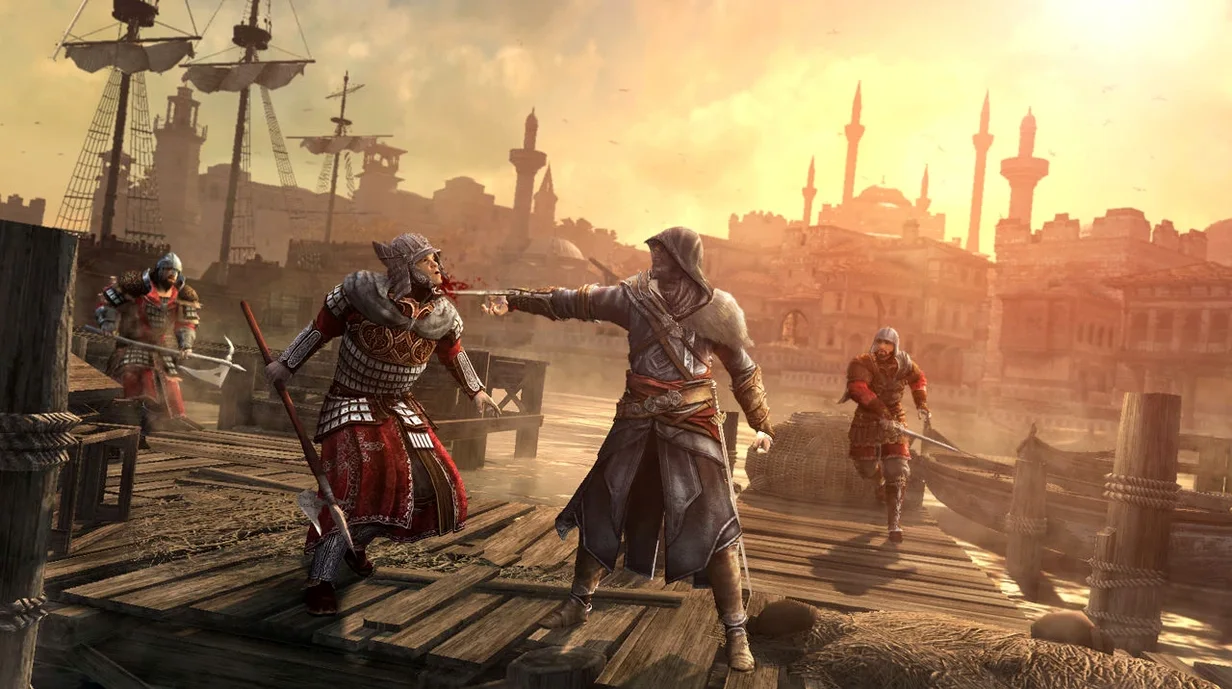
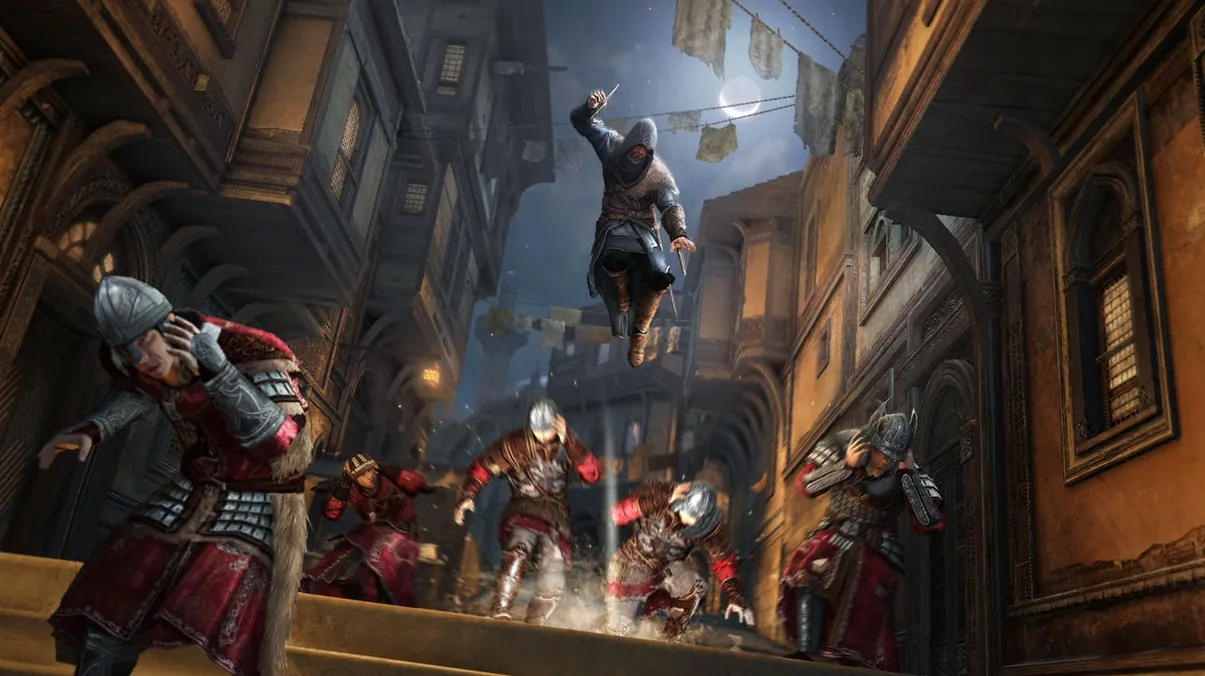
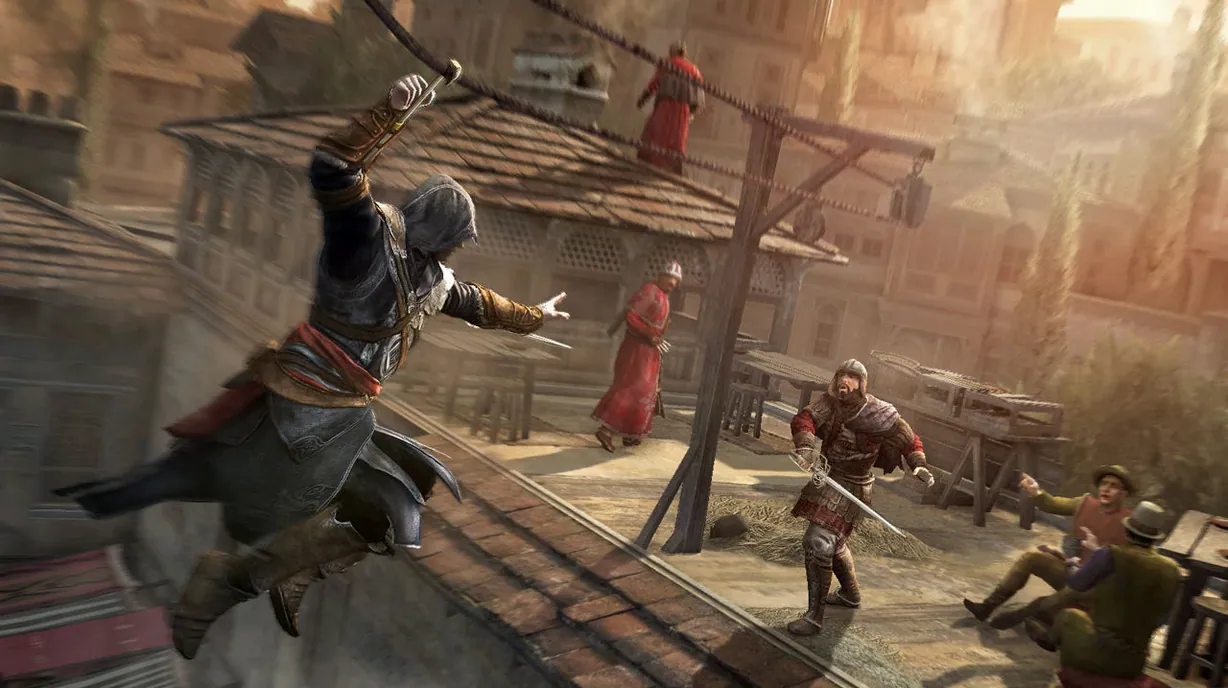
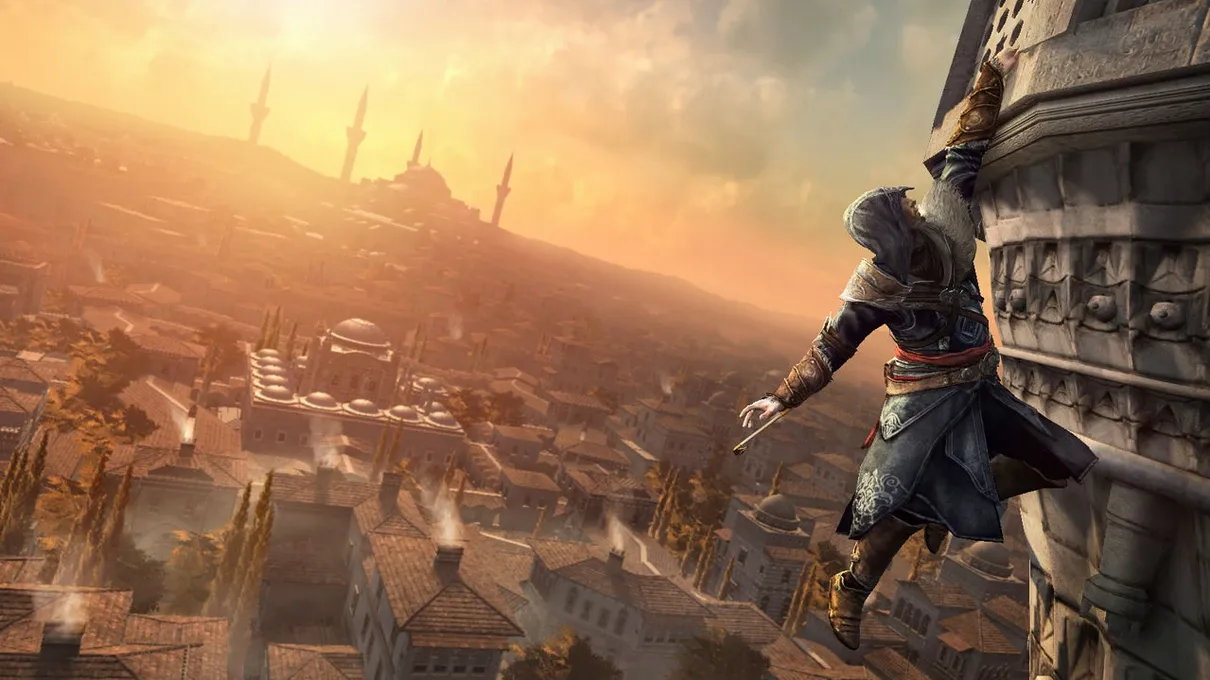
Anyone familiar with the older Wineskin builds of Ubisoft games on Mac will recognise the situation here. Assassin's Creed Revelations arrives as a wrapped version, and like many of those builds, it asks the player to accept a few technical compromises in exchange for playing a genuine series entry on Apple Silicon.
Reading Constantinople's secrets with Eagle Vision
Players who value atmosphere and a slower, investigative pace will settle into this one. Ezio Auditore's time in Constantinople is built around discovery: reading the city, following leads, and using Eagle Vision to separate truth from noise. The hookblade changes how movement works, extending traversal in ways that make the rooftops feel new rather than recycled. The bomb crafting system gives patient players another layer to experiment with, especially during the longer infiltration sequences. If you liked the methodical side of earlier Ezio games, Revelations leans into that same rhythm.
No multiplayer, and Templars stay in single-player
Anyone hoping for a lively multiplayer scene should look elsewhere; those features are no longer available for this product. The growing Templar threat in the story is handled through single-player missions only. Players who prefer fast, combat-heavy action may also find the pacing deliberate, since much of the game rewards watching and planning over direct confrontation. The Wineskin build itself runs on ARM architecture, but expect the usual quirks with wrapped games: occasional startup errors and gamepad detection that needs a settings change.
Disable VSync for smoother frame pacing
After a successful first launch, four adjustments make the experience noticeably smoother. Open the in-game graphics options and disable VSync right away. On the Wineskin build, the frame pacing often feels more responsive with VSync off, and tearing is rarely an issue on a modern Mac display.
Next, set anti-aliasing to 2x rather than the default higher setting. The difference in visual quality is small on a Retina screen, but the performance headroom it frees up helps during crowded rooftop chases across the Galata district. Also drop shadow quality one notch from maximum; the dense Ottoman architecture casts a lot of dynamic shadows, and this single change reduces stutter when turning quickly in narrow streets.
If you plan to use a gamepad, go into the control settings before starting a sequence and enable Wireless Controller. The option is off by default. Without it, the game reads only keyboard input on this build, even when macOS detects the pad correctly. Test the hookblade controls right after switching — the long-pull leap should feel instant, not delayed.
Altair cutscene audio stays in sync on Apple Silicon
Version 1.03 wraps the original 2011 release in a Wineskin layer rebuilt for Apple Silicon. In everyday play, the most visible difference from older Intel-based wrappers is that cutscene audio stays in sync during the Altair memory sequences, where previously a slight drift appeared after twenty minutes or more.
Startup behaviour also improved. Earlier wrapped versions sometimes failed to recognise the language setting on first launch, defaulting to Russian until manually changed. Build 1.03 respects the in-game language choice from the first session, provided the app has been launched once after copying. The Fix file on the disk image handles the occasional launch error by resetting the wrapper's configuration, not the game data itself, so preferences and saves remain untouched.
The build was tested on macOS Tahoe running on a Mac mini M4. No Metal-related graphics corruption has been reported in that configuration, and the ARM translation layer adds no perceptible input latency during combat. Multiplayer and online services remain absent, a consequence of Ubisoft's 2022 server shutdown for the title rather than a wrapper limitation.
A historian's afternoon in Constantinople
Imagine a history student who studies Ottoman architecture and plays games mostly for setting and narrative. They install the game on a quiet Saturday, drag the app into Applications, run the Fix file after a brief startup error, and switch the voice language to English in the settings.
They spend the first hour not chasing the main mission but walking the Imperial District. Eagle Vision highlights a data fragment tucked behind a mosque entrance they recognise from a lecture slide. They mark it, climb the minaret with the hookblade, and sit there rotating the camera while the call to prayer fades into the ambient track. The bomb crafting menu gets opened only once, out of curiosity, then ignored while they follow a side quest about a missing book. By late afternoon they have completed one assassination and taken twenty-three screenshots of tilework and courtyard geometry. The game, for this player, becomes a slow-travel machine, and the Wineskin wrapper does nothing to interrupt that.