Aspecten
 Download (42 GB)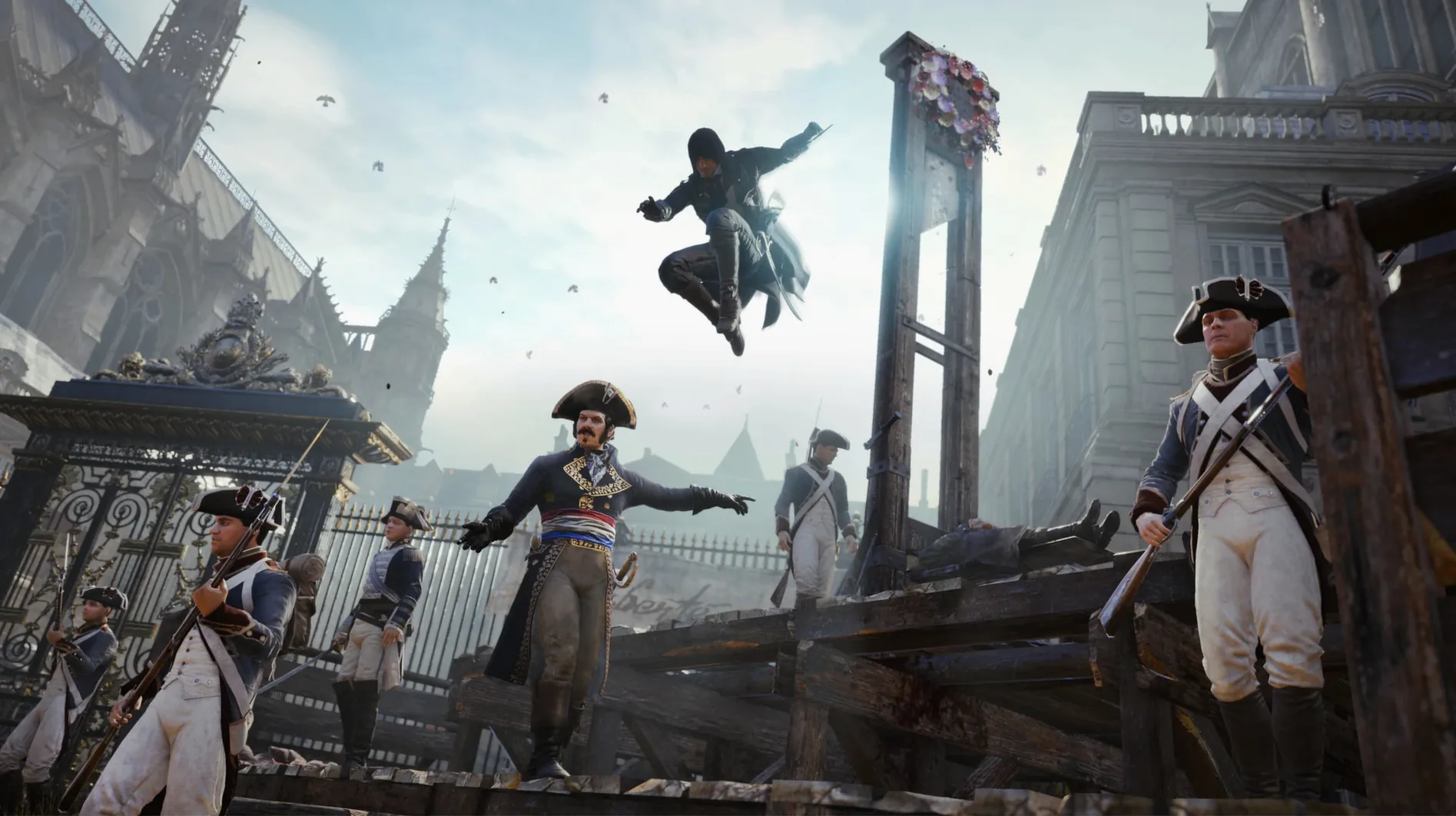
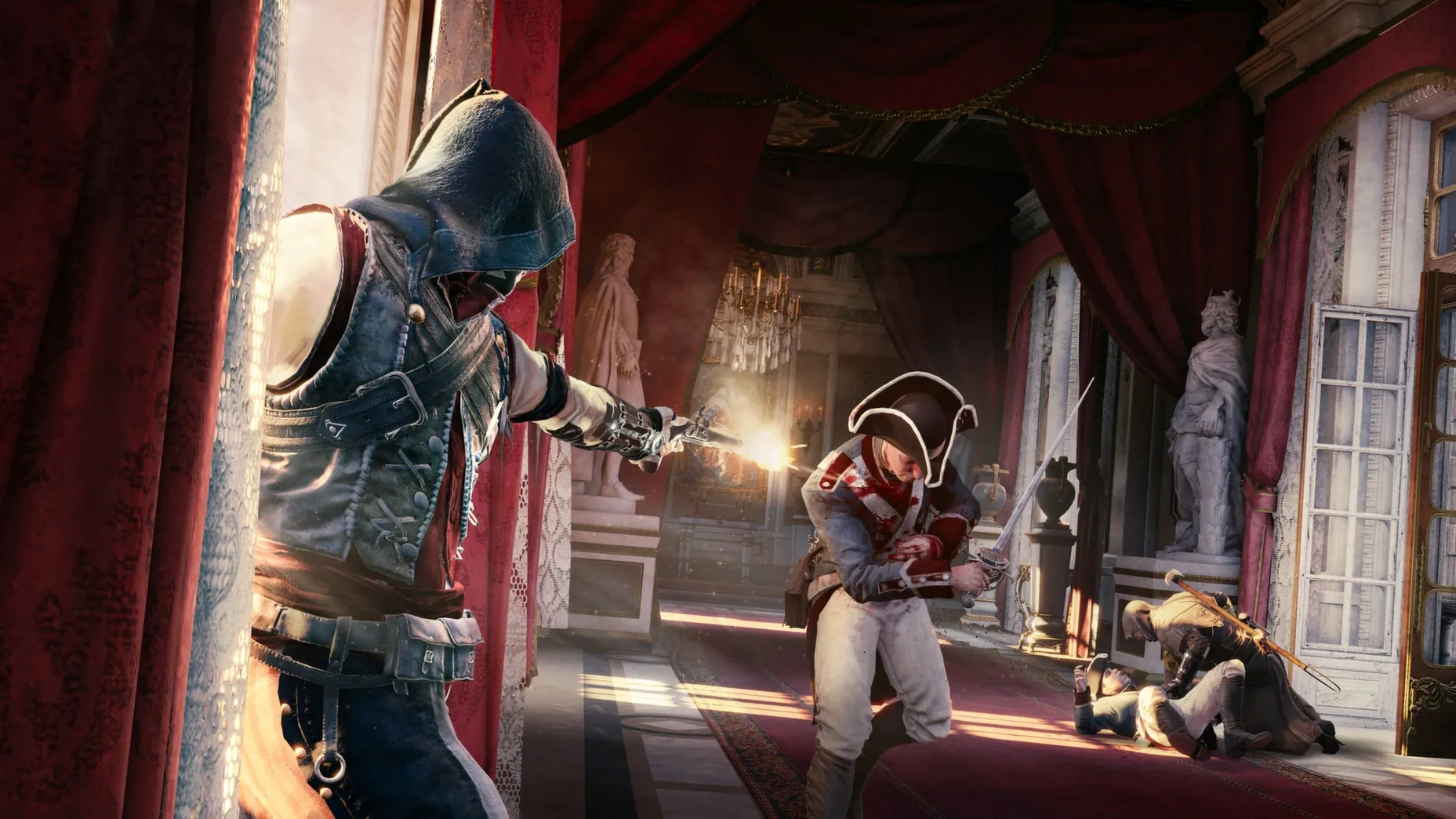
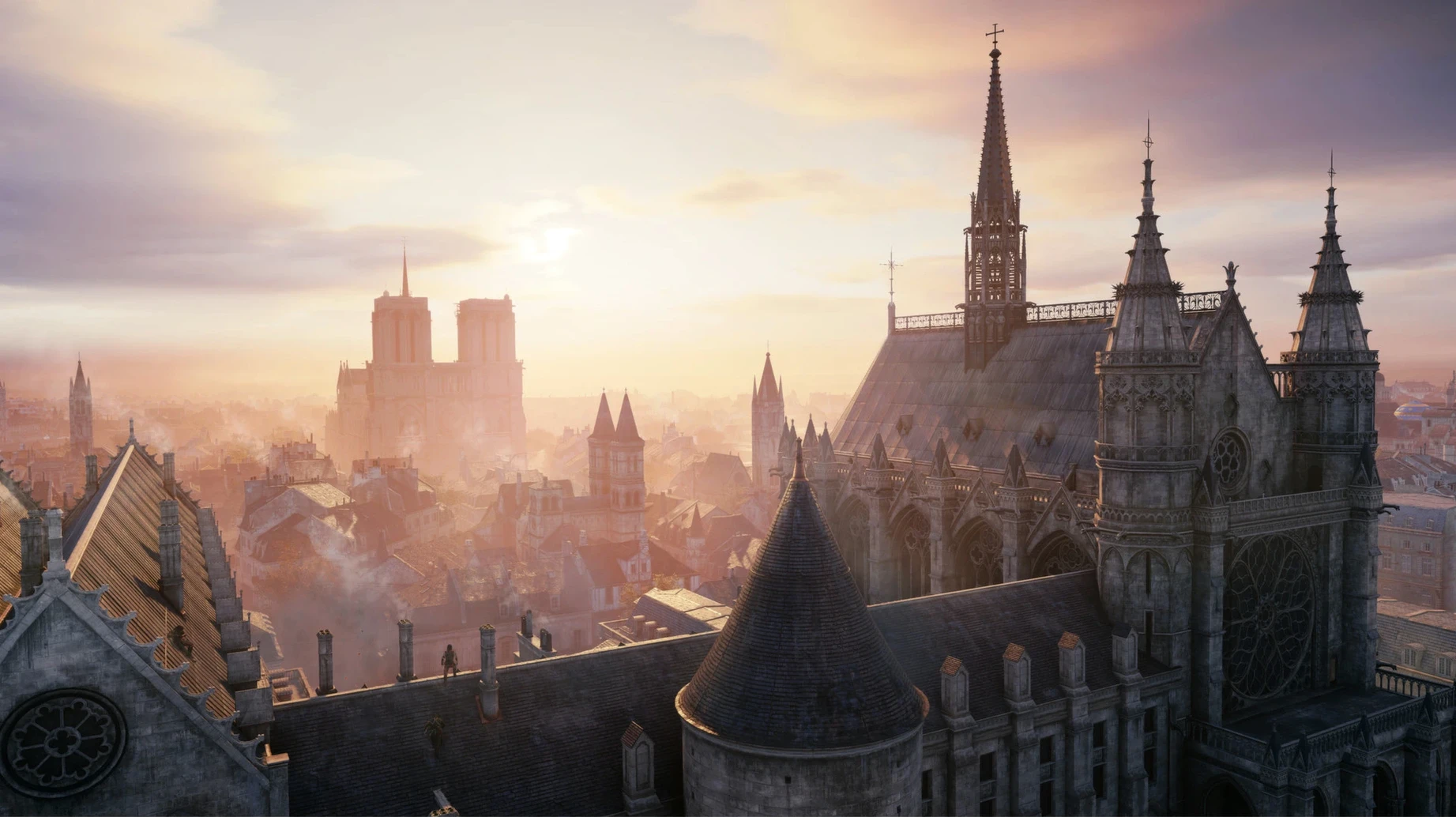
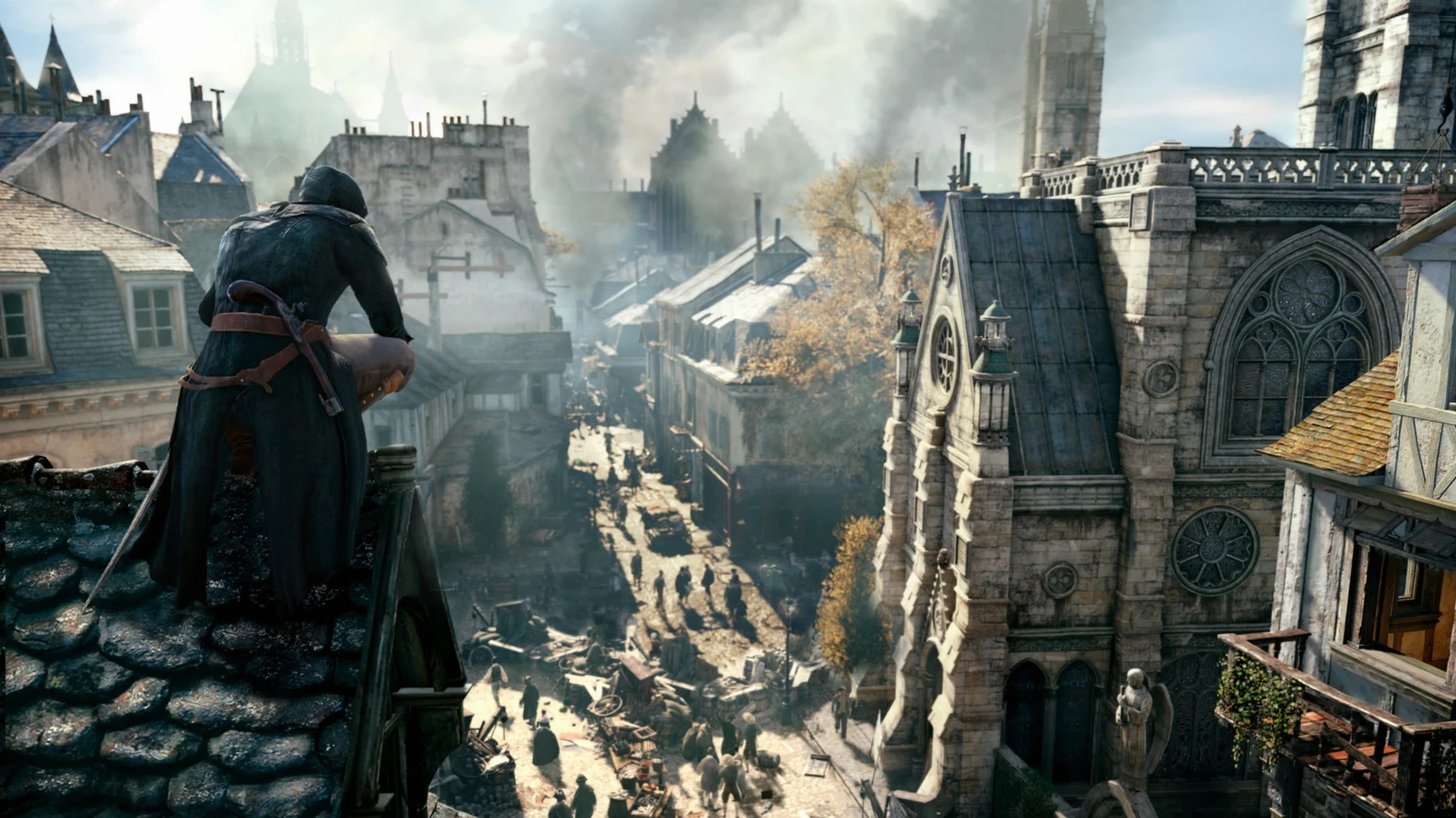
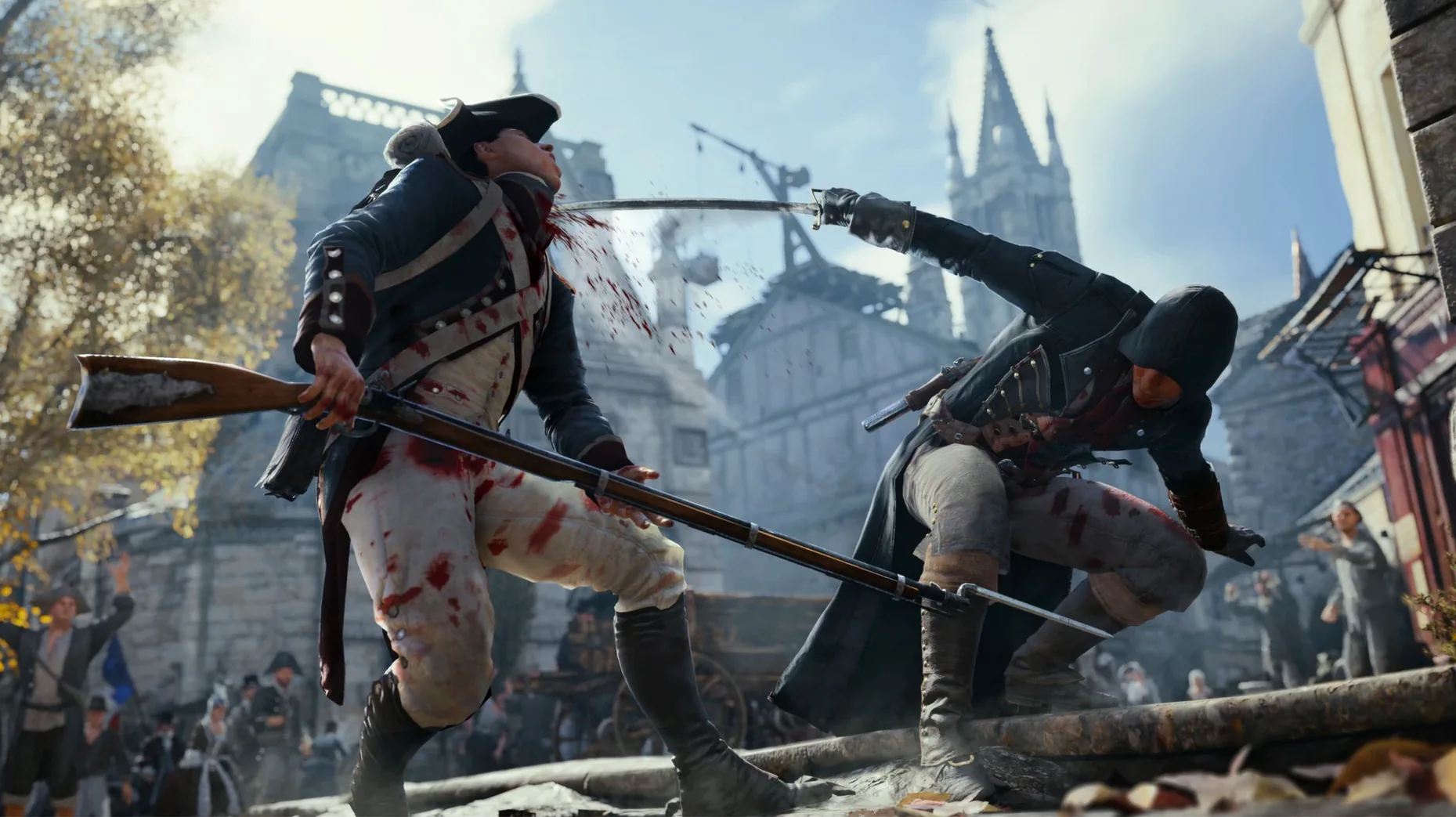
Getting a demanding open-world title from the mid-2010s to behave on modern Apple hardware is rarely straightforward. The ARM build of Assassin's Creed Unity sidesteps the usual compatibility hurdles, giving Mac owners a direct route into a meticulously recreated 18th-century Paris.
| Detail | Note |
|---|---|
| Architecture | Apple Silicon (ARM) |
| Tested on | macOS Tahoe, Mac mini M4 (2024) |
| Play modes | Single-player, co-op (up to 4) |
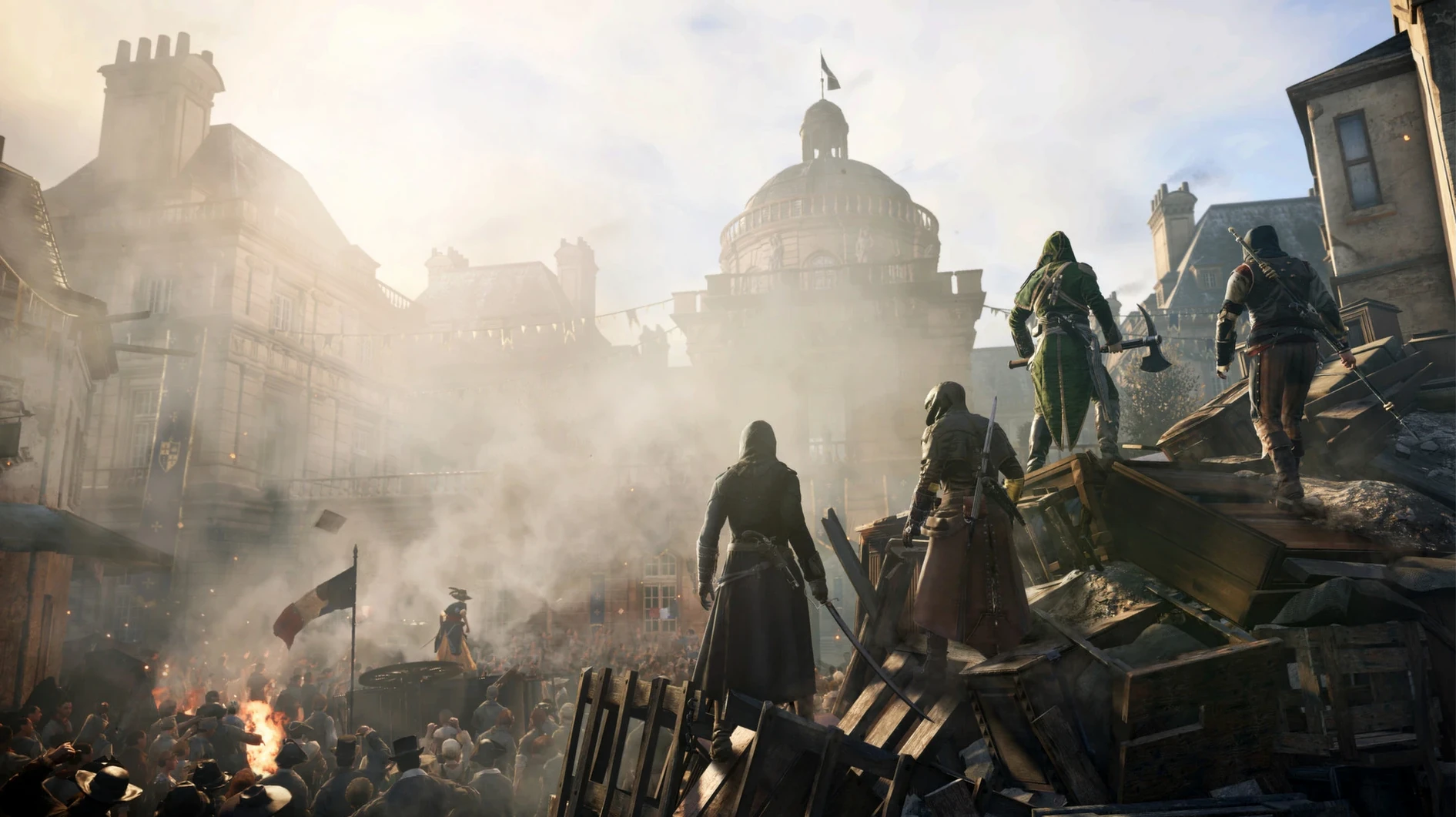
You control Arno, a young man pulled into the turmoil of the revolution, as he navigates districts dense with landmarks such as Notre-Dame and the Bastille. The open world feels lived-in rather than merely scenic, with crowds reacting to unfolding events. As you progress you can adjust Arno's appearance, skills and equipment to suit a more direct or a stealthier approach. Co-operative play for up to four players runs alongside the main story, though the Mac build's online behaviour will depend on server availability and your local connection. Performance on the M4 Mac mini is stable at moderate settings, with occasional frame-time dips in crowded squares. The Wineskin wrapper does the heavy lifting, but the Fix script included on the disk image resolves launch errors cleanly.
Push the field-of-view to 90 for breathing room in crowds
Out of the box, a few defaults work against the game's strengths on a Mac display. The field-of-view slider sits at its narrowest setting by default — pushing it to around 90 makes interior navigation and crowd awareness feel less cramped without introducing noticeable distortion at the edges.
The HUD preset leaves every marker, notification and pop-up enabled. Turning off the minimap rotation lock and switching mission reminders to 'minimal' clears a surprising amount of screen clutter. The game communicates objectives well through dialogue and environmental cues, so losing the constant text prompts rarely causes confusion.
Controller vibration is on by default and drains battery faster than expected over a long session. If you are using a wireless controller, switching it off in the gamepad settings is a small quality-of-life improvement with no gameplay downside.
Launch behaviour that stops the game from refusing to start
The 1.5 REV 1 Wineskin Fix build is a packaging effort rather than a content patch, so it does not alter missions, progression or the combat system. What changed is launch behaviour. Earlier wrapped builds sometimes refused to start after a macOS point update or threw a missing-library error on first run. The bundled Fix script handles those cases without manual terminal work — on the M4 Mac mini test system, a clean launch followed a single run of the script after copying the app.
Language handling also differs from a standard Mac app. The game reads its initial language from saves.ini inside the app bundle rather than from a system preference. Editing that file in TextEdit, swapping Language=russian for Language=english, sets the interface correctly before the title screen appears. Voice and subtitle languages remain adjustable from the in-game audio menu once you are past the main menu.
Skip the hanging animation by holding crouch on a drop
Holding the crouch button while dropping from a ledge skips the automatic hanging animation and lands Arno directly on the ground below. It saves a second or two each time and keeps momentum in chase sequences. The move is never explained in a tutorial prompt.
The quick-shoot mechanic for the phantom blade works during free-running if you tap the ranged-attack input without aiming first. Arno will snap to the nearest viable target, which is faster than stopping to aim manually — useful when a rooftop guard spots you mid-climb.
In co-op, the 'look at partner' command mapped to a d-pad direction centres the camera on the nearest teammate. Holding it for a beat pings their position on the HUD, which helps coordinate ambushes without voice chat. Many players miss it entirely because the binding is buried in the control scheme menu under a generic label.
Lastly, the map screen has an unmarked fast-travel shortcut: selecting a viewpoint icon and pressing the confirm button twice skips the zoom-in animation and loads the destination directly. A minor convenience, but one that adds up when you are crossing the city between co-op missions.