Aspecten
 Download (158 GB)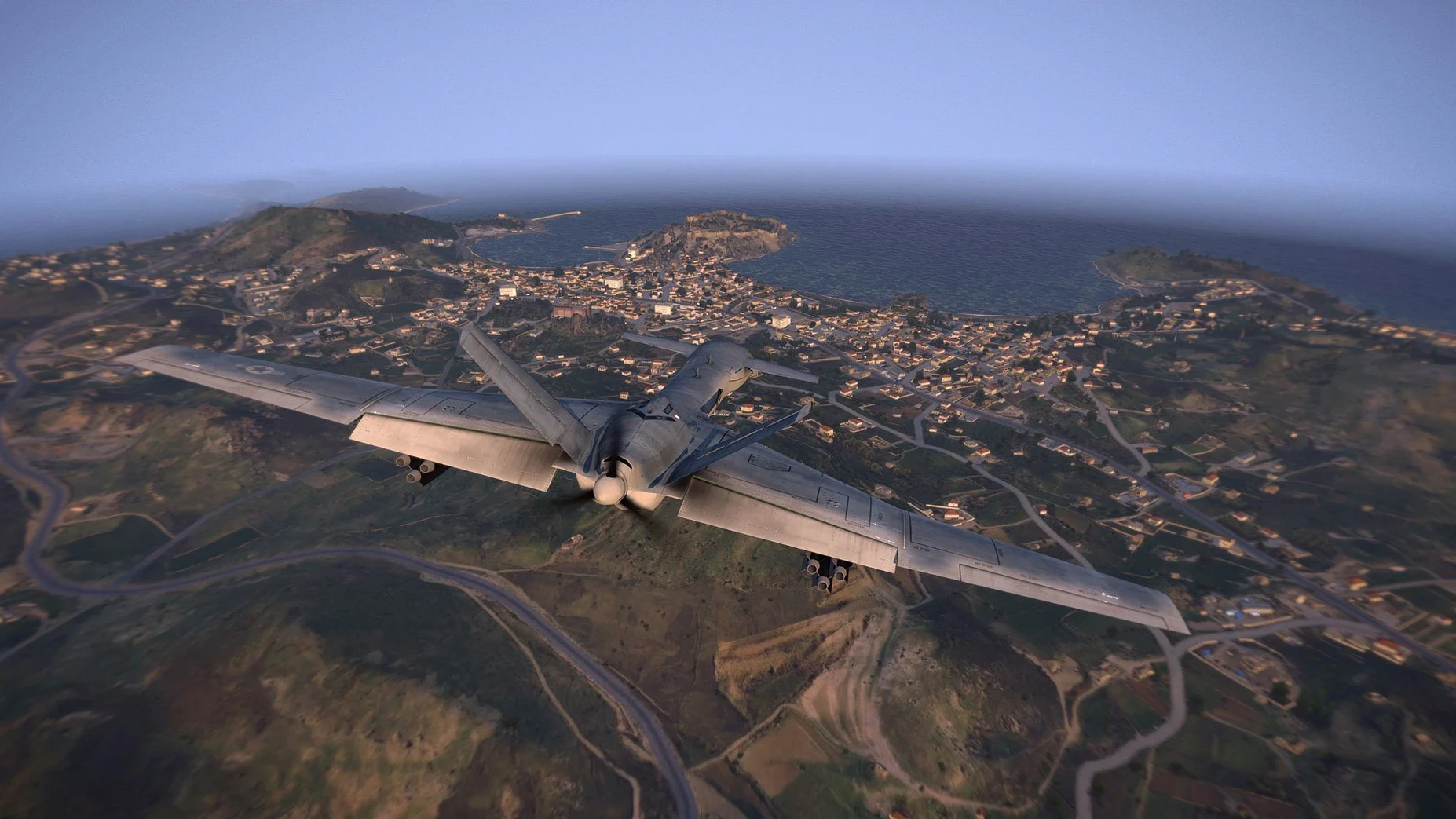
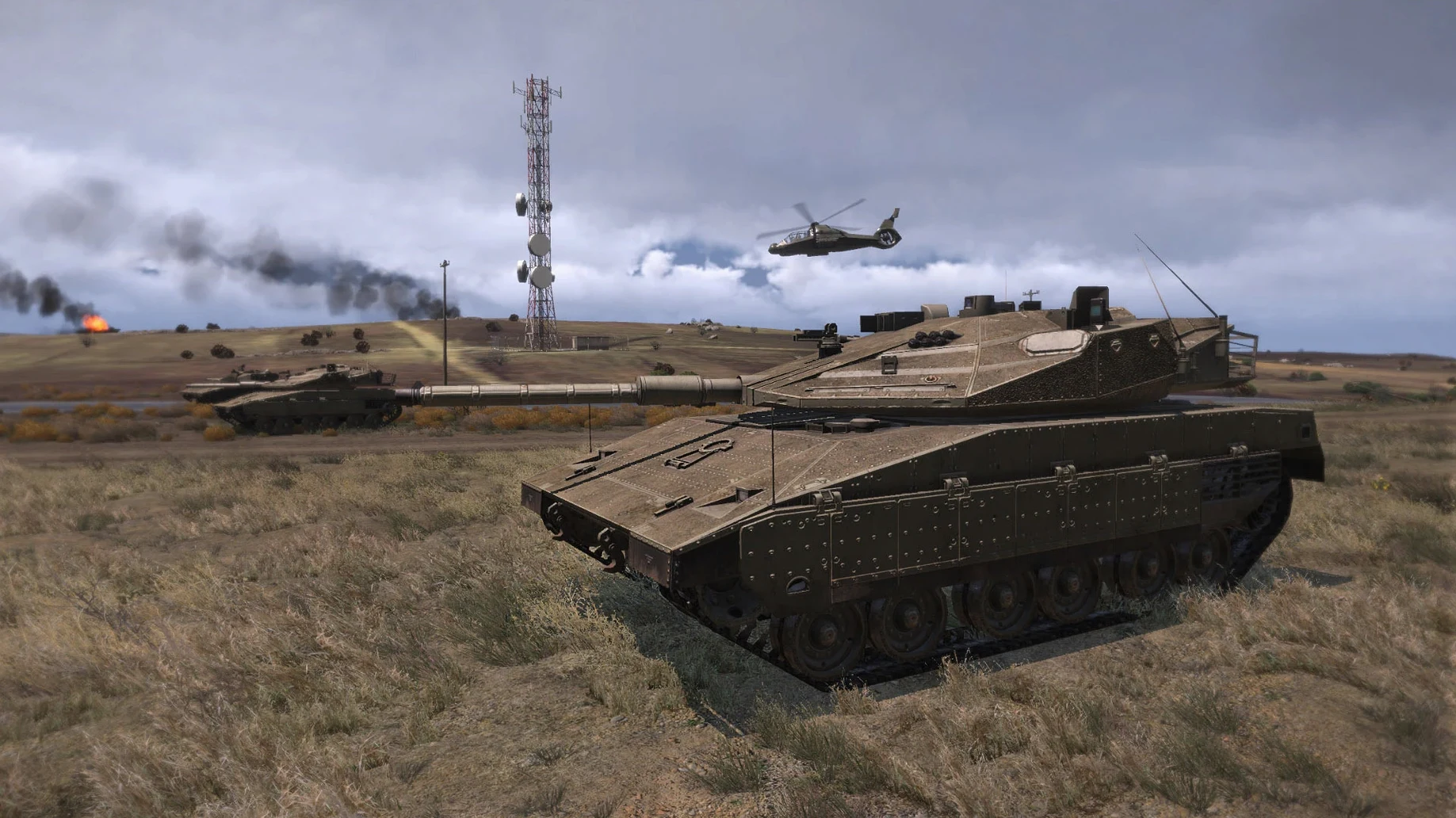
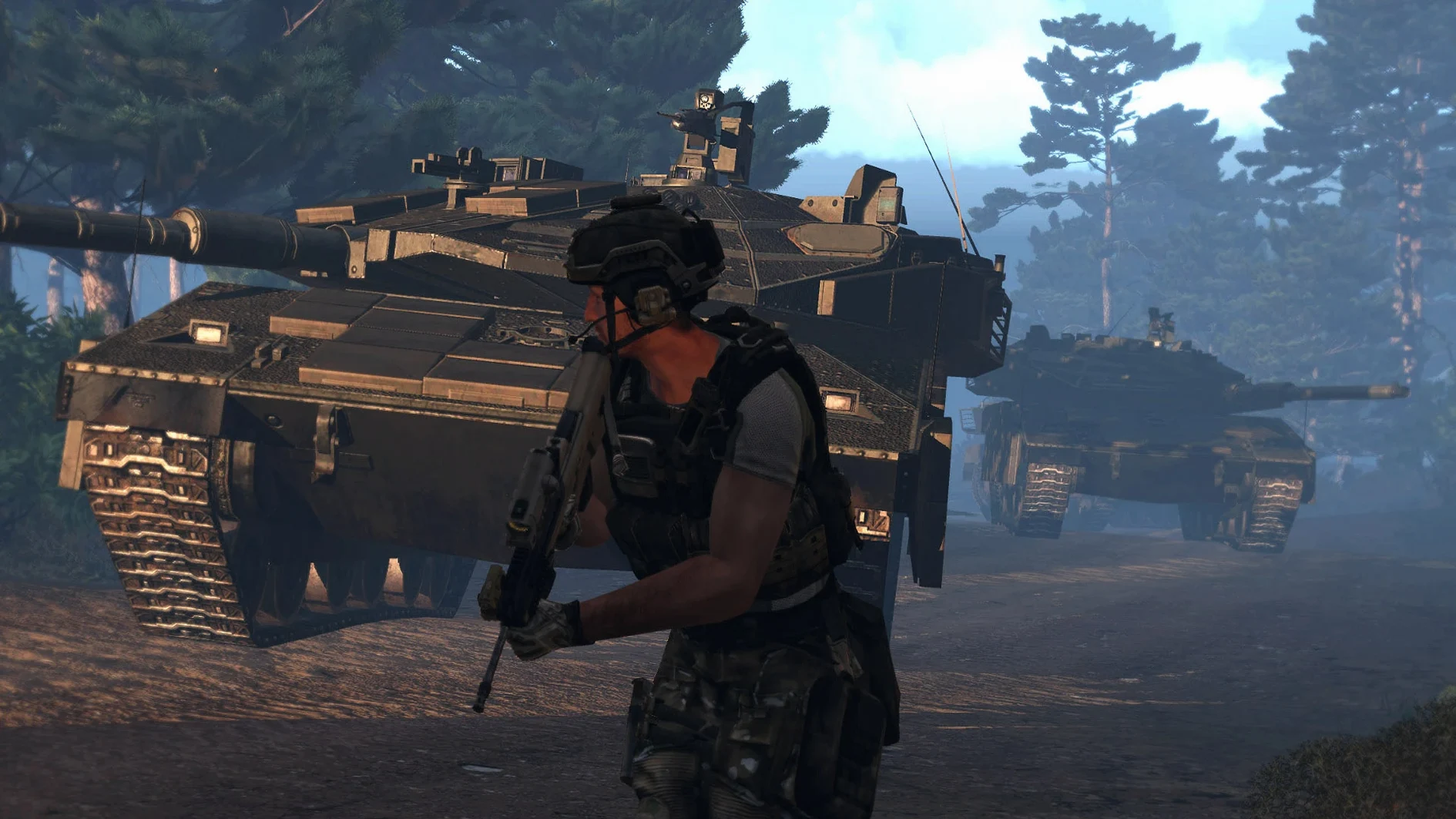
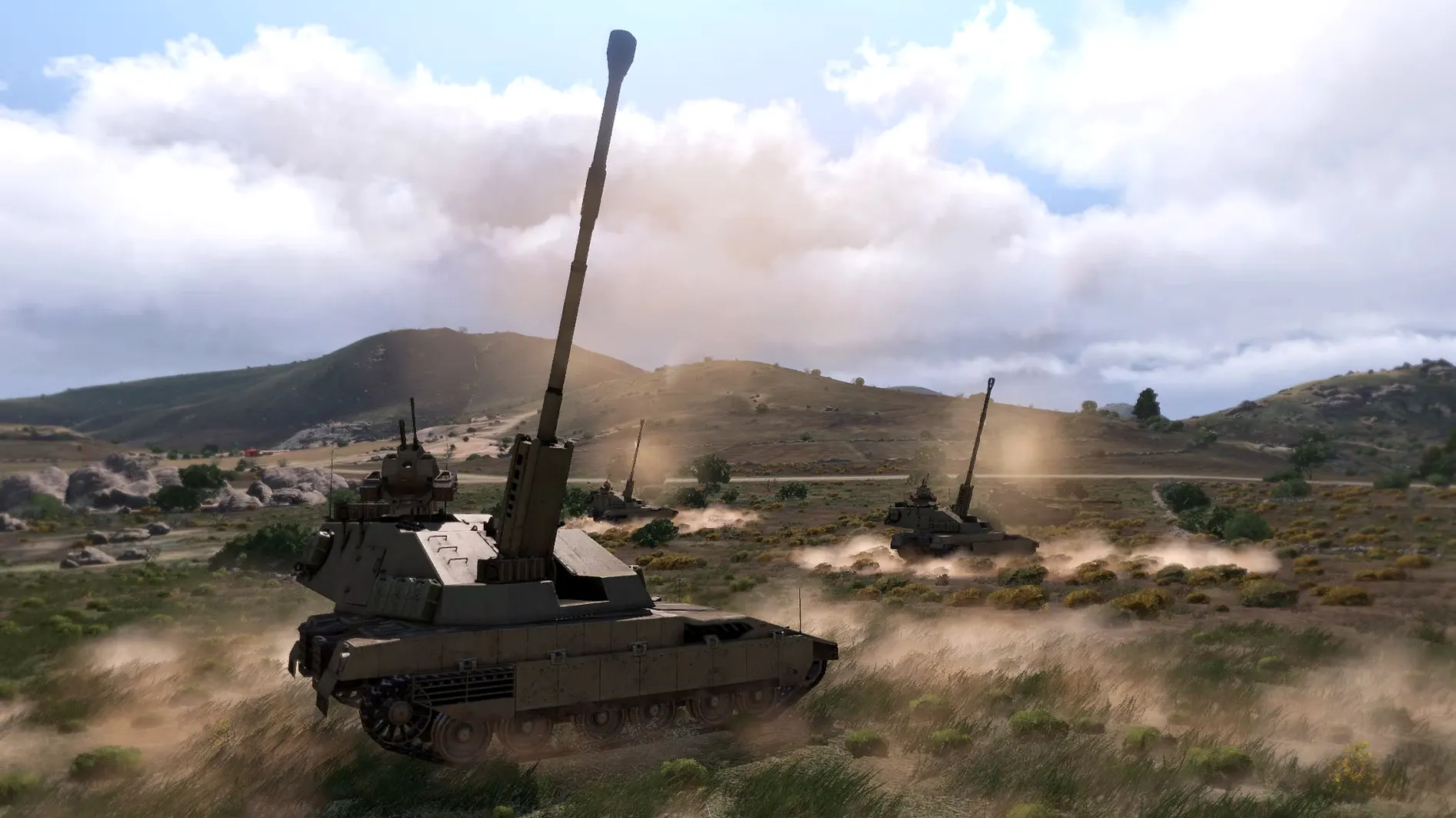
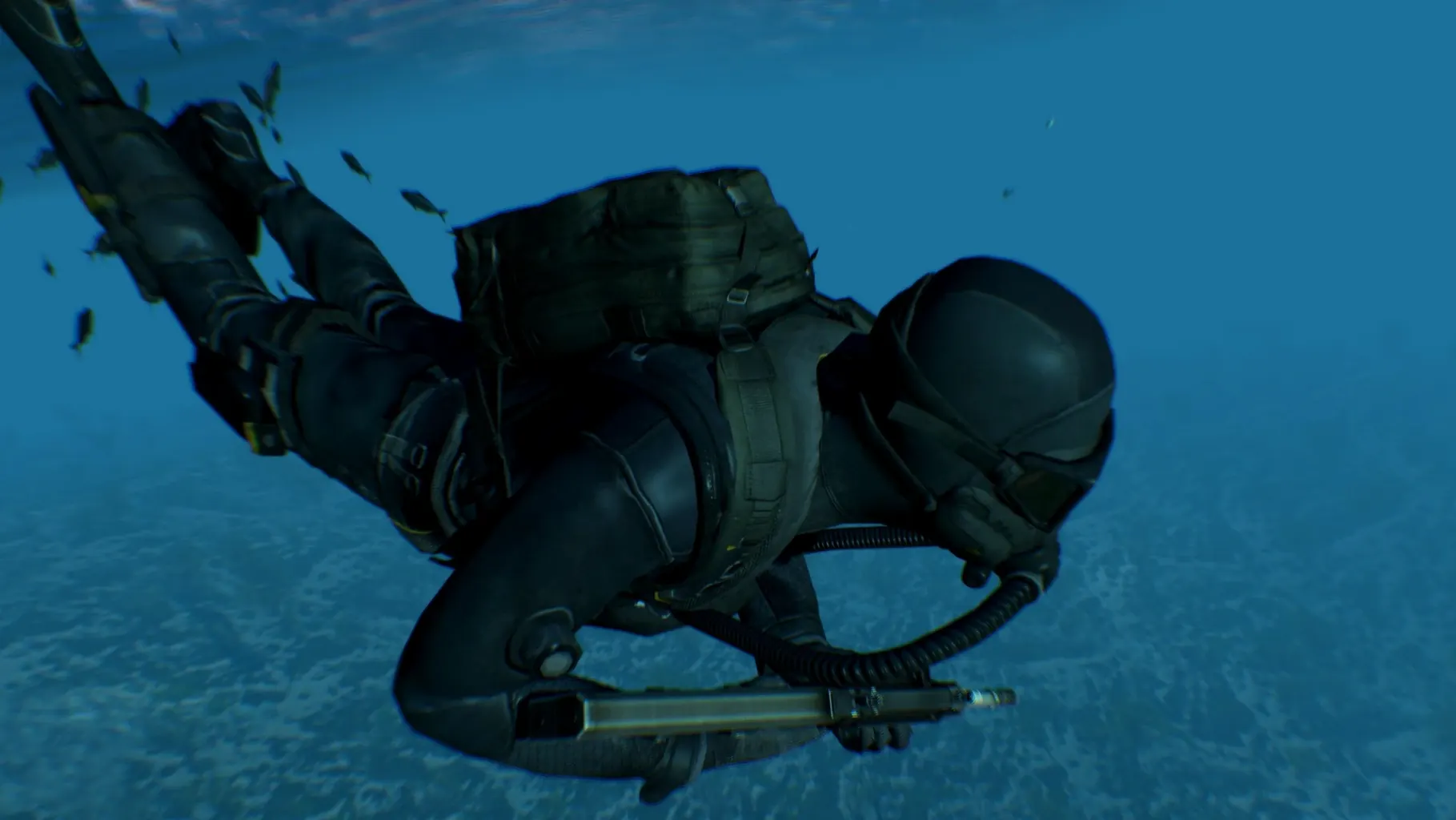
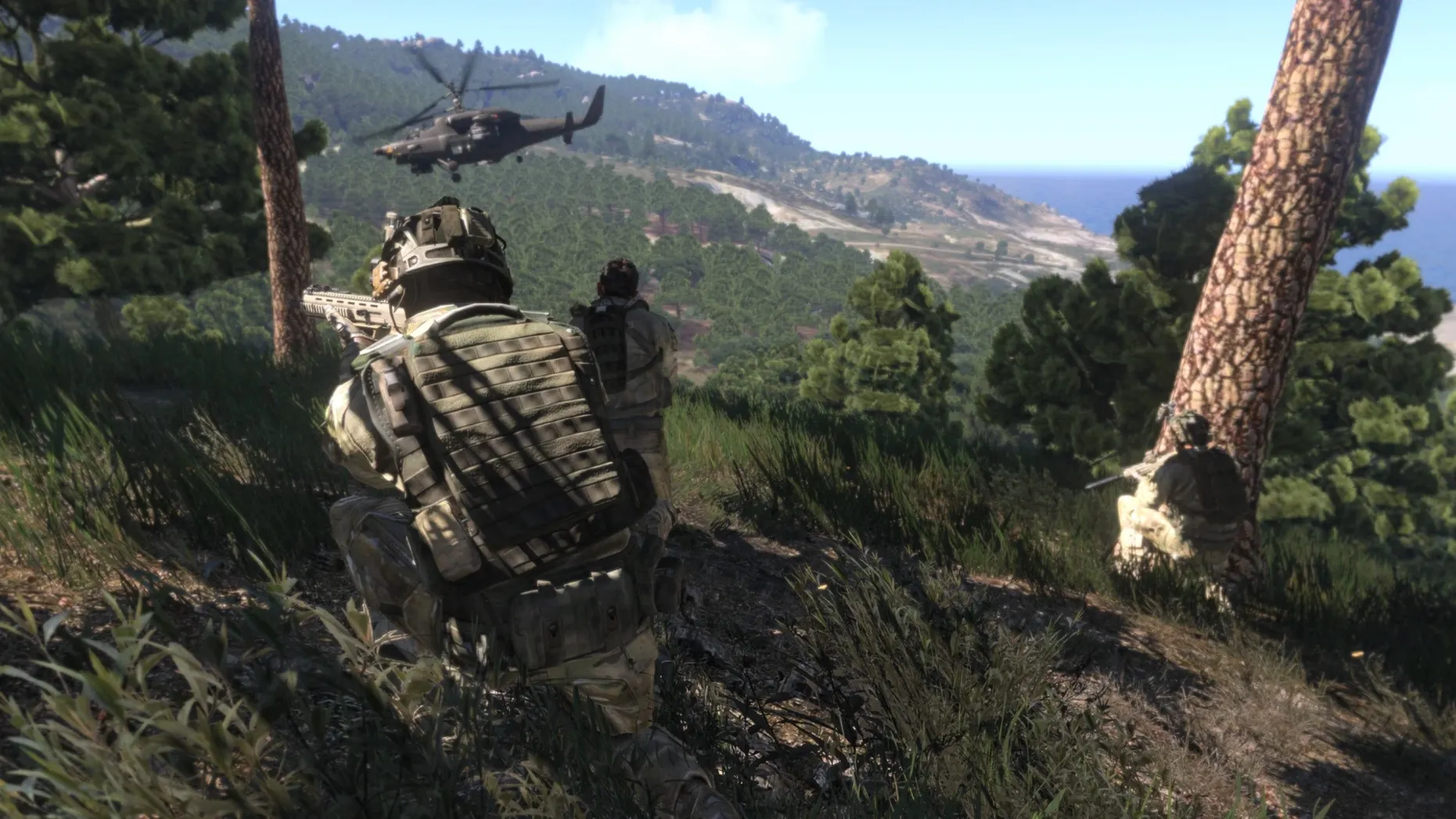
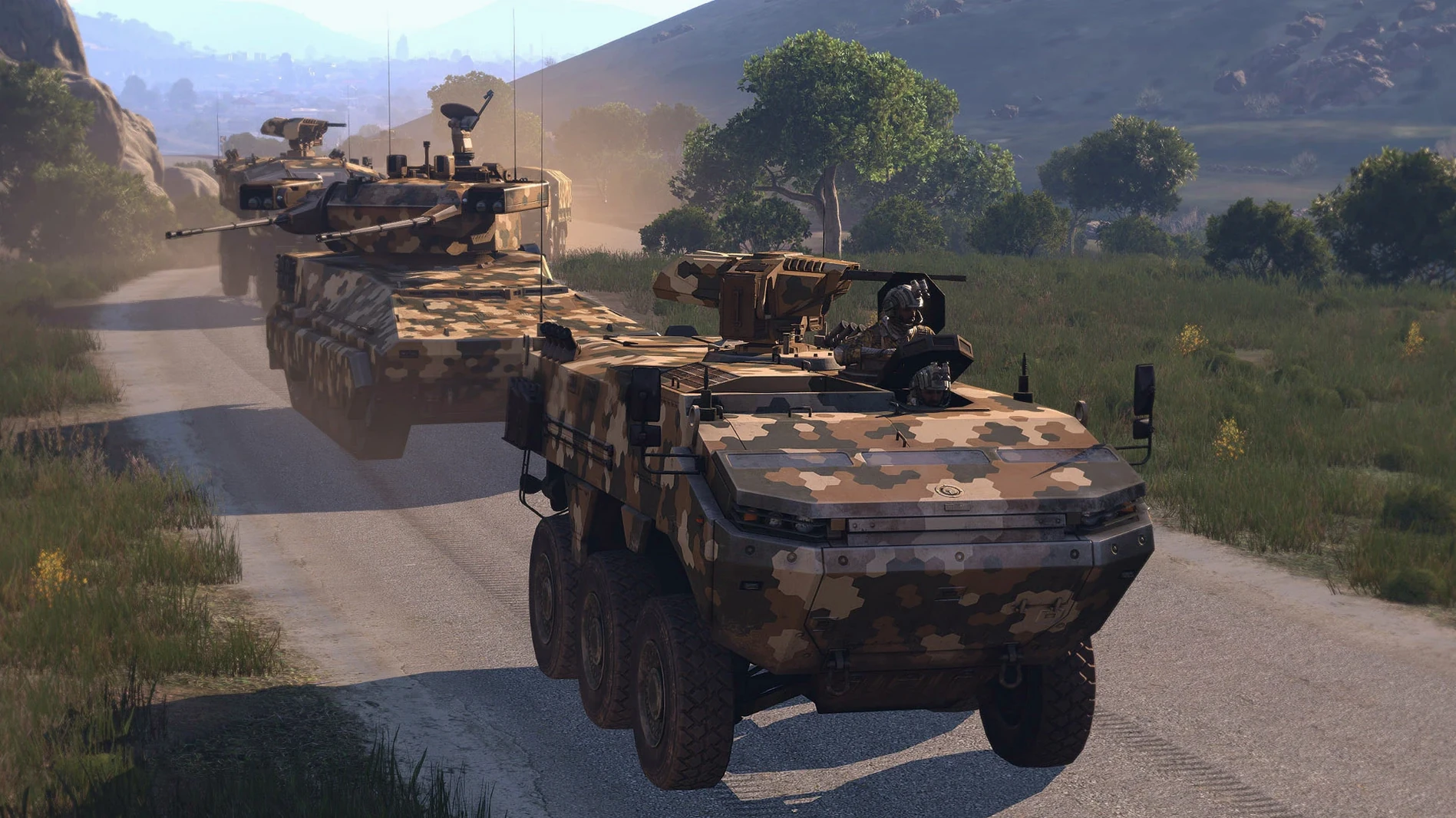
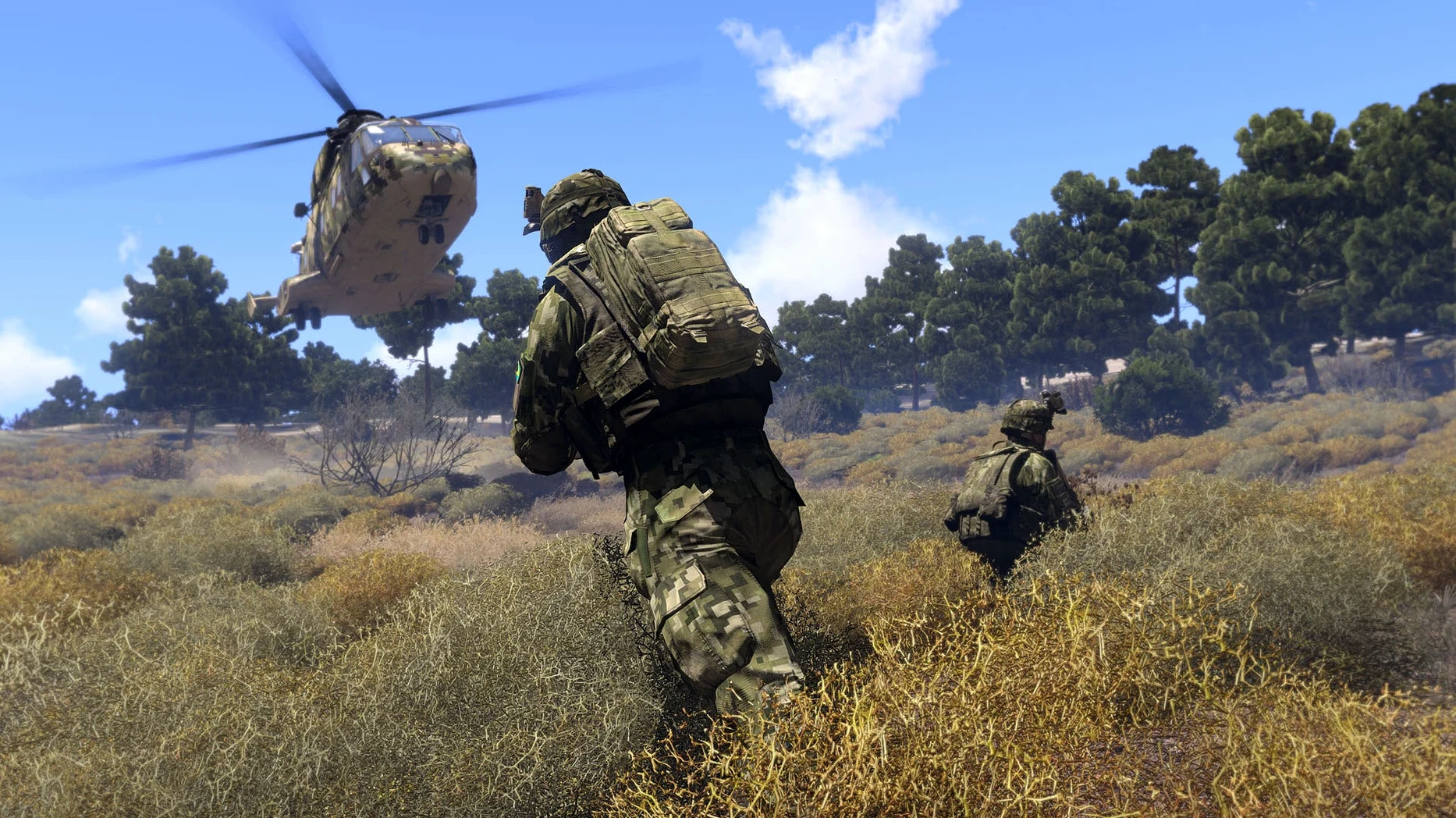
Arma 3 runs on Macs with both Apple Silicon and 64-bit Intel processors. The current build has been tested on macOS Tahoe with a 2024 M4 Mac mini. This is an experimental Mac port, so performance expectations should be kept measured. It is the same vast military sandbox, built on the Real Virtuality 4 engine, with a three-episode single-player campaign and extensive multiplayer content.
- The single-player campaign unfolds across three episodes: Survive, Adapt, Win. Each shifts the tactical situation and terrain.
- More than 20 vehicle types are listed, from light transports to tanks and helicopters, and the weapon variety is similarly broad.
- Arma 3 Bootcamp provides structured guides for both single-player and multiplayer play, useful for learning controls on a Mac.
- Content creation tools are included, allowing custom scenarios and mods to be built directly on macOS.
- Voice language is English. Interface languages cover Russian, German, Spanish, Italian, Japanese and nine others.
- The experimental Mac port carries known limitations, so occasional quirks in rendering or input handling are possible.
Approach the Mac version as a capable but not final way into the Arma 3 sandbox. Controls translate adequately and the core simulation depth is intact, but you may encounter rough edges that do not exist on the Windows build.
Turn off PiP mirrors to reclaim frames
Before you load into a mission, open the video options and turn off PiP (Picture in Picture) for vehicle mirrors and helmet-mounted displays. The Real Virtuality 4 engine renders these as separate viewports, and on the experimental Mac port they can drag frame pacing down noticeably during vehicle sections. Set visibility to 3000 metres or below — the Altis terrain is dense enough that longer draw distances rarely matter tactically and the GPU saving is genuine.
Bind toggle lean to easily reached keys straight away. The default hold-to-lean binds on Q and E are awkward when you are also strafing during a firefight. Many players swap them to thumb buttons on a mouse, but even shifting them to Z and C with a toggle behaviour makes CQB less clumsy on a Mac keyboard. Under game options, disable head bob to about one third of the default slider; the camera motion is tuned for 60 Hz and can feel jarring on displays running at ProMotion rates.
Audio warrants one quick change. Set the radio audio output to a separate channel if you use headphones — left-ear command net and right-ear squad net is the convention in most multiplayer units. The setting lives under audio options and makes a practical difference the moment you join a co-op server.
Learn the nine-point stance system in Bootcamp
Spend your first session inside the Bootcamp modules, even if you have played other shooters. Arma 3’s stance system — nine distinct postures adjusted with Ctrl plus movement keys — has no real analogue elsewhere, and the Bootcamp drills it without pressure. Devote half an hour to the helicopter basic training too. The flight model punishes abrupt collective inputs, and the Mac port’s input smoothing feels slightly different from Windows, so building muscle memory early saves later frustration.
Once you are comfortable with infantry movement, load the editor, drop a single rifleman on Stratis, and practise calling in artillery on empty ground. The support system requires you to understand map coordinates, elevation values and the radio interface all at once. Doing it without incoming fire makes the process second nature. After that, try a short Zeus session — the game master mode runs well on M-series chips and teaches you how missions flow from the other side of the table.
For multiplayer, filter the server browser by ping and look for co-op missions labelled “relaxed” or “recruit.” Tactical realism units tend to welcome newcomers who can listen, and a 20-minute operation teaches more about the sandbox than several hours of solo play. Avoid servers running heavy mod sets in the first week; the Mac port handles vanilla content most predictably, and large mod collections occasionally trigger memory allocation quirks on ARM builds.
Cap your frame rate to stop terrain stutter
Stuttering on terrain loading. When you fly fast or drive across cell boundaries on Altis, the engine streams new terrain sectors and the Mac port can hitch. Cap the frame rate in video options to 45 or 50 fps rather than leaving it uncapped. This gives the streaming thread a predictable window and reduces the severity of each hitch. Dropping texture quality one notch helps without making the game look markedly worse.
Microphone not transmitting in multiplayer. The Mac build sometimes binds the default input device incorrectly. Check the in-game audio capture device setting — it may show “System Default” but actually route to a disconnected headset. Manually select your active microphone, then test with the VON (Voice Over Net) preview in the same menu. If your unit uses Teamspeak or Discord alongside, confirm the push-to-talk key in Arma 3 does not conflict with your external voice app binding.
Mission files refusing to load. Some custom scenarios packaged as .pbo files expect a Windows file path structure. If a downloaded mission sits in your MP missions folder and does not appear in the in-game list, check the folder name — spaces and special characters in the path cause silent failures. Rename the folder to plain alphanumeric characters and try again. For content sourced via an Arma 3 Mac torrent, the same path hygiene applies; some packaged collections carry Windows line endings in their configs and need manual adjustment with a text editor.
Cursor lag in the inventory screen. On M-series Macs, the inventory drag-and-drop can feel sticky when Metal rendering is active. Switch the rendering backend to OpenGL in the launcher preferences if the lag is severe. The visual trade-off is modest — slightly less smooth particle effects — but the inventory becomes responsive enough for rapid gear swaps under fire.
BattlEye kick on community servers. The experimental Mac client runs BattlEye, but a few community servers block non-Windows clients by policy. If you are kicked with a generic BattlEye message, try a different server from the list; it is a server-side filter, not a fault with your installation. Official Bohemia servers accept the Mac client without issue.