 Aspecten
 Download (43 MB)
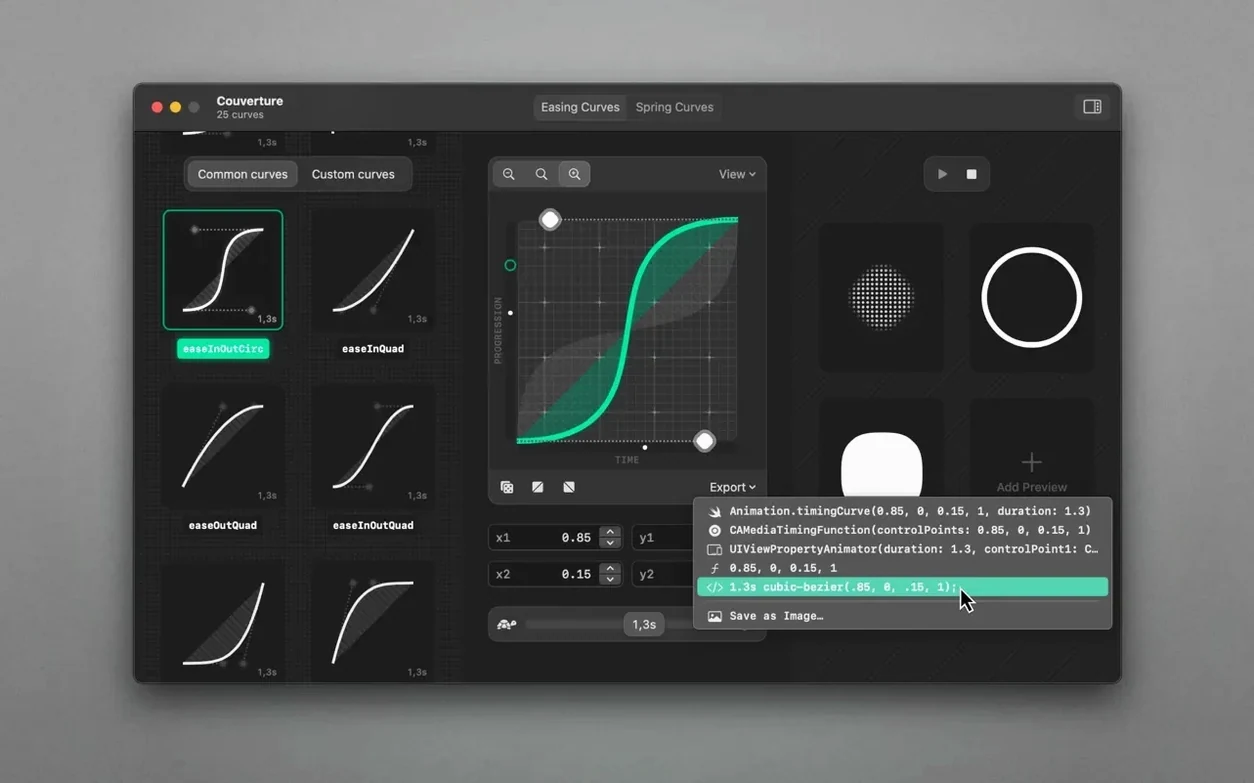
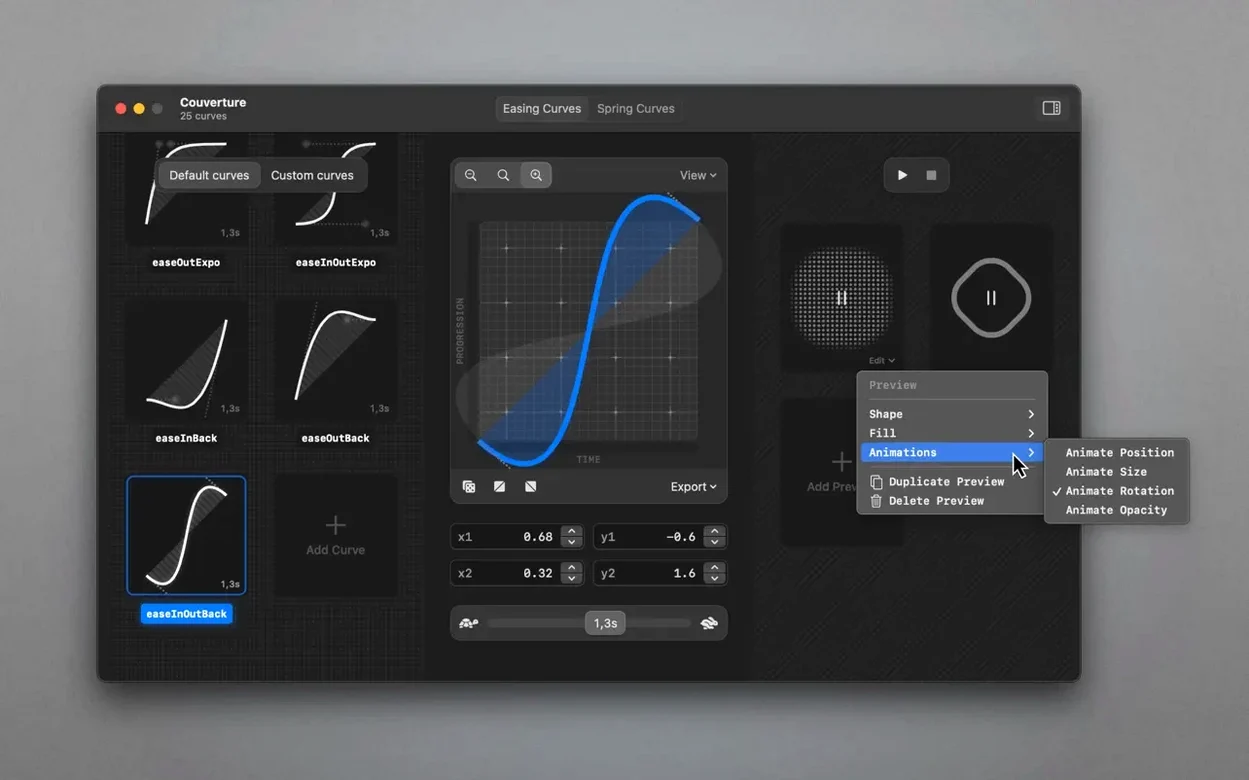
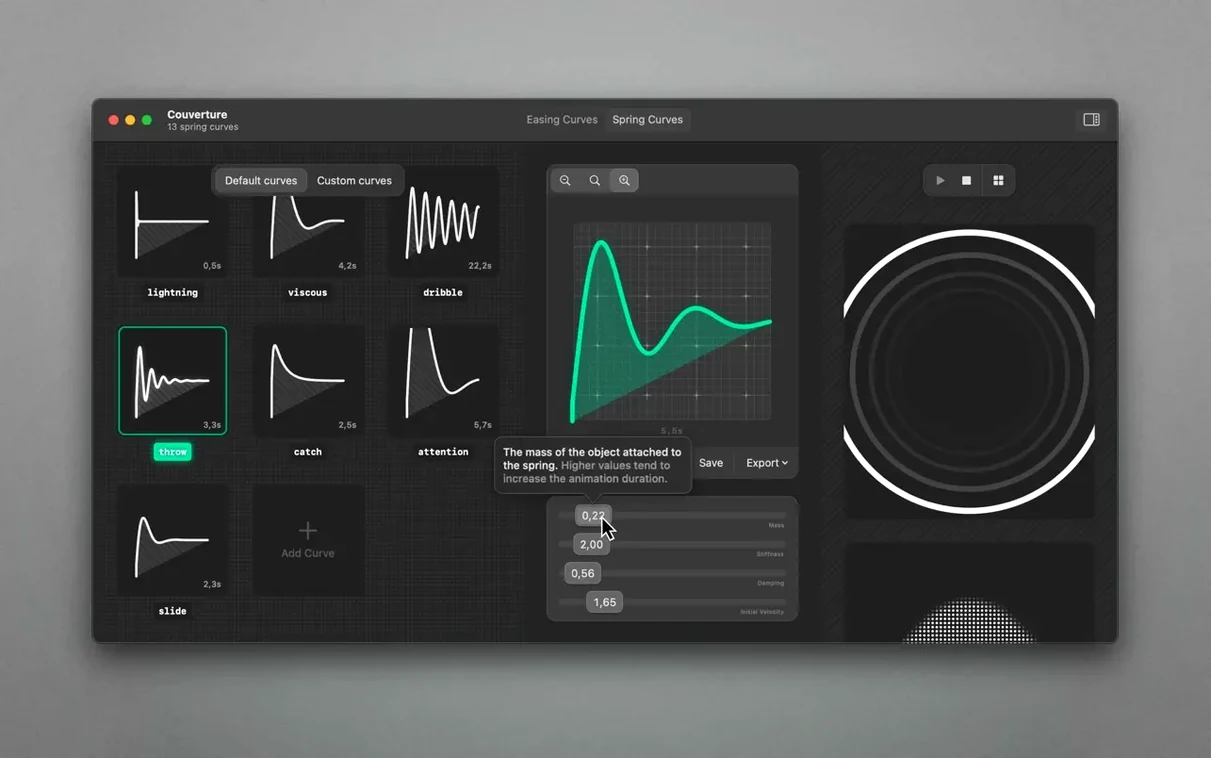
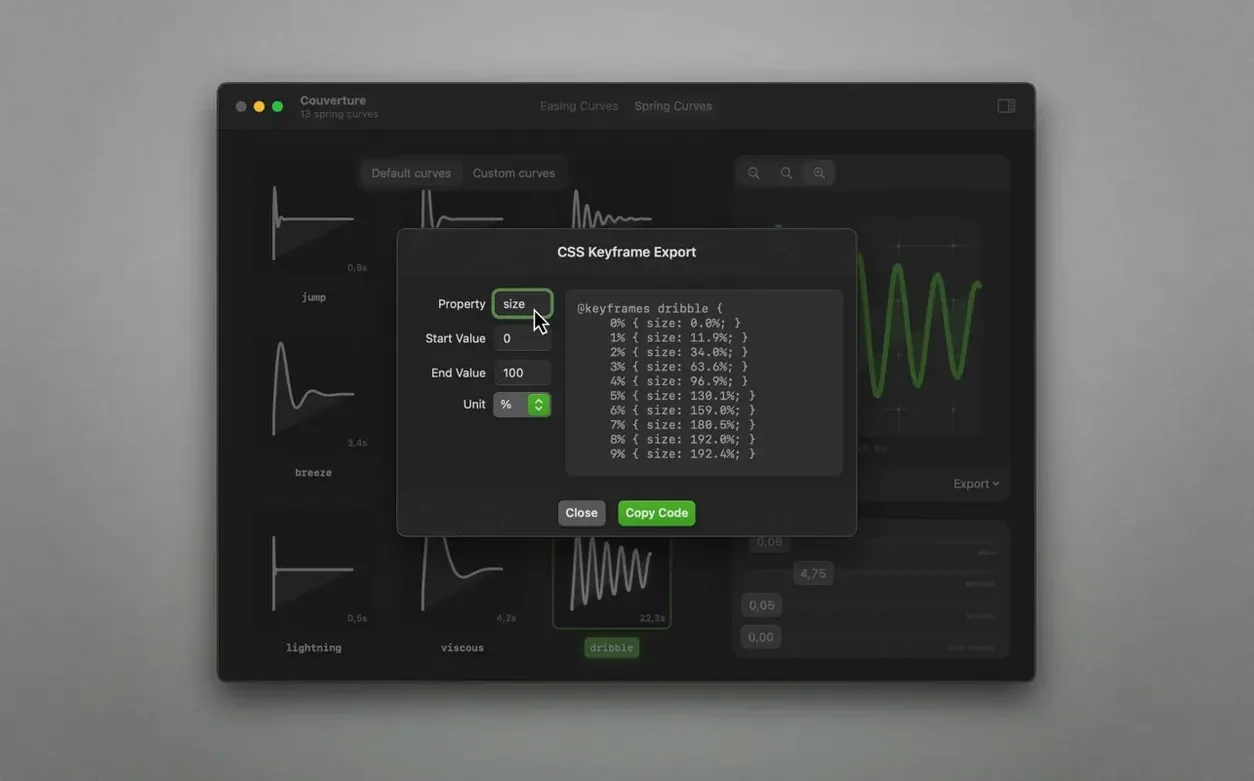
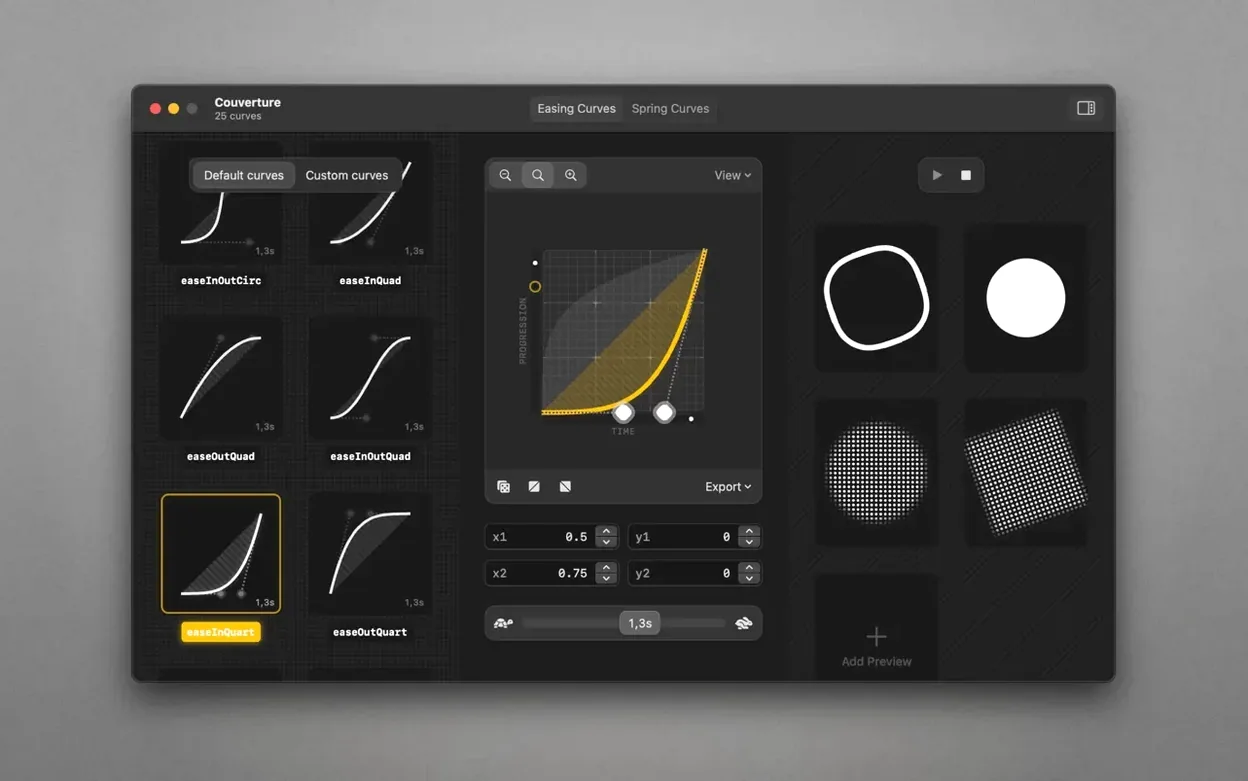
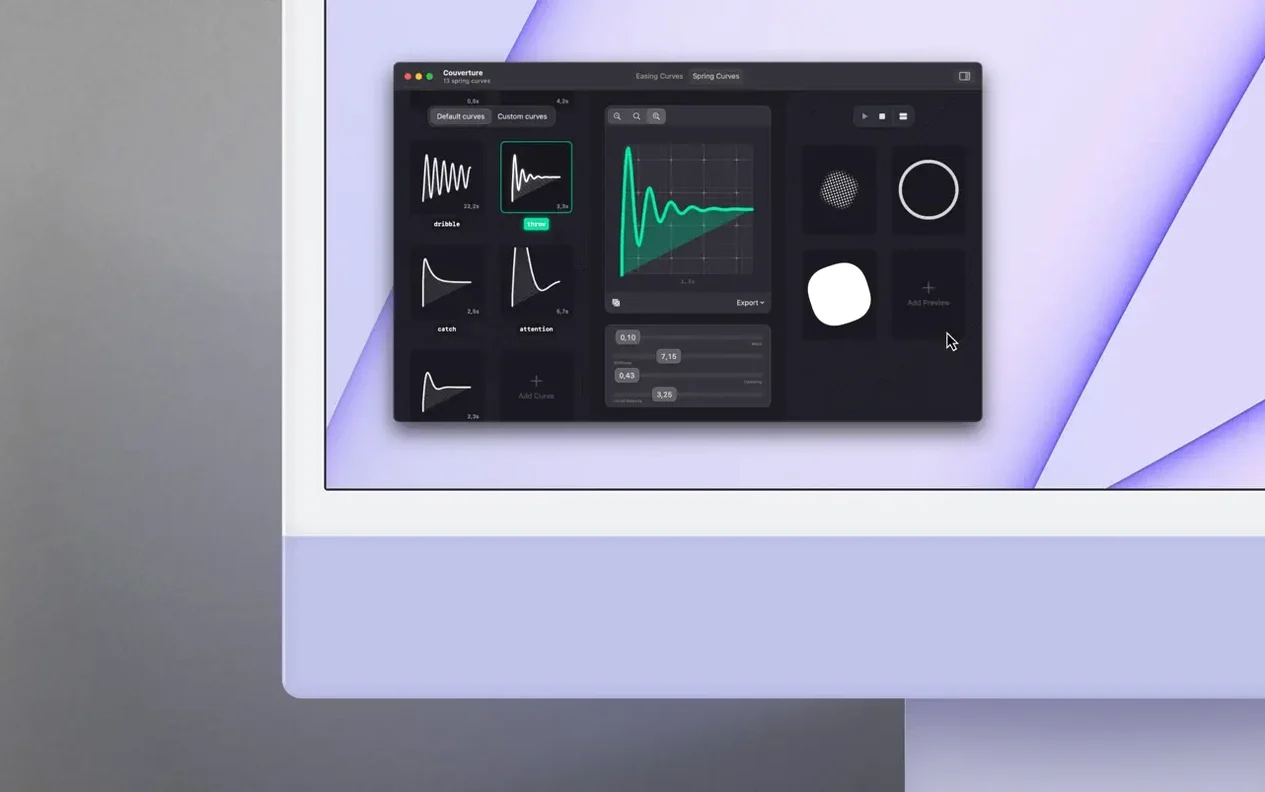
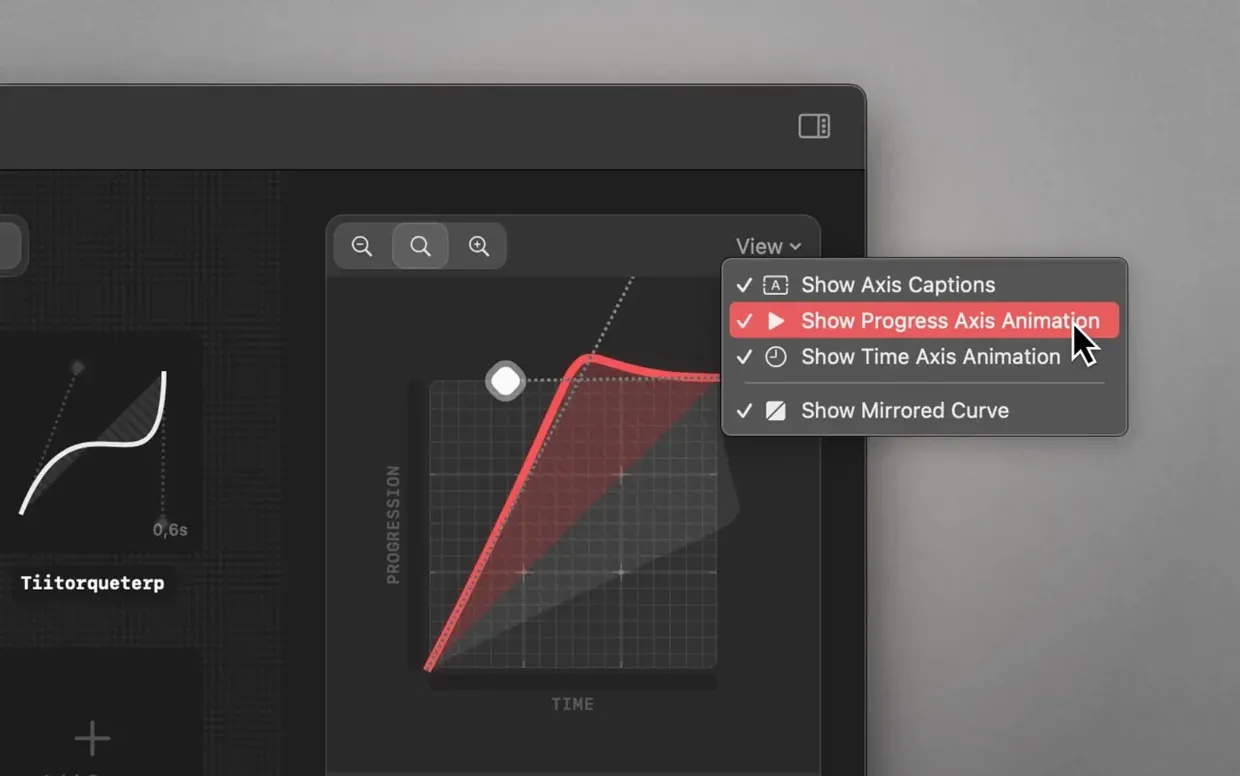
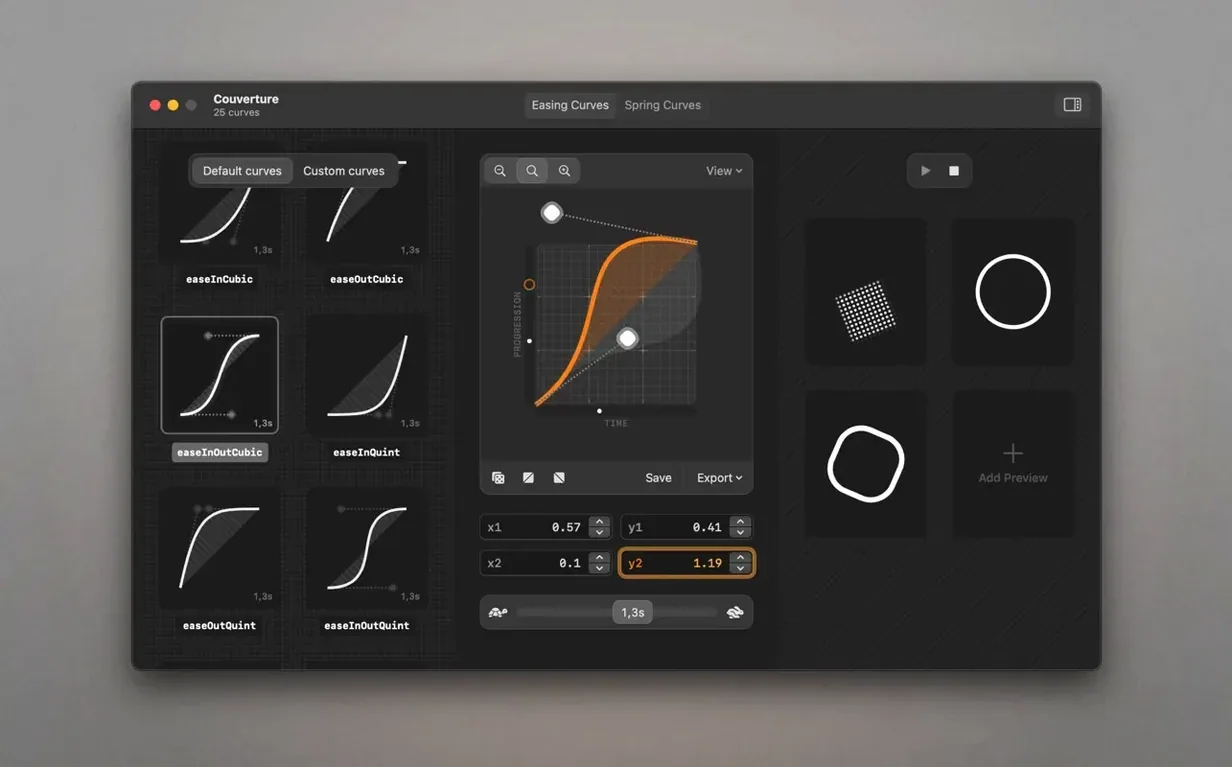
When you need precise control over the feel of an animation — the ease-in, the bounce of a spring — most tools offer only a handful of presets. Couverture gives you a dedicated workspace for editing easing and spring curves, with real-time preview and export to the formats you actually use.
- It edits easing and spring curves for animations in apps, websites, and prototypes.
- Includes 24 easing curves and 13 spring curves to start from or modify.
- Manage, edit, and preview curves in real time as you adjust parameters.
- Export curves as SwiftUI, Core Animation, UIKit, CSS, PNG images, or float literals.
- The interface is available in English and German.
- Developed by App ahead GmbH.
Who benefits most from Couverture
Couverture is not a general-purpose animation tool. It is a curve editor, and its value is clearest when the user already has a motion design workflow and needs to fine-tune the mathematical shape of an easing or spring function. Three kinds of Mac users tend to get the most out of it.
UI designers working in high-fidelity prototyping
Designers who build interactive prototypes in Figma, Adobe XD or similar tools often find that the built-in easing presets — linear, ease-in, ease-out — do not match the exact feel they want. Couverture lets them adjust the curve parameters with sliders, watch the preview, and then export the values as float literals that can be pasted directly into the timing graph of the design tool. The workflow does not require leaving the design environment for long; a designer can switch to Couverture, tweak a curve, copy the exported value and return.
Motion designers who export to After Effects or similar
Motion designers who work in After Effects, Apple Motion or other timeline-based tools sometimes need a spring curve that overshoots with a specific decay rate. Couverture provides 13 spring curves with adjustable parameters such as stiffness and damping. The float export is compatible with After Effects and Motion, so the designer can bring the curve into the existing project without converting formats manually.
Developers building custom UI animations
Developers who write animation code for iOS, the web, or game engines need to map a human-readable curve to code constants. Couverture exports to SwiftUI, UIKit, CSS and Core Animation — the same formats used in production code. A developer can edit a curve, check the real-time preview, and then copy the SwiftUI code snippet into the app source. The app also supports macOS Shortcuts, so the developer can bind a hotkey to switch between curve editing and the code editor.
Real-world scenario: a UI developer tuning a button bounce
Consider a developer building a custom UI component library for an iOS app. One component is a confirmation button that bounces once when tapped, to give haptic-like feedback. The developer opens Couverture, selects a spring curve from the library, and adjusts the damping parameter until the overshoot settles after two visible bounces. The real-time preview shows the motion as a bouncing dot. Once the curve looks right, the developer exports it as a SwiftUI animation struct and pastes the code into the component file. The entire process — from selecting the curve to having the code in the editor — takes less than two minutes. Without Couverture, the developer would have to guess the curve formula or write a small test app to visualise the motion.
How Couverture fits with other apps and macOS features
Couverture does not replace a design tool or a code editor. It sits between them. The float export format is compatible with Figma, After Effects and Motion, which means the curve values can be pasted into the timing graph of those tools. The SwiftUI, UIKit and CSS exports produce code that can be pasted directly into source files. Couverture is a single-purpose editor for that one step of the animation workflow.
On macOS, Couverture supports Shortcuts, so users can assign a keyboard shortcut to copy the current curve or switch between open curves. The app also follows macOS window management conventions: it uses a standard single-window interface with resizable panes, and it does not require any background services or daemons. It runs as a standalone application that can be launched, used for a short editing session, and closed again without leaving residue in the system tray.
What changed in recent versions
Version 1.1.6 is the current release. Compared to earlier versions in the 1.1.x line, it refined the real-time preview to reduce visual latency when adjusting sliders, and it added support for macOS Shortcuts, which was not present in the initial 1.0 releases. The export options remained the same set of formats. Users who update from 1.0 to 1.1.6 will notice that the curve preview updates more smoothly during parameter changes, and that they can now use keyboard shortcuts to speed up repetitive editing tasks. The app continues to require macOS 12 or later and runs on both Intel and Apple Silicon Macs.
Couverture runs on Mac and is a practical tool for anyone who needs to translate animation timing into code or design files.