Aspecten
 Download (164 MB)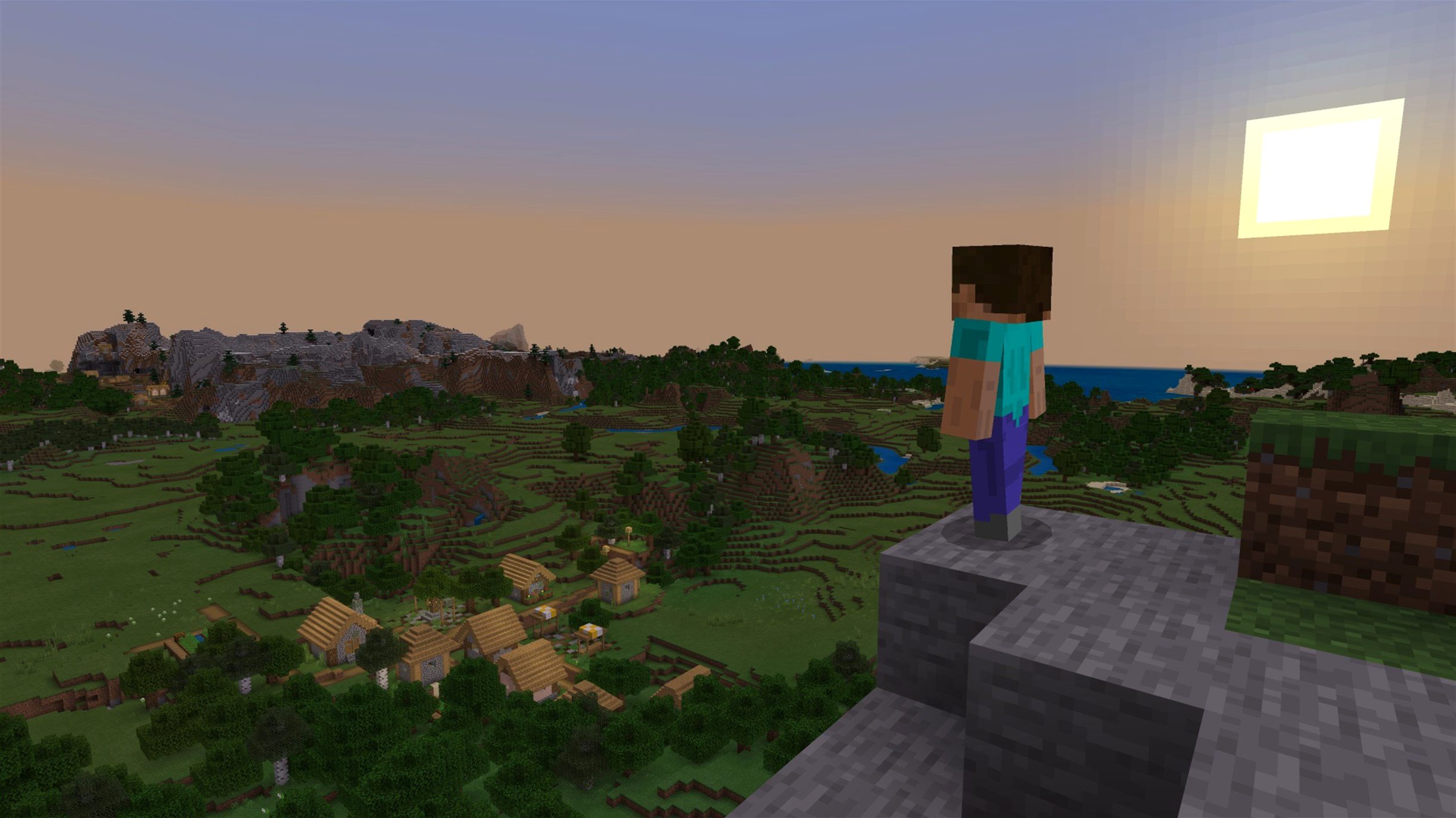
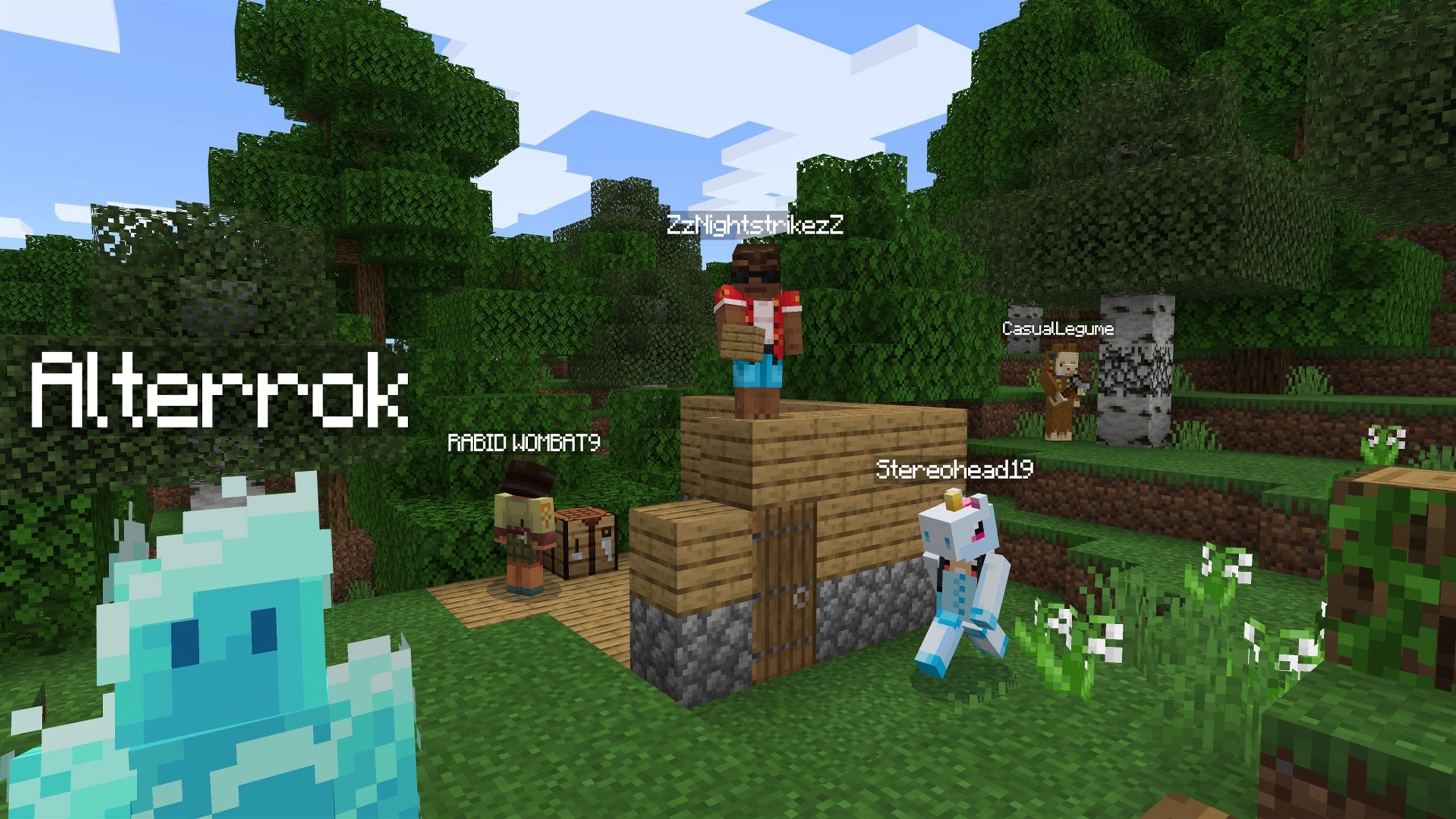
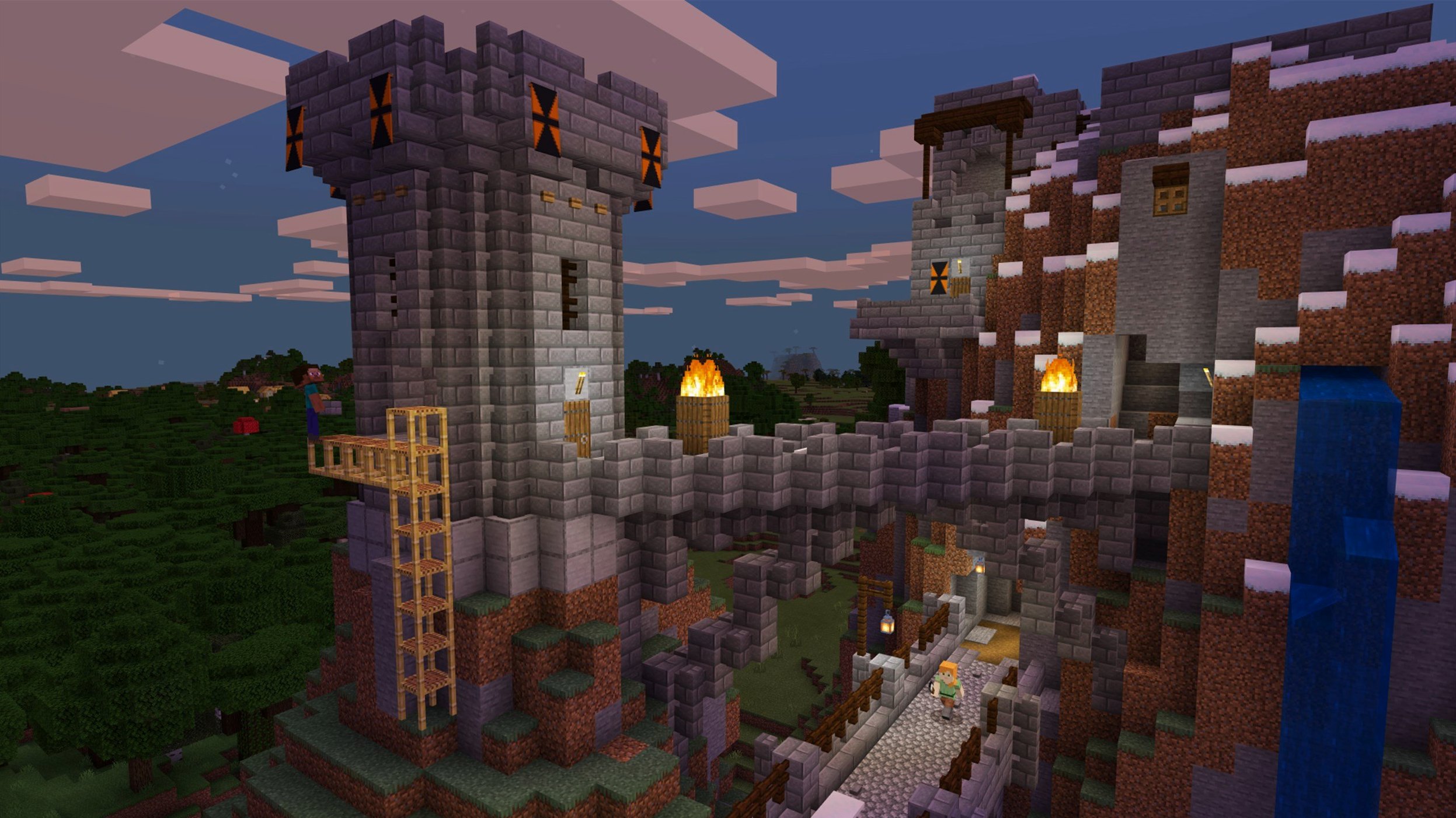
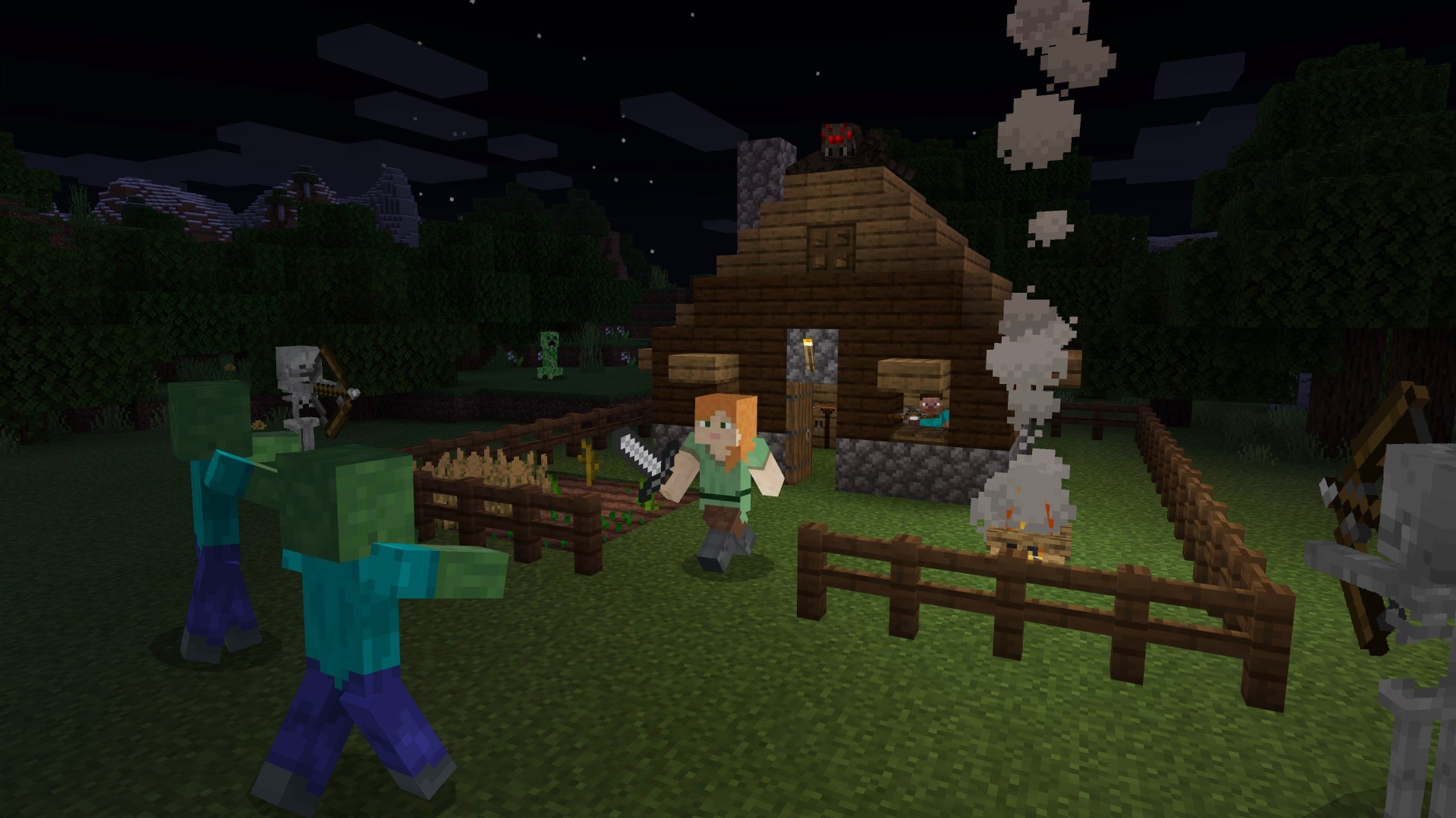
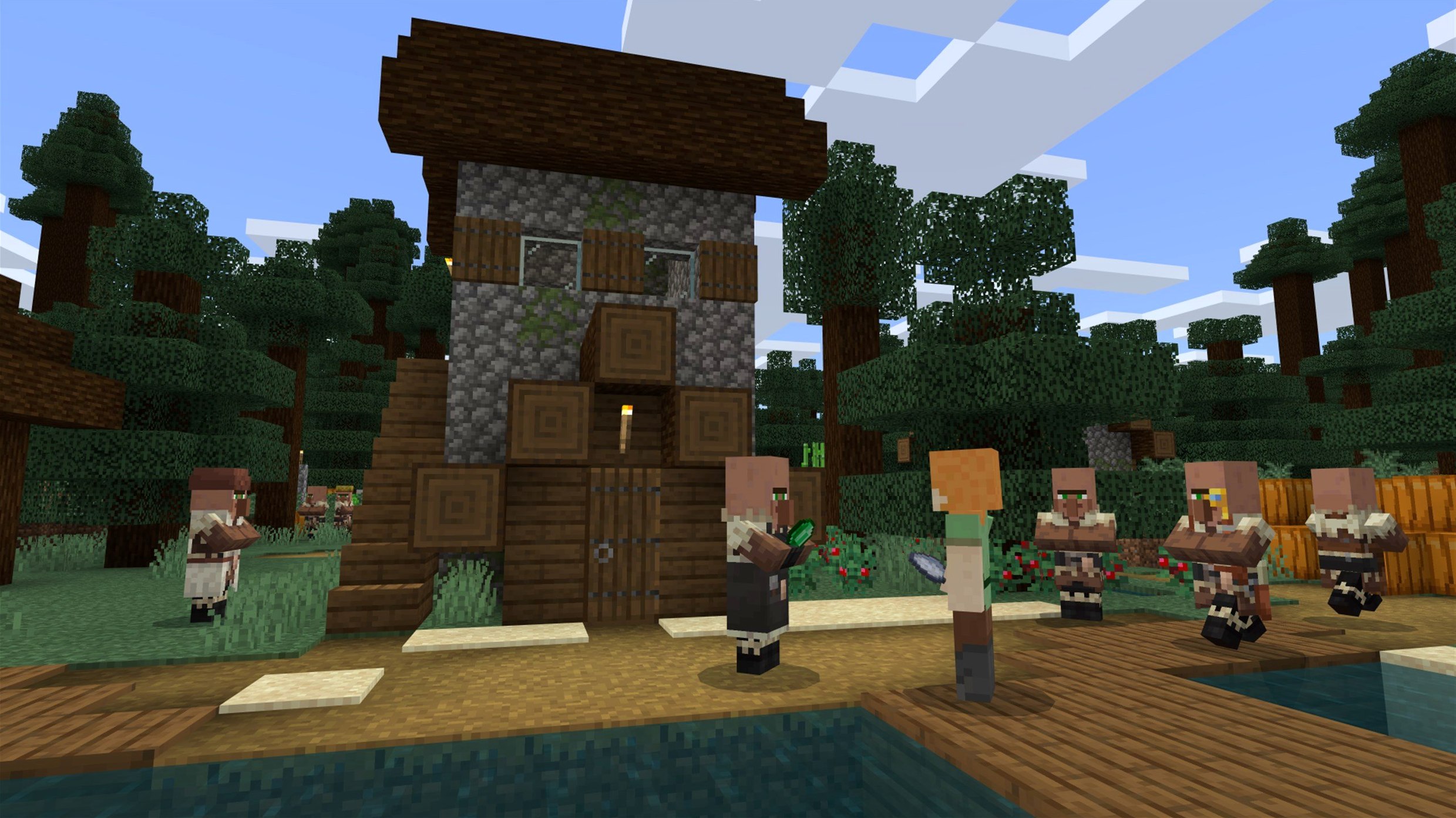
A player spawns on a shoreline. The world extends in every direction, built from blocks ready to be gathered, stacked and reshaped. On a Mac, the Java Edition loads this same procedurally generated terrain without a separate purchase — Mojang bundles it for PC, and that includes macOS.
Meeting the requirements
Version 1.21.7 runs on both Apple Silicon and Intel 64-bit Macs. On a Mac mini 2024 M4 with macOS Tahoe, the frame rate stays smooth at moderate render distances. The game ships with its music included, and the interface supports Russian, English and Ukrainian.
Setting up the controls
The Java Edition recognises a mouse and keyboard by default. Trackpad players may want to adjust the sensitivity and disable tap-to-click, as mining and combat depend on precise, repeated inputs. A two-button mouse makes inventory management feel direct.
Expecting consistent performance
Blocky visuals keep the load modest, but heavy redstone contraptions or crowded mob farms will lower the frame rate on any machine. Keeping the render distance at 12–16 chunks gives a stable experience on recent Apple Silicon hardware without sacrificing the sense of a sprawling, open world.
From launcher click to spawn point
Double-click the launcher. Mojang’s grey window appears, checks for updates, and settles on “Latest Release (1.21.7).” Press Play. The game window opens, a white progress bar crawls across the bottom of the screen, and then the main menu fades in against a blurred panorama of a previous world’s spawn point.
Singleplayer is the natural starting point. Create New World, give it a name — something like “Coastal Test” — and leave the game mode on Survival with the default seed field empty. The world generates in under ten seconds. A shoreline, birch trees, and a cave entrance already visible in the side of a low hill. The first action is almost always the same: punch a tree trunk. Three logs drop. Open the inventory, turn logs into planks, planks into a crafting table. Place it on the ground. Now the session has a centre.
From the crafting table, wooden pickaxe, then stone. Dig down a few blocks to find coal and iron. The rhythm settles in: mine, smelt, craft, build. By the time the in-game sun dips toward the horizon, a basic shelter stands with a furnace, a bed, and a chest half-full of cobblestone. The first night passes in silence — no phantoms yet because the bed was used. Morning brings new priorities: find sheep for wool, plant wheat near a water source, mark the cave entrance with torches so it doesn’t become a trap later.
Close the world, and the launcher reappears. The session list now shows “Coastal Test” with a timestamp and a small thumbnail of the shelter. Nothing was saved manually; the game writes to disk whenever the world is quit or the escape menu is used.
The one-block pitfall new players hit first
A new player’s first impulse is often to dig straight down. It feels efficient, but the block directly beneath your feet can conceal a ravine or a lava pool. Digging in a two-block-wide staircase pattern eliminates the risk entirely.
Another common misstep is ignoring the hunger bar. Sprinting and jumping drain saturation faster than walking. A player who exhausts their food supply far from base will struggle to heal and may die before reaching wheat or livestock. Early wheat farming and cooked meat from pigs or cows solve this before it becomes a crisis.
Beginners also tend to hoard iron ore without smelting it. A furnace needs fuel — planks, charcoal, or a coal lump from earlier mining. A stack of raw iron sitting in a chest does nothing for your tool progression, and the first iron pickaxe opens up diamond mining and obsidian collection.
Finally, sleeping is undervalued. Phantoms spawn after three in-game nights without rest, and their swooping attacks can knock a lightly armoured player off a ledge. A bed costs three wool and three planks; it should be crafted before the second sunset.
Launcher crashes after a macOS update
The launcher won’t open or crashes immediately. This sometimes happens after a macOS update that resets permissions. Open System Settings, go to Privacy & Security, and check that the Minecraft launcher has access to Files and Folders. On Apple Silicon Macs, the launcher runs natively, but a corrupted installation profile can be cleared by deleting the launcher_profiles.json file in ~/Library/Application Support/minecraft/ — the launcher rebuilds it on next launch.
Stuttering or low frame rate on a capable Mac. The Java Edition defaults to a modest amount of allocated RAM. In the launcher, go to Installations, select the 1.21.7 profile, click More Options, and find the JVM arguments line. Changing -Xmx2G to -Xmx4G gives the game more breathing room without starving macOS of memory. On machines with 8 GB of RAM or more, this single adjustment often eliminates micro-stutter when loading new chunks.
World won’t load after updating. Version 1.21.7 bumped the data pack version to 81 and the resource pack version to 64. Opening an older world triggers a conversion dialogue — let it finish. If the process hangs, make a copy of the world folder first, then try loading it with the “Optimize World” option checked. Resource packs from older versions may throw errors; the new resource pack format expects certain texture paths to be reorganised. Disable outdated packs from the Resource Packs menu before loading the world.
Audio cuts out mid-session. The game includes its music as part of the installation, but some third-party launcher wrappers fail to download the assets correctly. In the official launcher, click Installations, hover over the 1.21.7 entry, click the folder icon, and confirm that the assets folder contains an objects subfolder with thousands of small files. If it’s sparse or missing, delete the assets folder and restart the launcher to trigger a fresh download.
Long-haul builders and redstone tinkerers
Mac users who treat the game as a long-term creative space rather than a short challenge see the deepest value. Builders who spend weeks on a single world, redstone engineers designing automated farms, and players who enjoy the quiet rhythm of mining and crafting all find that the Java Edition’s stability on macOS makes it a dependable canvas.
People with Apple Silicon machines benefit from native performance without translation layers. A MacBook Air on a train, a Mac mini plugged into a living room screen — the hardware stays cool and quiet even during extended sessions, which makes the game suited to long, uninterrupted play.
Those who want to experiment with community-made modifications also gravitate toward the Java Edition. The open nature of the Java platform, combined with macOS’s Unix underpinnings, means that mod loaders and custom server configurations work with minimal friction. A player who already enjoys tinkering with their Mac’s file system will find the folder structures in ~/Library/Application Support/minecraft/ familiar and well-documented.
Players searching for a minecraft mac crack or a minecraft torrent often end up on the Java Edition because it runs on the same Mac where they work, study or browse. The game does not demand a dedicated gaming machine, and the bundled launcher keeps version 1.21.7 automatically selected so there is no manual patching ritual. Whether someone finds the game through a minecraft java torrent or a minecraft java edition torrent or simply a minecraft mac torrent, the experience on macOS is the same: launch, generate a world, and start breaking blocks.