Aspecten
 Download (638 MB)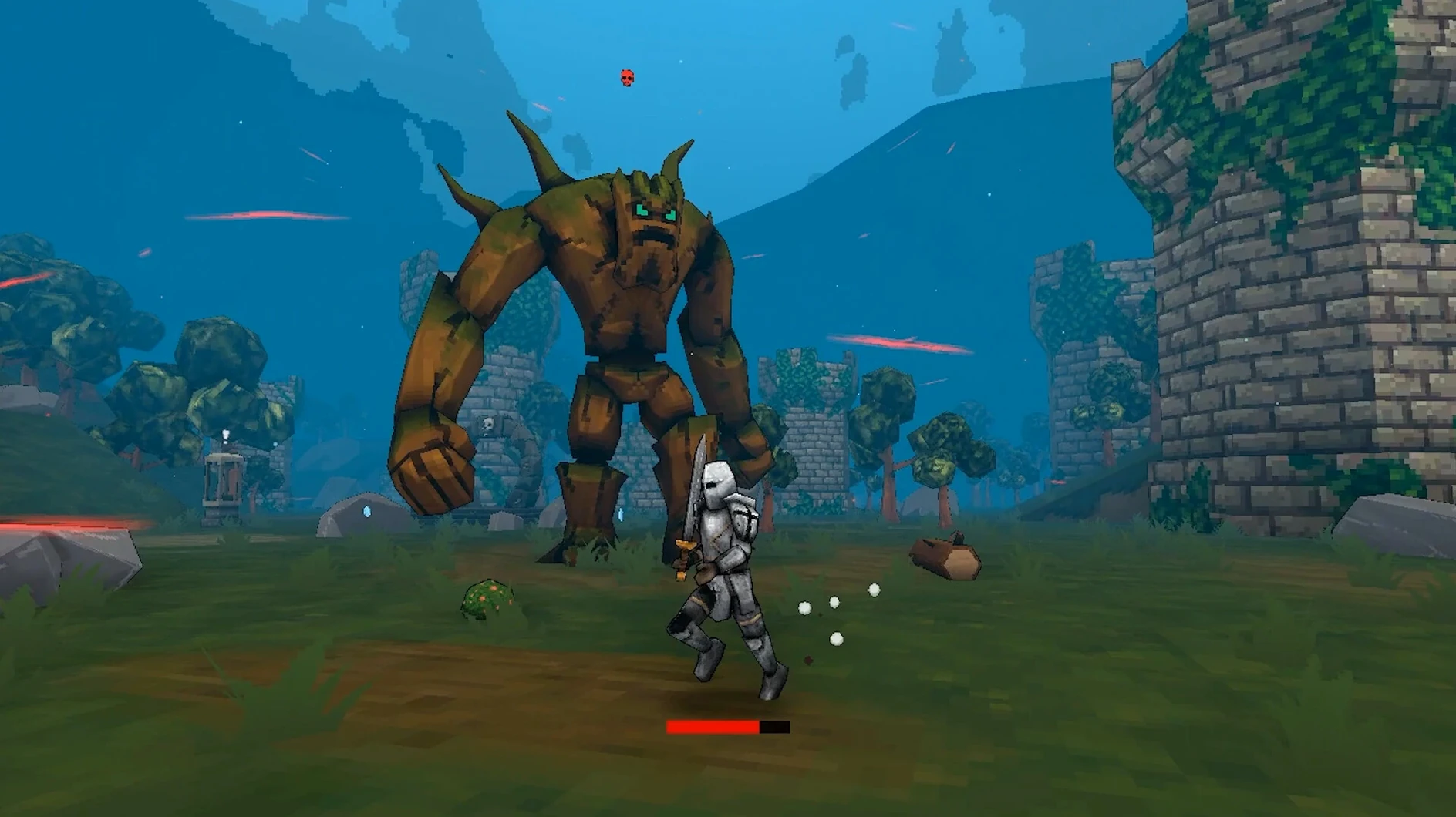
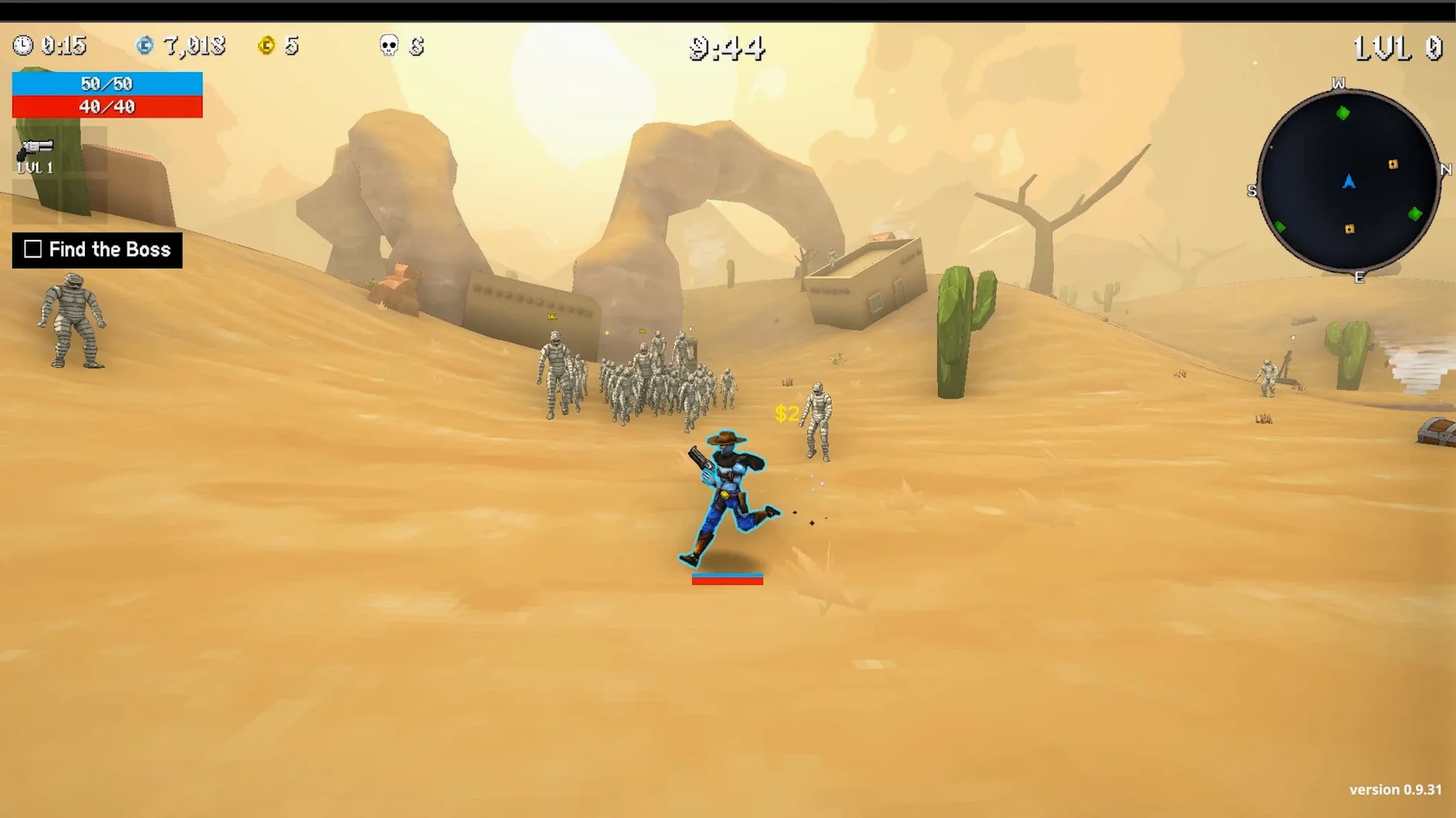

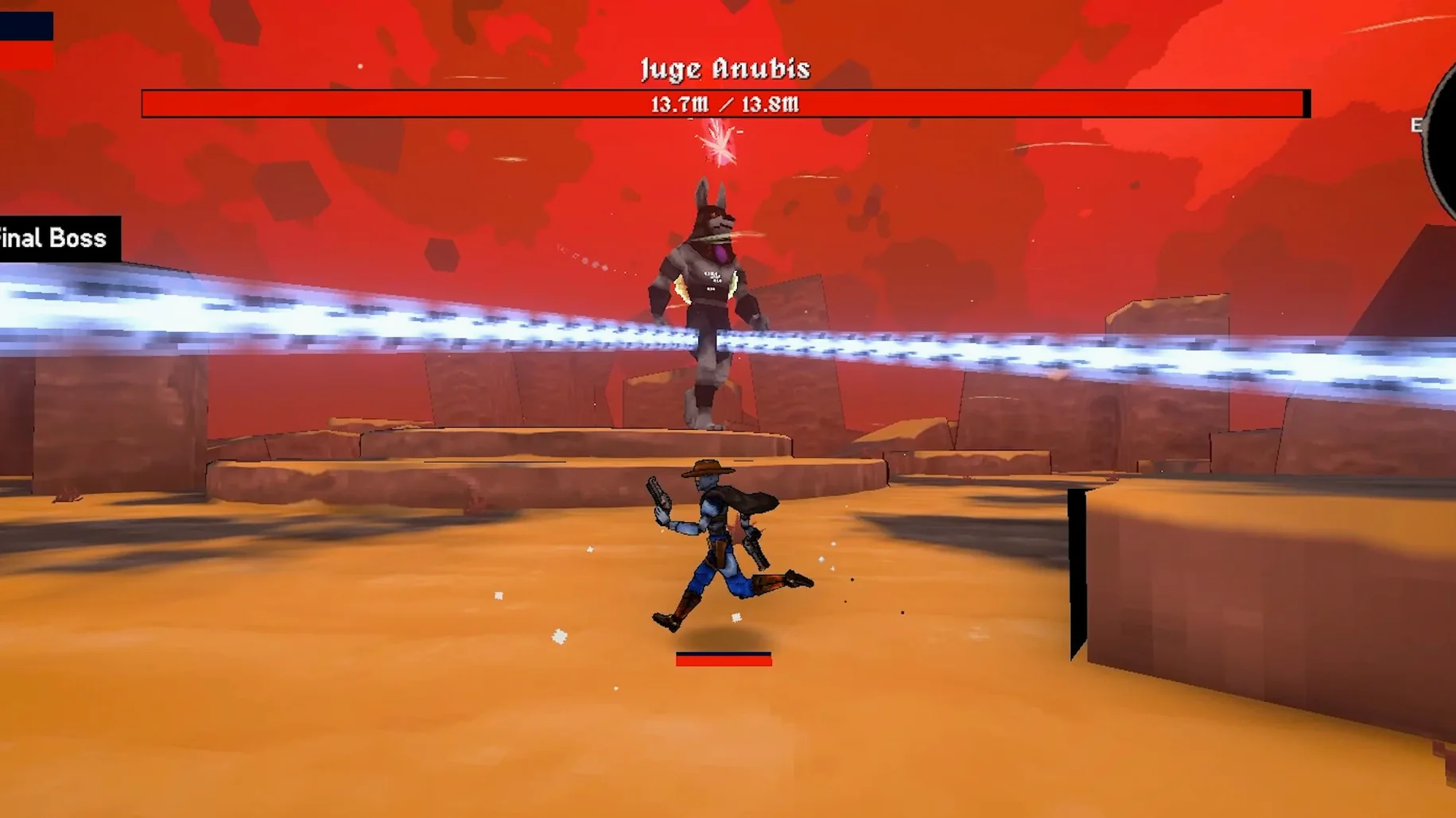
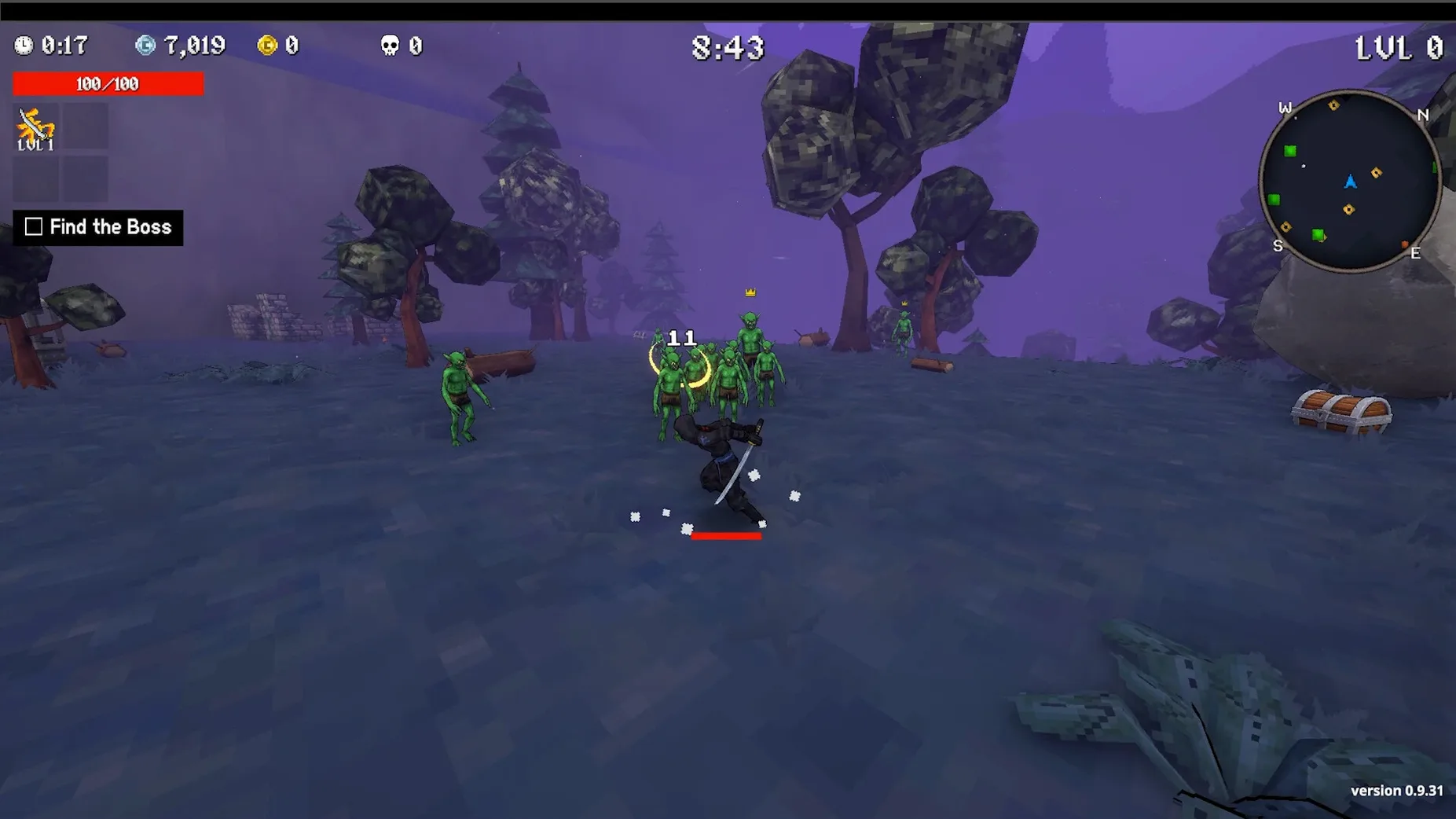
Version 1.0.49 is a maintenance update that keeps the build in step with the Windows release. The Mac version runs through Wineskin, which shapes what you can expect from launch behaviour and general responsiveness.
Short runs with 70-plus items and random level-up upgrades
- Players who enjoy short, tense runs on randomly generated maps.
- Anyone chasing build variety: over 70 items with different synergies and random upgrades on level-up, each with its own rarity.
- People who like quest-driven structure alongside wave survival and boss fights.
Input lag possible on Apple Silicon through the translation layer
- The wrapper adds a translation layer, so occasional input lag or visual glitches are possible on some machines.
- An Apple Silicon Mac is required; older Intel systems are not supported for this build.
- Audio is music only — no voice work in any language, though the interface itself is localised into sixteen languages.
Loot from a character-width away without stepping into danger
The item pickup radius is slightly larger than it looks. You can grab drops from a character-width away without walking directly over them, which matters when a boss is still spitting projectiles at the spot where the loot landed. Holding the movement key while opening the map screen keeps your character drifting in that direction — useful for repositioning during a breather, though you have to trust the terrain a little.
Quests auto-complete the moment their conditions are met, with no prompt to click through. You see the reward flash at the top of the screen while still fighting, and the quest log updates itself. For the 240-quest pool, this removes a surprising amount of friction.
During the character-select screen, hovering over a locked character shows which achievement unlocks it. The tooltip delay is short enough that you can browse all twenty without waiting. The item synergy panel, accessed by pressing Tab during a run, lists only the synergies currently possible with your equipped items — the rest are hidden, so the list stays readable even late in a run.
Damage numbers off for less screen clutter under Interface
Damage numbers are on by default and set to a fairly large size. Turning them off or switching to the smaller variant reduces screen clutter considerably once you know the weapons. The option lives under Interface, not Graphics.
Screen shake intensity defaults to medium. On a Mac running through Wineskin, reducing it to low or off can help if you notice any micro-stutter during heavy explosions, since the wrapper sometimes doubles up on shake calculations. The same menu lets you toggle the hit flash effect separately.
Auto-aim is enabled out of the box. For melee-focused characters, switching it off gives you tighter control over swing direction when enemies cluster. For ranged characters, leaving it on usually works better because it snaps to the nearest target in your facing arc. The setting can be toggled mid-run with a keybind, so you can experiment without restarting.
The minimap defaults to a rotating view. Changing it to fixed-north in the accessibility section helps if you find the rotation disorienting when checking side passages during a wave. It is a small change, but it makes map-reading faster between fights.
Music layer stays after sleep and alt-tab in build 1.0.49
Build 1.0.49 does not introduce new characters or items. The noticeable shift is stability under Wineskin: earlier Mac builds sometimes dropped audio after waking from sleep or during alt-tab, and this version holds the music layer more reliably. The fix file included in the disk image addresses a startup error that affected a subset of Apple Silicon machines — if the game refused to launch on first try, running that script once resolves it.
Quest tracking was tightened in the preceding patch cycle. Previously, a few multi-stage quests could lose progress if you quit the game between stages. Those now checkpoint properly, so you can end a run midway through a quest chain and pick it up later without the log resetting. It is a behind-the-scenes change, but it reduces the feeling that you must commit to a full questline in one sitting.
Item synergy descriptions received a wording pass across several languages in the lead-up to this build. The English and German localisations now state exactly which stats change when a synergy activates, rather than using vague terms like "increased power." For a game with more than 70 items, that clarity saves time looking things up externally.
Performance under Wineskin remains sensitive to the screen resolution setting. The latest build defaults to the display's native resolution on first launch, but dropping to a lower resolution in the graphics menu — even a modest step — yields a smoother frame rate on Macs with fewer GPU cores. The trade-off is softer text in the quest log, though the gameplay visuals hold up well at lower resolutions because the art style is not heavily detailed.