Aspecten
 Download (725 MB)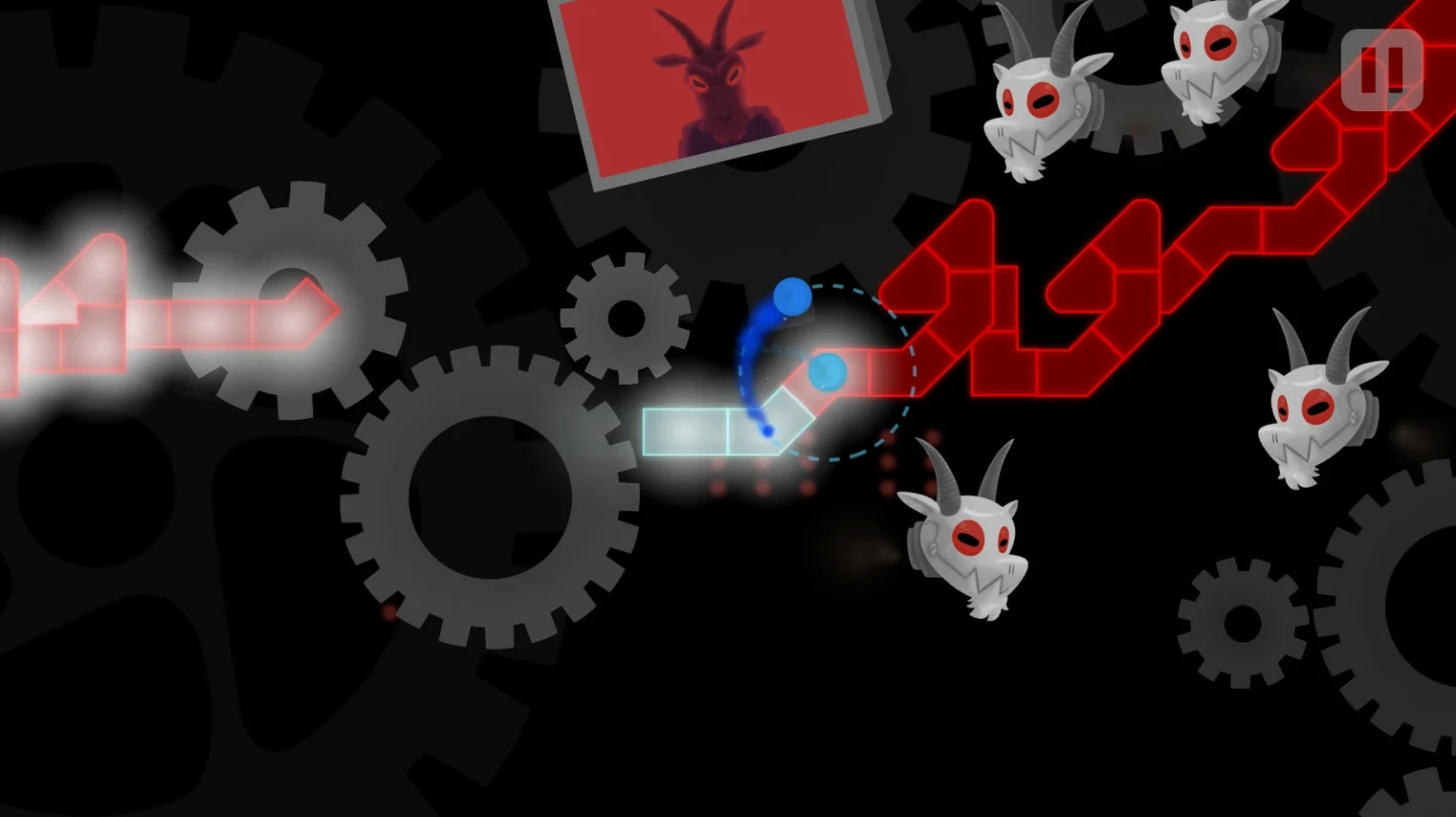
Most rhythm games forgive a little drift between your input and the sound. A Dance of Fire and Ice does not. It treats every beat as a contract, and the thing you are solving is your own sense of timing stripped of visual noise.
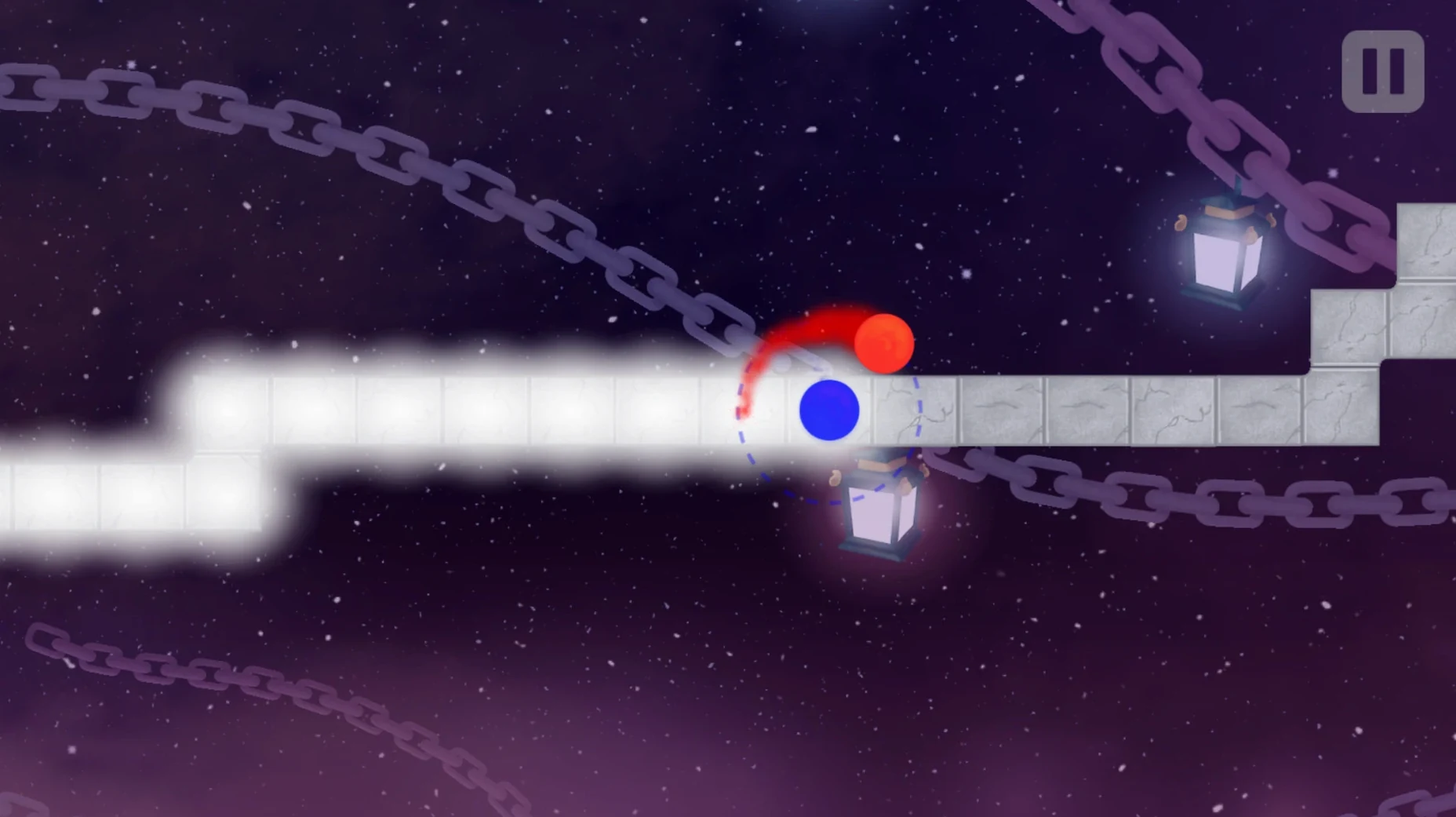
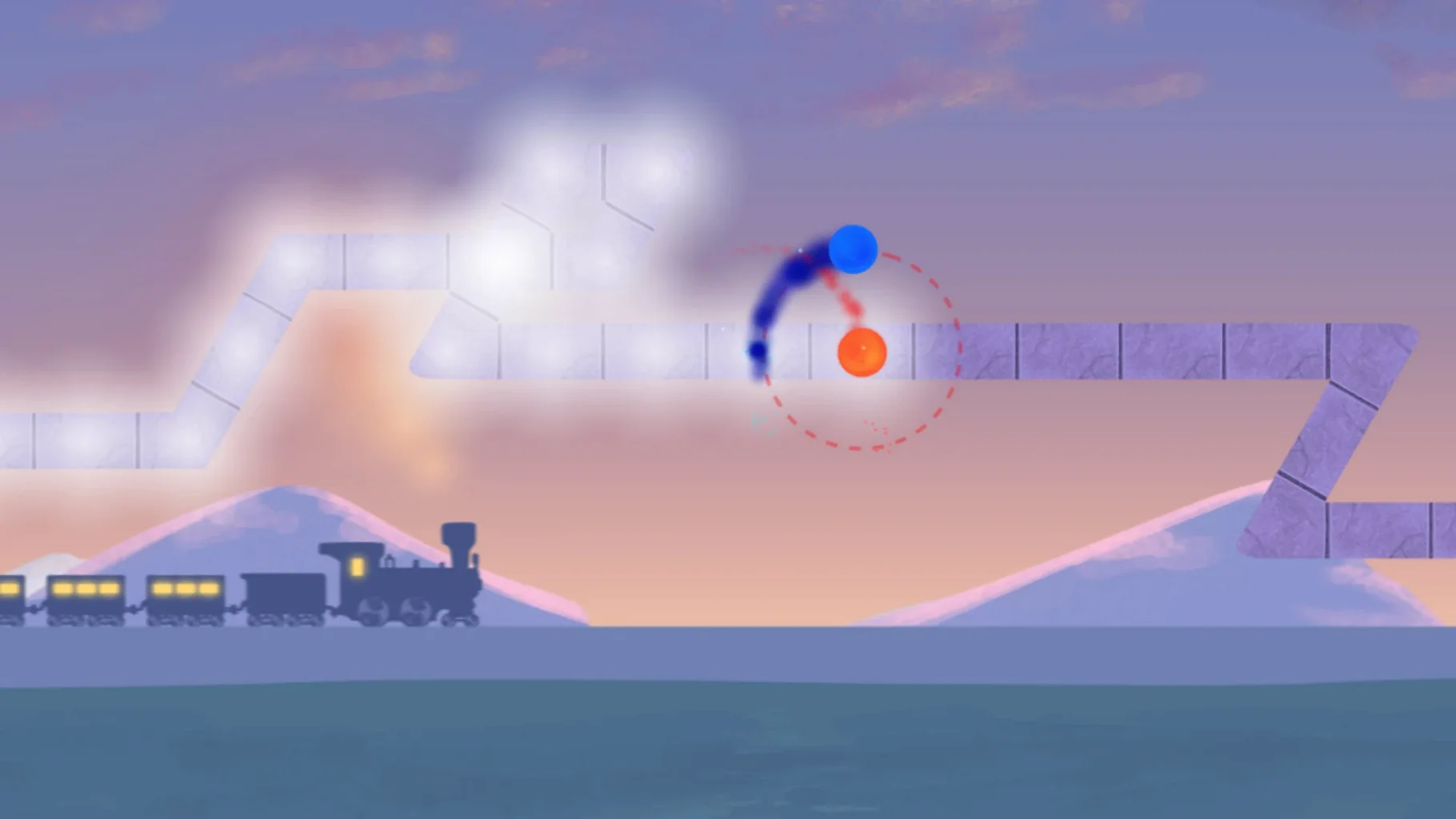
Core mechanic — one-button input. Each press advances two orbiting planets along a path. Press on the beat to stay in time; miss and you break the flow.
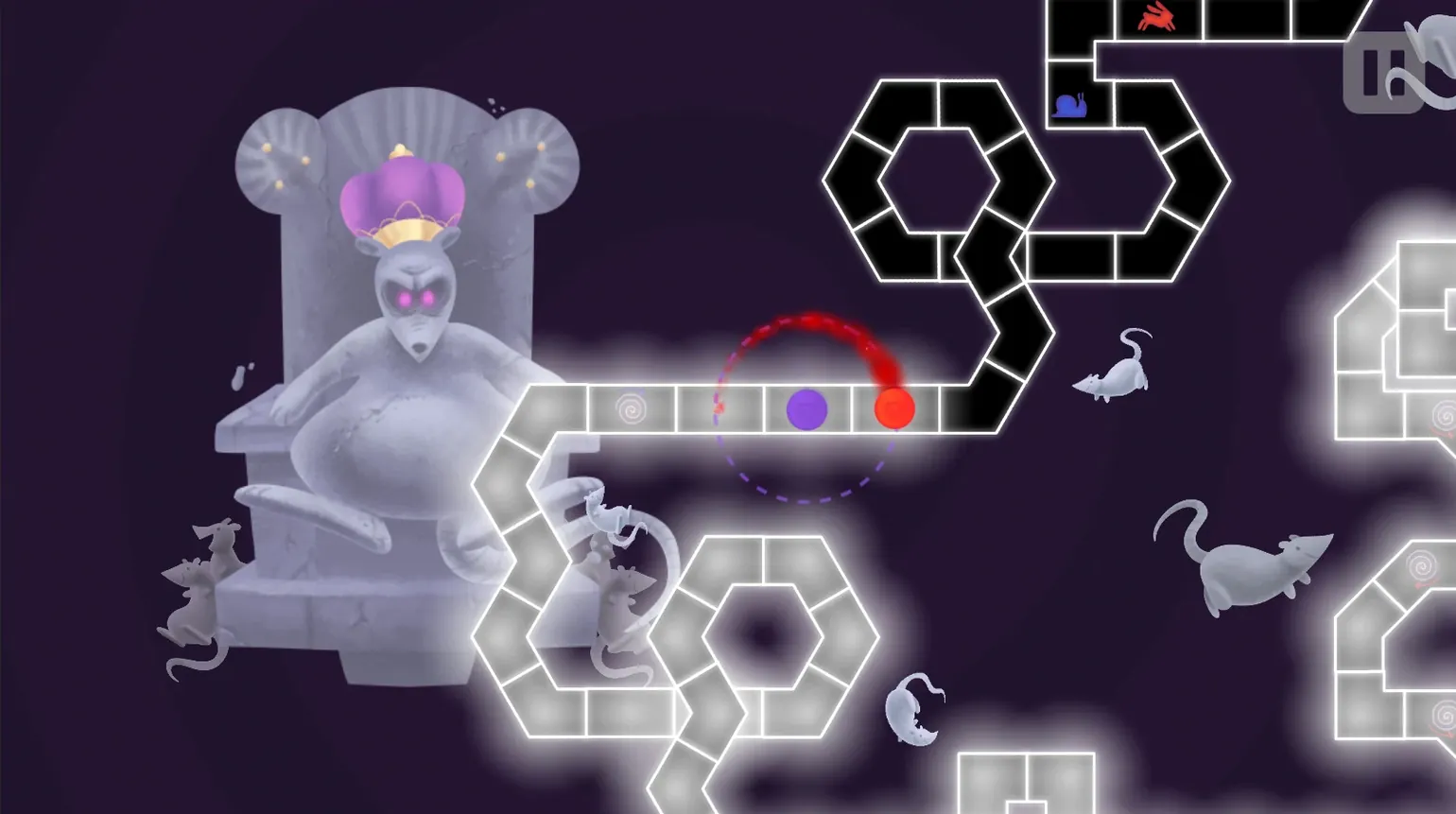
Track preview — every beat is shown on the path ahead. You see the rhythm before you hear it, which turns each level into a reading exercise as much as a listening one.
Visual style — colourful fantasy landscapes shift with the music. Version 3.3.1 overhauls the 3-X worlds, making the geometry cleaner without distracting from the beat line.
Custom levels — Steam Workshop support lets the community build and share tracks. The library stretches well past the included songs, covering genres the base game never touches.
Accuracy model — the engine is time-accurate and avoids the sync drift that creeps into looser music games. On a Mac, this holds true as long as your audio output has stable latency.
Alongside other Mac rhythm games
Rhythm games on macOS tend to cluster around a few designs. Where something like Rhythm Doctor uses a single button for complex polyrhythms across a hospital-drama frame, A Dance of Fire and Ice sticks closer to pure beat-keeping — the challenge comes from shifting time signatures rather than layered narrative. Rhythm Doctor rewards pattern recognition and memory; this one rewards steady internal counting.
Thumper takes the one-button idea into a darker, high-speed lane with aggressive visuals and a pressure model built around failure states. It is a rhythm violence game. A Dance of Fire and Ice has no fail state that punishes you with restart loops — the track simply stops and waits for you to find the beat again. The tone is patient, even when the rhythms are not.
Compared with Friday Night Funkin’, which layers freestyle input over call-and-response battles, this game strips away performance flair. You are not competing against a character on screen. You are holding a pulse, and the interface shows only the distance between your tap and the beat. That narrower focus makes it more of a practice tool and less of a show.
Steady 180 MB footprint and instant transitions on M4
On a Mac mini M4 running macOS Tahoe, the app launches in under two seconds and settles into a steady memory footprint around 180 MB during play. It does not spike during level transitions, and the visual overhaul in version 3.3.1 does not appear to have introduced any redraw stutter on integrated graphics.
Frame pacing stays locked to the display refresh rate. The engine prioritises audio accuracy over frame queuing, which means you can drop a visual frame on an older Intel Mac without the beat itself drifting. This is rare in rhythm games built on general-purpose frameworks, and it matters when a level demands sixteenth-note precision for two straight minutes.
Custom levels from the Workshop load quickly, even those with moderate visual embellishment. A handful of community tracks with dense background animations can push GPU usage up a notch on Intel integrated chips, but the timing model holds. Manual calibration stays responsive when you adjust it mid-level with the shortcut; automatic calibration across Bluetooth headphones works reliably if your audio chain reports latency honestly — some budget adapters do not, and you will hear the mismatch before you see it.
For rhythm-as-skill players who use it as daily practice
Players who treat rhythm as a skill to be trained rather than a spectacle to be consumed get the deepest return from this game. The absence of judgement on missed beats makes it surprisingly useful for daily practice — you can return to a tricky triplet section repeatedly without a scoring overlay shaming you.
Musicians and music students on Mac will notice how cleanly the track preview maps to standard notation concepts. The beat line functions like a horizontal piano roll, and the visual grouping of notes helps internalise odd time signatures. Several community levels explicitly play with 5/4 and 7/8 patterns that work as ear-training drills.
Players with accessibility needs around complex input also find a good fit here. The entire game operates on a single key press or tap, and the calibration tools let you adapt to different motor timings. The visual beat preview gives an extra channel of information for those who process rhythm more clearly through sight than sound.
Custom-level creators gravitate toward the game because the Workshop pipeline is straightforward — upload a track file, define beat markers, and the engine handles the rest. Mac users who grab A Dance of Fire and Ice Mac torrent for offline access to community levels often find the Workshop ecosystem more convenient for keeping their library current, but the core levels alone provide enough material for weeks of regular practice.