Aspecten
 Download (441 MB)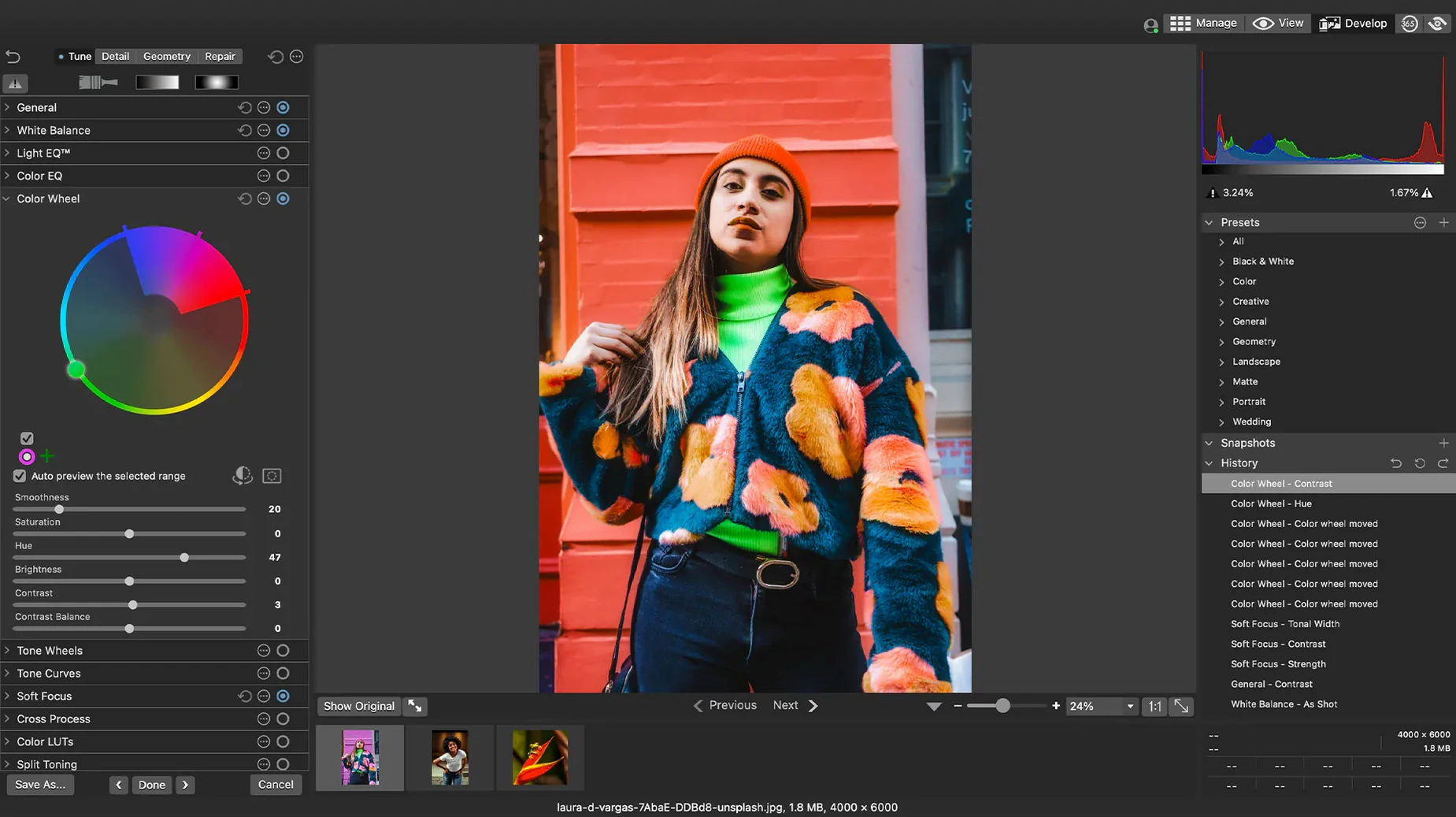
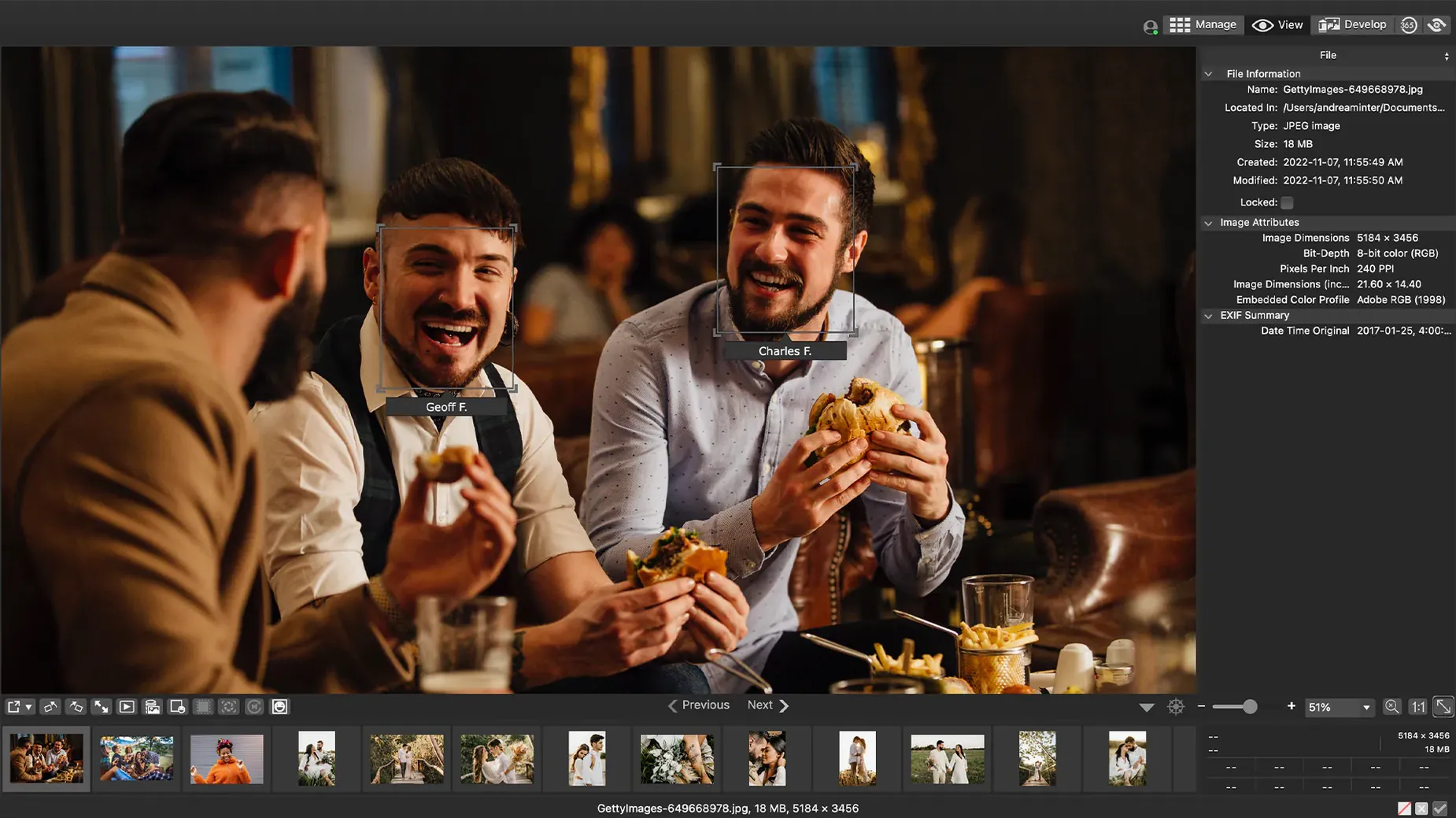
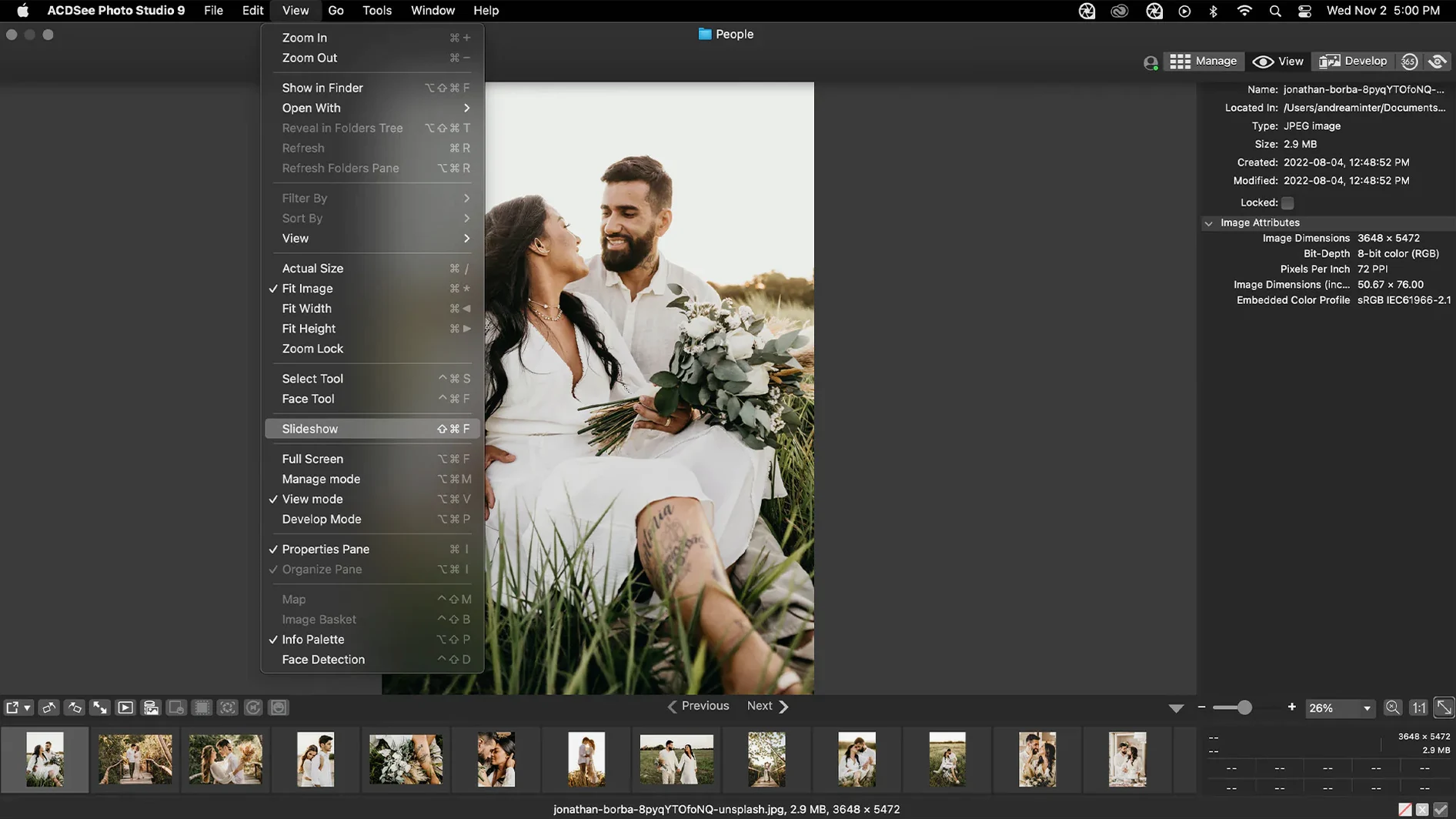
Over 450 camera models have their RAW formats recognised directly inside the browser. No intermediate conversion step is needed before you can start adjusting an image.
Rate, tag and find duplicates
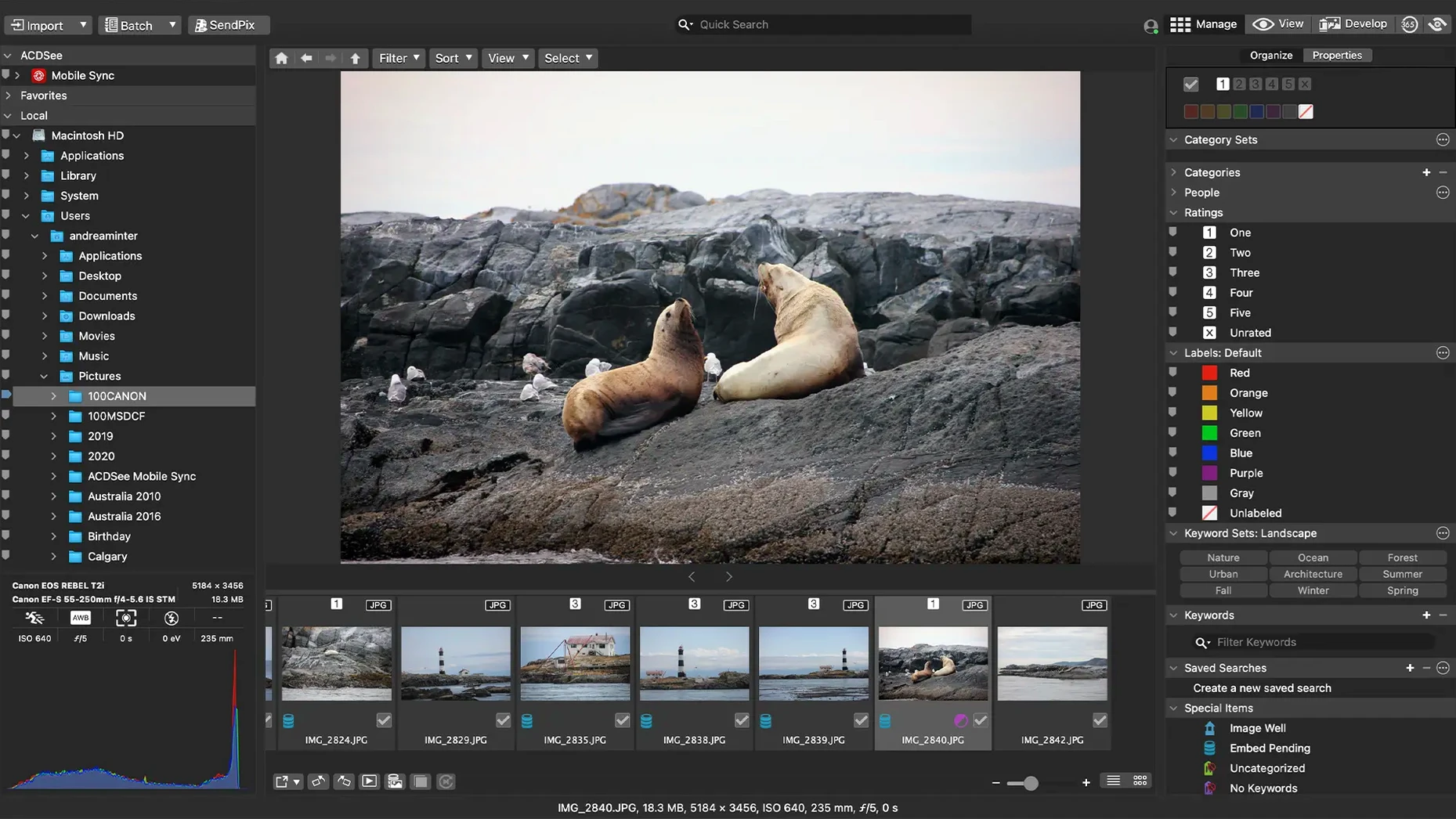
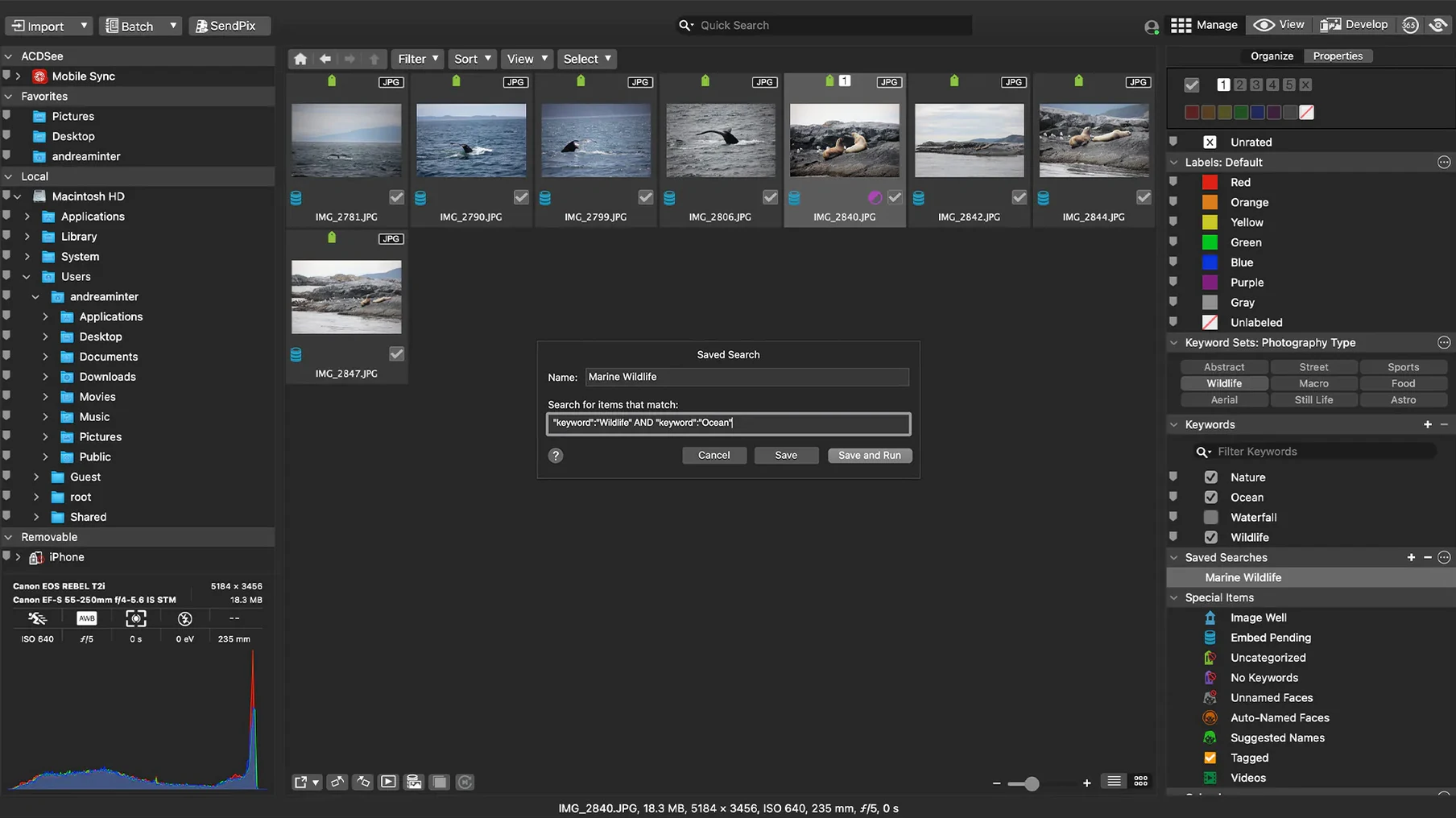
Assign star ratings and colour labels as you cull a shoot, then use drag-and-drop search to pull up images by metadata. A duplicate finder spots exact copies and similar files without requiring a separate utility.
Develop a RAW file
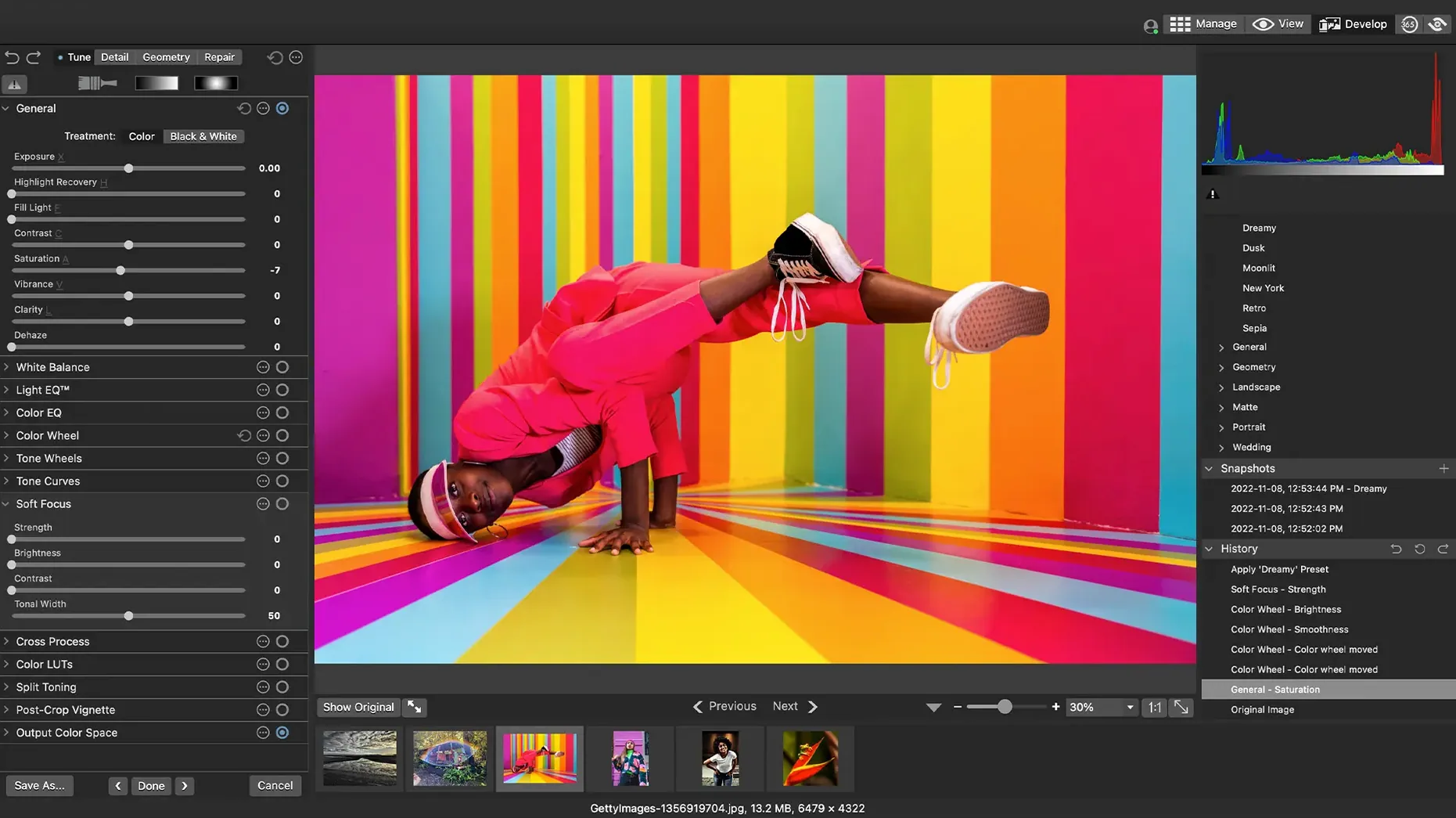
Exposure, clarity, sharpness, lighting, colour, noise and detail can all be adjusted non-destructively. The edits sit as instructions alongside the original file, so you can revisit or undo them later.
Apply the same edit across a batch
Save a set of adjustments as a customisable batch preset and apply it to a folder of images in one pass. The preset can include resizing, file-format conversion and metadata changes.
A morning sorting a family archive
Someone with a mixed collection stretching back ten years opens the app on a Sunday morning. A folder of holiday photos sits next to phone shots and scans from an old compact camera. The first task is not editing — it is making sense of what is there. They drag the whole folder into the browser and sort by date. Immediately the timeline untangles. A few duplicate scans appear in the duplicate finder, leftovers from an earlier backup attempt. They are removed with two clicks. Categories get assigned in batches: “Family,” “Travel,” “Pets.” An hour later the collection is browsable, rated and keyworded, and a batch preset resizes a selection for sharing with relatives. No editing yet — just structure.
Camera RAW support without DNG conversion
Will it work with my camera’s RAW files? If the camera appears among the more than 450 supported models, the RAW engine reads the file directly. There is no need to convert to DNG first. Adjustments to exposure, clarity, sharpness, lighting, colour, noise and detail are all non-destructive, so the original stays untouched.
Does it replace my folder structure? No. The app works with folders as they exist on disk. It does not lock images inside a proprietary library. You can browse by the folder tree or use the catalogue tools — ratings, categories, keywords — to build a parallel view without moving files.
Can I use it alongside another editor? Yes. Because edits are stored as instructions rather than baked into the file, you can open a RAW in another application later. EXIF and IPTC metadata written here remain readable elsewhere.
How does batch editing work? You configure a preset once — adjustments, resizing, format conversion, metadata — and apply it to a selected group. The preset is customisable, so you can save several for different output needs.
What about iCloud folders? Version 26.0.3 fixed an iCloud integration issue, so folders stored in iCloud Drive behave more predictably when browsing and editing.
Rating and colour-label tools for fast volume culling
Photographers who shoot volume and need to rate fast. The rating and colour-label tools sit close to the browser, and drag-and-drop search makes it quick to isolate picks from a large import. Event and wedding shooters who return with hundreds of frames benefit from the combination of culling speed and batch output.
Users with long-neglected archives. The duplicate finder, date sort and batch-categorisation turn a chaotic folder tree into something navigable without moving a single file. This suits anyone who has migrated photos across several Macs over the years and ended up with folders that overlap.
People who want edits that do not lock them in. The non-destructive develop module appeals to anyone who has been burned by saving over an original. Adjustments remain separate, so a file can be re-interpreted later — in ACDSee or elsewhere.
Mac users on Apple Silicon and Intel alike. The app runs natively on both architectures and asks only for macOS 14, so it fits into a mixed household with an older Intel iMac and a newer MacBook Air.
Start with one folder to learn rating and duplicate finder
Point the browser at one manageable folder first. A single year of photos is enough to learn how rating, categories and the duplicate finder interact. Avoid the temptation to catalogue an entire external drive on day one.
Build one batch preset early. Even a simple preset that resizes to 2048 pixels on the long edge, converts to JPEG and adds a copyright tag will save time later. Test it on ten images before trusting it on five hundred.
Check the EXIF and IPTC panel while you edit. Seeing metadata update in real time helps you understand what the app writes and where. This is especially useful if you plan to hand off files to a printing service or a client.
Rename categories and keywords carefully in version 26.0.3. The fixes in this release addressed a crash when adding a new keyword or category in a certain scenario and a renaming issue while creating a child item, but it is still wise to settle on a naming scheme before building a deep hierarchy.