Aspecten
 Download (5.1 GB)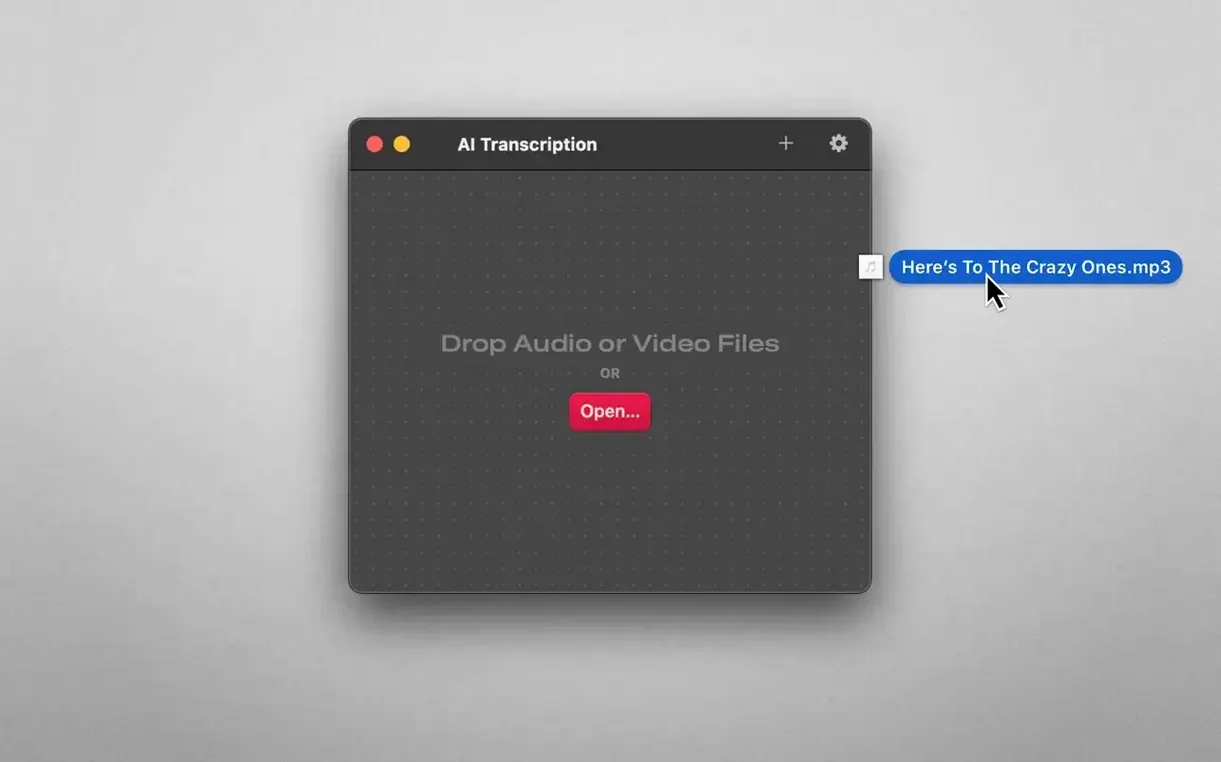
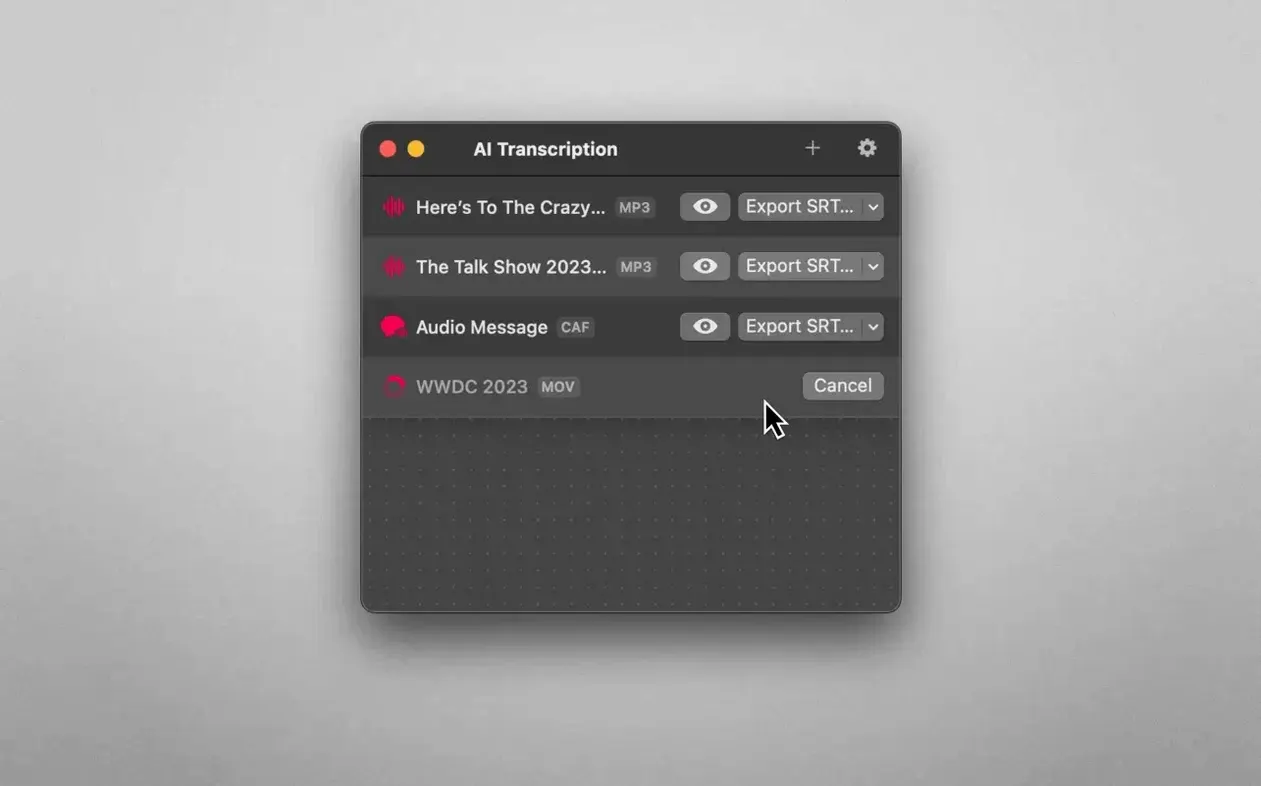
Sharing sensitive meeting recordings or interview audio with a cloud service doesn't always sit right. AI Transcription keeps the entire process on your Mac. Drag an audio or video file into the window and the app produces a transcript without any data leaving the machine.
How the current version handles a file
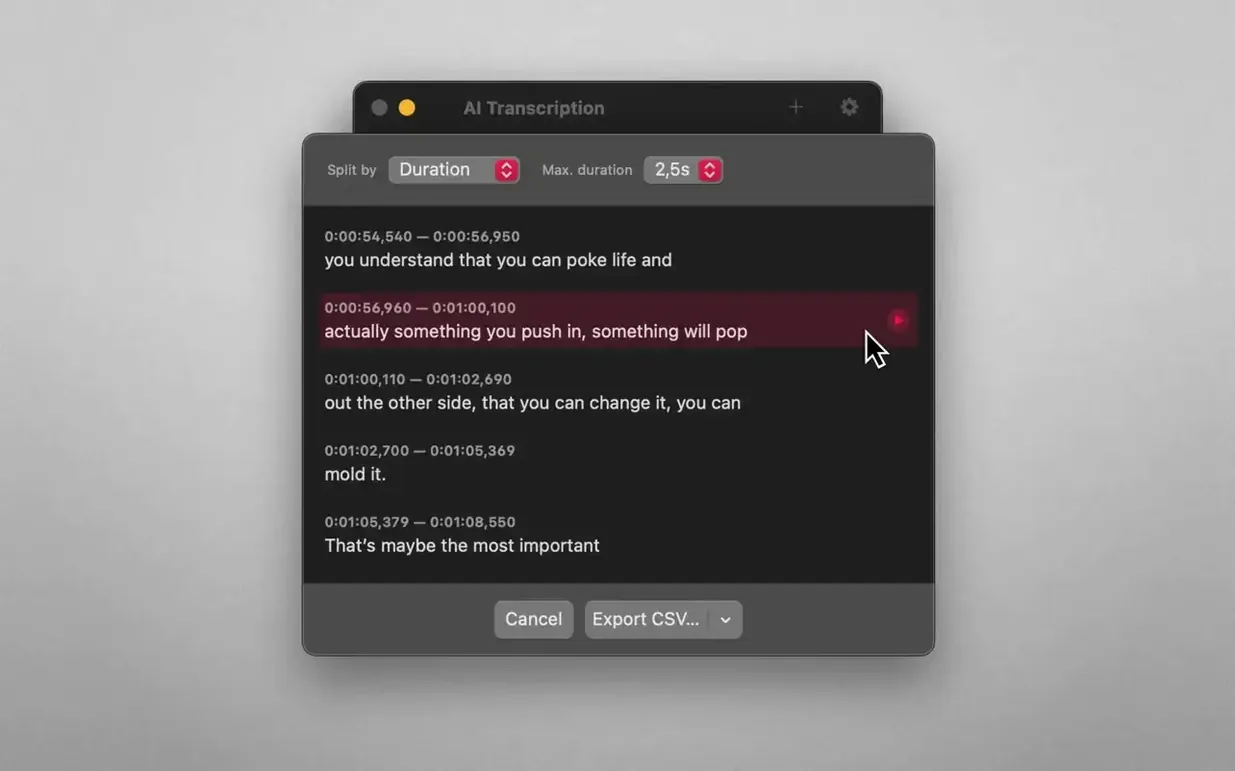
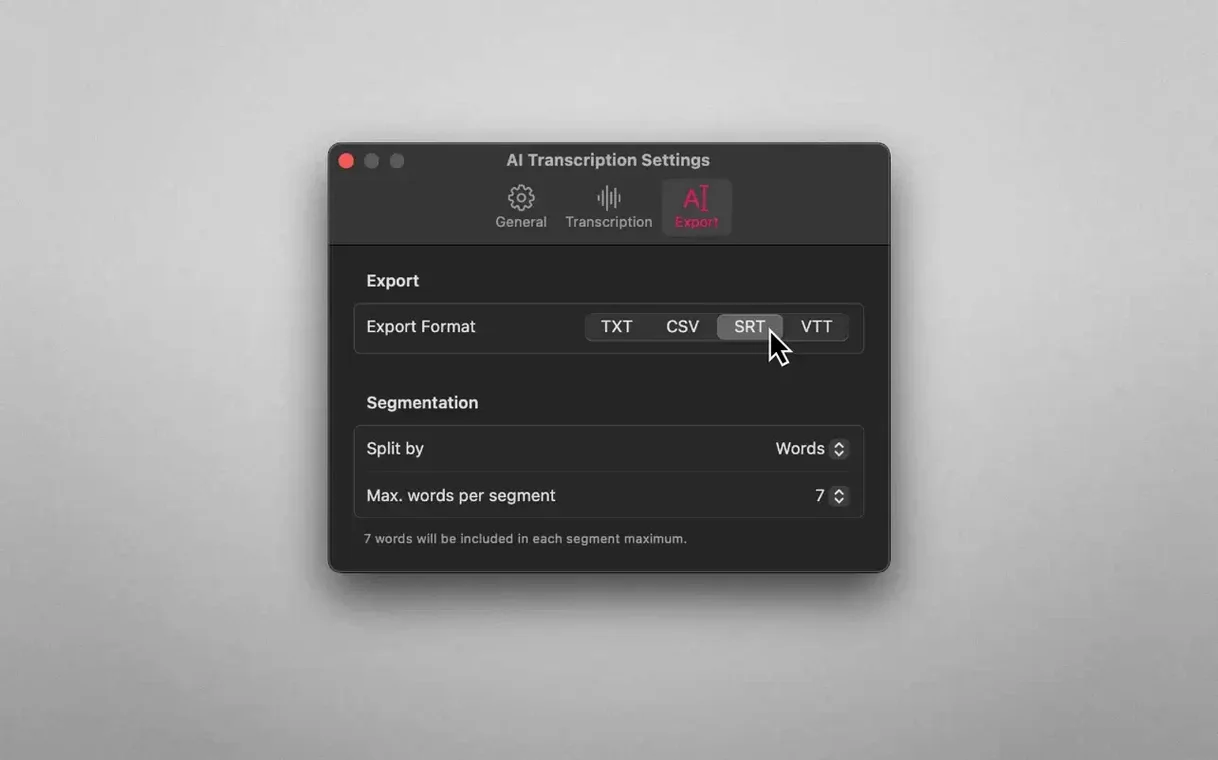
Version 2.16 supports MP3, WAV, CAF, AIFC, M4A and MP4 input. Once a file is loaded, the transcription runs locally on Apple Silicon or Intel hardware. The result can be split three ways: by word, by sentence, or by a duration you set. That last option is useful when you need rough-timed chunks for subtitling or logging. The interface uses straightforward drag-and-drop, and there is little to configure before you begin.
Offline-first engine still needs macOS 14.6
Offline processing remains the core. The app still requires macOS 14.6 and runs natively on both processor architectures. Interface languages cover English, German, Spanish, Italian, Simplified Chinese, Korean, Portuguese, French and Japanese. No structural changes arrived in this release — the workflow, file format support and local-only approach are unchanged from earlier versions.
WEBVTT exports land in your editor with timed subtitles
Because the output formats are plain, they slot into a Mac workflow without much friction. A WEBVTT export lands in a video editor with subtitles already timed. An SRT file can be handed straight to VLC or IINA for playback with captions. Plain text and CSV transcripts open in Notes, TextEdit, Numbers, or any editor that handles UTF-8 — nothing proprietary gets in the way.
The app also plays along with Finder and the Services menu indirectly. Since it accepts drag-and-drop from anywhere, you can pull a recording from a Finder window, a Dock folder, or even a file attachment dragged out of Mail. There is no Share Sheet extension, but the drag target is unobtrusive and quick to reach from a tile on the right side of the screen. On a Mac with Stage Manager, keeping the AI Transcription window in its own space lets you transcribe a batch of recordings without crowding other tasks.
Apple's own speech recognition engine is available as an alternative to the Whisper model. That means you can lean on the same on-device engine that powers Dictation in macOS, which is already tuned for the Mac's microphone hardware and acoustic conditions. For quick, single-speaker recordings with clean audio, it can be the faster choice and keeps resource use modest. For trickier files — accented speech, overlapping voices, poor room acoustics — switching to Whisper makes a noticeable difference in accuracy.
A ten-minute podcast finishes in about ninety seconds
Transcription speed depends on which engine you pick and how long the recording is. With Whisper on an Apple Silicon Mac, a ten-minute podcast episode processes in roughly ninety seconds. The fans rarely spin up, and the app stays quiet in the background while it works. On Intel machines the same file takes longer, sometimes twice as long, but the app never beachballed during testing. Memory use hovers around 300 to 500 MB for average recordings and climbs closer to 1 GB when chewing through a two-hour lecture, which is reasonable for a local inference task.
The window remains responsive throughout a transcription job. You can drag the next file in while one is still processing; the app queues it and continues without stalling. Cancelling mid-transcription is instant — no lag, no leftover temporary files. Over a week of transcribing twenty or thirty short recordings a day, the app did not crash once. Stability feels mature, which matches the version number.
There is a trade-off worth noting. Because everything runs locally, a long batch of high-bitrate WAV files will keep the CPU busy for a while. If you also run a heavy compile job or render video at the same time, you will notice the Mac slow down. Scheduling transcriptions for quieter moments — first thing in the morning or during a break — is a small habit that avoids that tug-of-war.
A forty-minute interview becomes a searchable, offline text file
Researchers working with interview recordings benefit immediately. A forty-minute conversation can become a searchable text file without depending on a campus cloud account or an internet connection. Because the app never phones home, even sensitive fieldwork data stays contained.
Podcast producers and video editors will reach for the timed exports. SRT and WEBVTT files emerge with timestamps already aligned to the spoken words, which cuts captioning time considerably. The duration-based split option helps when a guest speaks in long, uninterrupted stretches — breaking the transcript into manageable blocks makes editing notes easier to scan.
Language learners form a smaller but appreciative group. The word-by-word split lets you read a transcript line by line alongside the audio, and the support for nine interface languages means the app itself does not get in the way when your system is set to something other than English.
Anyone in a legal or medical setting where data handling rules prohibit cloud processing will find the offline-only design essential rather than merely nice. The app makes no network requests during transcription, which a firewall log confirms plainly.
A typical morning for a journalist
A journalist returns from a press conference with a thirty-five-minute M4A recording on a portable SSD. She plugs the drive into an Apple Silicon MacBook Air, opens AI Transcription 2.16, and drags the file in. She switches the engine to Whisper because the room had ambient chatter and the speaker had a pronounced regional accent.
While the transcription runs, she writes up her notes in a separate window. The app finishes in under four minutes — a text file and an SRT file appear on her desktop. She skims the plain text for key quotes, copies them into her draft, and drags the SRT into a video editor where the press conference footage is already on the timeline. The captions land exactly where they should. The whole task, from plugging in the drive to having a captioned rough cut, takes less than ten minutes, and not a single kilobyte of audio left the machine.