Aspecten
 Download (3.4 GB)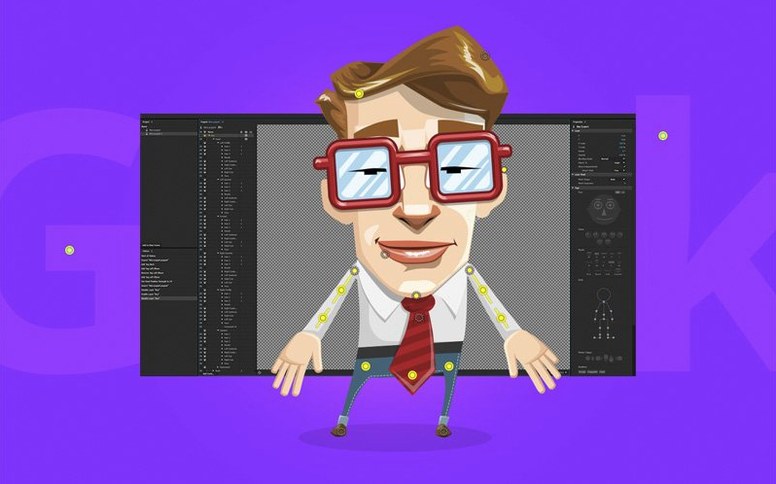



A presenter sits at her desk, opens a layered Photoshop file, and within minutes a drawn character tracks her eye movements and speaks in time with her voice. That’s a typical entry point for Adobe Character Animator, where a webcam and microphone become the primary input devices. The face tracking assigns pupil direction, brow raises and mouth shapes automatically, while Adobe Sensei handles lip sync by matching phonemes to the incoming audio stream. The result is a live performance rather than a frame-by-frame construction.
Building a scene tends to follow a straightforward sequence. After importing a character rigged in Photoshop — with layers named for body parts like Left Eye or Mouth — you calibrate the face in the Camera & Microphone panel. Rest pose and a few exaggerated expressions give the tracker enough reference data. A timeline records the performance, and keyframed camera behaviours such as zoom or pan can be layered in afterwards to direct the viewer’s attention. Triggerable audio clips, assigned to keys, let a character fire off a sound effect or a prerecorded line without breaking the performance flow.
The tool is closely tied to Adobe’s ecosystem. Artwork preparation really demands Photoshop or Illustrator; Character Animator reads the layer structure directly and turns groups into movable limbs and switchable mouth sets. On the export side, scenes can be sent to After Effects for compositing or broadcast via NDI for live streaming setups. Version 26.0, the January 2026 release, brought stability improvements rather than new feature modules, which suggests the underlying engine is in a consolidation phase.
Running it on a Mac requires macOS 14 or later, and the application runs natively on both Apple Silicon and Intel 64-bit machines. The interface ships in a broad set of languages — English, German, Japanese, Korean and several others — which makes it practical for distributed teams. The main limitation is the dependency on specific Adobe file formats for the character artwork; a standalone drawing tool won’t feed the rigging system directly.
Fewer crashes in long recordings after the stability update
Version 26.0 arrived as a stability release, so nobody opening it after the update noticed a new panel or a shifted menu. What changed happens under the hood: fewer unexpected quits during long recording sessions, more predictable behaviour when switching between camera sources mid-scene. For a live performer, those are the things that matter. A character freezing on stream because the application lost the webcam feed is the kind of interruption a changelog won’t capture, and that’s precisely what the January 2026 build set out to reduce.
The absence of new features means the workflow stayed identical. A rig built in the previous release opens without conversion, keyboard triggers fire the same audio clips, and the face tracker’s calibration settings remain untouched. Users who rely on the application for regular live broadcasts will notice the improvement as a negative space — the crash that didn’t happen, the audio routing that held firm across a two-hour session. It’s the sort of release Adobe ships when the engine reaches a steady plateau and the focus shifts to hardening the code paths people hit most often.
The free Starter mode has limits worth knowing
One of the first questions is simply is Adobe Character Animator free. The short answer is no — it’s part of Creative Cloud and requires a subscription, though a limited Starter mode exists for experimenting with basic puppets. Another frequent search, adobe character animator system requirements macos, points to the same practical concern: what machine can handle real-time face tracking without dropping frames. The official line is any Mac running macOS 14 or later, but the real dividing line is the camera resolution and the complexity of the puppet. A character with ten swap sets and physics-driven hair simulates differently from a simple head with two blink states. Apple Silicon Macs handle the Sensei processing on-device with noticeably lower fan noise, while older Intel machines still work but run warmer once the timeline starts recording.
Searches like adobe character animator download free or adobe character animator torrent suggest people want to test the tracking quality before committing. The webcam calibration itself is the best trial: if the face tracker locks onto eyebrows and mouth corners reliably in your usual lighting, the rest follows. Poor results usually trace back to uneven front light or a low-resolution camera, not to the software’s tracking algorithms. A generic adobe character animator download query often leads to the Creative Cloud desktop app as the sole distribution channel — there’s no standalone installer floating around outside Adobe’s own infrastructure. The included instructions in any package lay out the activation steps clearly, and the application checks in with Adobe’s servers on first launch.
Live face tracking stays smooth on Apple Silicon
Day-to-day performance splits into two modes. In rehearsal or live mode, the application runs a continuous loop of face tracking and audio analysis, aiming for a steady frame rate with the lowest possible latency. On a recent Mac with Apple Silicon, the tracking feels immediate — a head turn registers on screen with a delay barely perceptible enough to throw off a conversation. The processor load stays moderate because Sensei’s face mesh computation runs on the Neural Engine, leaving the main cores free for the animation timeline.
Recording and playback introduce heavier memory use. Each recorded performance caches face data, audio waveforms and trigger events, and a ten-minute scene with a detailed puppet can push the application’s memory footprint past two gigabytes. Closing and reopening the project clears the cache, which is a habit worth forming before a long streaming session. Stability in version 26.0 feels tighter than in the late 25.x builds, particularly when dragging clips across the timeline or swapping puppets while the transport is running — operations that previously could provoke a brief beachball. The application still launches slowly on first open, a quirk it shares with most Creative Cloud tools as plug-ins and shared libraries load, but subsequent launches while the Mac is awake return to the stage in seconds.